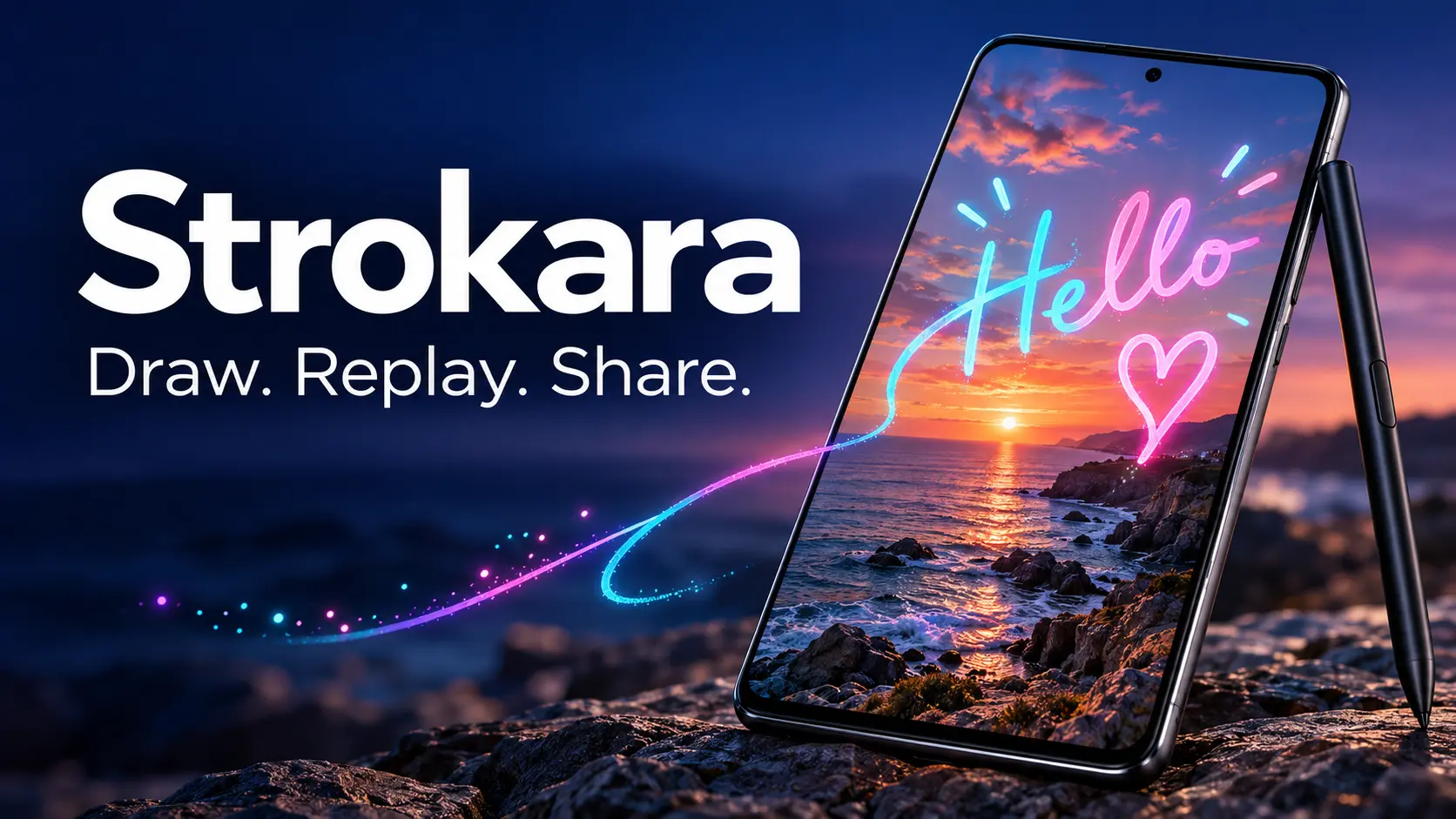
A Creative Twist on Photo Messaging
A photo captures an event but a handwritten note can add character. A birthday message, a doodle, and a signature can help turn an ordinary picture into something personal. Strokara combines these concepts in the form of an Android application designed to let users draw on pictures and present the process in the form of a re-watched animation.
In this review, the functionalities of the application are considered in the way they have been advertised by the company rather than personal tests.
The app Strokara is available on Google Play and allows the user to draw anything on any picture and play back the drawing process in the same order, and speed. In the description, the app is said to be inspired by Samsung’s Live Message but still be an independent application.
The appeal of the application is easy to understand. A prepared message will provide the user with everything at once while an animated one allows seeing the process of creation. For example, a birthday photo can come to life as a handwritten message gradually appears, while a holiday picture can be enhanced with a drawing that reveals itself stroke by stroke.
Drawing Tools That Express Personality
The complete toolkit consists of 23 brush styles, configurable stroke widths, a color wheel and 19 different fonts. The user can also insert emojis and shapes that can be resized, rotated, and moved. The image processing functions include cutting, rotating and flipping.
Flexibility in creativity is very important because different tasks require different approaches. A simple handwritten note may work well with a family photograph while a colorful variant will work well for a party invitation or a holiday card.
A simple composition will often produce the best results. It is good to use a couple of simple strokes and a few words for the animation. Too much decorative filling will make the photo difficult to see.
An Additional Reason to Use Your S Pen
Strokara allows finger-drawn illustrations, but the distinctive feature is that with the help of an S Pen users will access the pressure sensitivity feature.
This is what makes the app attractive for Galaxy users who would like to get additional creative use of their pen. Writing naturally fits into this context: the action itself will be shown to the audience.
Finger input also contributes to popularity of the idea, since one does not have to create a work of art for animated cards: even a small message written by hand or a simple outline can be warmer than a complicated art work.
Sharing and Privacy
It is easy to share the resulting creation through MP4 or GIF options, or, better to say, it is better to send them via a chat in a messenger instead of signing up for a new platform.
As stated by the developer, Strokara is capable of working offline, has no advertisements, does not require any subscription and doesn’t gather personal user information. The price is currently $2.99 according to listings in Google Play. This is what the developers say and nobody has verified their claims.
The Final Verdict
Strokara is based on a simple premise: to add a personal touch to photo messages, allowing viewers to watch sketches and handwritten messages take shape. Its target audience includes casual hobbyists, users who enjoy adding a personal touch to their messages, and S Pen fanatics seeking for something interesting to do.
The responsiveness of the app, export quality and user efficiency still need testing; however, judging by the features that are already advertised, Strokara offers an attractive idea of introducing some creativity to the common pictures.
Join The Discussion: