Measure the closed computer
Record width, depth and thickness, including any protruding feet or permanently fitted cover. Compare those measurements with the sleeve's internal dimensions, not its outside size. If the listing supplies only a screen-size label, ask the seller for a more precise fit guide.
Allow enough room for the laptop to slide in without pressure on the corners. At the same time, avoid a sleeve so loose that the computer moves freely inside it. The closure should work easily; a tight zipper is not a useful way to hold the device in place.
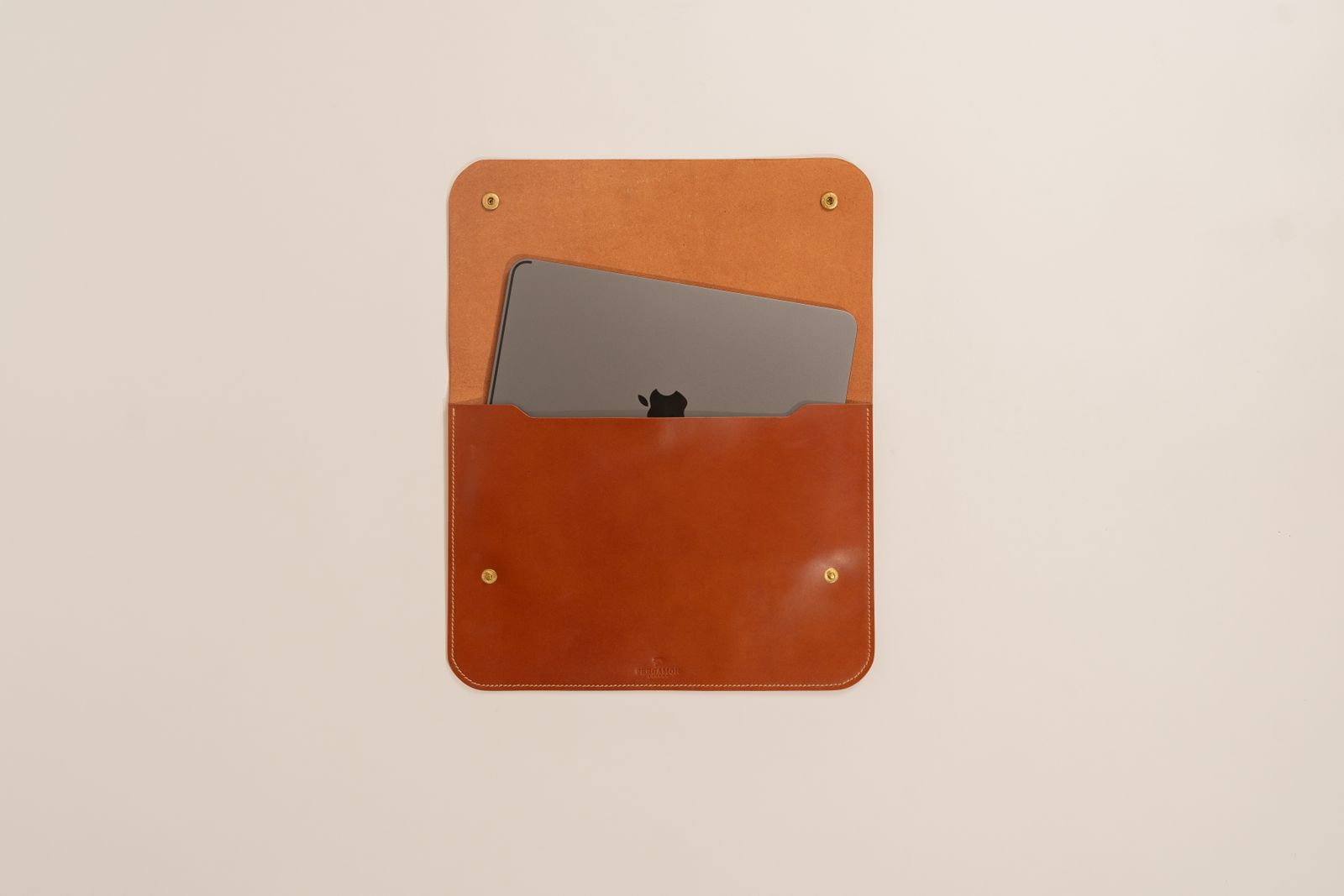
Check the opening itself. Some sleeves have a narrower mouth than their internal compartment, especially around rounded corners. If possible, test insertion and removal while the sleeve is inside the bag you intend to use.
Look at what touches the laptop
Feel the lining and inspect seams, zipper teeth and internal labels. A protective flap can help keep the zipper away from the computer's edge. Make sure the sleeve does not trap a hard object against the lid when closed.
A front pocket is convenient for a cable, but a bulky charger pressed against the screen side can create an awkward load. Store hard accessories separately where possible. Padding does not make a sleeve a rigid protective case, and water-resistant fabric does not guarantee protection from a spill entering through the opening.
Choose the level of padding around the way the laptop is carried. A sleeve inside a padded backpack may need less bulk than one carried alone between rooms. Include the handle and closure in that decision if the sleeve will be used without another bag.
Try the daily movement
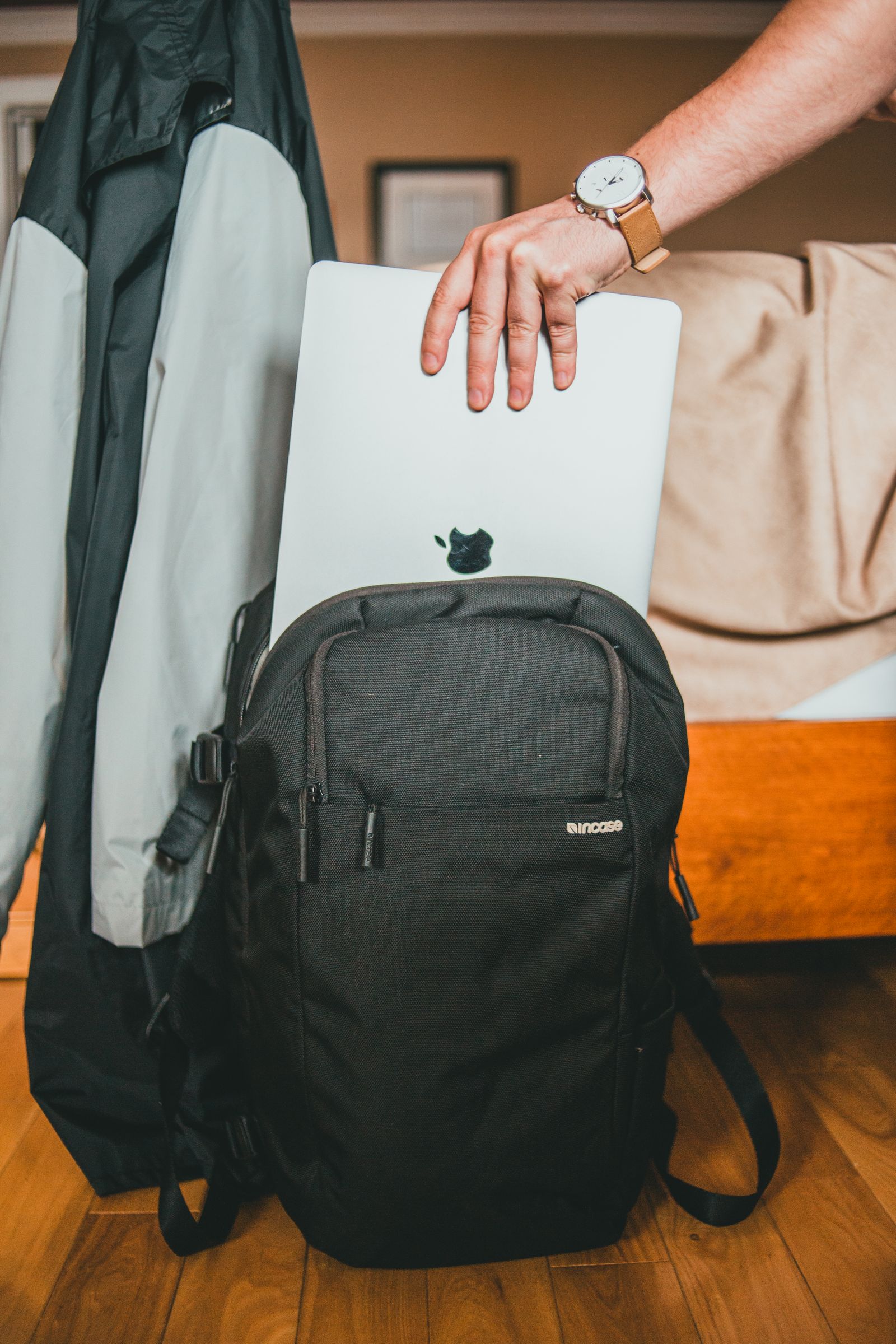
Practice taking the computer out and putting it away with the bag packed normally. A sleeve that fits perfectly on a table can become inconvenient when its opening is buried under books.
Remove the laptop from the sleeve before using or charging it. Follow the manufacturer's ventilation guidance, and do not treat the sleeve as a soft work surface. Let the computer finish shutting down or enter the appropriate supported travel state before packing it.
The right fit should feel unremarkable: the device slides in, the closure moves freely and nothing presses against the lid. That ordinary ease matters more than matching the number printed beside the screen.