Laptops
Choose, carry and look after your computer.
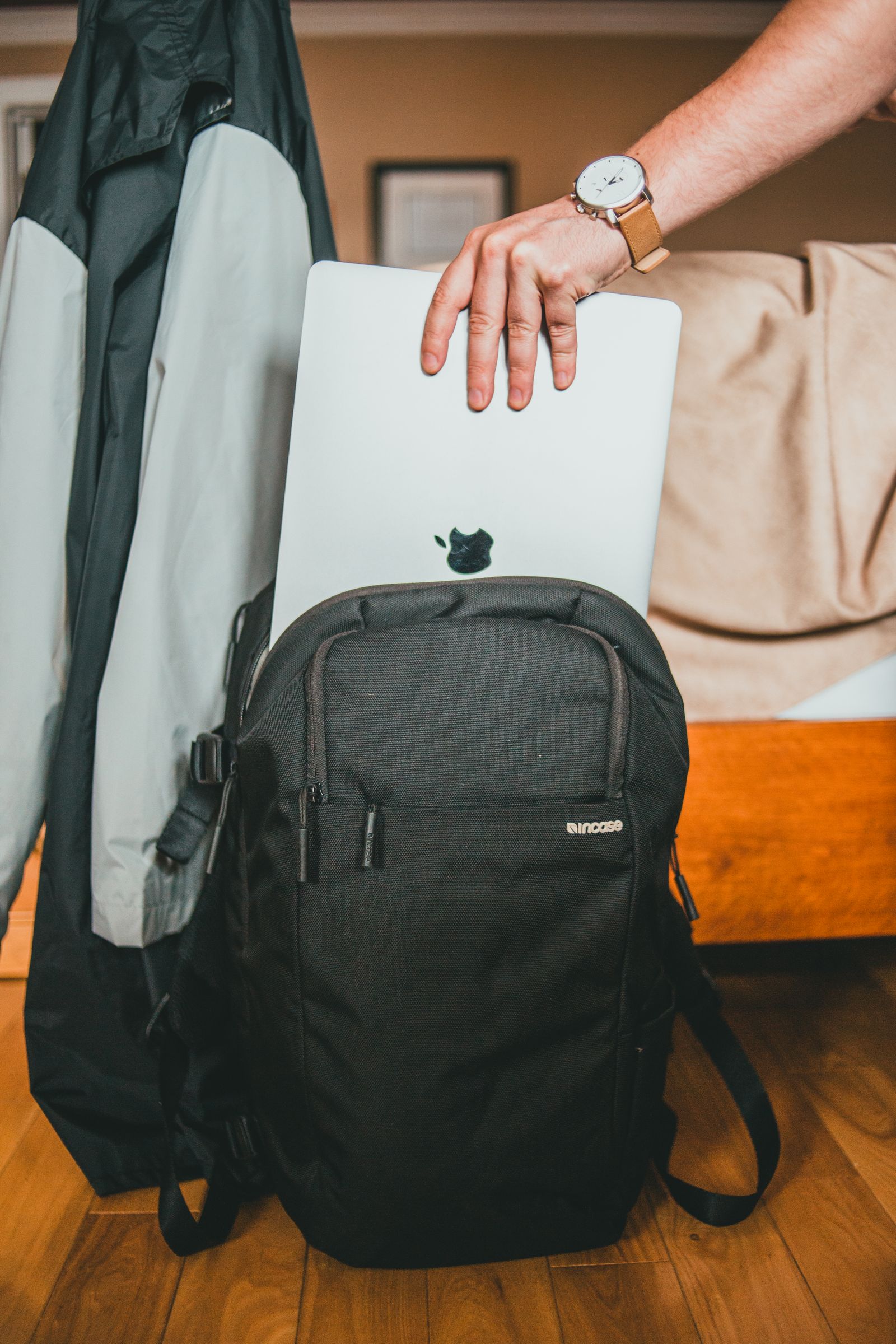
The laptop that fits your commute, not just your desk
A laptop can feel wonderfully compact in a store and surprisingly awkward on the train home. The difference is everything around it: a charger, a narrow seat, a bag already full of lunch and the need to get one small job done before your stop.
Read the guide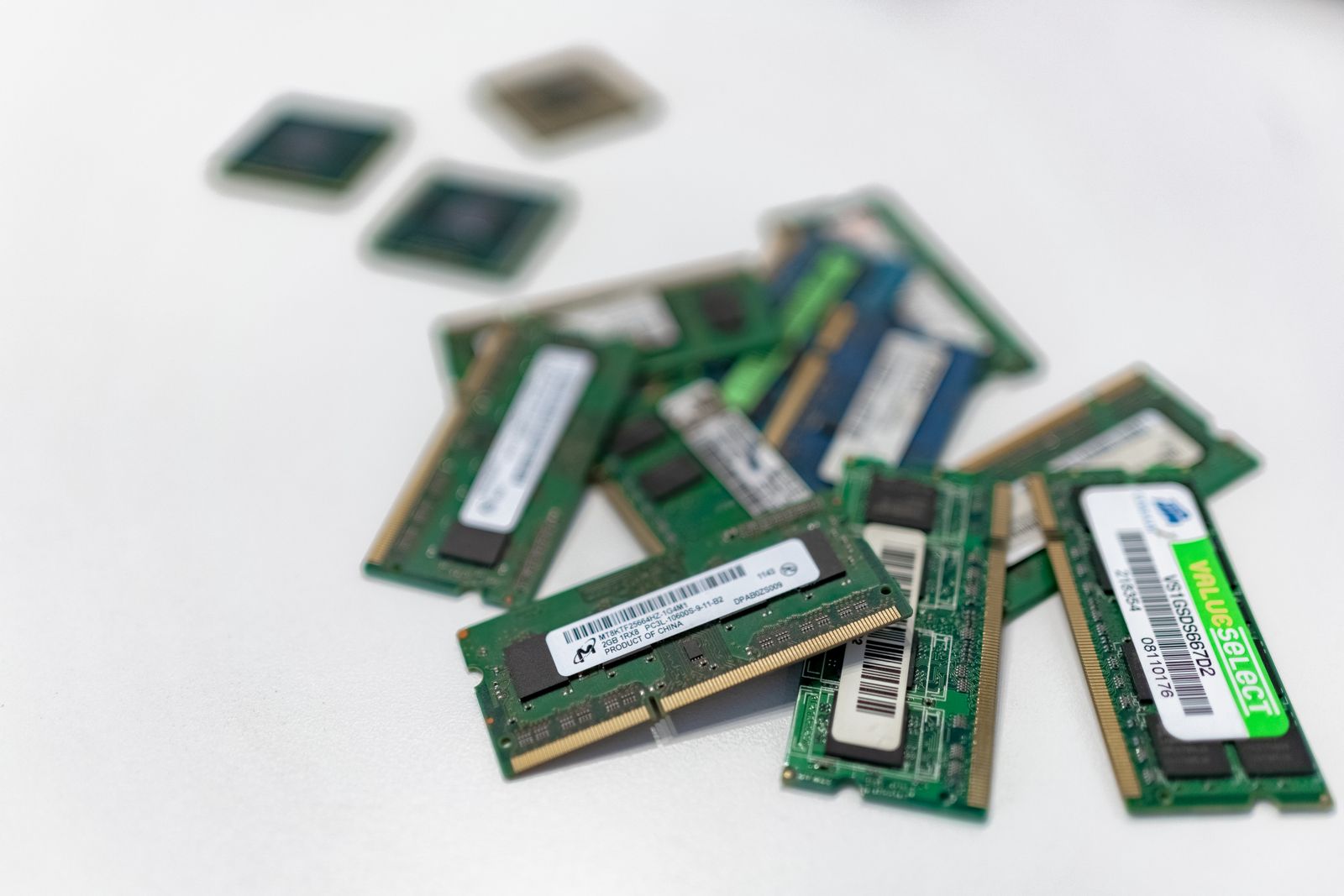
How much memory does your everyday laptop need?
Memory is easy to compare because the number is simple. Choosing the right amount is less simple: a browser with a few reading tabs behaves very differently from one running a meeting, a design tool and a large spreadsheet at the same time.
Read the guide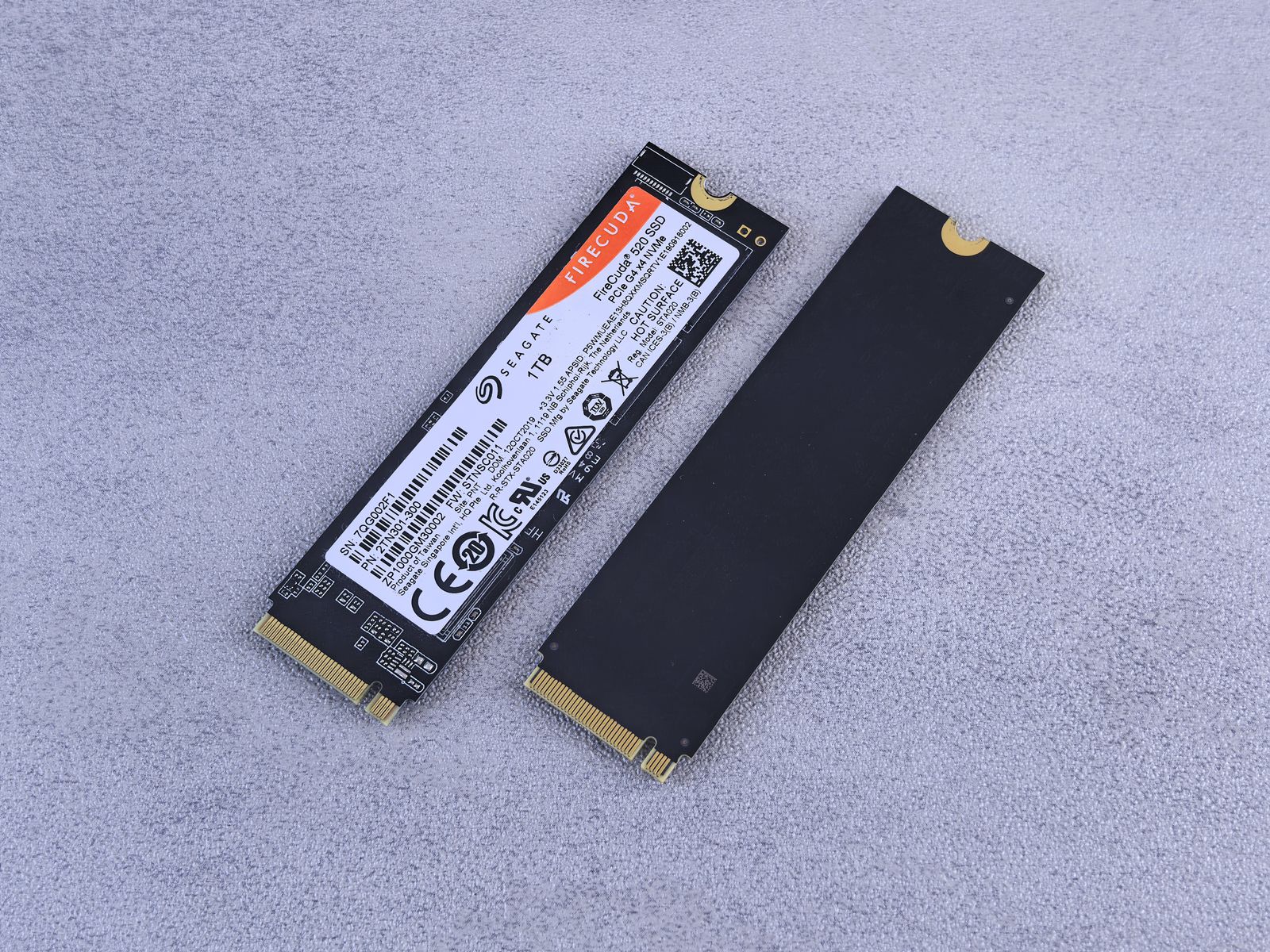
When a bigger SSD is worth the extra cost
An SSD upgrade can remove a small annoyance you encounter every week: deciding what to delete before saving something new. Before paying for a larger drive, work out which files need to travel with the laptop and which can comfortably live elsewhere.
Read the guide
A 14-inch or 16-inch screen: what changes in daily use?
Two inches of screen diagonal can change both the way a laptop feels in a bag and the way a spreadsheet fits on a desk. The useful comparison is the workspace you can comfortably read, not the diagonal on its own.
Read the guide
Glossy screens, matte screens and the window beside you
A screen can look rich and clear in one room, then turn into a reflection of a window in another. Glossy and matte finishes handle light differently, so the place where you work belongs in the buying decision.
Read the guide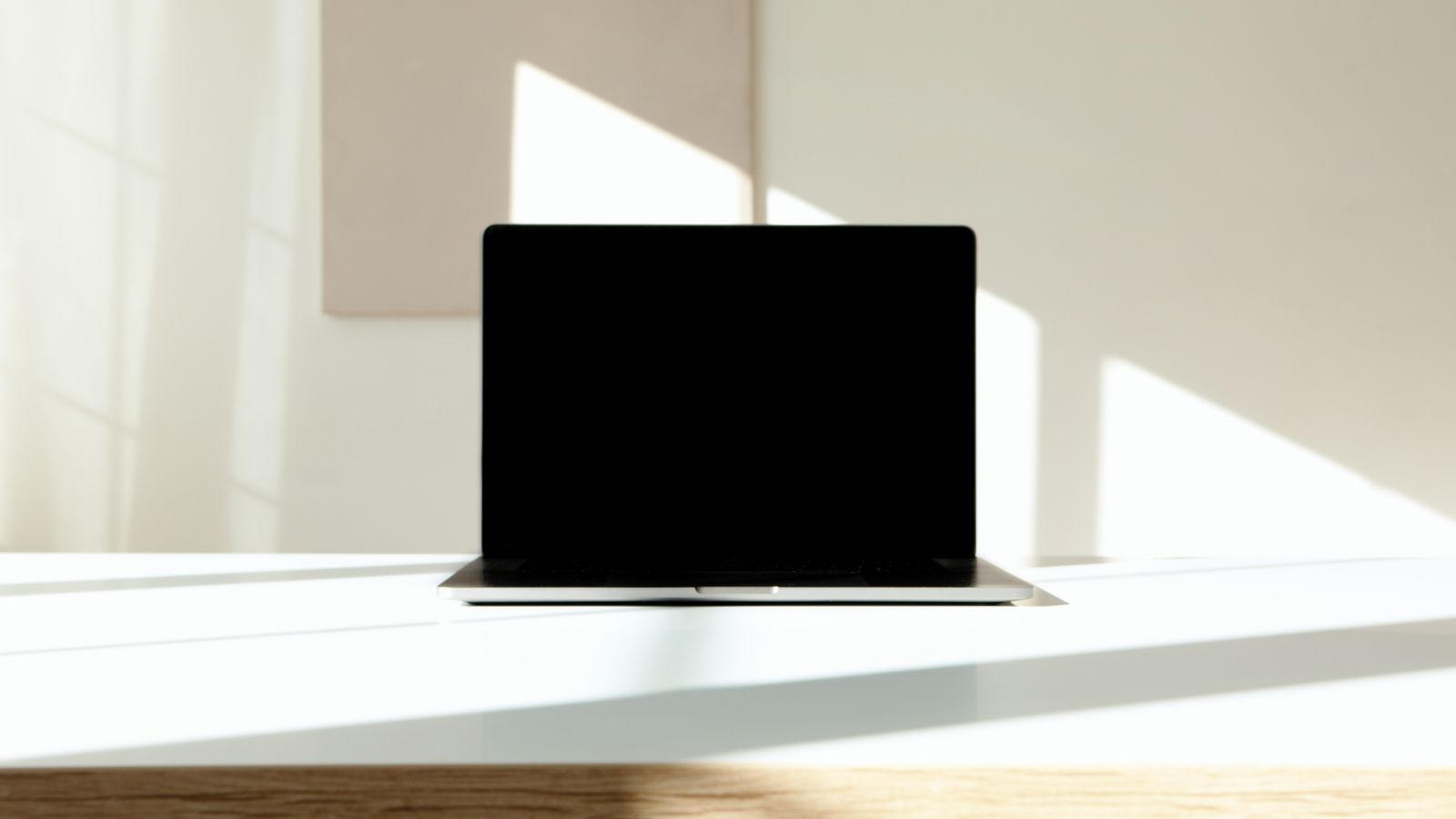
What a brighter laptop screen can—and cannot—fix
Brightness specifications are useful when you work near windows, but the biggest number on a product page may describe a brief highlight in a video. For reading and writing, you need to know how the screen behaves across an ordinary document.
Read the guide
A quick keyboard check before you buy a laptop
Typing a few random words tells you whether a keyboard works. It rarely tells you whether you will enjoy using it for an afternoon. A short, familiar task reveals more than a description of key travel or a backlight photograph.
Read the guide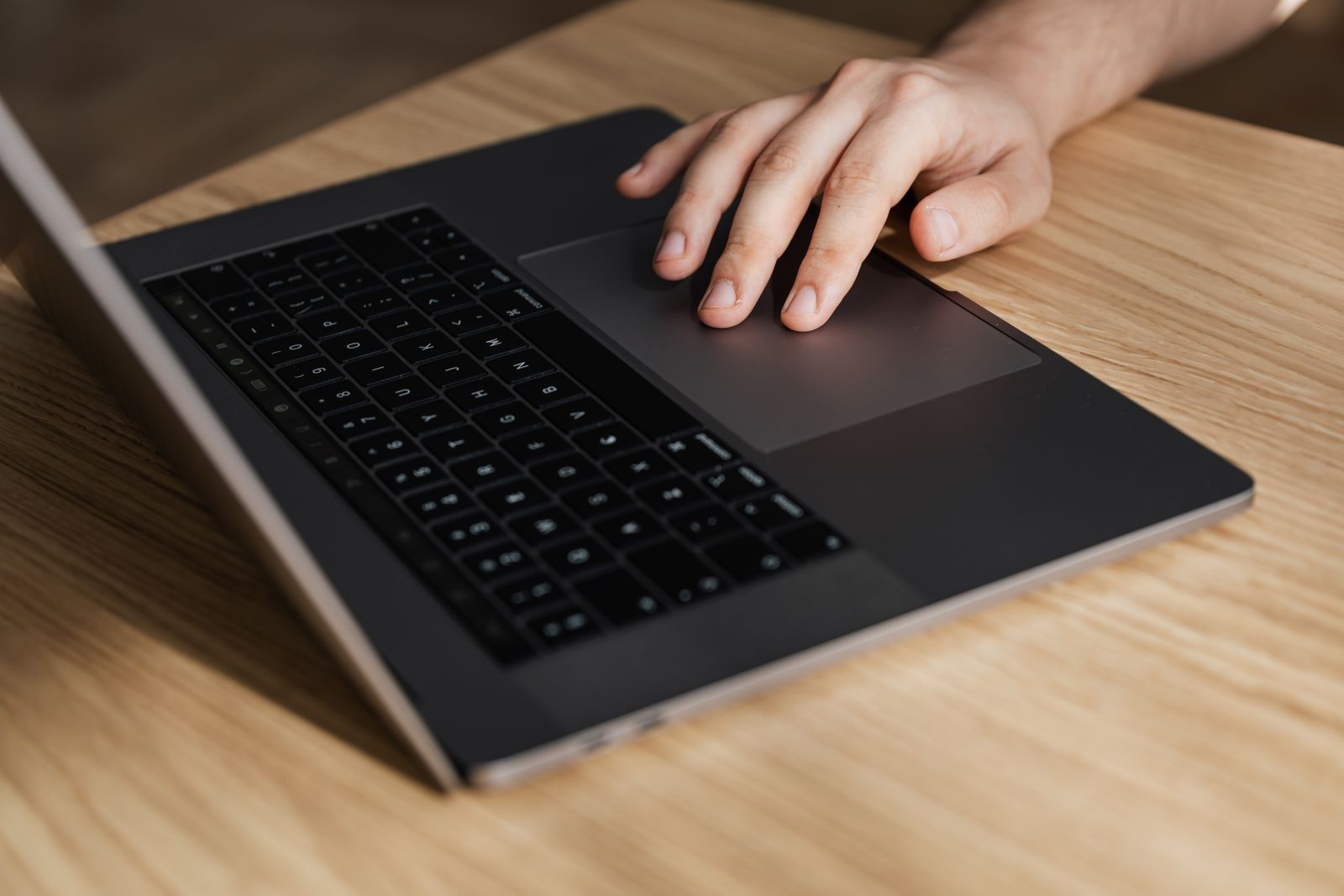
Why a good touchpad matters when you leave the mouse at home
On a small table, the touchpad may be your only way to move around the screen. Its value becomes obvious when selecting a sentence, dragging a file or trying to scroll without losing your place in a document.
Read the guide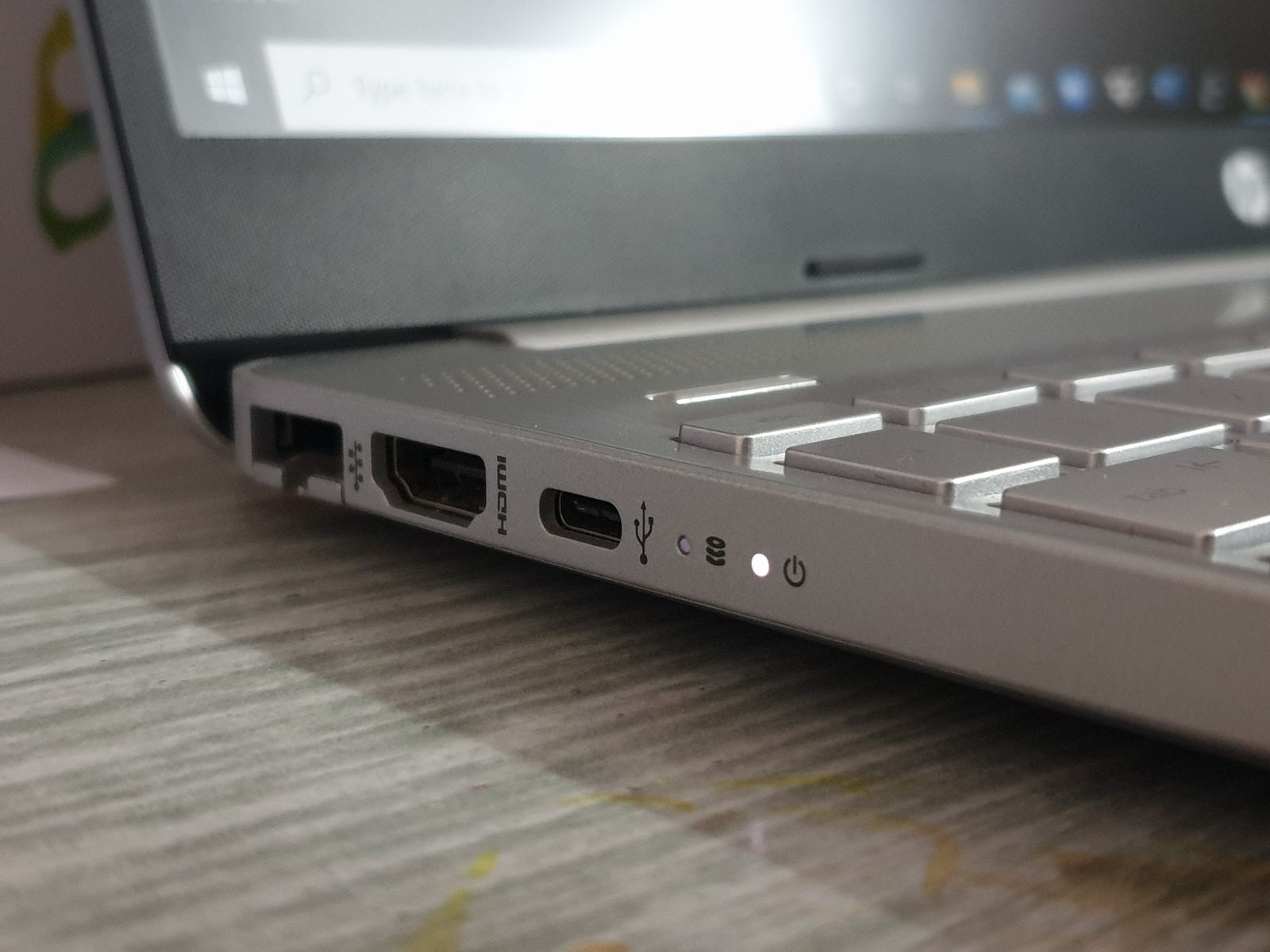
The ports you should count before replacing your laptop
Replacing a laptop can unexpectedly add a handful of adapters to your desk. Before comparing processor names, count what you connect in a normal week and note which devices need to be connected at the same time.
Read the guide
Battery-life claims and a day of ordinary work
A laptop advertised for a long day can run down much sooner when that day includes calls, bright rooms and large downloads. Battery figures are useful comparison tools only when you know what the test was asking the computer to do.
Read the guide