Phones & tablets
Storage, settings and the devices you carry.

Your phone is full: find the space before deleting photos
The camera refuses to record, an update will not install, and deleting a few screenshots barely changes the storage bar. Before sacrificing your photo library, find out what is taking the space. A downloaded series or an app's saved files may offer a much easier starting point.
Read the guide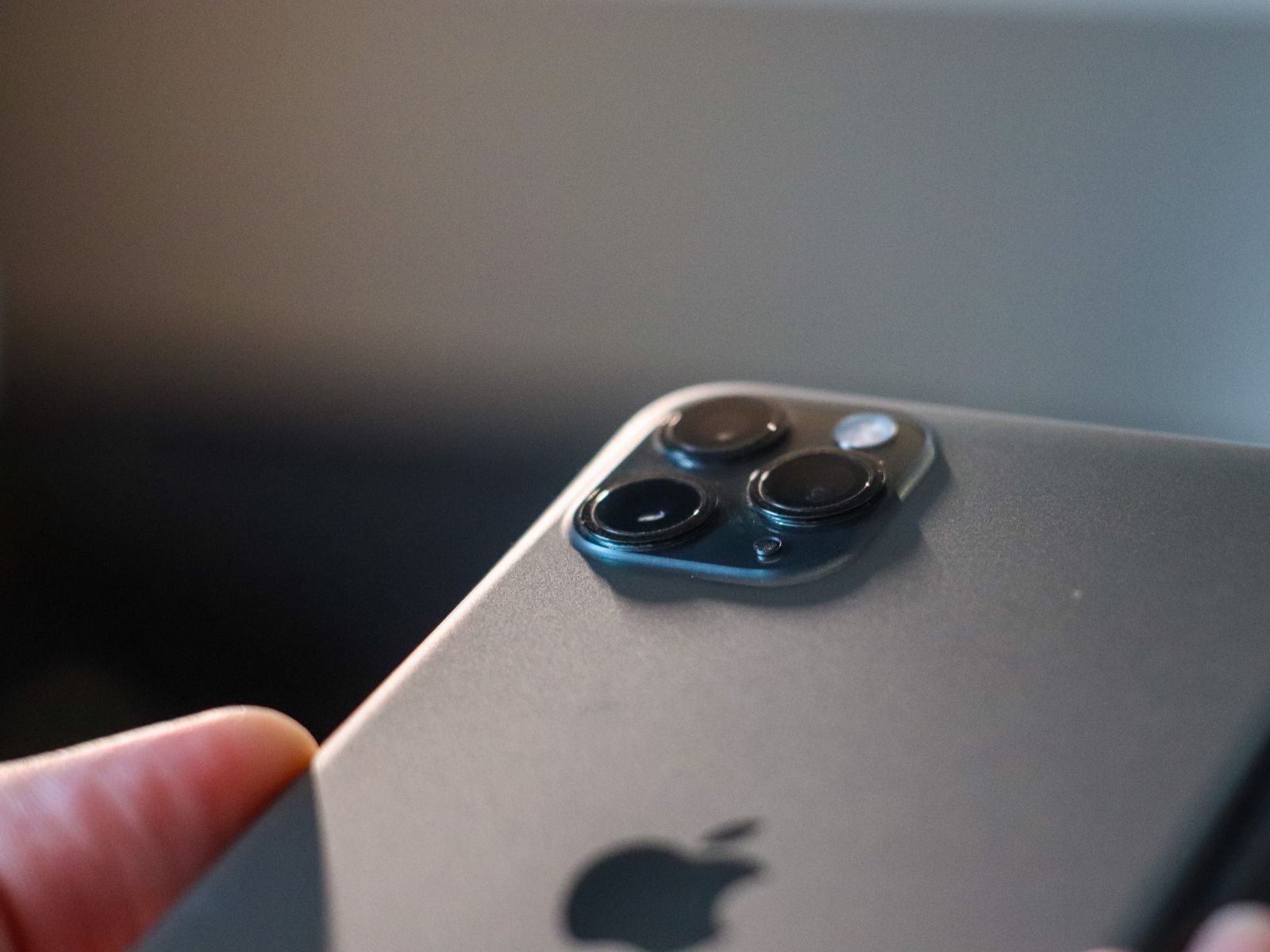
Choosing a phone for the camera you will actually use
A phone camera can be excellent at a task you rarely do. Before paying for more lenses or a larger resolution number, look through your own pictures. The photographs you keep—and the ones you miss—are a useful starting point for choosing the next camera.
Read the guide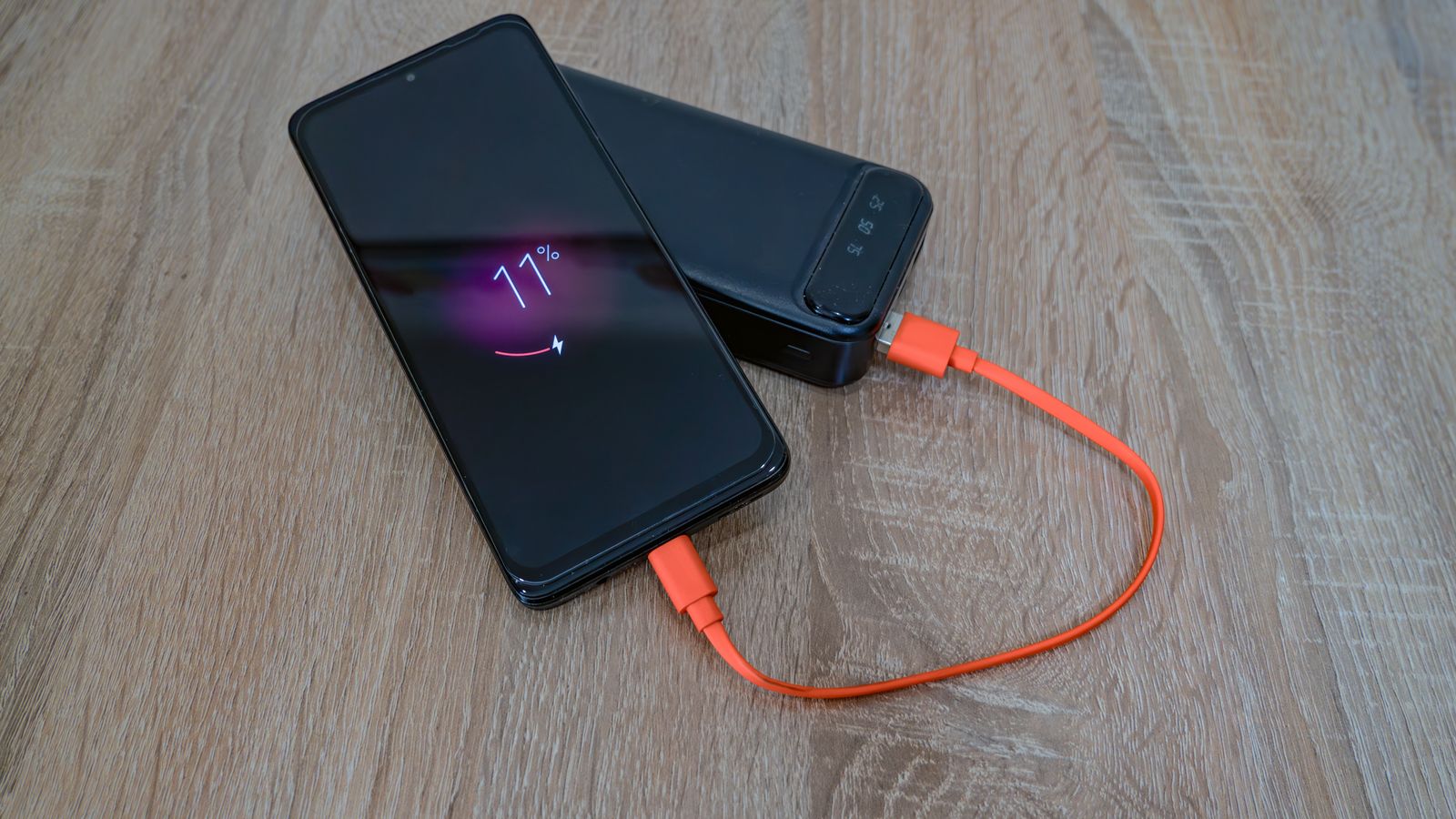
What a phone battery percentage does not tell you
Two phones can both show 80 percent and have very different afternoons ahead of them. The number describes the remaining charge as the phone estimates it. It does not tell you the battery's original size, its present condition, or how hard the next task will make it work.
Read the guide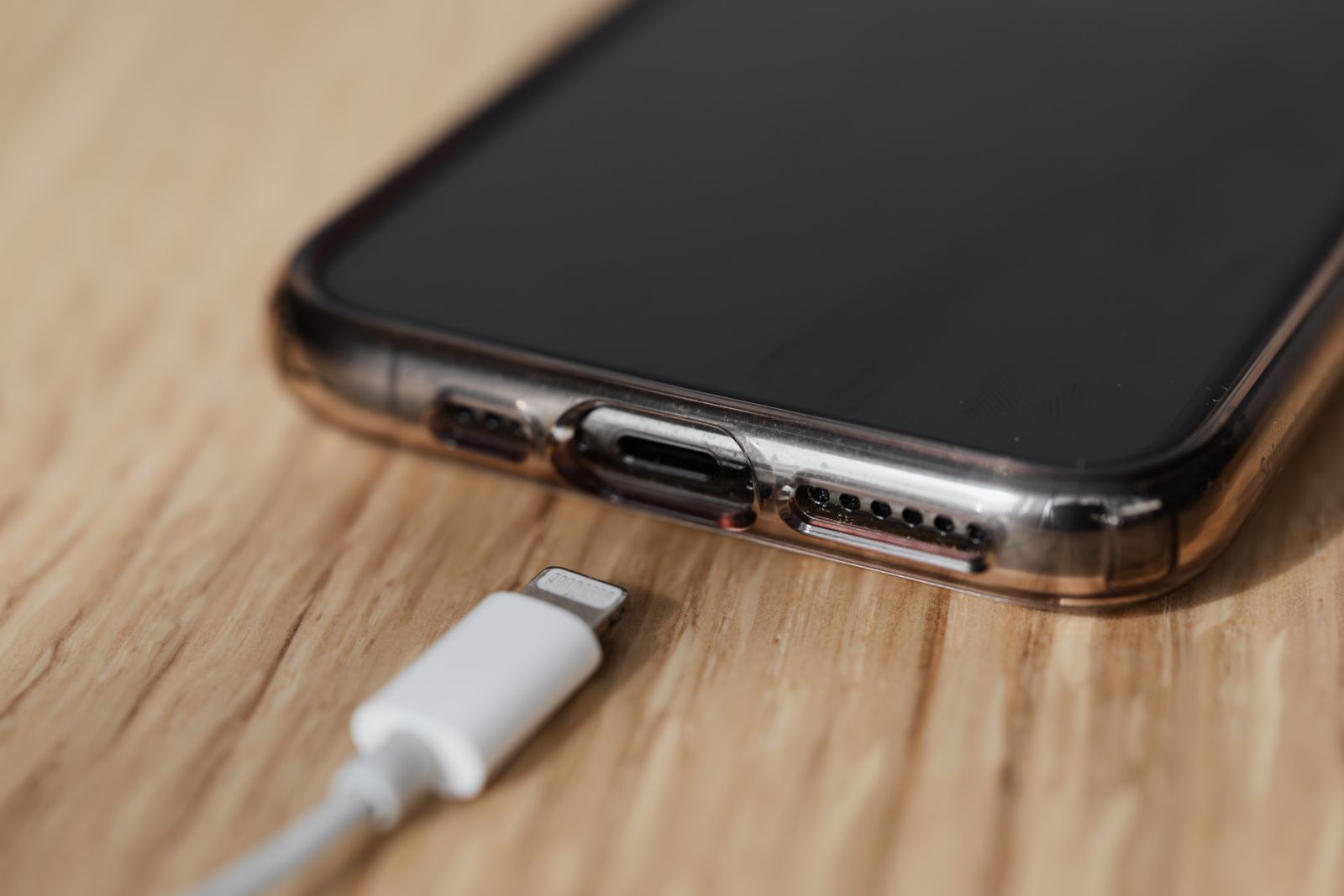
A replacement charging cable needs more than the right plug
The connector fits, but charging is slower than before—or the computer cannot see the phone at all. Replacement cables are easy to buy by appearance and harder to match by function. A little attention to power, data, and the shape of the plug saves a second purchase.
Read the guide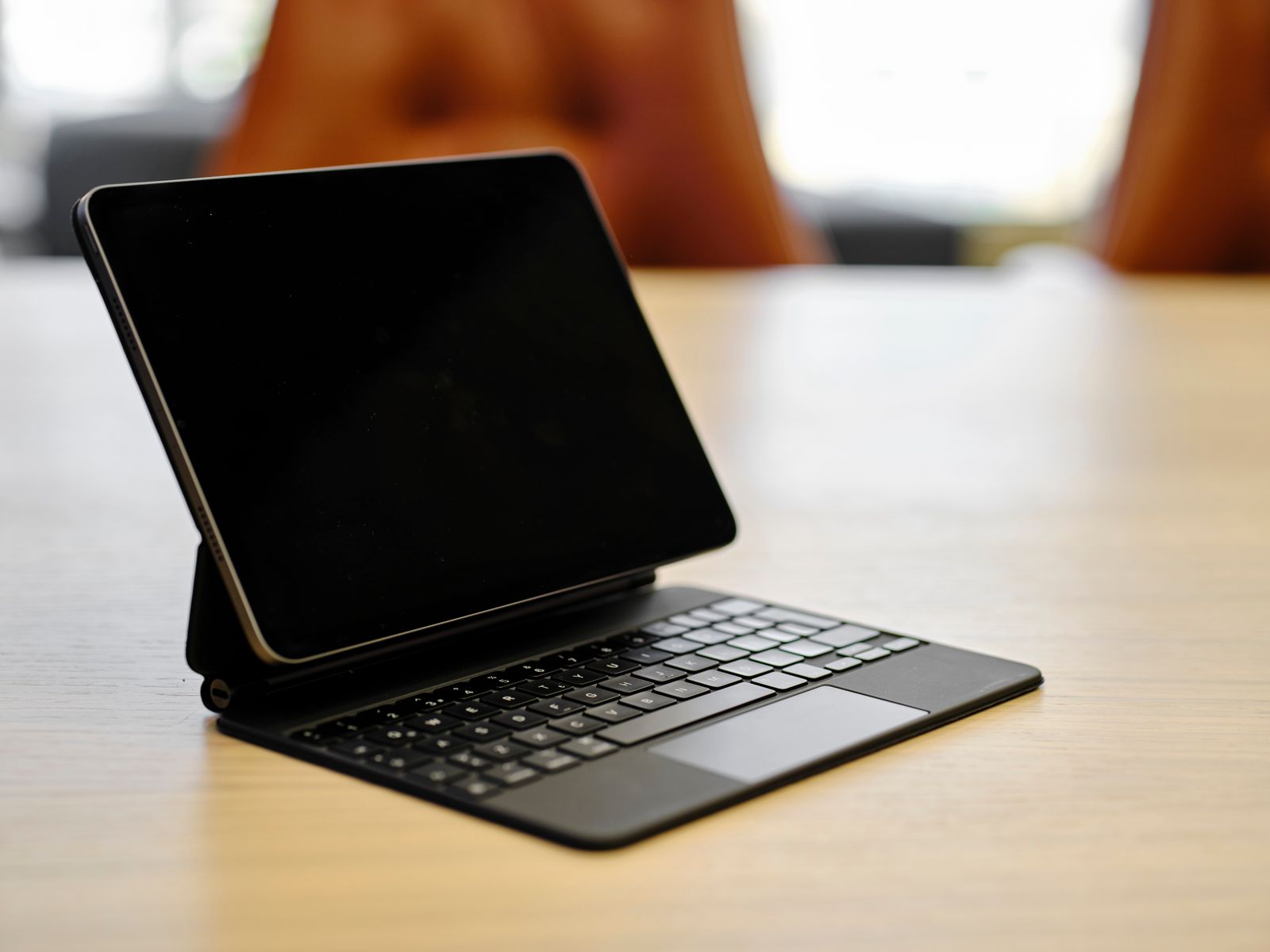
When a tablet can replace your laptop—and when it cannot
A tablet can be a lighter computer to carry, but the keyboard accessory does not make every laptop task disappear. The useful question is whether your complete routine works on it, including the dull parts: uploading a file, correcting a spreadsheet, printing a form, and joining a call.
Read the guide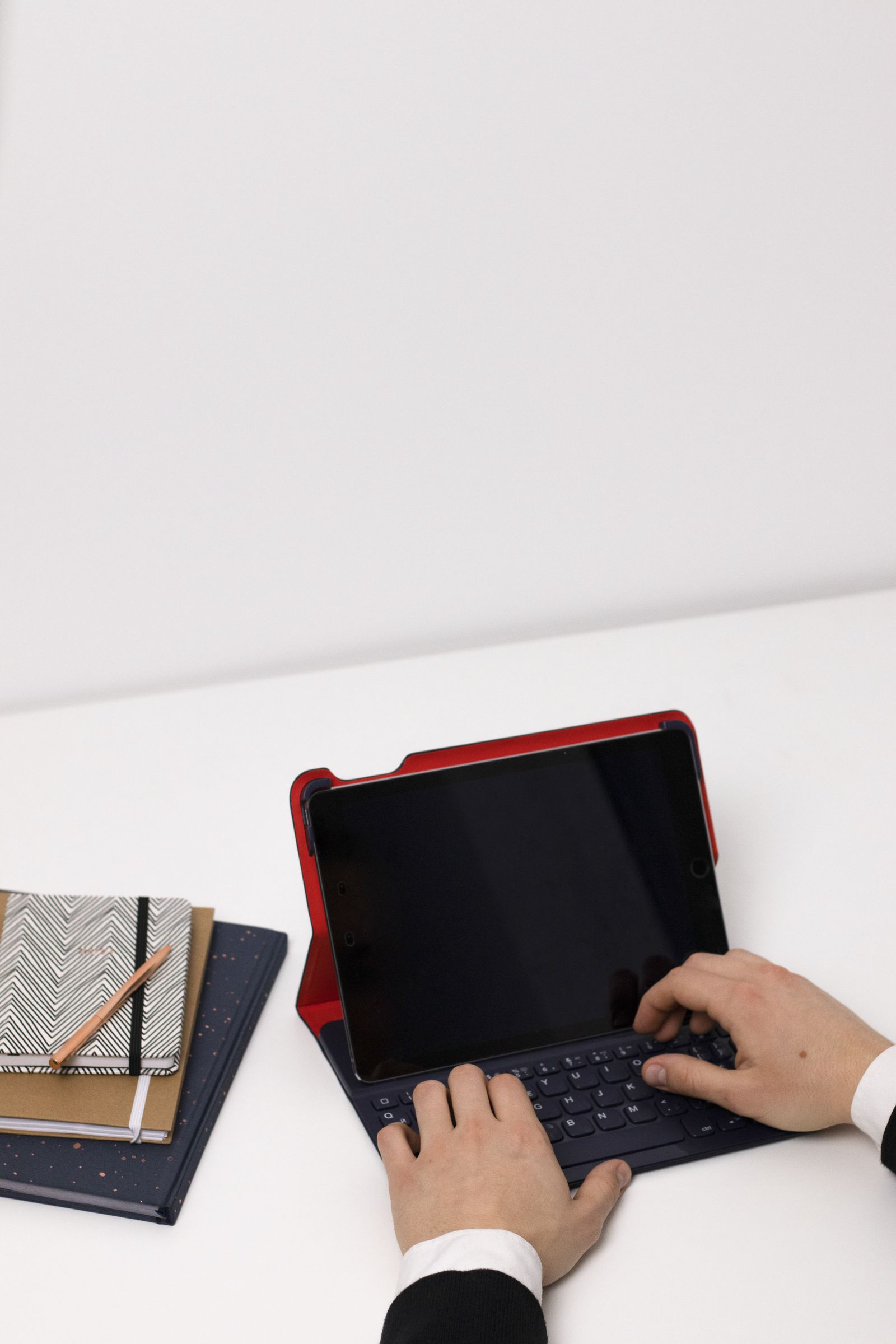
Choosing a tablet keyboard for longer writing sessions
A tablet keyboard may look spacious in a product photo and still make every apostrophe a small search. For longer writing, the important details are the layout, the support behind the screen, and how easily you can move between typing and touching the display.
Read the guide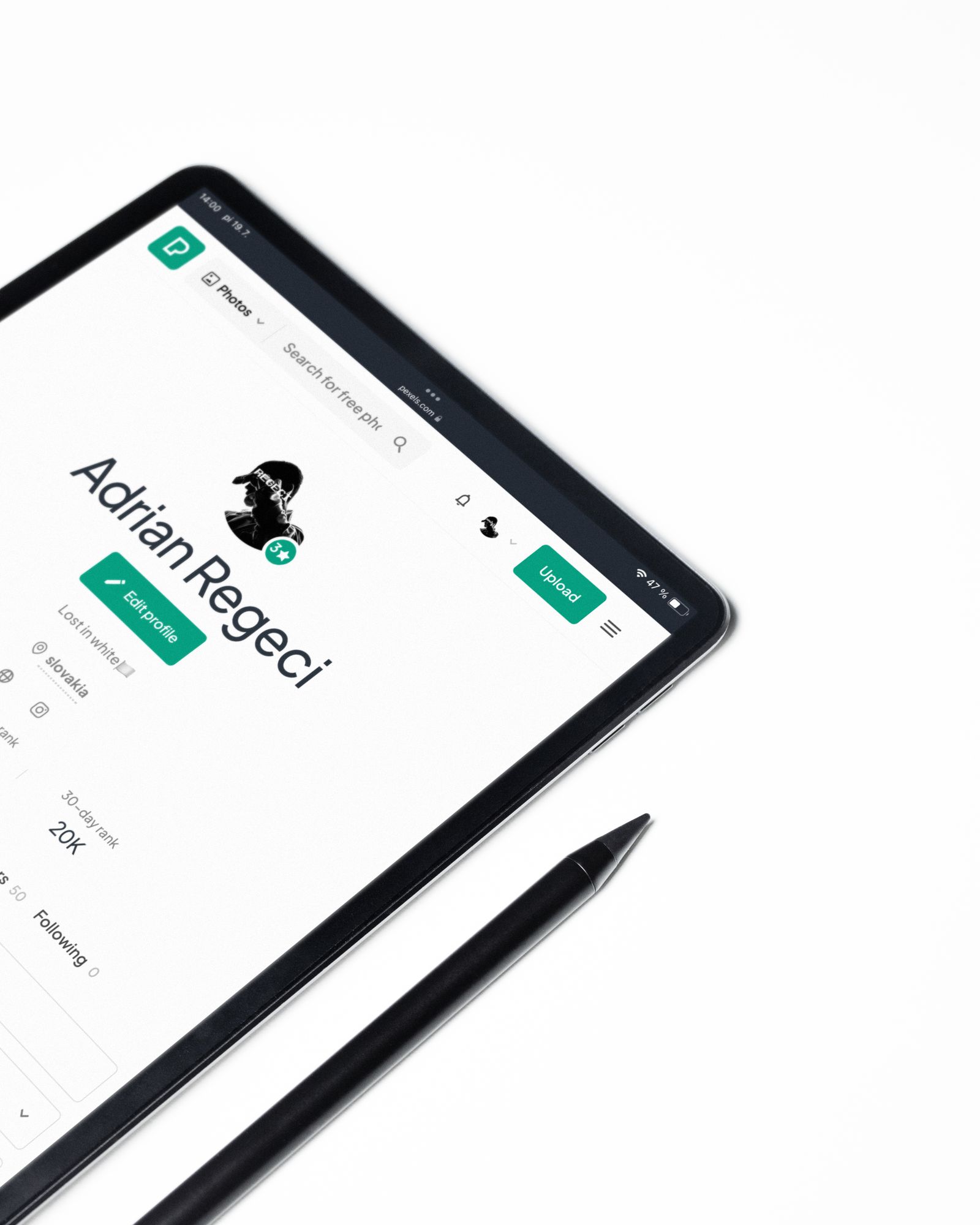
A stylus is only useful if the tablet supports it
A stylus can be a simple substitute for a finger or a precise drawing tool with pressure and tilt support. Those are very different purchases. Start with the tablet's exact model number, then work outward to the pen and the software you want to use.
Read the guide
Moving photos from a phone to a computer
Moving a few pictures is easy to improvise. Moving several years of photographs deserves a more deliberate approach. Keep the originals on the phone while you make a copy, check that the computer can open it, and decide how the next transfer will avoid creating a second pile of duplicates.
Read the guide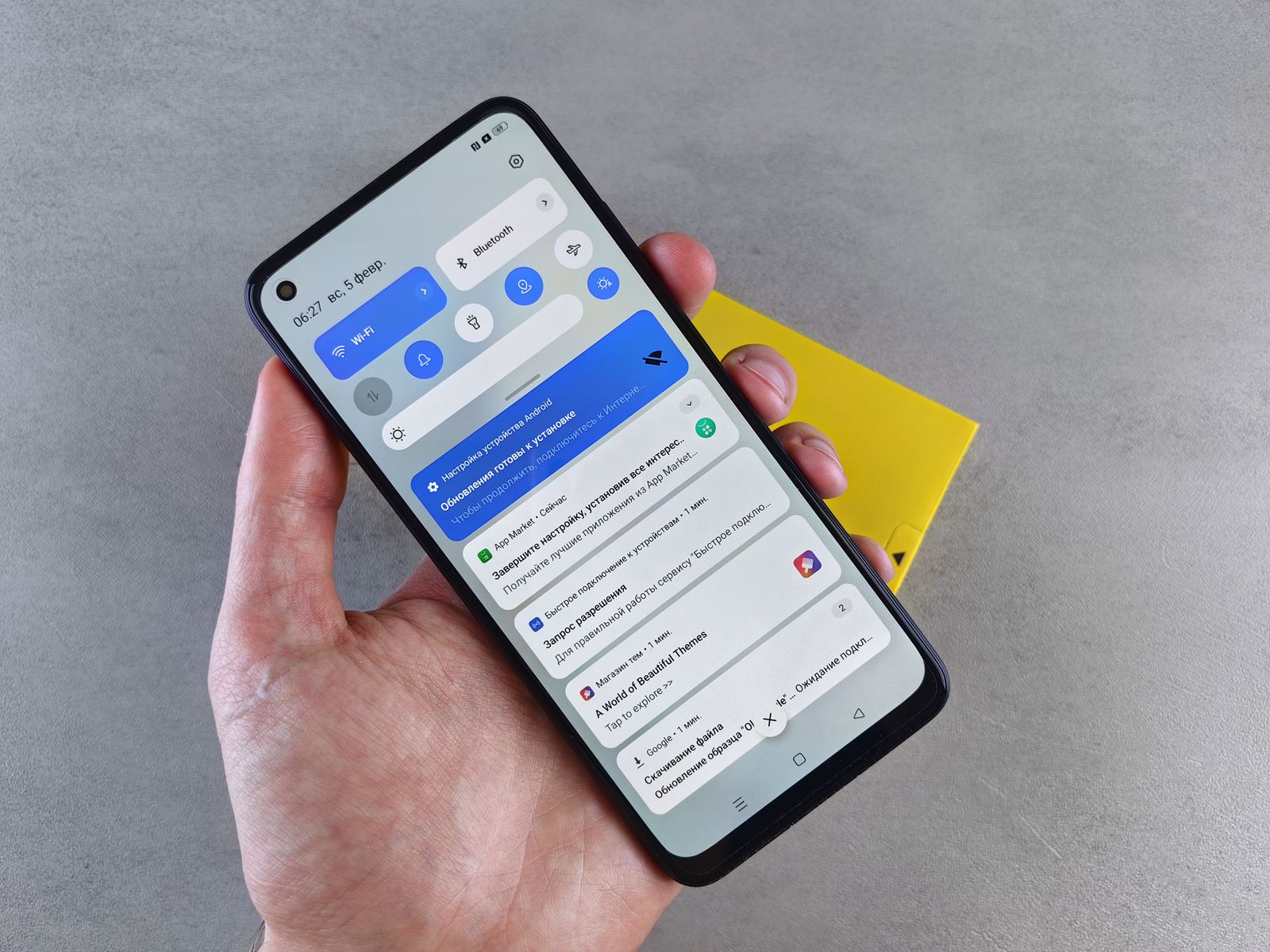
A smaller set of notifications you will still notice
When every app interrupts, the notification you need becomes harder to spot. You do not have to silence the whole phone to improve that. Start with the alerts you routinely dismiss and leave room for messages that deserve a response while you are away from the screen.
Read the guide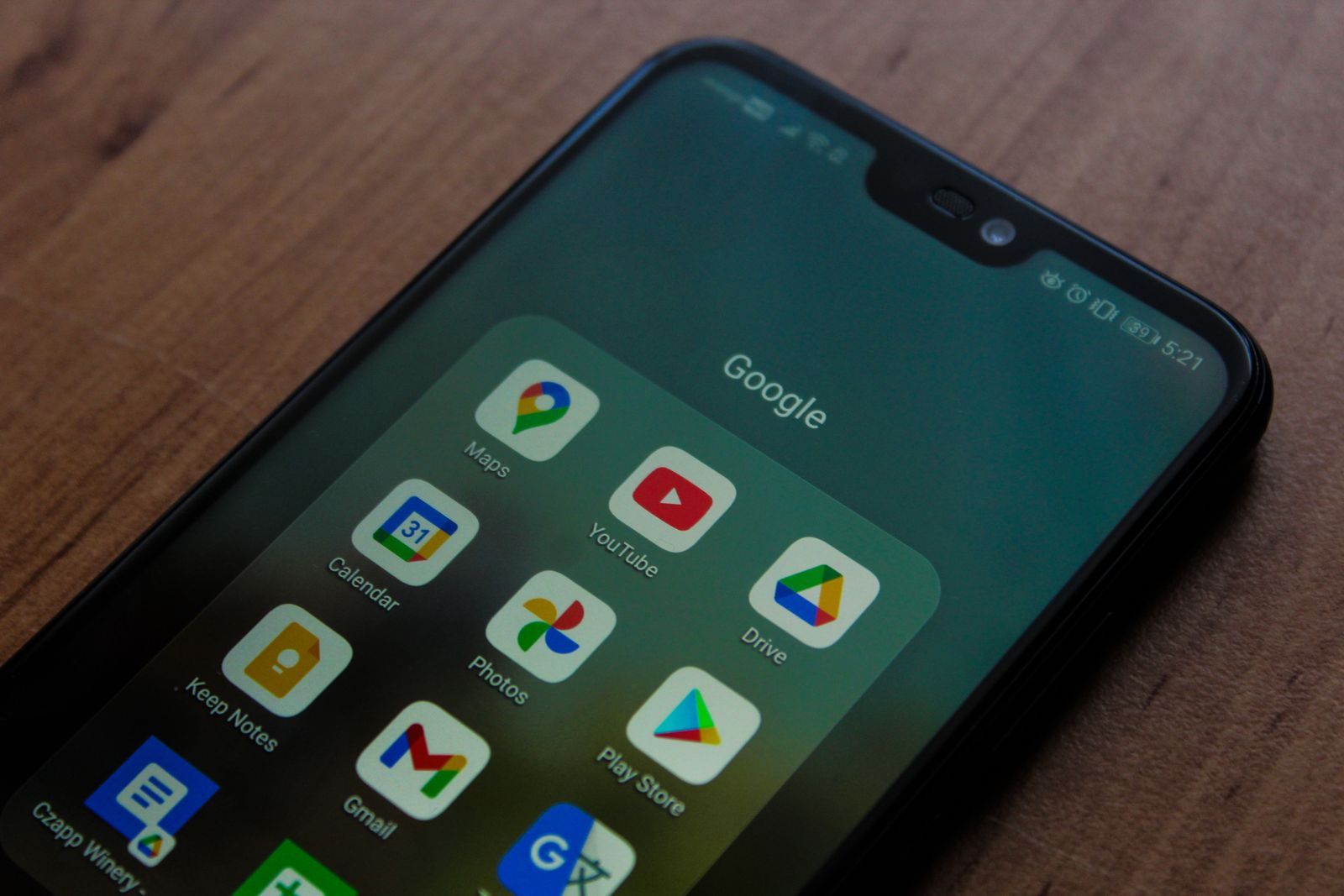
Checking an Android app before installing it
An app's name and icon can look familiar even when its publisher is not. Before installing an Android app, check where it came from, what it asks to access, and how it will be maintained. That short pause is especially useful when a link arrives in an unexpected message.
Read the guide