Make the test about a finished task
Choose three jobs from an ordinary week. For example: revise a document received by email and return it with the formatting intact; join a meeting while referring to a second file; download a set of photographs and organize them for later use. These reveal more than opening a browser and typing a paragraph in a shop.
Try each task from beginning to end on the tablet model and apps you are considering. The existence of an app with a familiar name does not prove that its mobile version has the same features as the desktop version. Check the particular function you need, whether that is tracked changes, a spreadsheet tool, an add-in, or a file export format.
A web application can fill a gap, but test its behavior in the tablet's browser. Menus designed around a mouse may be awkward to reach with touch, and a website may direct you into a more limited mobile app. If a workaround is necessary every day, include that inconvenience in the decision rather than treating it as a one-time setup issue.
Count everything you will carry
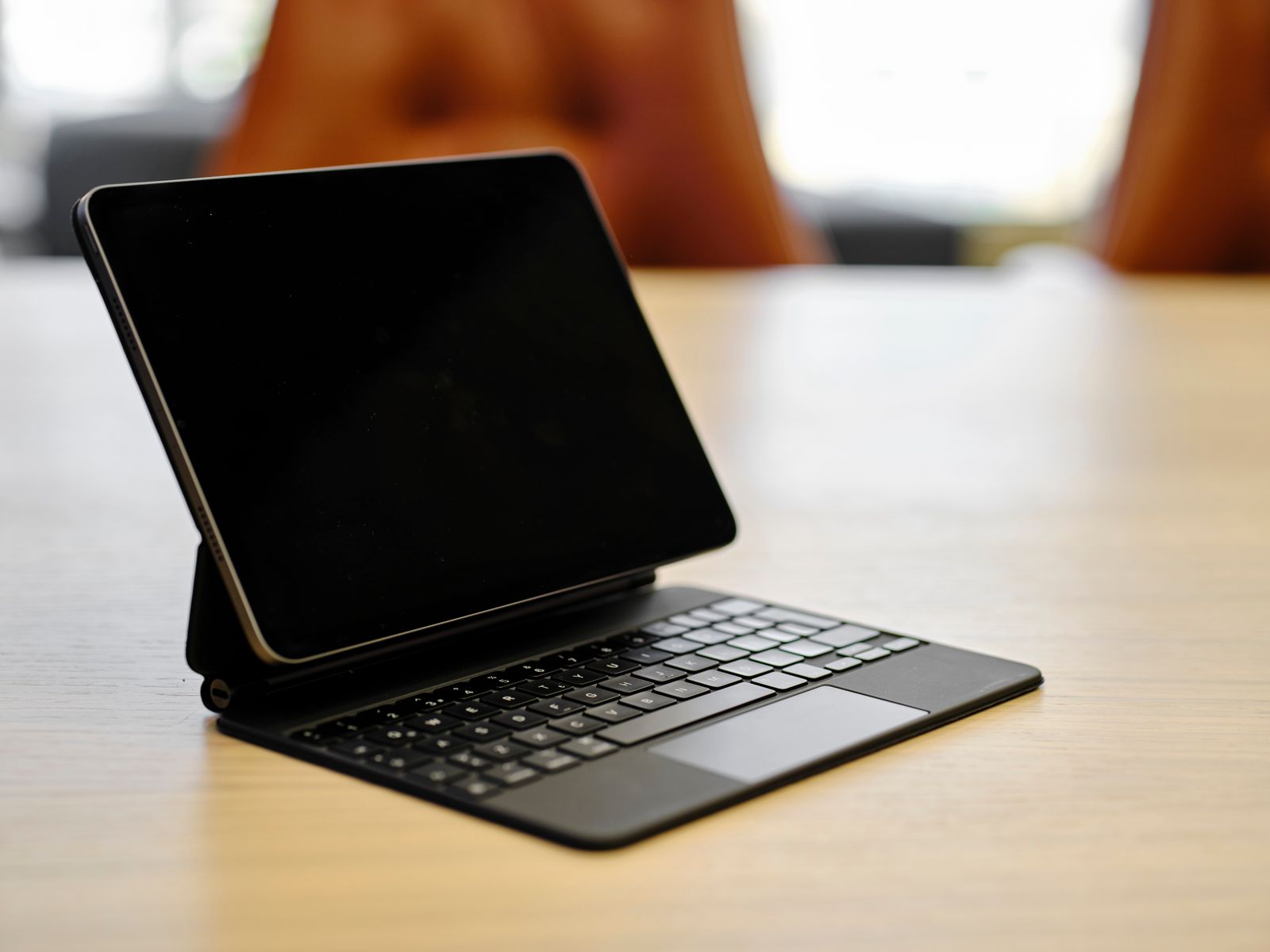
Add the keyboard, case, stand, charger, and any adapters to the weight and price. A bare tablet may be wonderfully light while the complete writing setup is much closer to a small laptop. On the other hand, being able to leave the keyboard behind can be valuable when the day's work is mostly reading or marking up documents.
Test the support on the surfaces you use. A keyboard case with a rear kickstand needs desk depth behind the screen. A separate keyboard gives you more freedom to position the display but creates another item to pack. If you write on a train or on your lap, try that arrangement before assuming it will feel like a hinged laptop.
Also check how the tablet handles the equipment already in your home. A supported printer, external drive, microphone, or display may work differently than it does with a computer. Read the exact model's accessory documentation, including power needs. A physically matching USB-C socket is not enough evidence that the desired connection will work.
Offline work is a separate trial
Download the documents and resources you need, disconnect from the network, and attempt a small edit. Then reconnect and check what was saved. A document visible in a recent-files list may still depend on a connection to open fully. Make sure the app's offline workflow does what you expect before relying on it during travel.
Consider account access as well. Some tasks depend on a work profile, a school-managed application, or a sign-in method that an organization must approve. Ask the relevant administrator about the actual device and operating system. Buying the hardware first can leave you with a capable tablet that cannot join the system you need.
A second device can be the better role
You do not have to justify a tablet by making it replace everything. It may handle reading, video calls, handwritten notes, and short edits while an existing laptop remains available for occasional specialized work. That is a valid use if the additional cost fits your budget.
Replacement makes sense when the tablet completes your recurring tasks with fewer compromises than the laptop you would otherwise carry. If the test repeatedly ends with borrowing another computer, keep the laptop and decide whether the tablet offers enough extra usefulness on its own.