Digital life
Keep files, accounts and everyday admin in order.

A folder system you can still understand next year
A folder system should answer a simple question: where would you look for this file later? It does not need to describe every possible document in advance. Start with the work and records you already have, then use a few broad places that remain understandable after the current project is finished.
Read the guide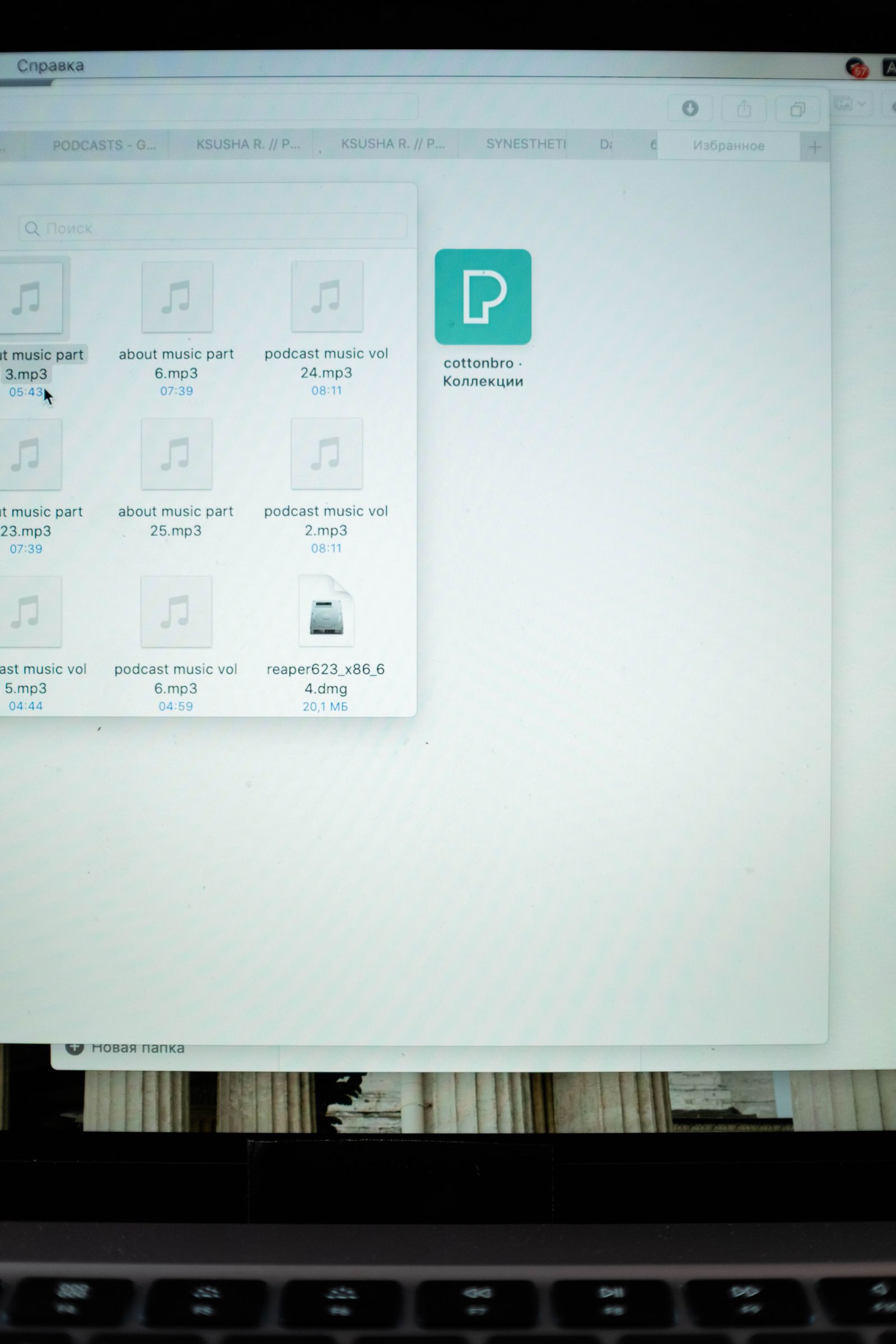
Naming files when final-final is no longer helpful
A filename becomes useful when it tells you what the document is and which version you are looking at. Names such as final-final-new solve that problem only for a few hours. A small, consistent pattern is easier to maintain than a complicated code nobody remembers.
Read the guide
Cloud sync and backup solve different problems
A synchronized folder is convenient because a change on one device appears on another. That same convenience can spread a mistaken deletion or an unwanted edit. A backup is useful when it gives you a way back to an earlier or separate copy. Check which protection your current setup actually provides.
Read the guide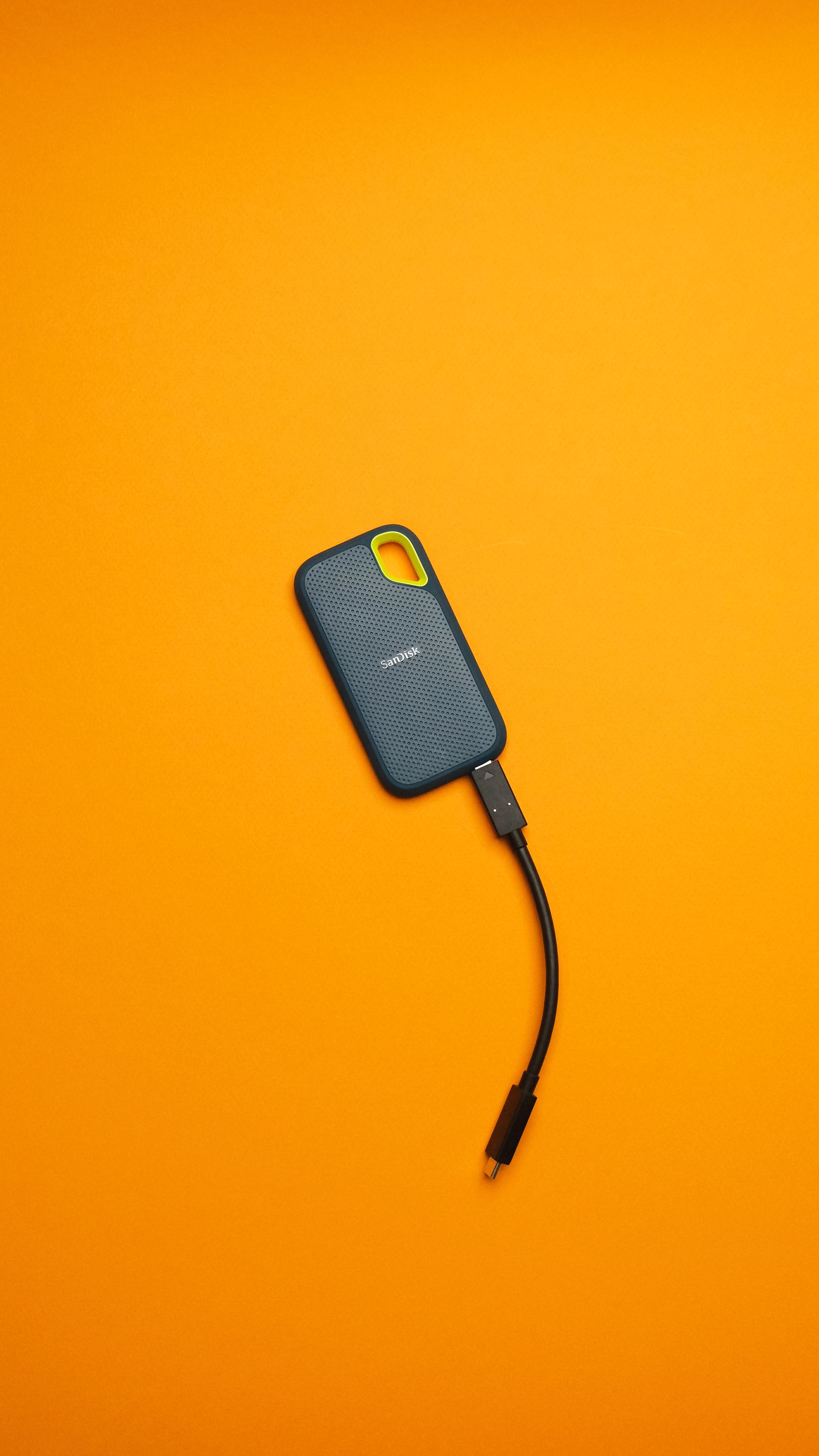
Testing whether a backup can actually restore a file
A successful backup message is reassuring, but a restored file is stronger evidence. You can test the process with a harmless document and a separate destination folder. That small rehearsal also teaches you what to do when the file you need is real and the original is no longer available.
Read the guide
Sharing a folder without opening the whole drive
Sharing a folder is convenient when several people need the same files. It is also easy to share more than intended if unrelated documents already sit inside it. Create a deliberate sharing boundary, give people only the access they need, and check the result from a recipient's point of view.
Read the guide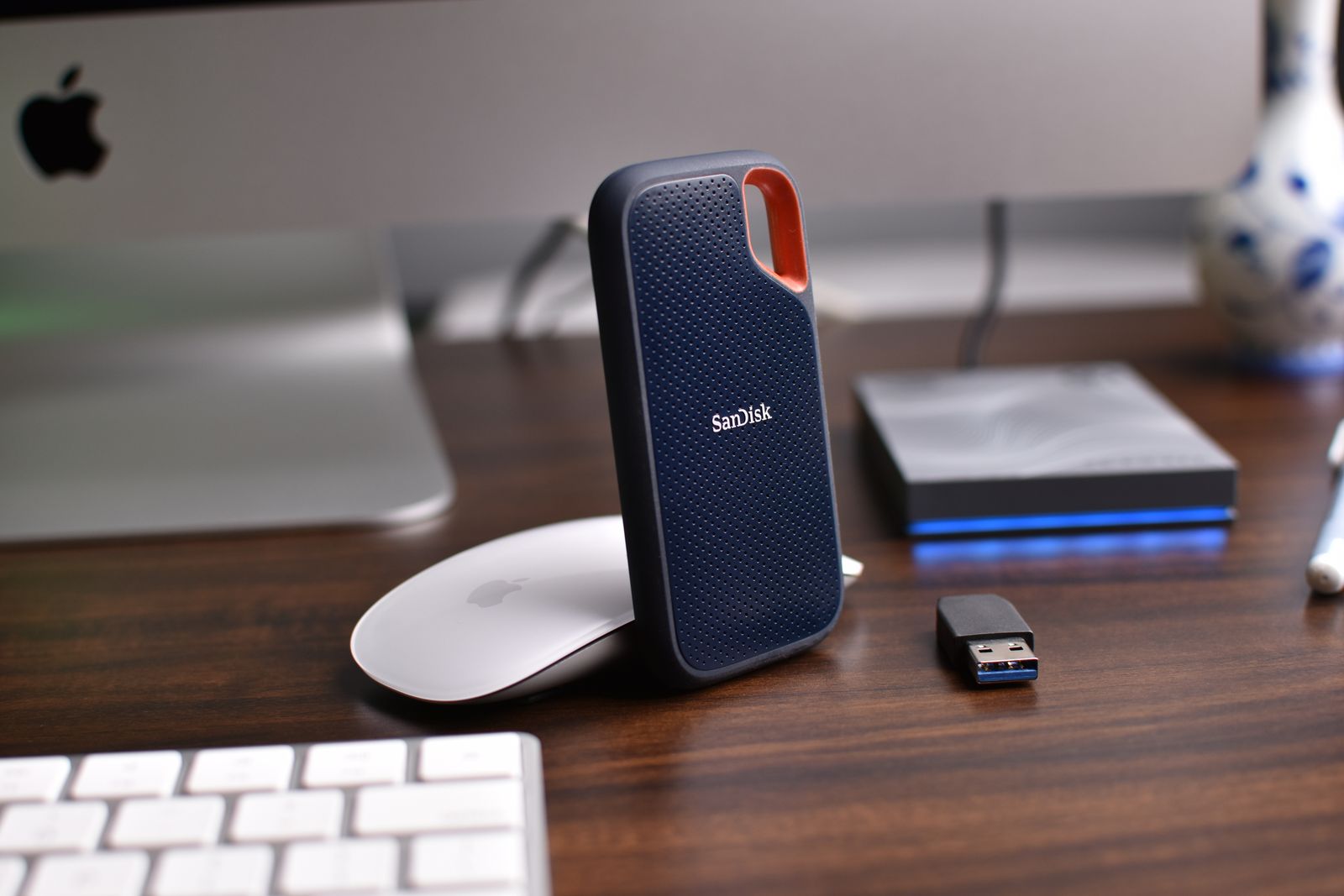
Keeping a copy of photos outside your phone
A phone can be the camera, the photo album, and the only place a picture exists. Keeping another copy reduces that dependence, but the copy needs to be complete and accessible. Decide which files you want to preserve, then choose a routine that does not rely on remembering a large transfer once a year.
Read the guide
An inbox cleanup that does not depend on deleting everything
An overflowing inbox does not require a dramatic purge. Most of the improvement comes from separating messages that need action from messages you only need to keep. Start with recent mail, leave the archive searchable, and make future messages a little easier to sort.
Read the guide
Saving receipts so you can find them for a return
The receipt you need for a return is usually the one you cannot find in your inbox or photo library. Save a readable copy when the purchase is still fresh, and keep it with the product's order details. A small record now can save a long search when something stops working.
Read the guide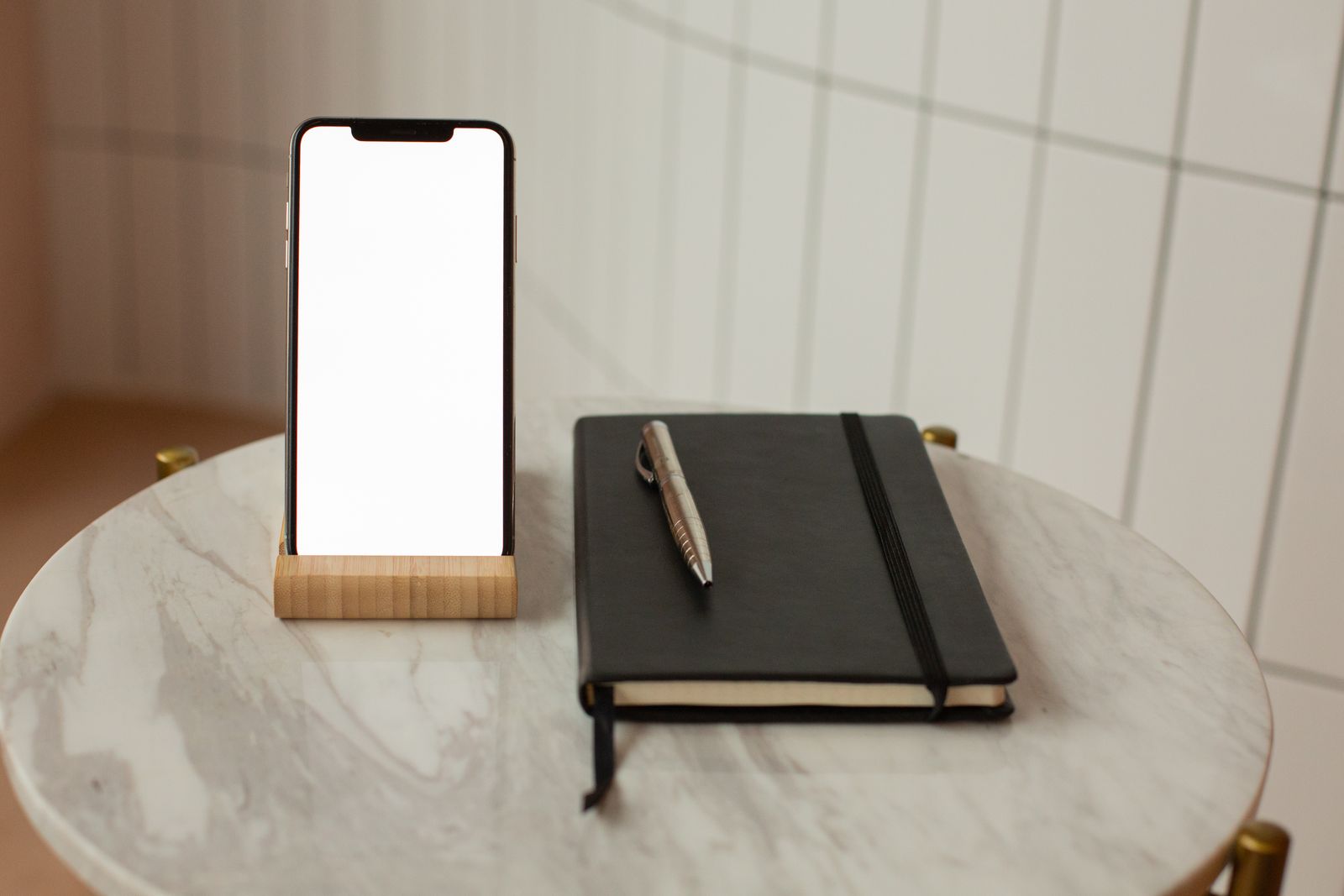
Before you click a delivery-message link
A delivery message is convincing when you are already waiting for a package. That does not make its link safe. Before paying a small redelivery charge or entering an address, check the order through a route you already know. The real shipment should be traceable without relying on the unexpected message.
Read the guide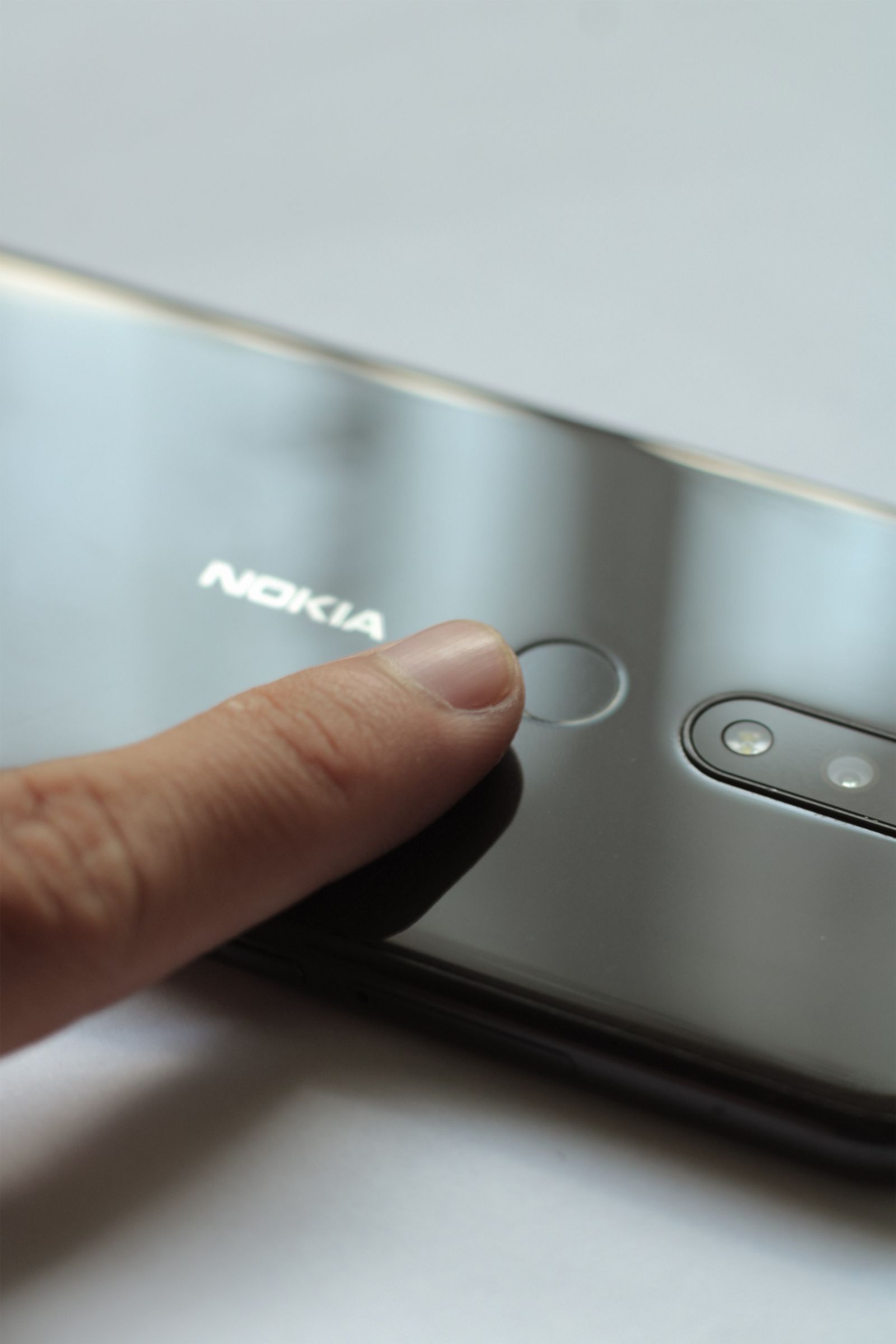
Passkeys, passwords and the recovery step people forget
A passkey can make signing in feel almost effortless: unlock a device and the account opens. That convenience makes it easy to skip the less visible question of recovery. Before relying on a new sign-in method, work out what happens if the device is lost, replaced, or unavailable.
Read the guide