Keep originals where they matter
Start with the photographs and videos you cannot replace. If you edit or print them, retain the original files as well as finished exports when useful. A small image downloaded from a chat may be enough for a quick view but is not necessarily equivalent to the camera file.
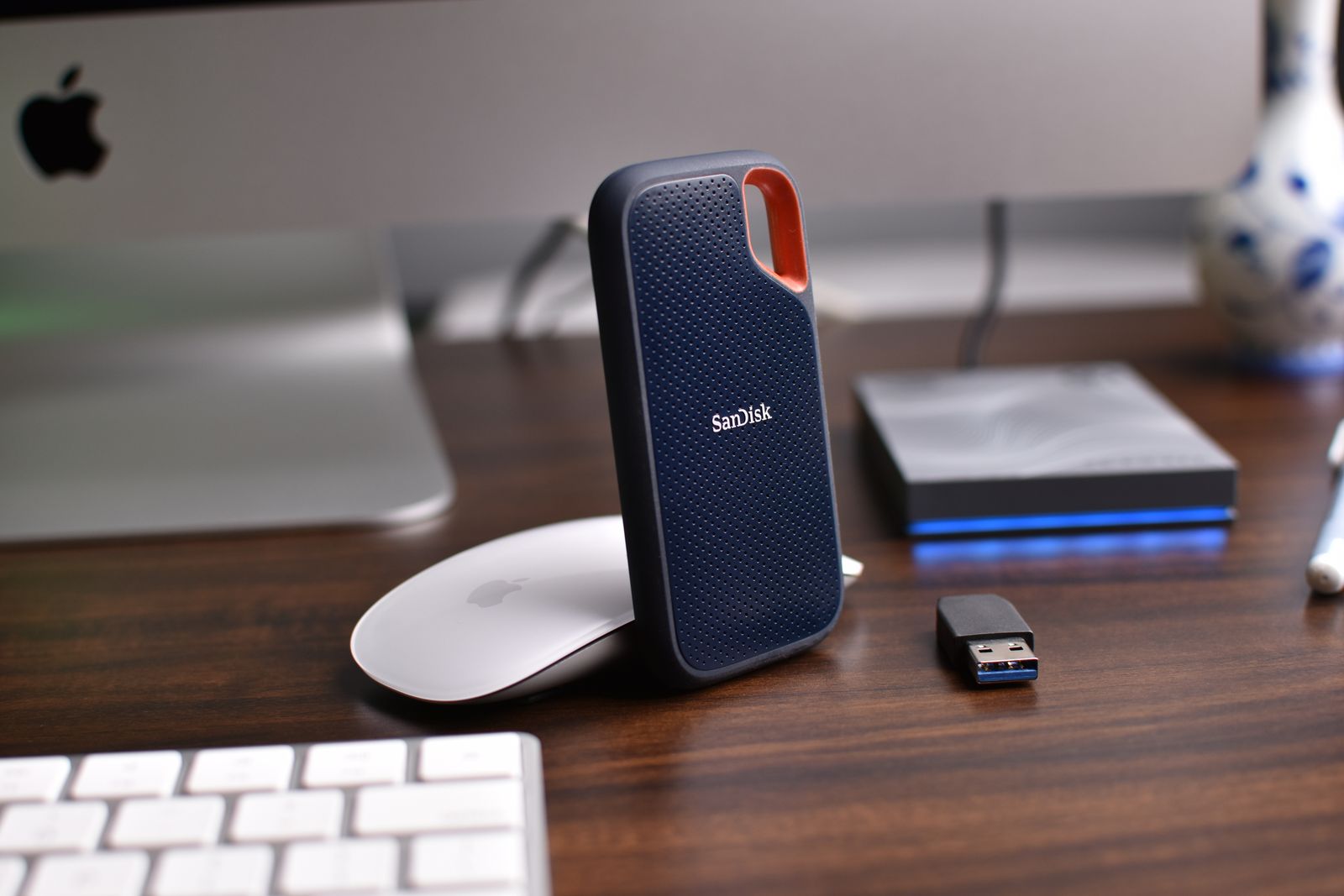
Choose a destination you understand: a computer folder, a suitable external drive, a cloud service, or a combination. Check available space and the service's upload quality settings before beginning. Do not assume a setting called optimized or space-saving preserves every original attribute.
Transfer a small sample first, including a recent photo and a video. Open the copies on another device and check that the files are complete. Then transfer the larger collection in manageable groups, leaving the phone originals in place until you have verified the result.
Understand whether deletion follows you
A synchronized photo library is useful for keeping devices up to date. It can also apply a deletion across them. Apple's iCloud Photos guidance explains that deleting an item on one device deletes it wherever that library is used. Seeing the same picture on a tablet and phone is therefore not proof of an independent backup.
If you use local-space-saving features, distinguish removing a device copy from deleting the library item. Read the service's specific command and confirmation. A generic trash button may do much more than free space on the phone.
For particularly valuable collections, keep an additional copy outside the synchronized library. Store it in an organized folder or another supported archive arrangement and protect access to it. This gives you another route if an account problem or mistaken library change affects the everyday view.
Make the next copy small enough to happen
Choose a routine tied to an event you already perform, such as importing after a trip or checking the backup when you connect the laptop's external drive. Automatic uploads can help, but review their status and account capacity occasionally. A paused upload can leave the newest pictures unprotected while older ones look fine.
Use a clear folder name or a record of the date range imported. Handle duplicates carefully: two files with similar names may be an original and an edited version. Avoid bulk duplicate removal until you understand the tool's comparison and have another copy.
Check the archive from time to time by opening files from different dates. Keep the required cable and account recovery information available. The useful question is whether you could retrieve the pictures without the phone, not simply whether you once pressed a backup button.
Before replacing or resetting the phone, make a final pass for recent pictures and app-specific media that did not enter the main library. Those last few days are easy to miss when the older collection has already been copied successfully.