Digital life
Keep files, accounts and everyday admin in order.
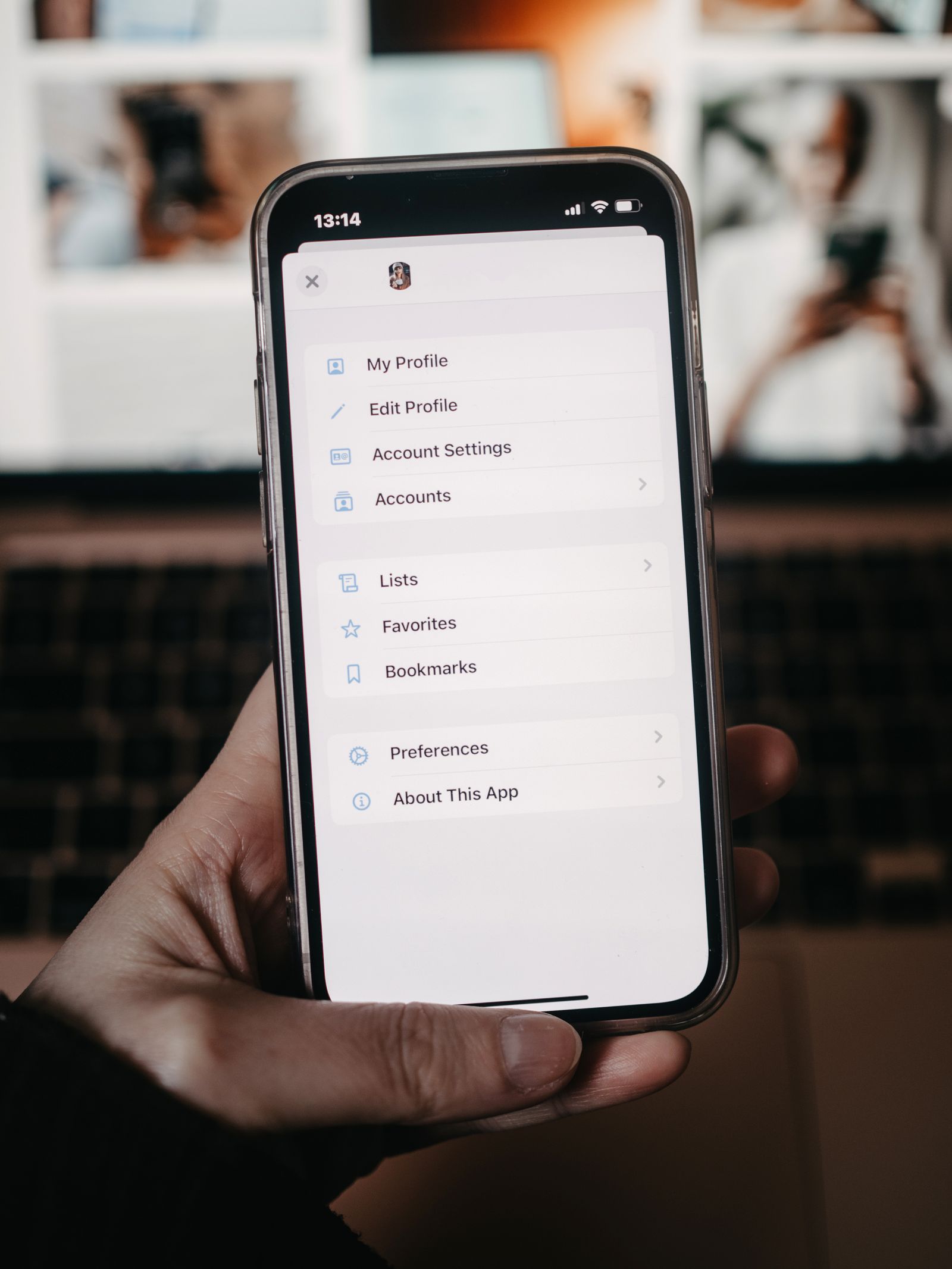
Checking account recovery details while you can still sign in
Account recovery is easiest to check while the account still opens normally. An old phone number or forgotten secondary inbox may stay unnoticed for years, then become the only route offered after a lost device. Review the details during a calm moment, before changing phones or leaving for a trip.
Read the guide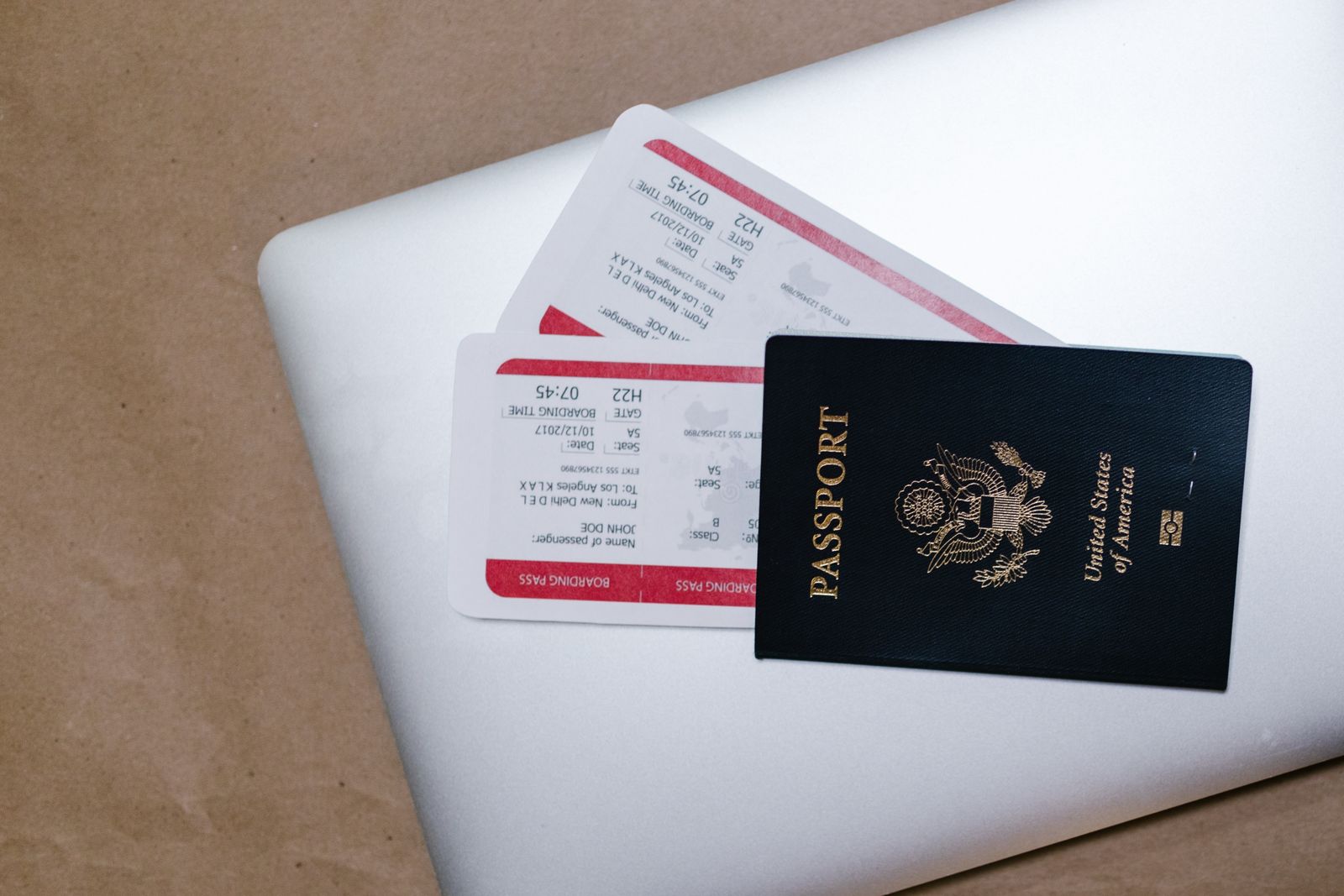
Building a small digital travel folder
A travel folder is useful when it contains the few things you might need without a connection. Filling it with every booking email can make it harder to use. Save the confirmed details, keep sensitive documents protected, and test that the essential files open before you leave home.
Read the guide
A shared family calendar that stays understandable
A shared calendar works when an entry tells everyone what it means and who needs to act. Color alone rarely does that. Agree on a few naming habits, keep private appointments in the right place, and test how invitations and notifications reach the people using it.
Read the guide
Checking what a free app asks you to give up
A free app may be entirely suitable, but its price does not describe the whole exchange. It may show advertising, require an account, limit exports, or encourage a later subscription. Before moving your files into it, check the parts of the arrangement that would make leaving difficult.
Read the guide
Canceling a subscription without losing the files you need
Canceling a subscription and keeping the work you made are separate jobs. Before the paid access ends, find out which files are stored locally, which live in the service, and which need exporting. Give yourself enough time to open the exports and fix anything that did not come across properly.
Read the guide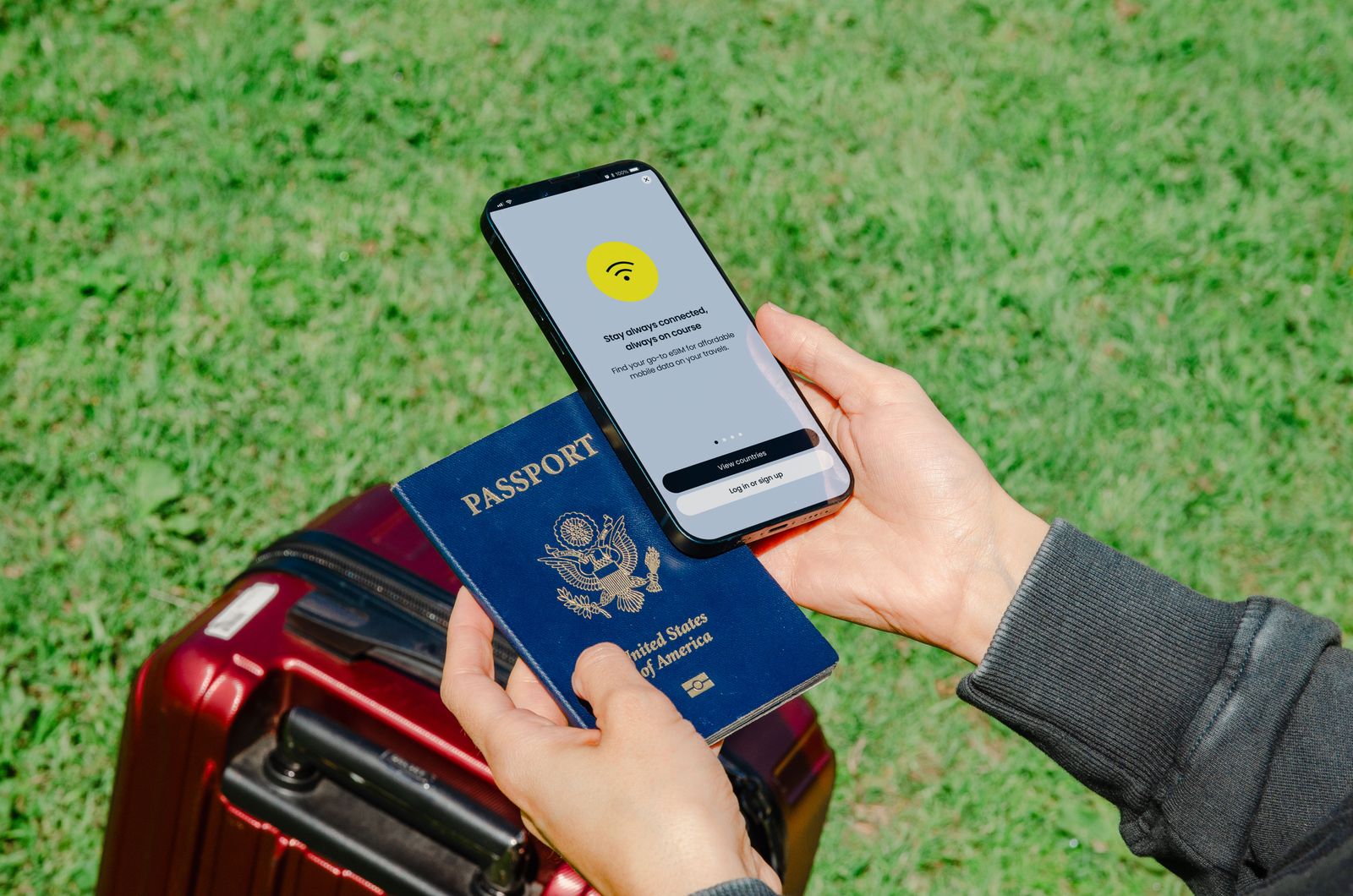
Preparing a device for a week away from home
A device that works perfectly at home can become awkward away from its usual network, charger, and recovery phone. Prepare the few things your trip depends on, then test them offline. Avoid making a major software change at the last minute unless it is necessary and you have time to check the result.
Read the guide
Writing a useful support request
A useful support request lets another person see the problem without standing beside your computer. Describe the expected result, what happened instead, and the smallest sequence that produces it. A short, specific report usually gives support more to work with than a long account of how frustrating the device has become.
Read the guide
Keeping a record of devices, warranties and repairs
A small device record is most useful when something fails, disappears, or needs a replacement part. Keep the model, purchase evidence, and repair history together while they are easy to find. The record does not need to become a complicated inventory system to save time later.
Read the guide