Give the problem a reproducible shape
Start with the device or application name and its relevant version. Include the exact model if hardware compatibility may matter. Avoid sending a full system inventory when only a printer or camera is involved; provide the details that help identify the setup.
Write what you were trying to do and the result you expected. Then describe what actually happened, including the exact error text if one appeared. For example, explain that the export finishes but the saved PDF lacks the last page, rather than saying the export feature is broken.
List the steps in the order you took them. Keep the sequence as small as possible while still reproducing the fault. If it only happens with one file, say so and try a harmless sample that shows the same behavior.
State when the issue began and whether it follows a clear change, such as an update or new accessory. A timing connection is a clue, not proof of cause. Say that the problem began after the change rather than claiming the change definitely caused it.
Include evidence that is safe and relevant
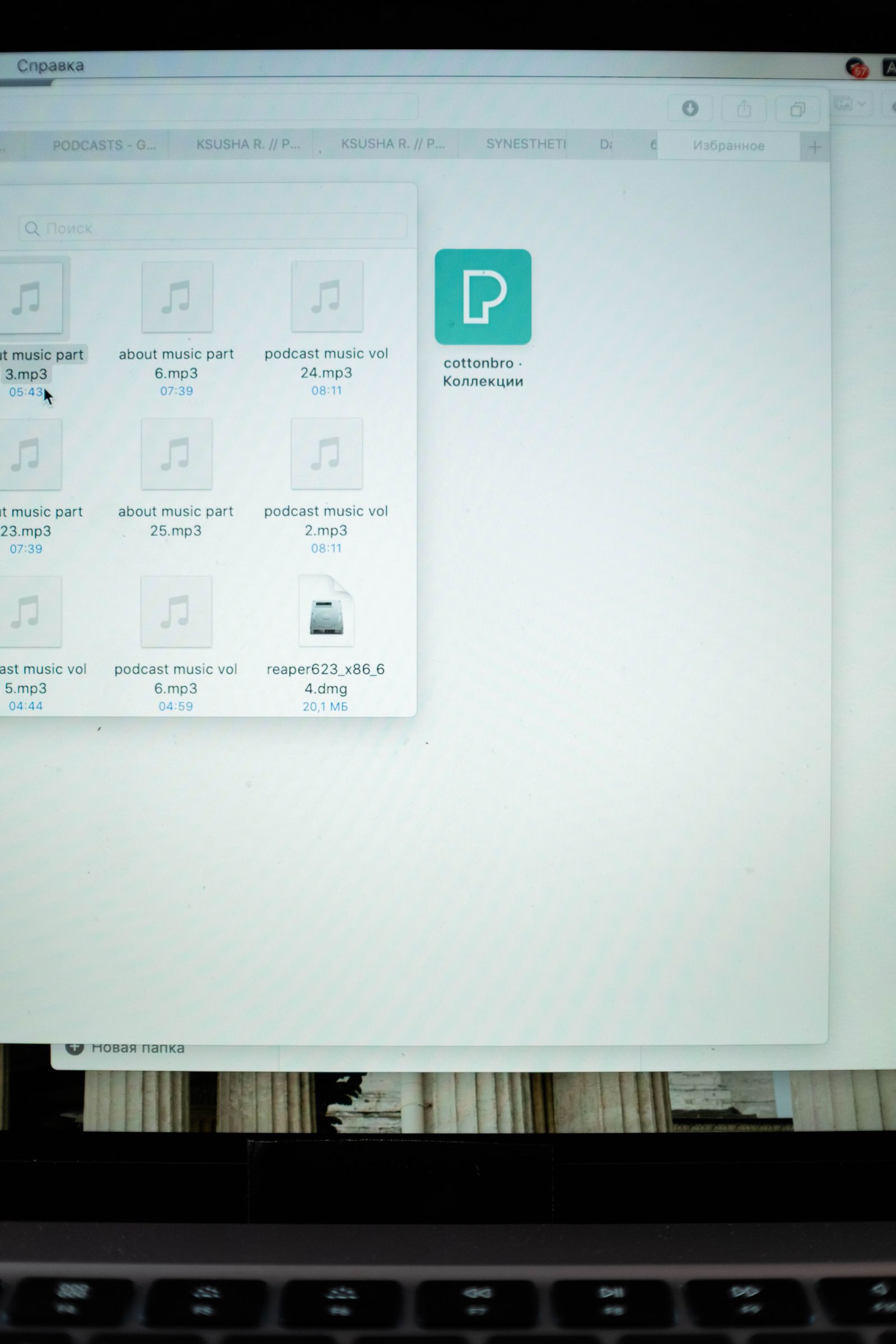
A screenshot can show an error and the surrounding control, but crop or redact unrelated personal information first. Check the final image after editing it. Do not include passwords, recovery codes, full payment details, or private documents simply because they were visible when the error occurred.
Mention the troubleshooting already completed and its result. Restarted the app with no change is useful. Tried everything is not. If one cable, file, or browser works and another does not, that comparison can be particularly helpful.
Use the vendor's official support channel and follow its instructions for diagnostic logs or sample files. Logs can contain identifiers or paths, so send them only through an appropriate route. Do not post a complete log publicly without reviewing what it contains.
Finish with the outcome you need: restore access, identify compatibility, repair the device, or correct a reproducible software fault. Keep the case reference and replies together. If support asks a question, answer that question directly before adding new information, so the conversation can move toward a diagnosis.