Prepare the work and the connection
Download the documents, maps, and media you expect to use without reliable internet. Open a sample with Wi-Fi and mobile data off. A recent-files list can show cloud content that has not actually been saved to the device.
Let routine updates and backups finish before packing, with time to restart and check important apps. Keep a current backup in a location that will not travel in the same bag if that fits your setup. A copy on a drive beside the laptop helps less if the whole bag is lost.
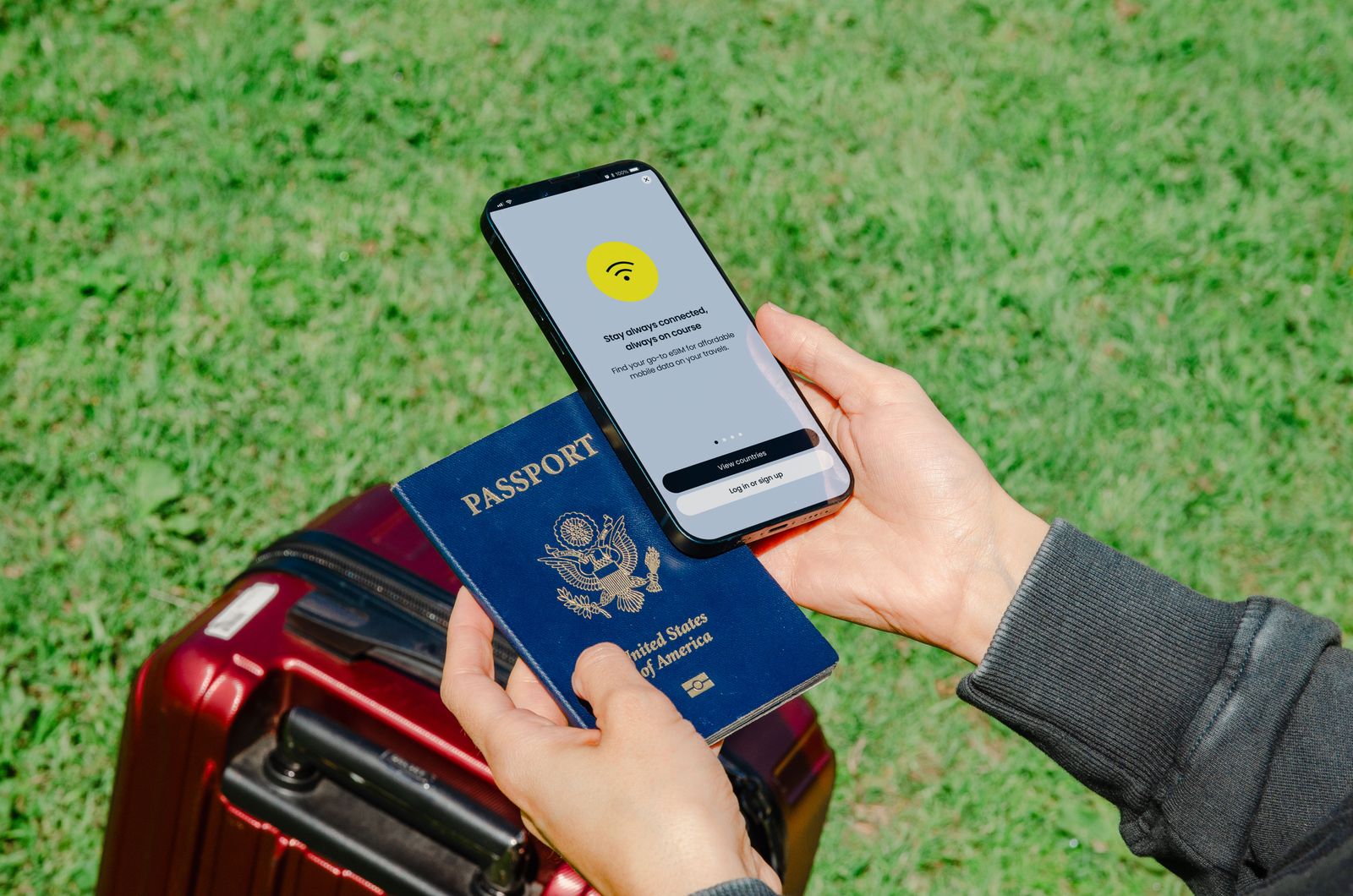
Check the available connection plan. If you will use a phone hotspot, review tethering and roaming conditions and pause large background transfers on the laptop. Do not assume that a hotel or public connection will support every work requirement.
Keep access available if one device is missing
Review the account recovery methods for email and any service needed during the trip. Google recommends setting up verification and recovery options before travel. Make sure an important sign-in does not depend solely on a phone that will be unavailable or unable to receive messages.
Enable the device's supported finding and locking features if appropriate, and verify the account used for them. Keep identifiers and official support details in a secure record outside the device. You should not have to search through the missing laptop to discover its serial number.
Use a screen lock and avoid carrying unnecessary sensitive files. If a work device is involved, follow the organization's travel and access rules. Its requirements may differ from those for a personal computer.
Pack the complete power path
Bring the charger, suitable cable, and destination plug adapter where needed. Read the charger's input rating separately from its USB output. Include a small accessory only if you know which task it serves; an untested adapter is a poor emergency plan.
Check the current travel rules for any spare batteries or power banks with the relevant carrier or authority. Do this before leaving, not at the checkpoint.
Finally, run a short rehearsal: open the important files, connect the headset, and charge the device with the packed kit. Put those tested items back in the bag. That simple routine catches more ordinary problems than adding several speculative accessories at the last moment.