Create a test that cannot damage your work
Make a new document in a folder the backup is supposed to include. Give it a clear name and a sentence you will recognize. Run or wait for the backup, then check the tool's completion status and time.
Change the sentence and save the document again. If the system is intended to keep earlier versions, allow another backup to run. You now have two known states to look for without deleting an important original or experimenting on a live project.
Create an empty restore-test folder somewhere separate from the source. Use the backup tool's restore-to-another-location option where available. Microsoft's File History guidance specifically distinguishes restoring in place from choosing a different destination; restoring in place can replace the current version.
Open the restored file
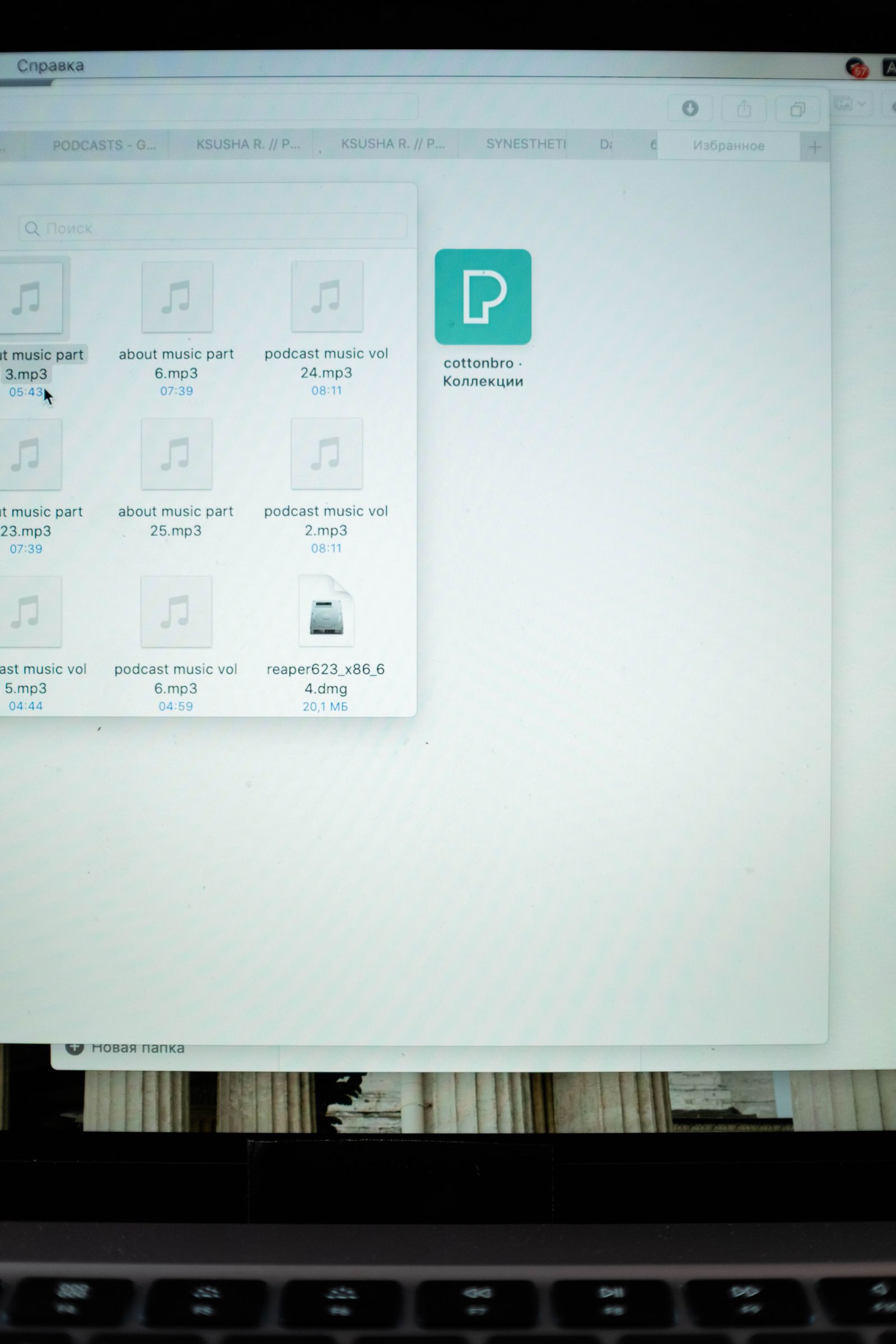
Find the test document through the backup's recovery interface and choose the version you expect. Restore it to the test folder, then open it in the relevant application. Check the actual sentence, not just the filename, date, or file size.
For your next test, choose a copy of another file type you rely on: a photograph, a PDF, or a small creative project. A backup that can restore a text document may still have exclusions or application-specific issues elsewhere. If a project uses linked files, include those in the test.
If the restored file will not open, preserve the result and note the error. Check whether the problem is a missing application, a missing linked resource, an encryption requirement, or a failed copy. Do not erase the backup or repeatedly overwrite the source while investigating.
Check the recovery route away from the original computer
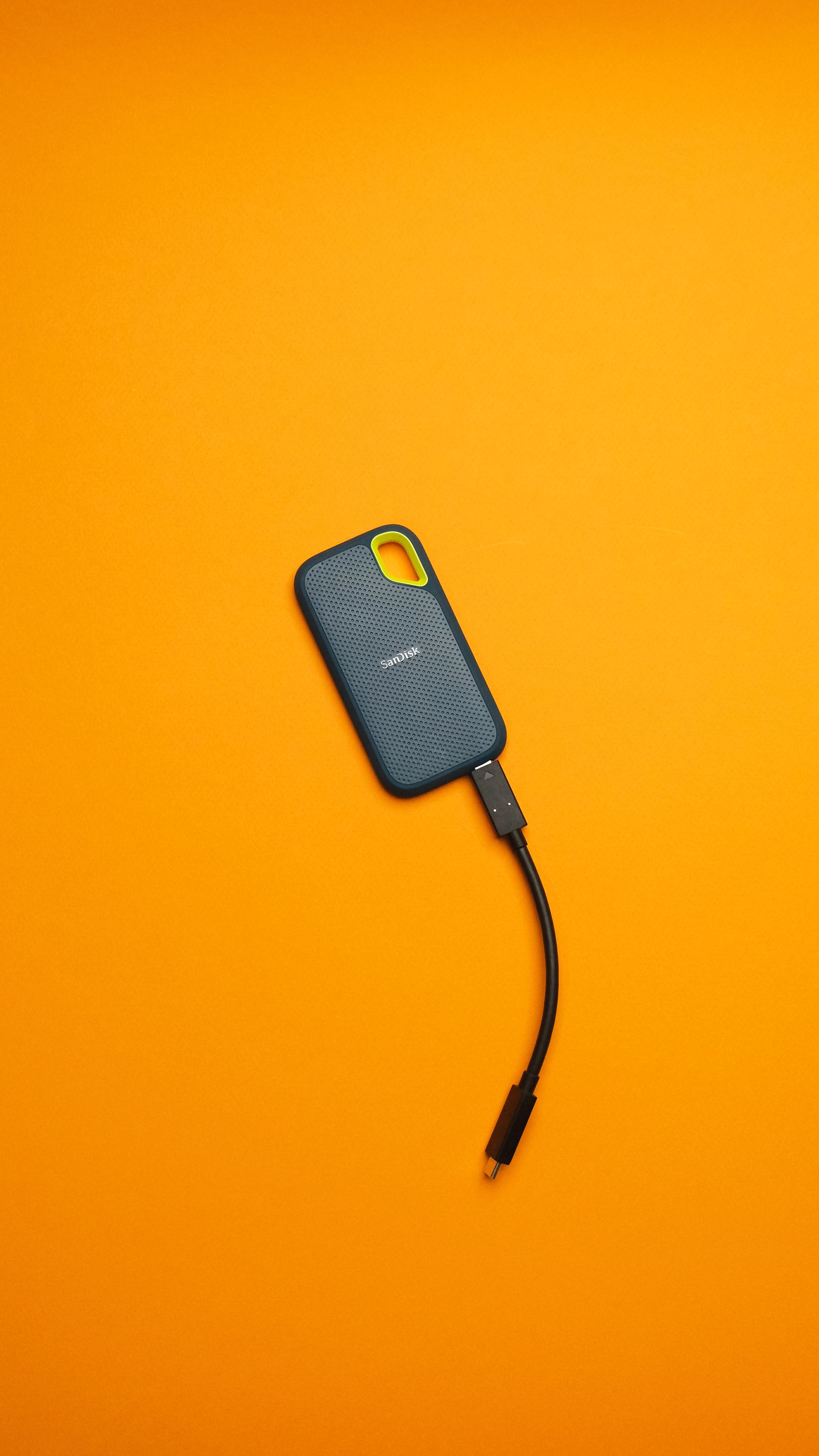
Ask what you would need if the laptop were unavailable: the backup drive, account access, a password or recovery key, and compatible restore software. Keep the necessary information securely, without making the lost laptop the only place that stores it.
If you have another suitable computer and the backup method permits it, test access there with a harmless file. You do not need to restore the entire machine to learn whether the account and encryption steps are workable. Follow the tool's instructions rather than opening or altering its internal storage structure.
Record the date, file types tested, and result in a short note. Repeat the test after a major change such as moving folders, replacing the drive, or switching backup software. A restore rehearsal is most valuable when it checks the arrangement you currently use, not the one that worked several computers ago.