Use your last month of pictures as the brief
Look at a small, ordinary selection rather than your best vacation shots. Perhaps you mostly photograph a child across the kitchen, documents on a table, and friends indoors. Someone else may want buildings, distant details, and a good front camera for calls. Those are different shopping lists, even when both people describe their requirement as a good camera.
Write down the problem with your current phone in plain language. Moving faces look blurred. The wide view bends people near the edges. The front camera struggles in the room where you take calls. A specific complaint gives you something to investigate in sample photographs and demonstrations. A higher megapixel count, by itself, does not answer any of those questions.
Look for the picture, not the label
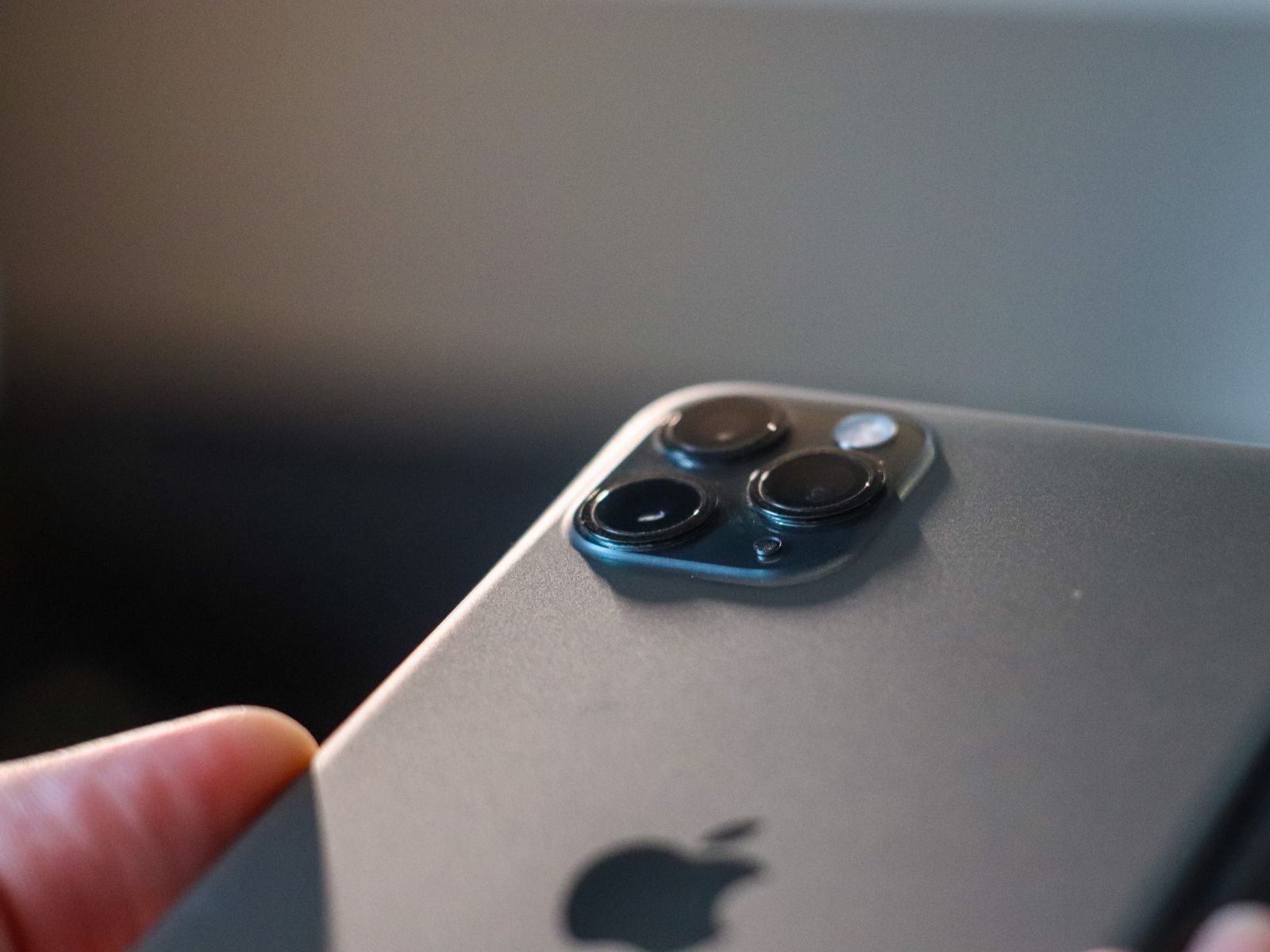
When comparing samples, use pictures made under similar conditions and at the focal lengths you expect to use. A bright outdoor landscape says little about a dim dining room. Check whether a distant scene was captured with a dedicated telephoto camera or enlarged from another camera, and compare the saved image at a useful viewing size. Very large zoom labels can describe options you would seldom choose for a photograph you intend to keep.
Faces deserve their own check. Look for believable skin texture, how hair is separated from an artificially blurred background, and whether the result matches the look you prefer. There is no need to adopt another reviewer's taste. A deliberately bright, processed image may suit quick sharing, while someone who edits later may prefer a less finished starting point.
For video, watch a complete short clip with sound. Check how focus behaves when the subject moves, whether walking footage is comfortable to watch, and whether voices remain clear. Read which camera and recording mode were used. A feature offered by the main rear camera may not be available on every lens.
Try the actions around the shutter
If a store allows a demonstration, open the camera from the locked screen, change between the lenses, and take a close photograph of a small object. Notice whether you can hold the phone comfortably without covering a lens. Do not judge an unfamiliar phone only from the showroom's very bright lighting or a picture displayed on its own vivid screen.
Check storage and export options before choosing the most demanding recording modes. Larger files need room, take longer to move, and can complicate sharing with older devices. Keep the original files when trying an editing workflow, then open an exported copy on the computer or service you normally use.
Finally, compare the upgrade with a smaller change: cleaning the current lens, changing the way you hold the phone, or finding better light. If those solve the missed picture, your replacement budget can go toward a phone whose size, battery, and software support also fit your day.