Use actual interruptions as the starting list
For a day or two, notice which alerts make you pick up the phone without giving you anything useful. A promotional message, a routine account summary, and a direct message from a person do not need identical treatment. Change one app when it interrupts rather than trying to design a perfect system from an alphabetical list.
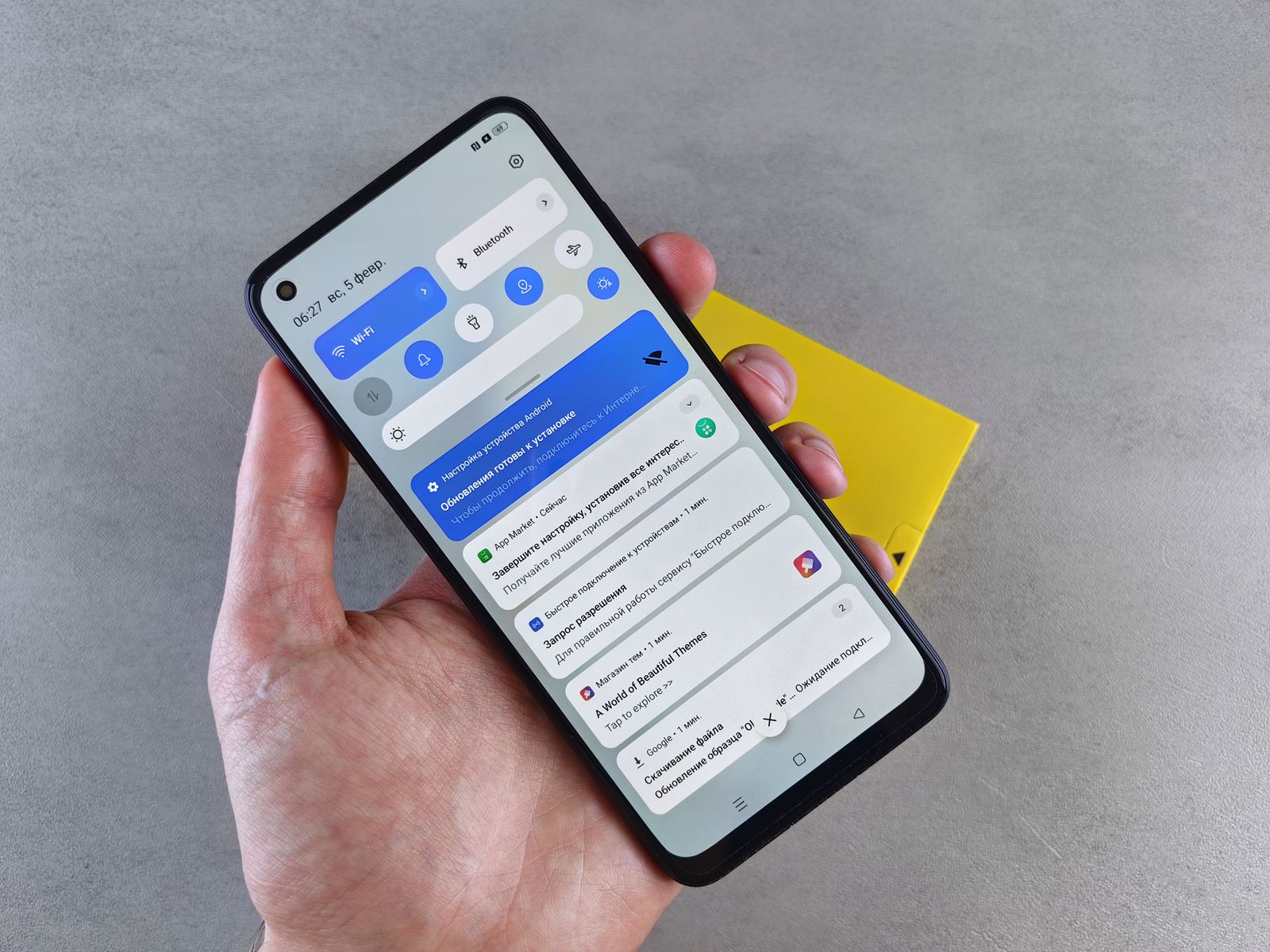
On Android, a long press on a notification can lead to its controls, and some apps separate their notifications into categories. That can let you keep an order update while turning off promotions from the same app. Available controls differ by phone and app, so read the category name before switching it off.
On any phone, look inside the app as well as in system settings. The app may control which events are sent, while the operating system controls how they appear. If both offer similar options, make one change at a time so you know what caused the result.
Silence and absence are not the same thing
An alert can remain in the notification list without sounding or appearing over your work. That is useful for information you want to review later. Completely disabling it is more appropriate when you do not want the notification at all. Choose deliberately rather than treating the quietest option as the only improvement.
Consider lock-screen previews separately. You may want to know that a message arrived without displaying its contents to everyone near the phone. Try the setting while the device is locked, because the unlocked view does not show you what another person would see.
A scheduled quiet mode can help at predictable times, but check its exceptions. Decide which people or calls may interrupt, and test with a willing family member. Do not assume that a favorite contact, an alarm, and an app notification all follow the same rule.
Leave a route for anything time-sensitive
If someone needs to reach you promptly, agree on the method they should use. Otherwise, a quiet messaging app can become a source of missed expectations rather than less distraction. The right arrangement depends on who relies on you and how quickly you need to respond.
After a week, restore anything you actually missed and remove another source of noise if necessary. Notification settings are easier to maintain when they follow your real behavior. A smaller, familiar set of alerts is more useful than a complicated configuration you cannot explain when something fails to arrive.