Decide what the cable must do
Start with the job. A bedside charging cable, a cable for copying videos, and a cable used with a monitor may need different capabilities. Do not assume that a cable advertised for high charging power also supports fast data transfer or video. The USB-C shape makes it physically convenient; it does not settle every electrical and data requirement.
Read the phone's charging guidance alongside the charger's specifications. Some fast-charging features require a particular charging standard or a manufacturer-approved combination. Apple, for example, points to USB-C Power Delivery for faster wired charging on compatible iPhones, with the appropriate cable for the phone's connector. A cable alone cannot add a charging capability the phone or adapter does not support.
Look beyond a single wattage number
For USB-C purchases, check the cable's stated power rating and data capability separately. Buy from a seller that identifies the manufacturer and provides usable specifications. If the listing mixes several lengths or models, verify the exact option in your basket; the description at the top of the page may not apply to every variation.
A higher power rating is capacity the cable is designed to support under the relevant conditions, not a promise that the phone will draw that power. The charger, phone, cable, battery state, and temperature all affect what happens. You do not need the most expensive cable on the shelf to charge a modest device, but you do need one that meets its requirements.
Consider length without turning it into an obstacle course. A short cable works well beside a power bank. A longer one can reach a bedside outlet without leaving the phone suspended by its port. Avoid a route that catches on a chair or forces a sharp bend beside the connector. A thick decorative jacket is not evidence of better charging performance.
Check the fit with the case attached
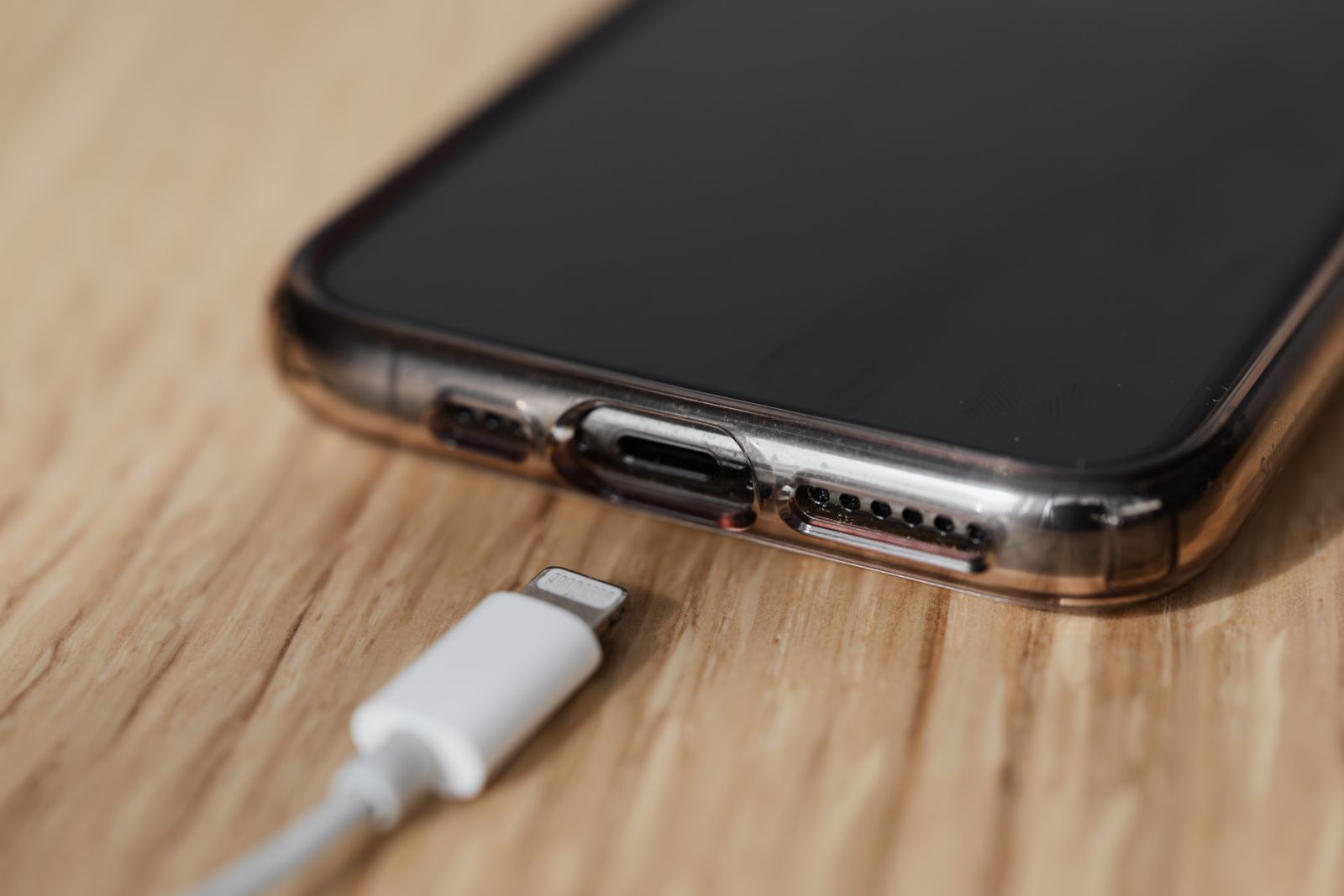
The metal connector may be correct while the plastic housing is too wide for the opening in a case. Look at that clearance before buying, particularly with rugged cases. Right-angle plugs can reduce an awkward bend in one setup and block your grip in another. Think about where the cable will leave the phone when you actually hold it.
When the cable arrives, test the intended tasks while you can still return it. Charge from your usual adapter, then copy a small file if data transfer matters. Use a known-working port and unlock the phone when the connection requires permission. Changing several accessories at once makes a failure harder to trace.
Replace a cable with exposed wires, damaged connectors, or intermittent contact. Do not keep bending it until the charging icon appears. A working spare, labeled for its useful purpose, is more helpful than a drawer of nearly identical cables whose limits nobody remembers.