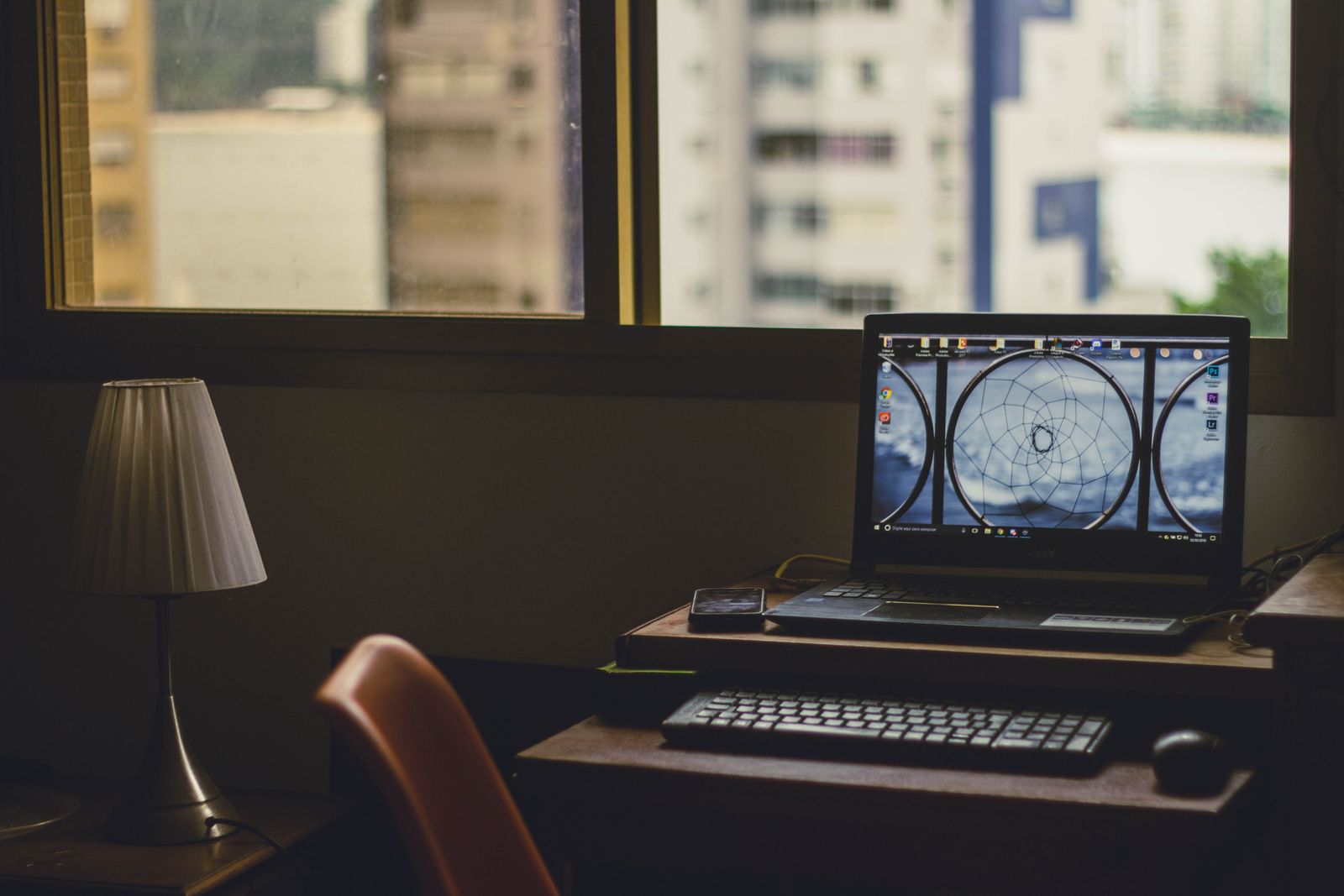
Look at the reflection as well as the picture
Glossy surfaces tend to show sharper reflections. Matte finishes scatter reflected light, making individual objects less distinct, though a bright light can still leave a pale area across the screen. Neither finish makes a poorly placed window disappear. The choice is about which compromise is less distracting in your usual room.
In a store, move to the angle you would use while typing and display a page with dark areas as well as light ones. A bright white sales page can conceal reflections that become obvious in a dark application. Change the lid angle slightly and see how much the reflection moves.
Do not judge the finish solely from terms such as anti-glare or anti-reflective. Manufacturers use different coatings, and those descriptions do not tell you exactly how a particular panel looks. A photograph taken straight on in controlled light is also a limited guide.
Try changing the room before replacing the computer
If your present screen is difficult to use, rotate the desk or laptop so the window sits to the side instead of directly behind you. Adjust a lamp that appears in the display, and use a blind when direct sunlight reaches the work area. These changes can help more than a small increase in screen brightness.
A matte film is sometimes sold as an easy conversion for a glossy screen. It can alter sharpness, texture and touch response, and its effect depends on the panel and the film. Check compatibility and return terms before treating it as equivalent to a factory finish. Keep any adhesive away from surfaces the device maker says should remain uncovered.
Choose for your ordinary light
A person editing photographs in a room with controlled lighting may be comfortable with a finish that would frustrate someone moving between bright shared spaces. That does not make one preference more serious than the other; it reflects different conditions.
During the return period, try the laptop where you normally sit in the morning and again later in the day. Read a full page rather than inspecting a still image for a moment. Notice whether you keep shifting position to avoid a reflection. That repeated movement is a useful signal that the screen and the room are a poor match, even if the display looks appealing when the lights are arranged around it.