Ask what the number describes
Screen brightness is commonly expressed in nits. Product listings may distinguish typical brightness from a peak reached under particular conditions, such as a small bright area in HDR content. Those figures answer different questions. Do not compare one laptop's peak HDR claim directly with another's sustained brightness for everyday desktop use.
Read the display footnotes for the exact configuration. A laptop family can offer several panels, and the brighter option in a review may not be the one in the lower-priced listing. Touch capability, resolution and panel technology can vary at the same time.
For a fair comparison, use the same sort of page on each machine and put both into their normal display mode. A vivid demonstration video tells you little about how readable a spreadsheet will be beside a window.
More light does not remove a reflection
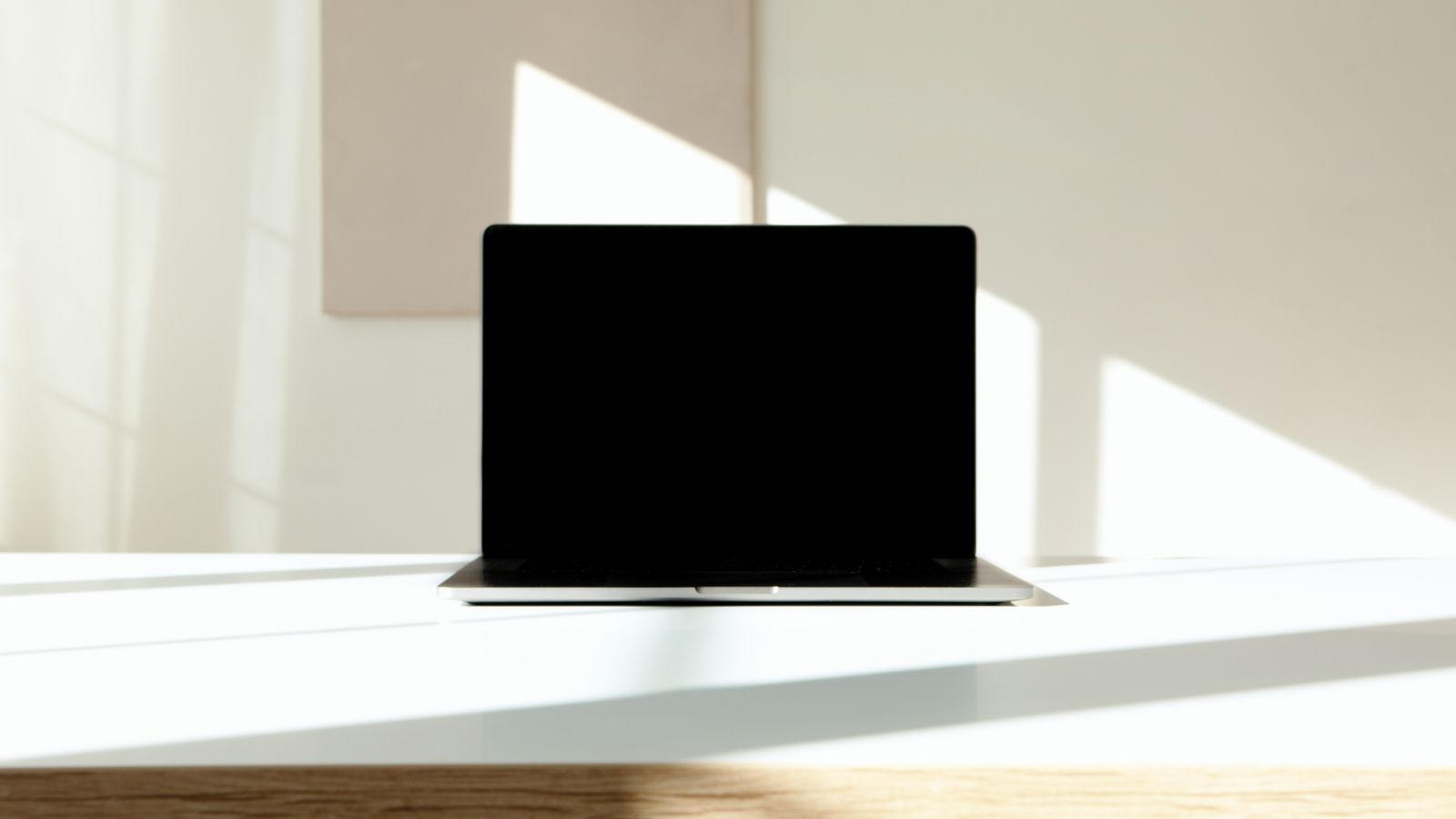
Increasing brightness can help the displayed image compete with ambient light, but it does not change where reflections fall. If a window is clearly reflected across your text, changing the screen angle or moving the light source may be the more effective fix.
Also consider whether the room itself is unusually bright. Working in direct sunlight is a much tougher demand than sitting beside a shaded window. A screen that feels excellent indoors may still be difficult outside, and a higher specification does not guarantee comfortable outdoor use.
Brightness is not a substitute for suitable text size. If the image is sharp but the letters are too small, adjust scaling or application zoom. Turning the backlight up makes tiny text brighter, not larger.
Test the low end too
The lowest comfortable setting matters if you work in a dim room. Check whether the display can be reduced to a level that feels appropriate without losing the detail you need. Automatic brightness can be helpful, but you should also understand how to make a manual adjustment when the room or task changes.
Higher brightness generally asks more of the battery, although the size of the effect depends on the display and workload. Judge endurance at the brightness you actually need. A long battery test performed with a dim screen may not resemble your routine.
A useful screen has enough adjustment for your day, from a bright afternoon workspace to a quieter evening room. That range is more valuable than a headline figure you rarely encounter outside a demonstration.