Choose the folded task before the folding computer
Imagine a specific session. You might annotate a PDF during a class, sketch a room layout or follow a recipe with the keyboard out of the way. If every example ends with typing on a desk, a conventional laptop may give you the same useful experience with fewer compromises.
For handwriting, check pen support for the exact model. A touchscreen does not necessarily support an active pen, and pens using different systems are not automatically interchangeable. Confirm whether the compatible pen is included, how it charges and where it can be stored.
Test the application as well as the hardware. Can it recognize your palm appropriately, export notes in a usable format and reopen them on another device? A comfortable pen is less useful if the notes become difficult to find or share.
Hold the computer in the position you expect to use. A laptop that folds into a tablet remains a laptop-sized object, often much heavier than a dedicated tablet. Reading while seated with it supported on a table is a different experience from holding it in one hand.
Evaluate the ordinary laptop underneath
Check the keyboard, touchpad, ports and battery just as you would on any other machine. You will probably spend a substantial part of the day in normal laptop mode. A feature used occasionally should not make the routine parts of work frustrating.
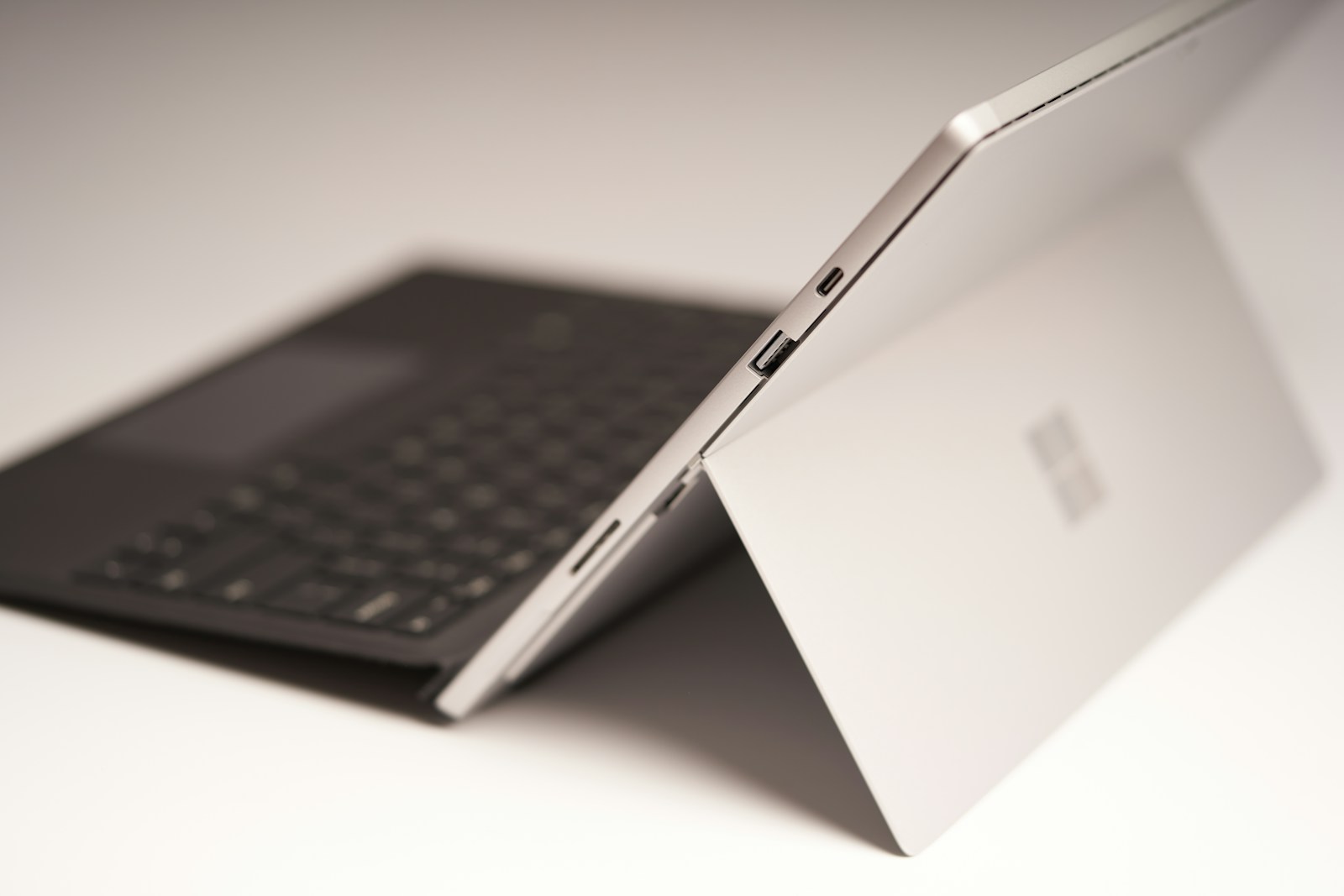
Try the hinge at a few angles without forcing it. On a display unit, ask for assistance if a security fixture limits movement. In tent or stand mode, confirm that the device sits securely and that the surface does not cover any ventilation openings.
Screen finish matters when the computer moves between positions. A reflection that is easy to avoid while typing can land directly on the page when the screen lies flatter. Test under ordinary lighting rather than judging only a bright demonstration image.
Compare the whole package price with a regular laptop and the tools you would otherwise use. Include the pen, protective case and any adapter you need. If the folding function replaces a separate device or makes a daily task substantially easier, the extra cost may be justified. If it is only an appealing possibility, give that possibility less weight than the computer you will use every day.