Give each hard object a place
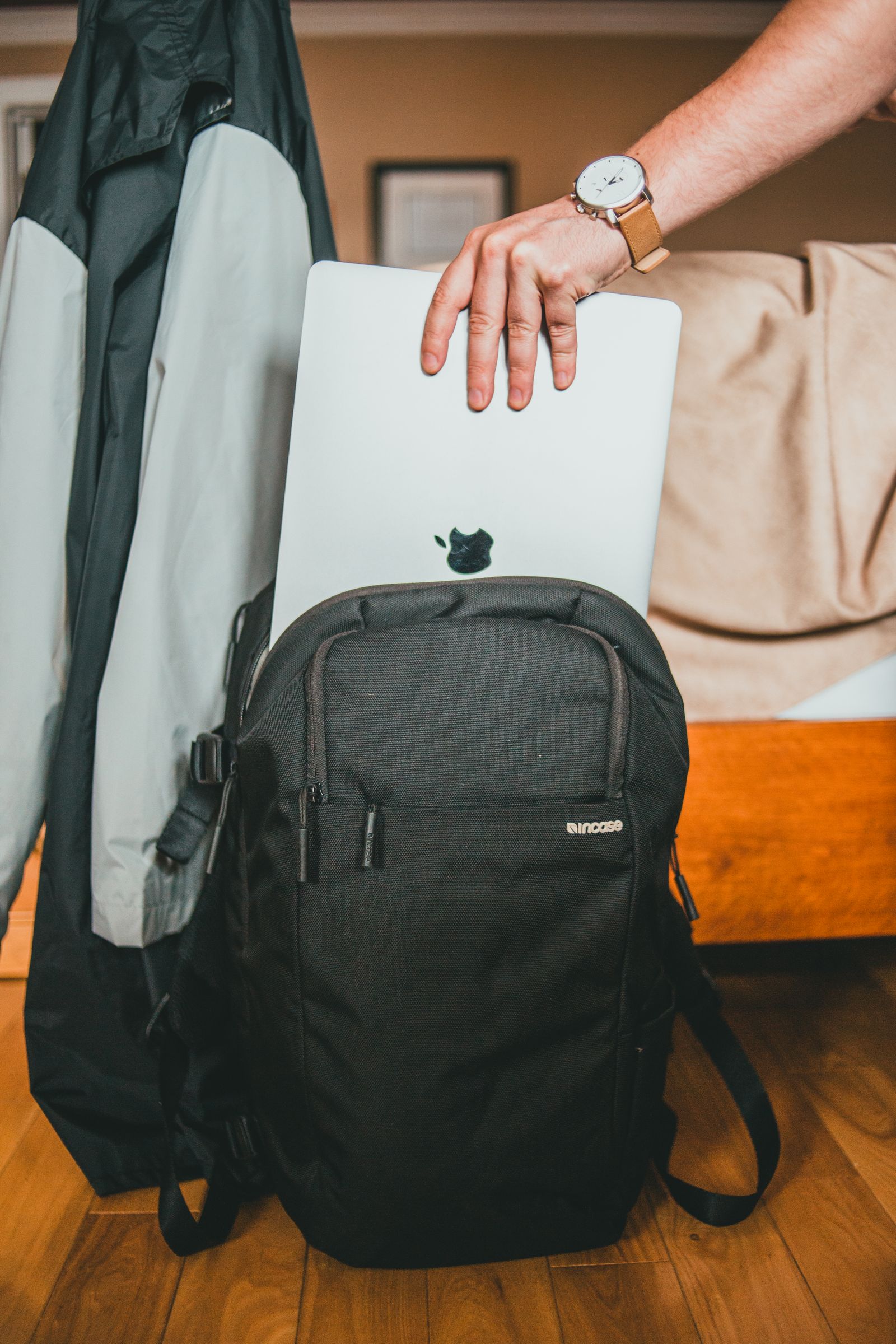
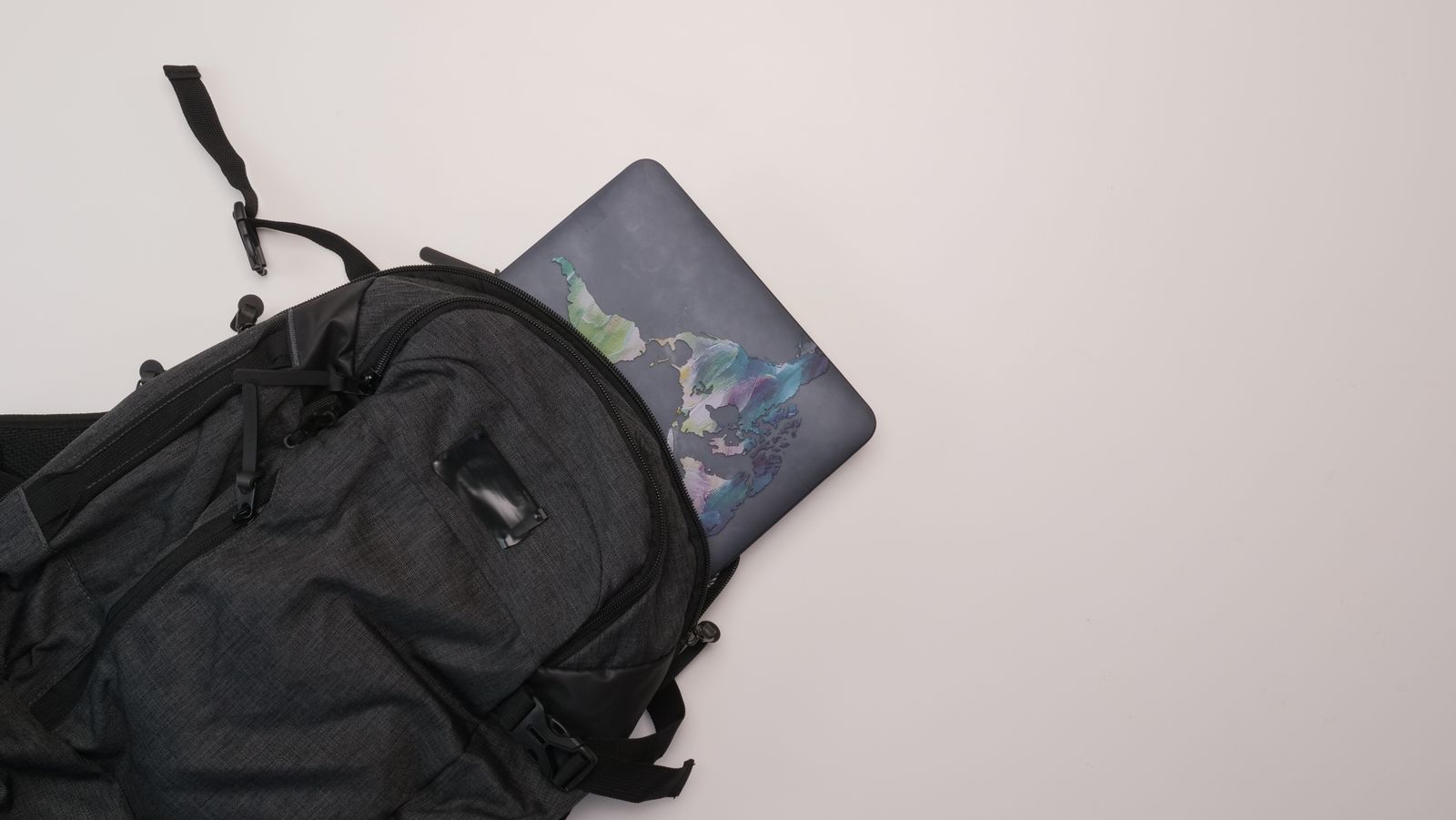
Put the laptop in its padded compartment with the lid protected from chargers, keys and other hard items. Keep the power adapter in a separate section rather than letting it press against the screen. A tightly packed bag can transmit pressure even when every item has its own small pouch.
Disconnect cables before packing the computer. Leaving a plug in a port gives it leverage if the bag is bumped. This includes small receivers or adapters that are easy to forget because they protrude only a little.
Keep drinks separate and upright where the bag provides a suitable external pocket. A sleeve may slow a minor splash, but it should not be treated as a sealed barrier against a leaking bottle.
Coil loosely and avoid the connector
Let a cable form a relaxed loop instead of forcing it into a tight bend. Secure the middle with a soft reusable tie, leaving the ends free of strain. Do not pull the tie so tight that it dents the cable jacket.
Avoid winding a power cable tightly around its adapter, particularly where the cable enters the brick. That junction often takes the strain when the bundle is repeatedly unpacked. A slightly larger loop usually costs little space.
If a cable has a preferred natural curve, follow it rather than twisting it into a new shape each day. Inspect frequently used cables for damaged insulation, exposed conductors or bent connectors, and replace damaged charging equipment rather than keeping it in service as a travel spare.
Pack for the first thing you will need
Place the laptop and the most-used cable where they can be reached without emptying the bag. A pouch with several indistinguishable black cables can be improved with a small label describing the purpose or capability of each one.
Carry the adapters required for your actual route, not every adapter you own. A fixed desk can keep its own display cable and charger. Reducing the collection makes it easier to notice when an essential item is missing.
Before leaving, check that the computer is in an appropriate state for travel and that nothing is keeping it actively working inside the closed bag. Follow the manufacturer's handling guidance. When you arrive, unpack the device onto a stable surface with its ventilation clear rather than running it from the padded compartment.