Describe the files before choosing the hardware
Editing a handful of phone photographs is different from organizing thousands of raw images or building a large layered composite. Note the file types, approximate project size and operations that make your current computer wait. Importing, brushing, exporting and running a particular filter can stress different parts of the system.
Read the requirements for the exact editing application and version. Adobe's Photoshop documentation, for example, lists operating system, memory, graphics and display requirements separately. That is a useful reminder that meeting a processor requirement alone does not establish a suitable editing setup.
If an important feature uses the graphics processor, confirm its specific requirements. Do not assume that every laptop advertised for creative work supports every accelerated function. The software maker's compatibility information is the place to check, including support for a particular operating system and processor architecture.
Buy a display you can make decisions on
Screen size and resolution affect how much room remains after panels and toolbars are open. Try the interface at a text size you can comfortably read. A very dense display may look crisp while showing no more usable workspace once scaling is increased.
Color coverage, accuracy and brightness describe different properties. A broad color gamut does not guarantee accurate color, and a bright panel does not guarantee consistent tones. Look for information about the exact display option rather than assuming every configuration of the laptop uses the panel reviewed elsewhere.
Consider where the pictures will go. Images intended mainly for ordinary web viewing have different requirements from work prepared for a controlled print process. If color decisions are important, plan for a suitable calibration and color-management workflow. An external display used at a fixed desk can also change which compromises are acceptable on the travel screen.
Leave room for the project while it is open
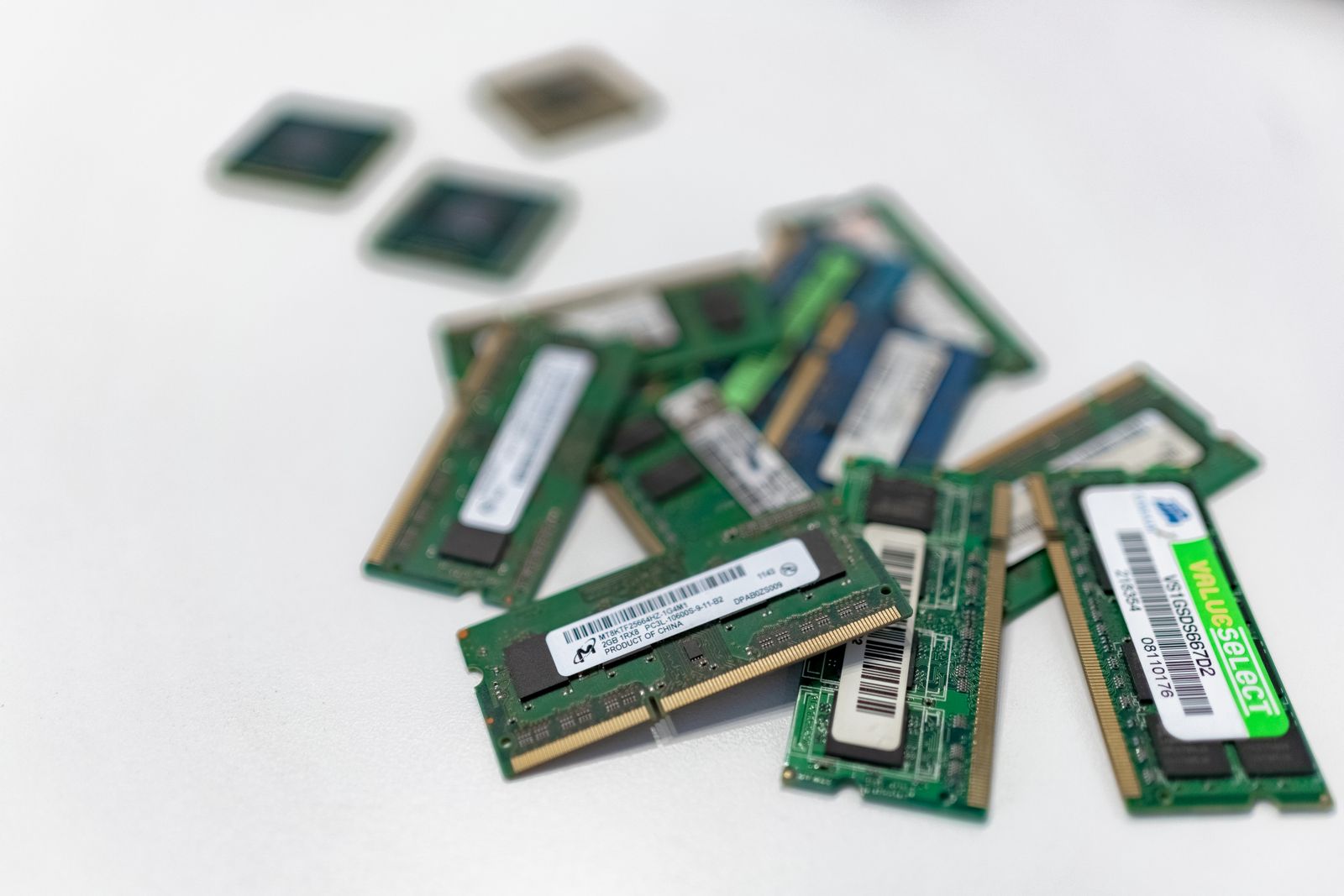
Memory needs grow with the number and size of files, layers and applications in use. Start with the developer's recommended specification, then consider the work you actually perform. A trial using representative files is more revealing than opening an empty application and deciding it feels quick.
Storage must accommodate more than the original photographs. Catalogs, previews, temporary working data and exports can add substantially to a project. Avoid choosing a drive that will be almost full as soon as your collection is copied onto it.
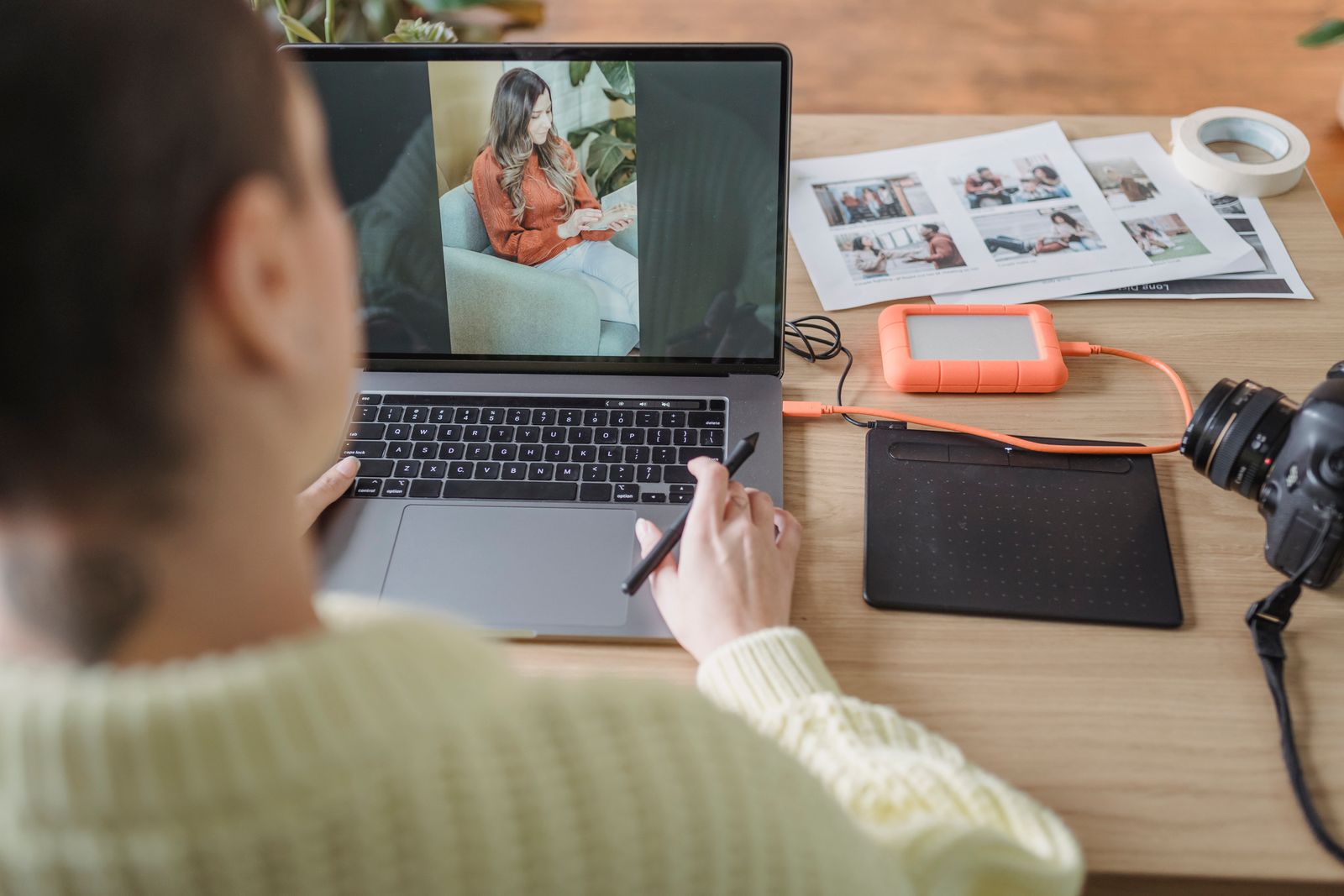
An external drive can hold archives, but it introduces another connection and another item to carry. If you edit while traveling, make sure the current project and required previews are available locally. Keep backups separate from the working arrangement; a fast external drive containing the only copy is still a single point of loss.
Check the connections you use after the edit
A card reader can simplify importing, provided it supports your cards. Otherwise, include a compatible reader in the budget. If you use a drawing tablet, verify driver support and whether its required ports remain available while charging and connecting a monitor.
For an external display, check supported resolution, refresh rate and the connection path through any dock. The laptop, dock and cable all contribute to what works. A promising display specification on the laptop does not automatically describe the output available from every port.
Compare complete jobs
When evaluating a new machine, use a copy of a representative project. Import it, make familiar adjustments, switch between images and export in the format you normally deliver. Notice delays during interaction as well as the final export time.
Also listen and feel for the practical consequences of that workload: a fan that becomes distracting, a charger you must carry or a screen that reflects the room. The right balance is the one that makes the whole editing session workable, rather than winning a single specification comparison.