Name the problem a larger screen would solve
If you repeatedly switch between a reference page and a document, more visible workspace may help. If you struggle to read text, a larger physical display at a comfortable scale can help too. Neither improvement requires the laptop itself to become faster.
A monitor will not fix a computer that cannot run the required software or pauses whenever it opens a large file. Separate display frustration from performance frustration before spending. Try increasing application zoom or changing window placement first; that can reveal whether size is really the issue.
Think about the proportion of work done at a desk. An external monitor is a strong option for someone who uses the laptop away from home only occasionally. It contributes much less to a routine spent moving between classrooms or shared spaces.
Check the entire route to the display
Find the laptop's supported display outputs and compare them with the monitor's inputs. Confirm the resolution and refresh rate supported through that connection. If an adapter or dock is involved, check its limits as well rather than looking only at the monitor's capabilities.
A USB-C display can sometimes carry video, data and charging through one cable, but the laptop and display must support those functions. Check how much power the monitor supplies to the computer. A convenient connector does not guarantee suitable charging for every laptop.
Measure the desk with the monitor's stand included. Leave room for the keyboard, mouse and a sensible viewing position. The panel diagonal alone does not tell you how much depth the base will occupy.
Set it up for the work you want to see
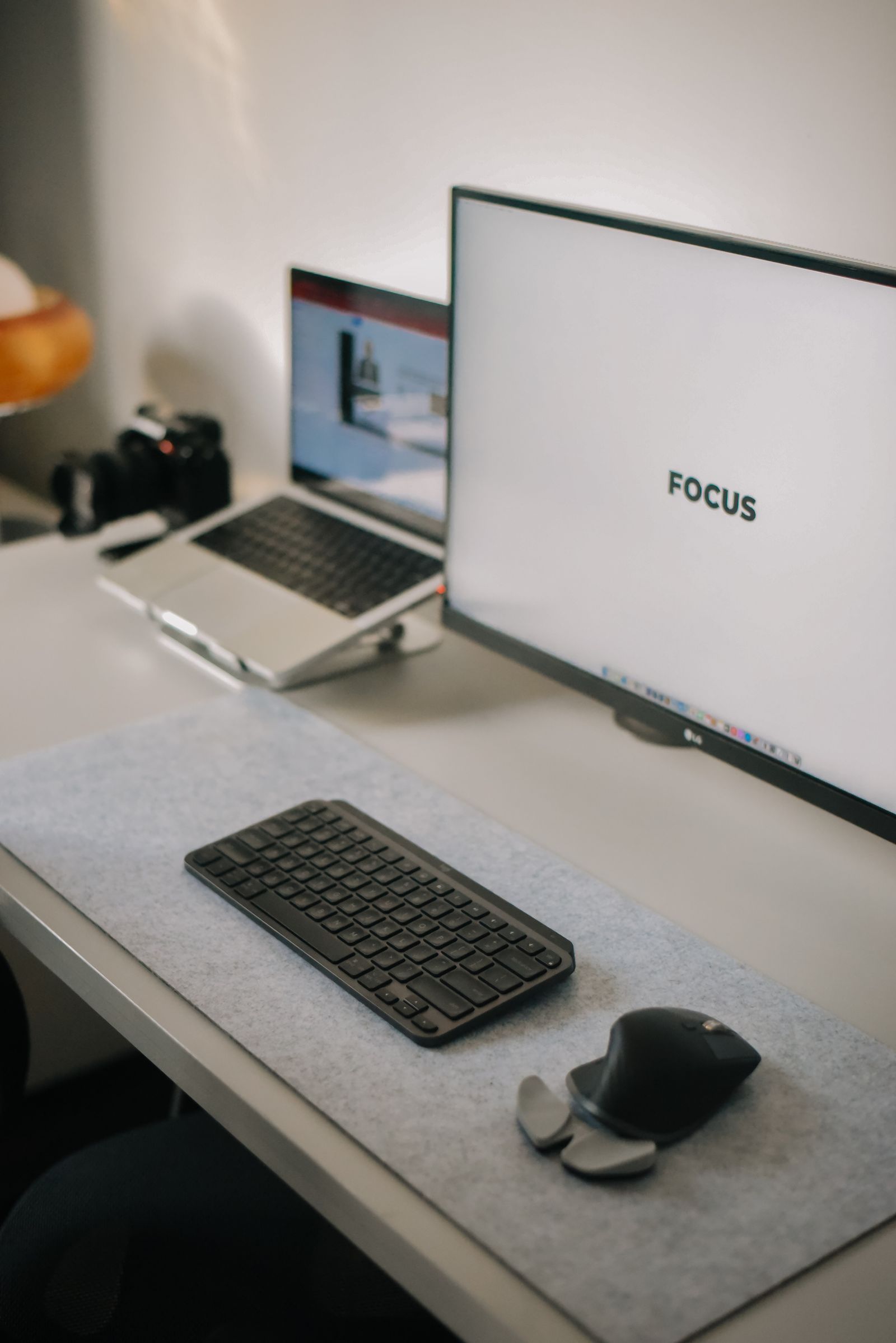
Once connected, use the operating system's display settings to arrange the screens in the same order as they sit on the desk. Choose appropriate scaling for each display. Keeping native resolution while adjusting scale usually gives a better starting point than reducing resolution simply to enlarge text.
Try both an extended desktop and a single main display, depending on your workflow. More screens can create more distraction if you do not have a purpose for the second one. A laptop showing occasional reference material beside a main document may be enough.
Add a keyboard and mouse if the arrangement places the laptop out of a comfortable typing position. Include those costs when comparing with a new computer. If the existing laptop already handles your applications, a well-planned display setup can give it a more useful working life without changing the machine at its center.