Find where the air is supposed to go
Look at the manufacturer's diagram of the laptop's ventilation openings. They may be underneath, at the rear or along the sides. A soft cushion can rise around the base and obstruct an opening even when the computer appears to be resting level.
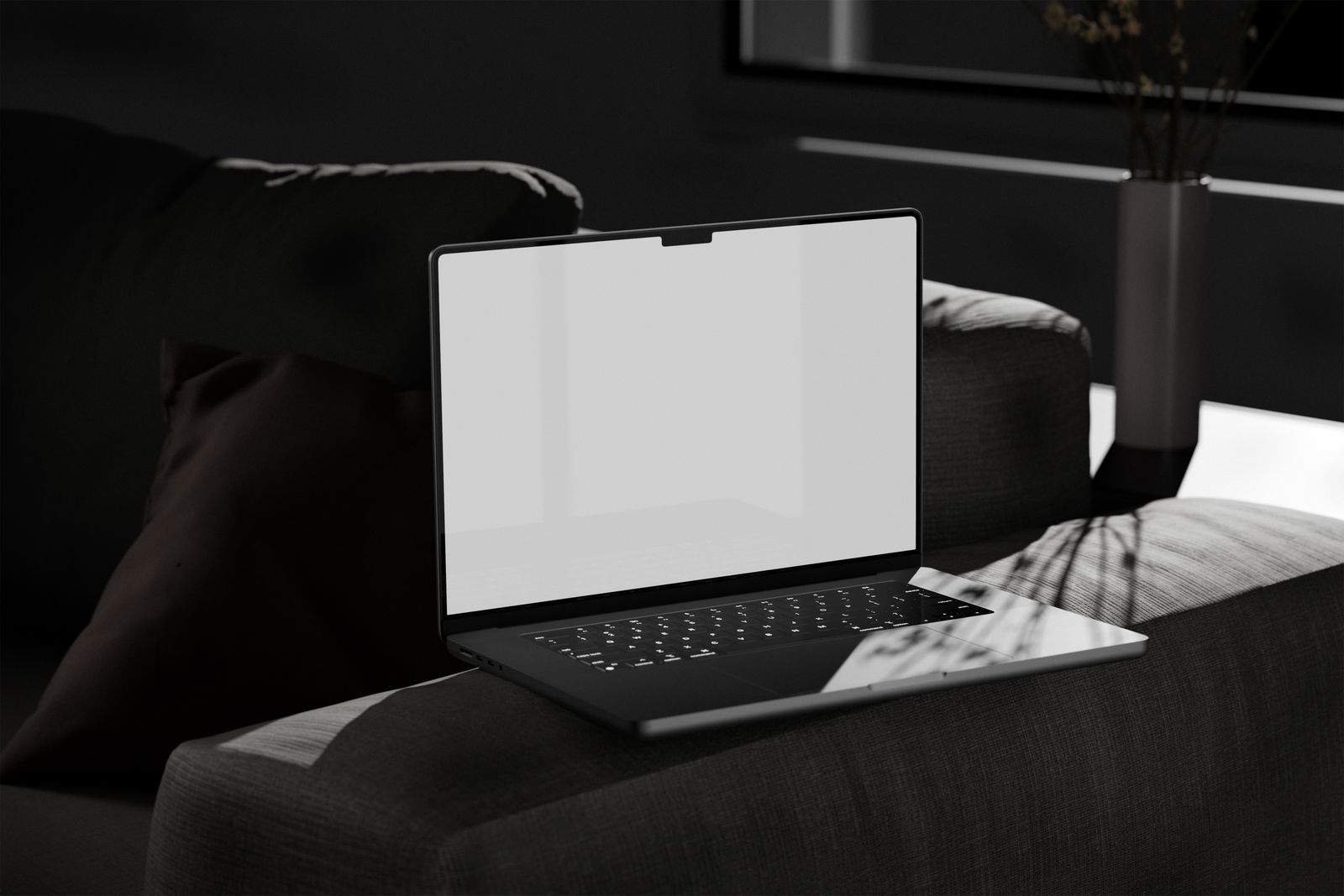
Place the laptop on a stable, firm surface that leaves those openings clear. A suitable lap desk can help, provided its top supports the machine securely and does not block the design's airflow. A folded blanket or padded sleeve does not provide the same arrangement.
Even a laptop without a fan needs to release heat through its case. Fanless does not mean insulated surfaces are harmless. Follow the handling instructions for the model, including guidance about prolonged contact with skin.
Separate normal warmth from a new problem
A laptop can become warm during charging, updates, calls or other demanding work. Notice what is running and whether the behavior changes after the task ends. Initial setup or a large background transfer may explain a temporary increase in heat.
If the fan keeps running hard during light use, check for an application using unusual resources and restart after saving work. Use supported updates and the manufacturer's diagnostic guidance. Do not suppress cooling just to make the computer quieter.
A sudden change deserves more attention than familiar warmth under a known workload. Stop using and charging the computer if you notice swelling, smoke, a burning smell or damaged power equipment, and seek appropriate support. Do not press a bulging case back into shape.
Make the comfortable place workable
Arrange the power cable so it cannot pull the laptop off the surface when someone moves. Keep the adapter uncovered and ventilated too; burying it under a cushion simply moves the heat problem.
For a long session, a table may be easier to arrange than a lap setup, especially if you need an external keyboard or mouse. If you do use a lap desk, check that the screen angle and support remain stable when you shift position.
The useful change is usually simple: a clear, firm support and space around the computer. An additional cooling accessory should not be the first response to a ventilation problem created by the surface beneath it.