Clear the view without losing the files
Separate shortcuts from actual documents before removing anything. A shortcut points to another location; a file on the desktop may be the only copy. Open its properties or location if you are unsure, and move valuable files into a clearly named folder before tidying the view.
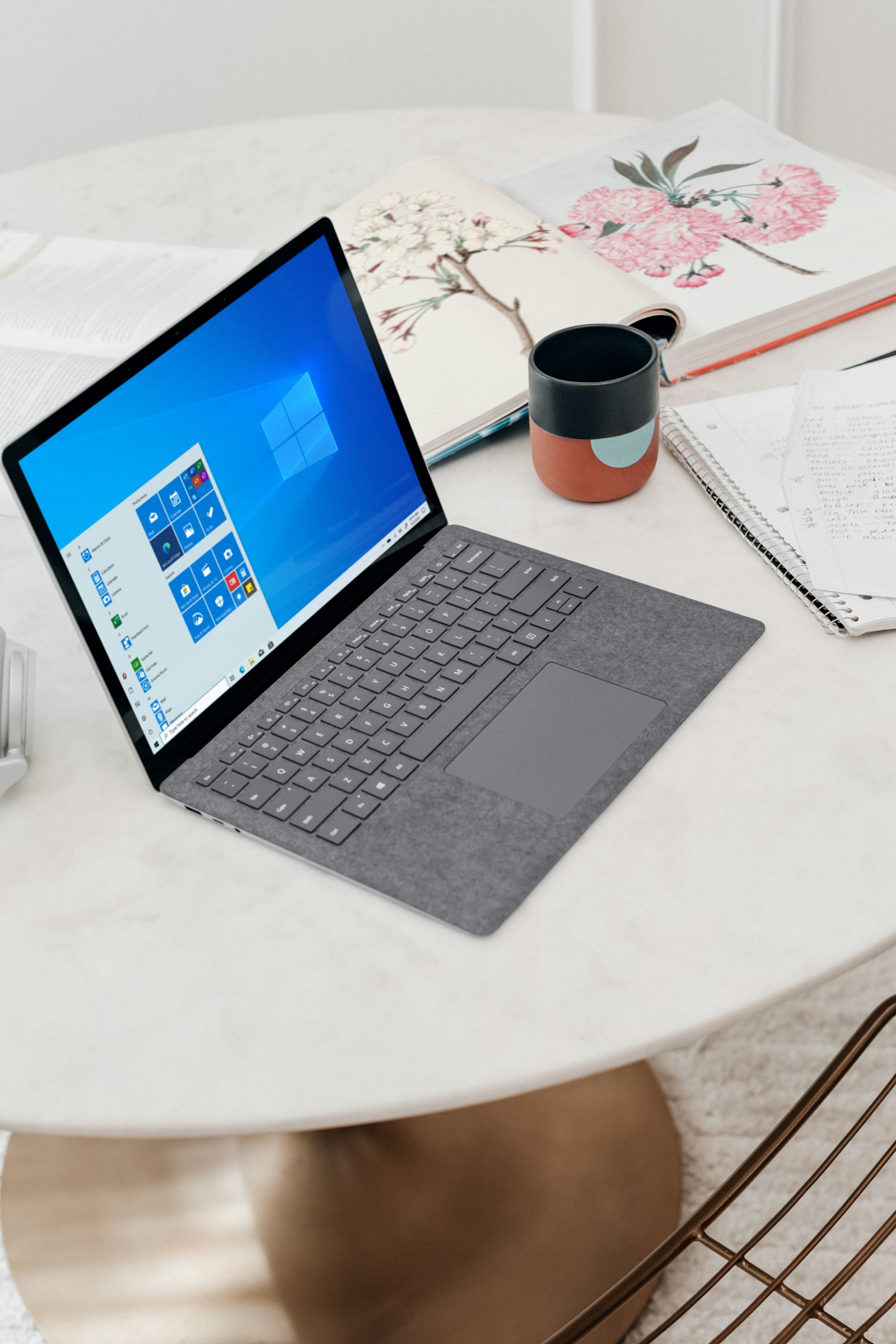
Keep only the shortcuts you use regularly. A desktop covered with application icons is not inherently faster to navigate than a smaller set of pinned apps and a searchable Start menu. Choose the arrangement you can recognize at a glance.
Avoid a single folder called Everything as the permanent solution. A few folders named for ongoing work or document types are easier to maintain. If you need a temporary holding folder, give it a date and review it rather than allowing it to become another desktop in disguise.
Reduce the interruptions
Use Windows Settings to review notifications for the applications that interrupt you. Keep alerts that require timely action and turn off optional promotional or low-priority notices where the app allows. Check the result during a normal day before making broader changes.
Review taskbar items and pinned applications. Remove items you never use from the visible area, while keeping familiar routes to the things you need. Search within Settings if the location of an option differs from instructions written for another Windows release.
A simpler background can also make icons and windows easier to distinguish. This is a preference change, not a performance upgrade, so choose what helps you find things rather than expecting a different wallpaper to speed up the computer.
Leave yourself a way back
Take a screenshot of the original arrangement if you are concerned about losing a familiar layout. Make a small group of changes, use the computer for a day and keep what helps.
If an application opens every time you sign in, adjust its startup behavior separately instead of uninstalling it solely to clear the screen. If the computer is genuinely slow, investigate that problem directly; visual tidiness and system performance are related only in limited ways.
The aim is a desktop that gives you a clear starting point. You should be able to begin work without sorting yesterday's downloads or closing several unwanted windows, while still knowing exactly where the displaced files went.