Give the cables a route and an identity
Place the phones and tablets first, then measure the distance to the outlet. Use cable lengths that reach without tension but do not spill into a walking route. A small reusable tie can gather spare length loosely; avoid a sharp fold beside the plug.
Label cables by the job they can do if several look alike. A charging-only cable and one you use for data transfer should not become indistinguishable in a shared pile. Keep the label away from the connector and any area that needs to flex.
Put spare accessories somewhere separate from the daily setup. An unused cable lying among active ones makes it harder to see what is connected. Keep one known-working replacement nearby instead of every cable the household has ever owned.
Check that a device rests fully on a stable surface rather than hanging from its lead. Avoid placing the setup beside a sink or where a drink is likely to spill. A cable clip is useful only if it releases or routes the lead without pulling the device off the shelf.
Leave the adapters visible and accessible
Do not hide charging adapters beneath bedding, cushions, or a tightly packed bundle of objects. Follow the manufacturer's ventilation guidance, and leave enough access to disconnect a plug without moving the entire arrangement. A tidy appearance is not a reason to enclose something that becomes warm in normal use.
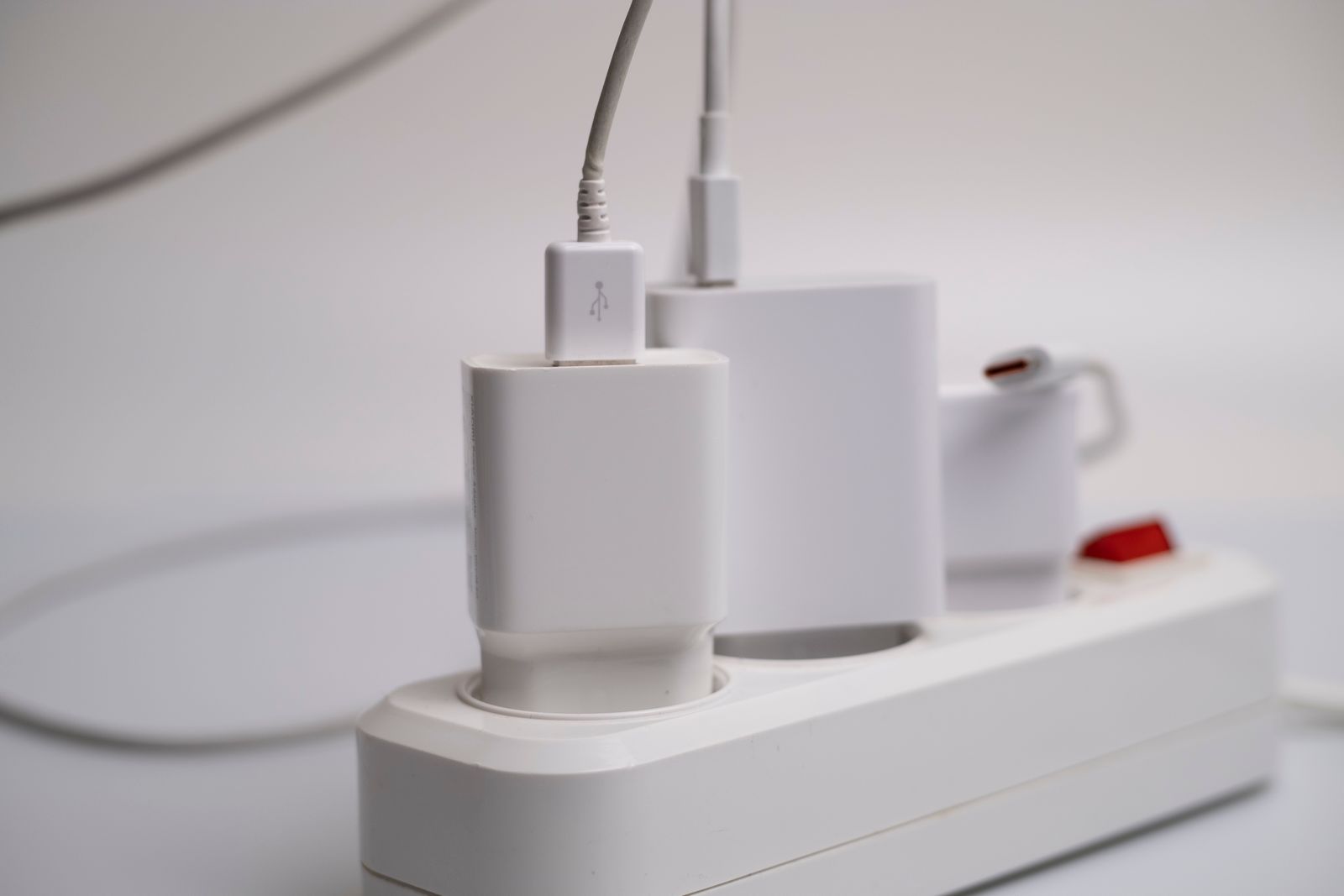
Use a suitable outlet or power strip within its rated limits, and do not chain extensions together. If several devices share a multiport charger, check its output allocation; connecting another device may change how much power each port provides.
Inspect the cables occasionally while unplugged. Replace damaged insulation, bent connectors, or an adapter with a cracked enclosure. Apple specifically advises stopping use of damaged power adapters and cables; tape and careful positioning are not a reliable long-term repair.
Keep the routine simple enough that everyone can follow it. A small label for each charging spot may help more than an elaborate stand. If people repeatedly leave devices elsewhere, adjust the position rather than adding more storage around a location they do not use.