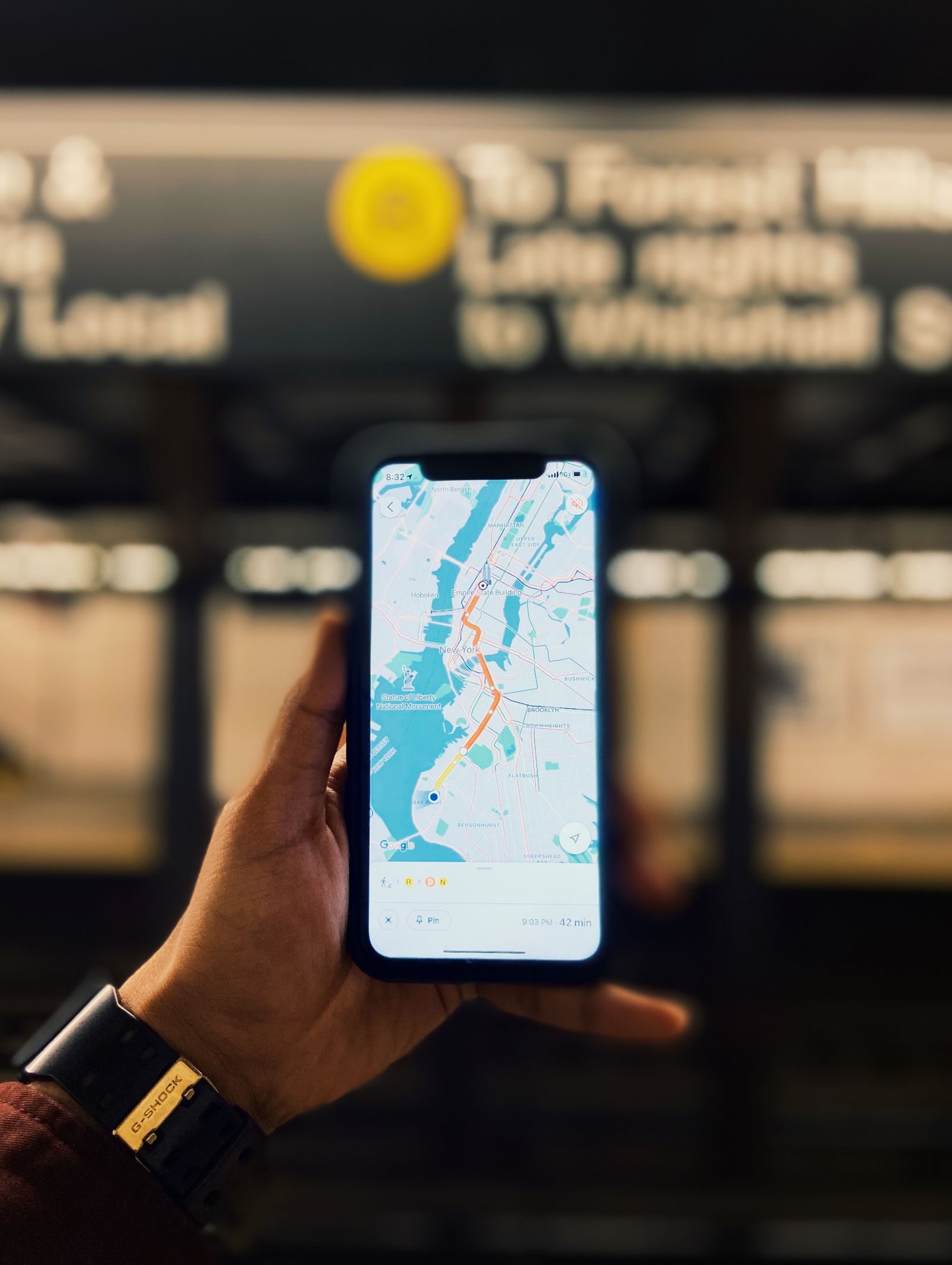
Download the journey, not just the destination
Choose an area that includes where you will start, where you will finish, and the likely roads between them. Leave room around the route for a missed turn or a change of plan. A small square around the hotel will not help much if the airport or the road into town is outside it.
Use the app's offline-map controls and wait for the download to finish on a dependable connection. In Google Maps, the offline-maps area lets you select your own region and manage saved maps. Availability varies by country and region, so check the actual destination rather than assuming that every map can be downloaded.
Give the download a recognizable name if the app allows it. Then check its size and update status. Maps need refreshing; an old download is not a permanent record of current roads or businesses. Update it shortly before leaving, while you still have time to solve a storage or connection problem.
Know which kind of directions you will have
Google Maps' offline features do not reproduce all of its connected functions. Its guidance says that offline driving needs the route to stay inside the downloaded area, and that offline transit, walking, and bicycling directions are unavailable. Live traffic and alternate-route information also depend on connectivity. Read the limitations for whichever app you choose.
If your trip depends on walking or public transportation, prepare a suitable additional reference: the operator's timetable, a station map, written directions, or an app that explicitly supports the offline function you need. A downloaded street map can still help you understand the area without providing a complete route-planning service.
Save important addresses as readable text as well as map pins. Include the building number and any useful entrance instructions. A pin in a large complex may not identify the door you need, and a place name alone can be ambiguous.
Rehearse before you leave
Turn off mobile data and Wi-Fi, then open the map and inspect the saved area. Try the type of route you expect to use and check that it does not immediately demand a connection. Restore your normal connection afterward so you do not mistake the test setting for a later phone fault.
Keep the phone charged and bring an appropriate charging option for the journey. Offline maps reduce dependence on a data connection; they do not make a flat battery useful. Keep a small written record of the most important destination and contact information as another fallback.
Review the route again when a connection becomes available, especially if conditions have changed. Follow actual signs and local restrictions over a stale map. The downloaded copy is a useful tool for a gap in service, not a reason to ignore what is happening around you.