Describe the failure so someone can reproduce it
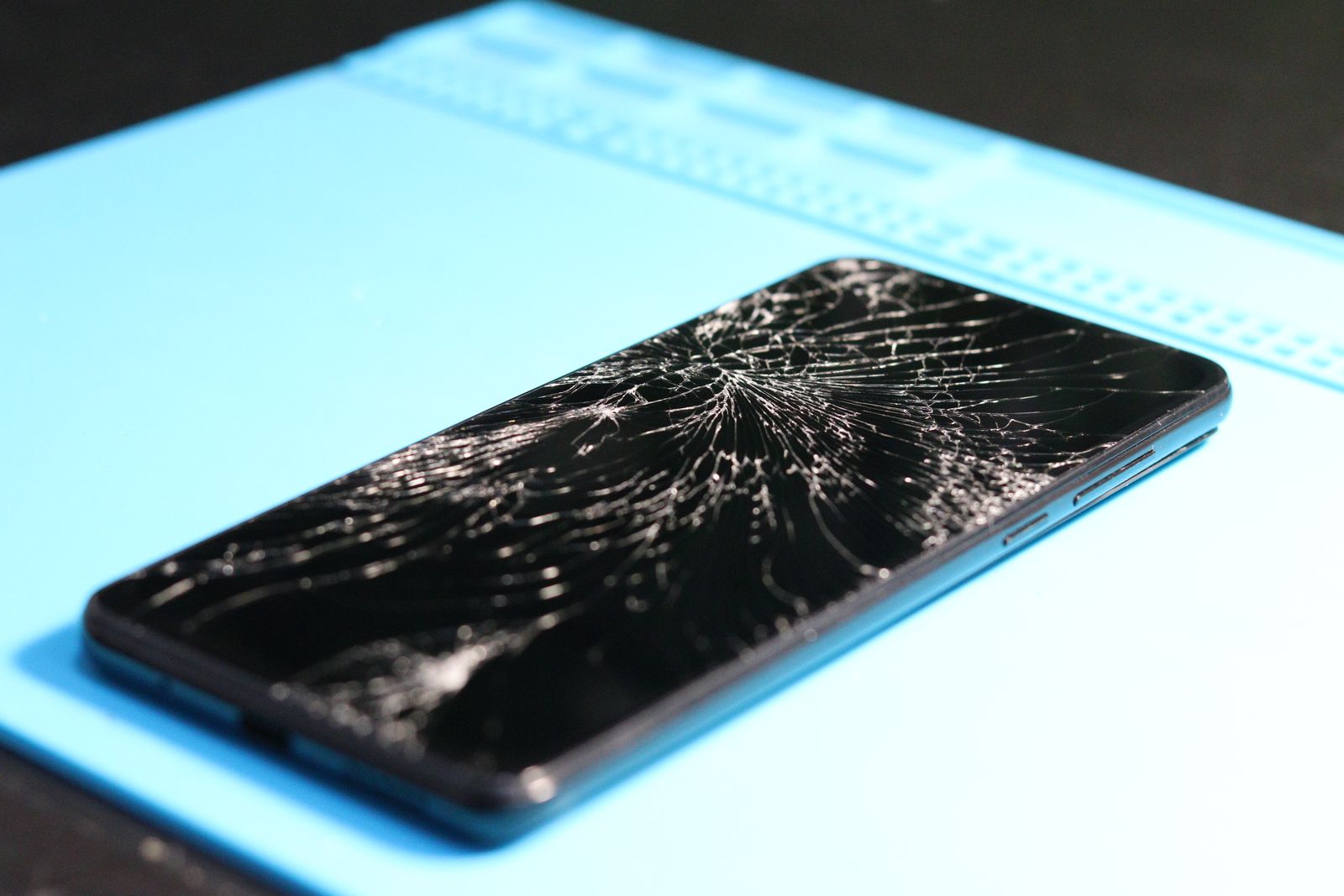
Write down what happens, when it began, and how often it occurs. For an intermittent charging problem, note the cable and adapter used and whether another known-working combination behaves differently. For a camera issue, save a sample that shows the fault without including private material.
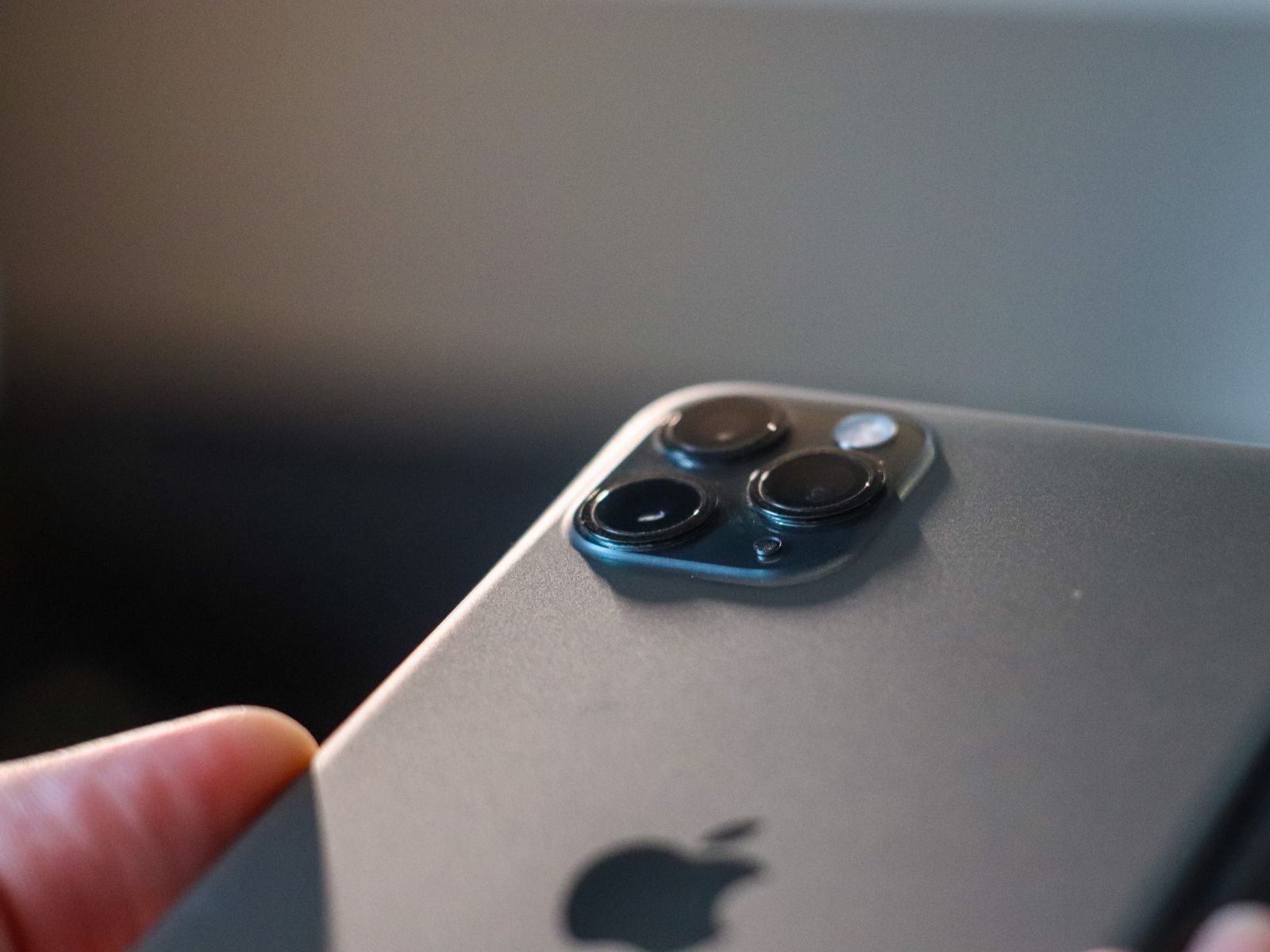
Take photographs of the phone's exterior before handing it over, including existing marks. Record the model and serial number in your private purchase records. Keep the appointment confirmation and any estimate together so you can compare the work requested with the work completed.
Bring the accessory involved if the service provider asks for it. A charging fault may depend on the adapter or cable, while a pen problem may require the tablet used with it. Label items if several similar accessories are being handed over.
Protect the data before the appointment
Make a current backup and check that it completed. Separately confirm that important synchronized content has finished uploading. A backup and a sync status can describe different parts of the phone's data, so do not rely on a single reassuring icon for everything.
Check that you can sign in to the relevant account without depending entirely on the phone being repaired. Keep a supported alternate verification method available. If the device returns erased or replaced, the account password and recovery route will matter more than the familiar arrangement of apps.
Follow the service provider's current preparation instructions for the model and software version. Requirements for device-finding locks, repair modes, payment cards, and erasure can change. Apple's service guidance also warns that a device may return erased, so a repair that appears purely physical still deserves a backup.
Do not give another person your account password or leave it written in the box. Apple says its staff and authorized service providers do not ask for the account password, device passcode, or account security details. If a supervised software check needs you to enter something, remain present and use the provider's documented process.
Make the handover record clear
Ask what is being accepted, what the estimate covers, and how approval for additional work will be handled. Save the written reference and collection arrangements. If the phone is being shipped, use the packaging and battery-shipping instructions supplied by the provider rather than improvising.
If the phone cannot turn on, explain which preparation steps were impossible. Do not repeatedly charge a damaged device merely to finish a backup. Ask the provider what can be done safely and what data-loss risk remains.
When the phone returns, inspect the condition and test the repaired function before restoring all your usual accessories and settings. Re-enable any protective feature you changed for service, then make a fresh backup once the phone is working normally.