Review by capability, then by app
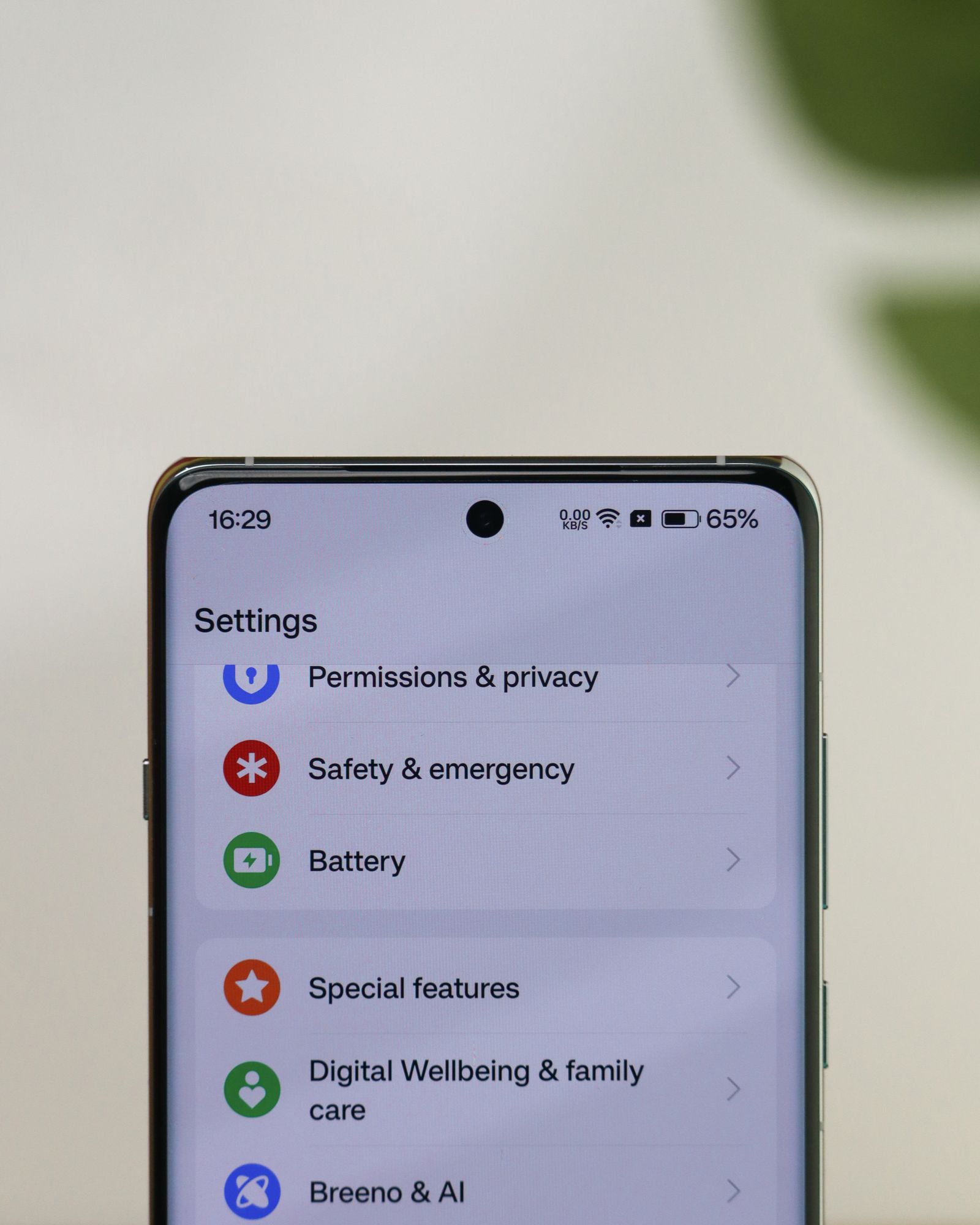
Start with the device's privacy or permission manager and choose camera, microphone, or location. This shows the apps with that kind of access together. It is easier to notice an unexpected entry in a short camera list than to open every installed app one at a time.
Android also lets you inspect permissions from an individual app's settings. Depending on the permission and software version, choices may include allowing access while the app is in use, asking again, or denying access. Use the options your phone actually offers; a guide written for another model may show different labels.
If the phone provides a privacy activity view, compare recent access with something you remember doing. A video call using the microphone is expected. An entry you do not recognize deserves a closer look, but a timestamp alone does not tell you what information was recorded or why. Check the app's explanation before drawing a conclusion.
Keep the access tied to a task
A navigation app needs location to show where you are, while an app displaying a saved address may not need your current location at all. Where supported, approximate location can be sufficient for a broad local result. Precise location is more appropriate when the task genuinely depends on knowing the device's position closely.
For camera and microphone access, a permission prompt at the moment you start a call is easier to understand than a request during unrelated setup. If you deny it, the app may still work for reading messages while the calling feature remains unavailable. That can be a useful compromise, not a malfunction.
Change one important app at a time and test the feature you expect to keep. If a scanner stops working, restore the camera permission through settings rather than reinstalling the app or granting every permission it requests. You are trying to identify a necessary dependency, not clear all restrictions.
Permissions do not erase earlier sharing
Revoking access limits what the app can do under that permission going forward. It does not necessarily delete information already uploaded to an account or shared with another service. Review the app's account controls and privacy information separately if you want to remove stored material.
Also distinguish system permission from a website's permission inside a browser. A browser may have camera access at the operating-system level while individual websites have their own allow or block settings. If a call still fails, check both layers and the app's selected device.
Repeat the review when an app changes purpose, after a trip, or when you stop using a service. A brief review at a relevant moment is easier to sustain than an elaborate monthly audit of settings that rarely change.