Sketch where the screen and hands will go
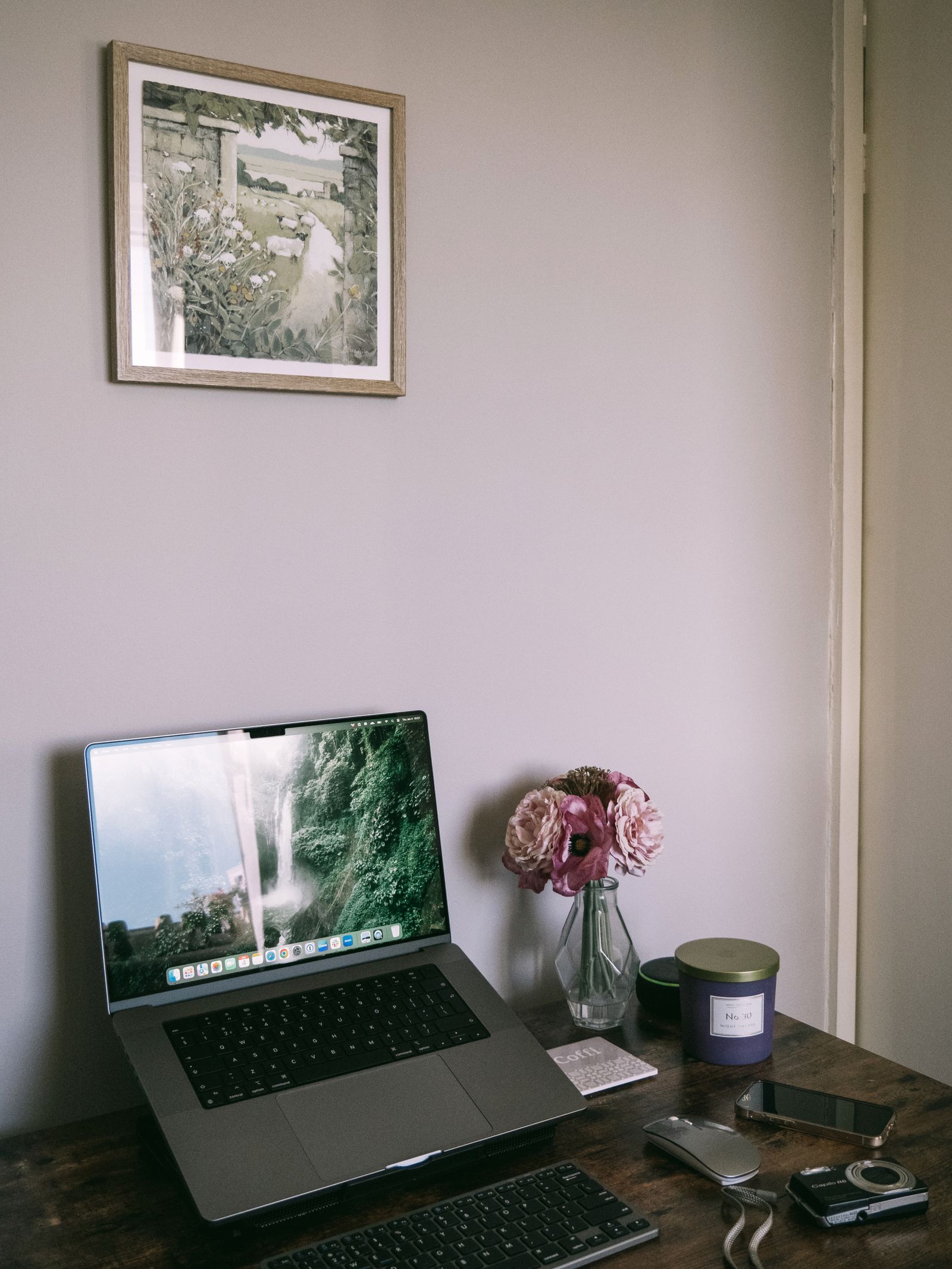
Place a few books temporarily where you think the screen should sit, without blocking vents or balancing the laptop precariously, and picture the keyboard position below. Use this only to judge space, not as an unattended charging setup. A stand that raises the screen substantially will usually make a separate keyboard and mouse worth considering.
Measure the desk depth with those devices in place. The stand's front legs or retaining edge can overlap the area where you want the keyboard. A deep stand may be stable yet leave little room on a narrow desk for your hands and a notebook.
If you intend to keep typing on the laptop, look for a modest supported angle and test whether the retaining edge gets in the way. Do not assume a steep tilt is comfortable simply because a product photo presents it that way. Your typing position matters more than the height range in the listing.
Think about access to the laptop's ports and power button. A side support that blocks a cable or a cradle that requires awkward lifting can make an otherwise tidy setup inconvenient.
Stability and ventilation come before folding features
Check the stand's supported dimensions and load, including whether it fits the laptop's feet and base. The device should rest securely without pressure on a fragile area. Keep the ventilation openings clear according to the laptop manufacturer's guidance.
An adjustable stand should hold its position when you type or touch the screen. Test it on the desk surface you use, since feet that grip one material may behave differently on another. Keep cables loose enough that moving the screen does not pull the stand toward the edge.
For travel, include the folded stand's weight and shape in the bag test. A small stand is useful only if it is quick enough to set up that you will actually use it. If it requires a separate keyboard you do not carry, its travel role may be limited to viewing or calls.
At a fixed desk, a simple stable support can be enough. Set the laptop in place, arrange the external keyboard, and work for a short session before finalizing the position. The stand is one part of the workspace, not a complete solution by itself.