Choose a role for the second screen
A reference document beside a writing window is a different task from two large spreadsheets. Decide which screen will be primary and what the other will hold. If you plan to use the laptop as a small message screen, the external monitor may deserve most of the desk's width.
Compare useful workspace at a readable text size, not just pixel count. A high-resolution display can look sharp while needing scaling that changes how much fits. If possible, view a familiar document on a similar-size screen and judge it from your normal sitting distance.
Consider orientation if your work is mostly long documents or code. A rotating stand can be useful, but check its clearance above the desk and whether the software arrangement remains comfortable. There is little benefit in a portrait screen you must twist around to read.
Measure the whole object
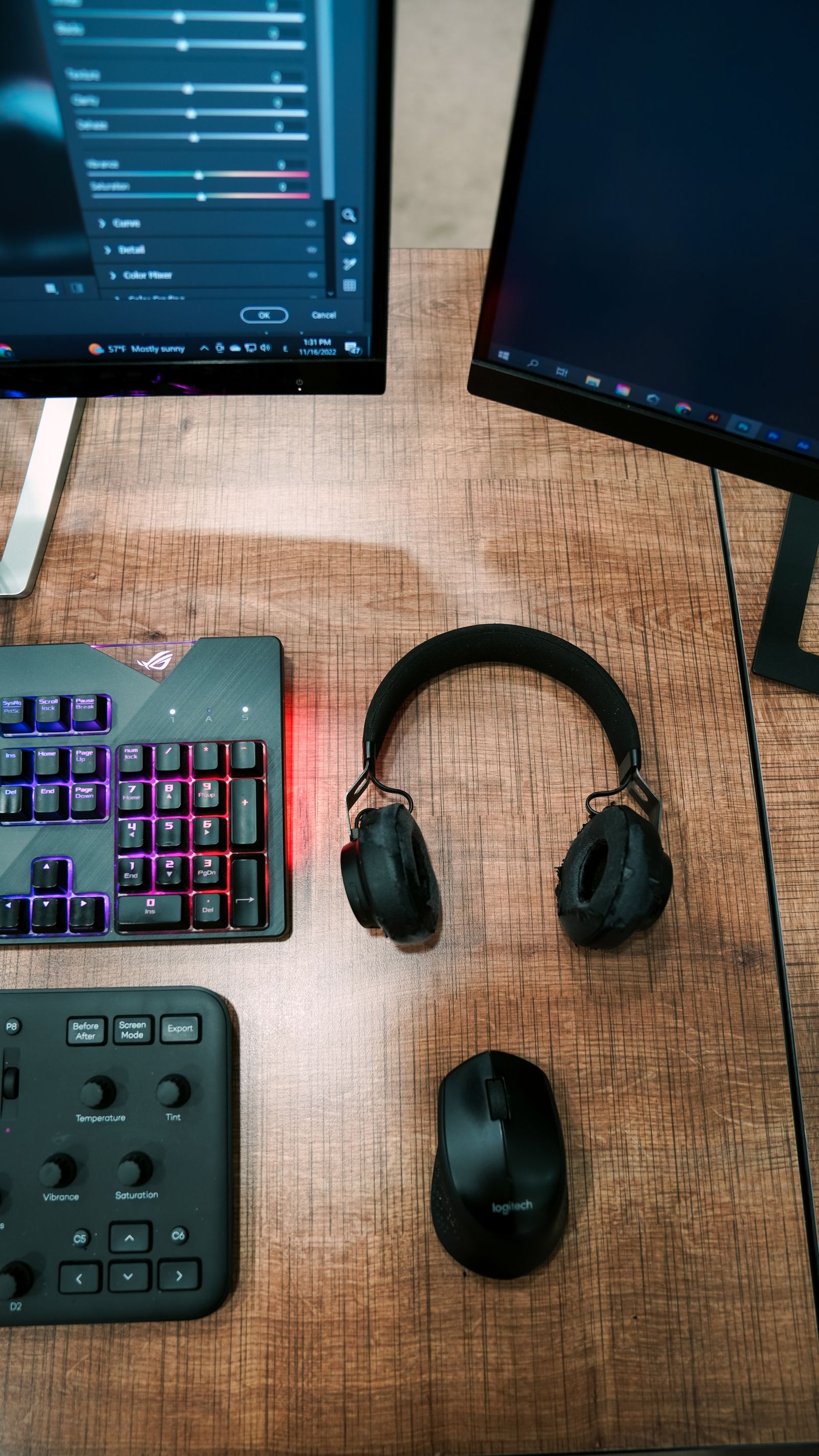
The screen diagonal leaves out the stand's footprint, the base, and the room needed behind the panel for cables. Mark those dimensions on the desk with removable paper or tape. Include the keyboard, mouse, notebook, and any place where you need to put a cup away from electronics.
Check height adjustment and tilt. A fixed stand may leave the screen too low or force you to use a riser that consumes more desk area. If you intend to use an arm, verify the monitor's mounting pattern, weight, and the arm's compatibility separately.
Look at the room's light. A window reflected in the screen may be more irritating than a modest difference in panel specifications. Plan the desk position and blinds before paying more for a display whose brightness cannot remove the reflection itself.
Confirm the connection before checkout
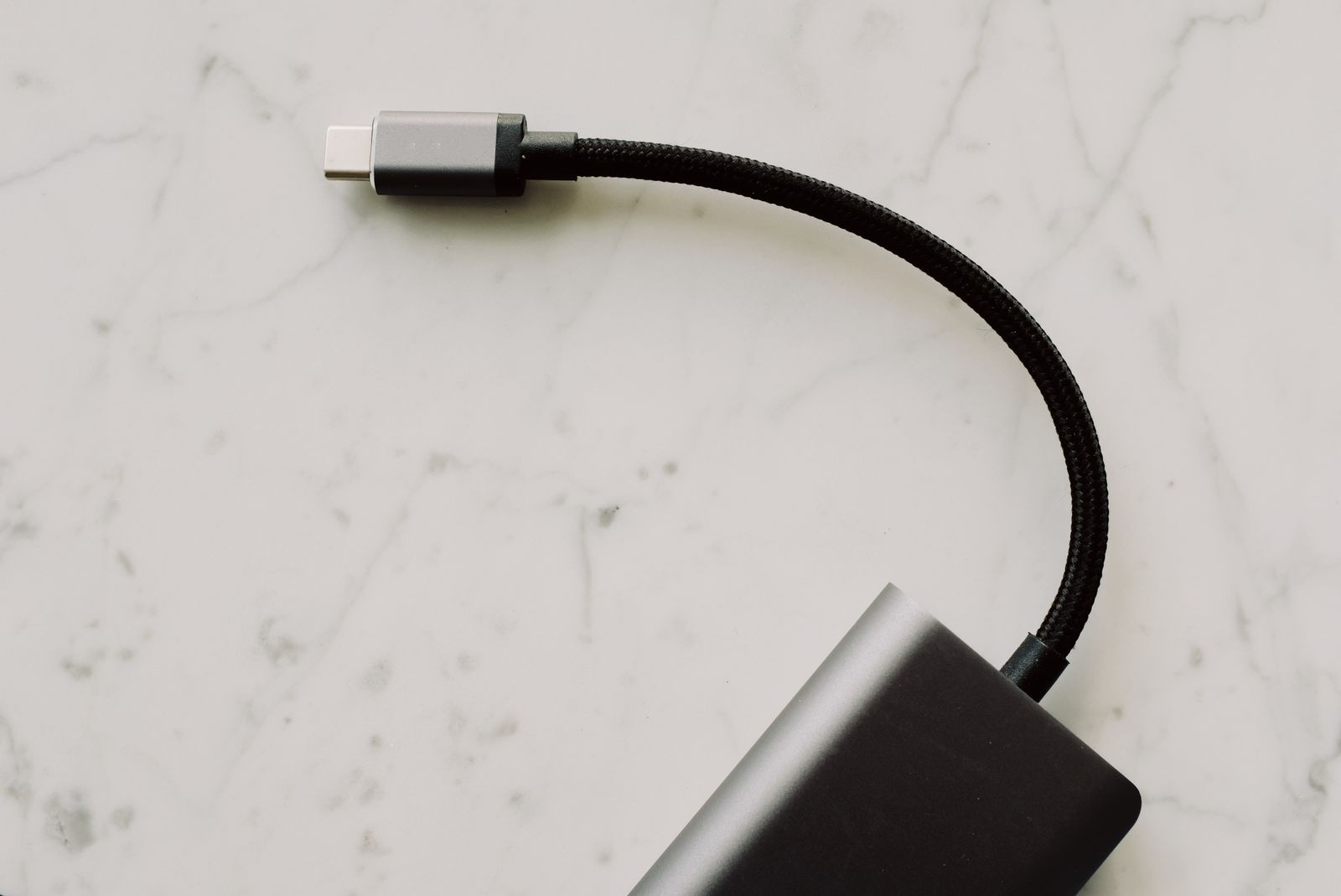
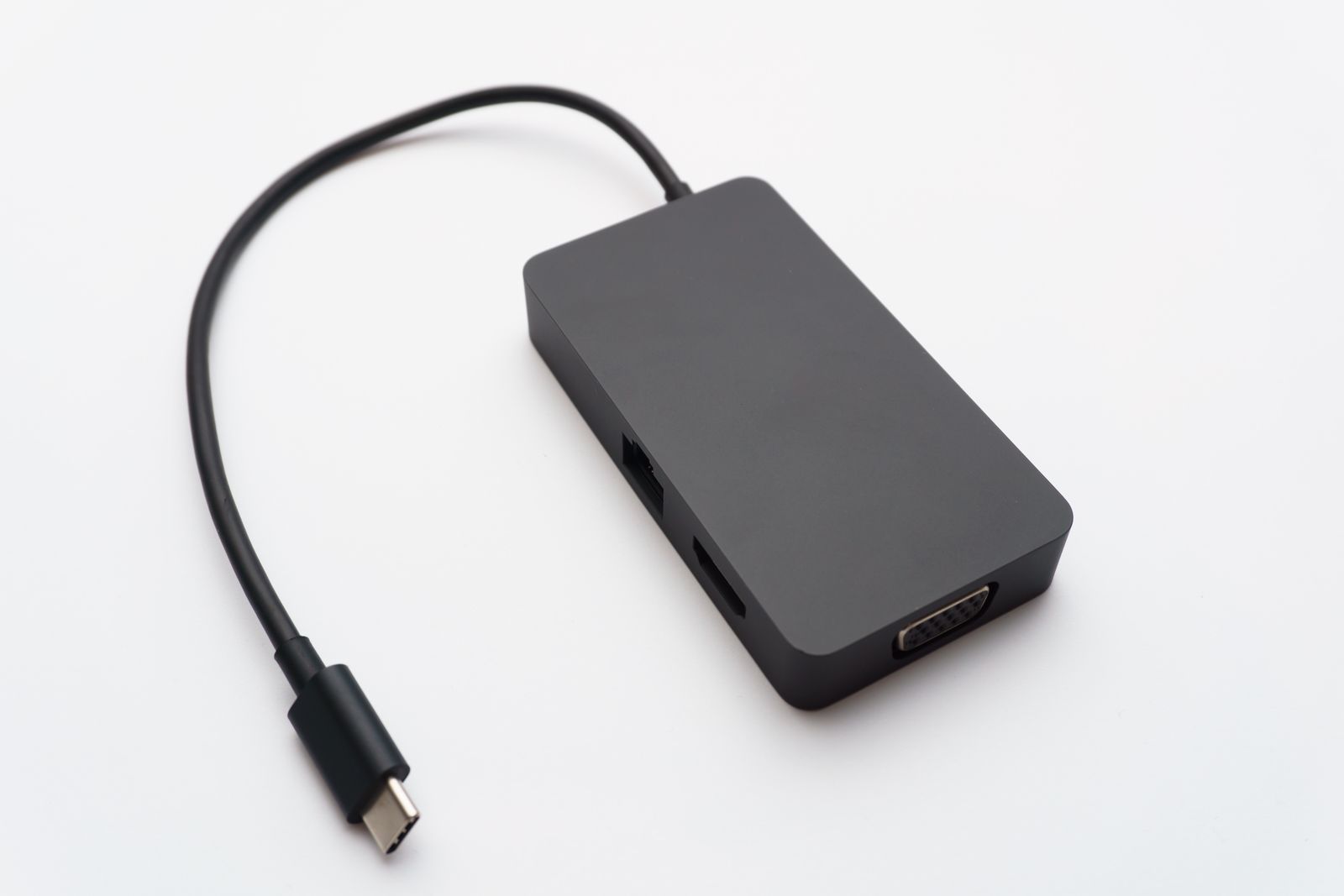
Read the laptop's supported display outputs and the monitor's inputs. Include the cost of a suitable cable or adapter, and check whether the monitor's USB features need an additional connection. USB ports on a monitor do not automatically work just because an HDMI picture appears.
If you expect one USB-C cable to provide video, accessories, and laptop charging, verify all three functions and the delivered charging power. This is a convenient arrangement when the computer and monitor support it, but it should be an explicit compatibility check.
During the return period, work with the screen for a normal session. Check text, window placement, reflections, and the amount of turning between displays. A smaller monitor that fits the desk can be more useful than a larger one that makes every other object homeless.