Match the card family and format
Read the markings on the card and the device that recorded it. Full-size SD and microSD are different physical sizes, while SD, SDHC, SDXC, and SDUC describe capacity families with compatibility requirements. The SD Association advises matching the card's standard to the host device rather than assuming all SD-shaped equipment is interchangeable.
For example, a reader designed only for an older card family should not be assumed to support a newer higher-capacity card. Check the reader's explicit supported standards. A microSD-to-SD adapter changes the physical fit; it does not automatically add a standard the reader cannot handle.
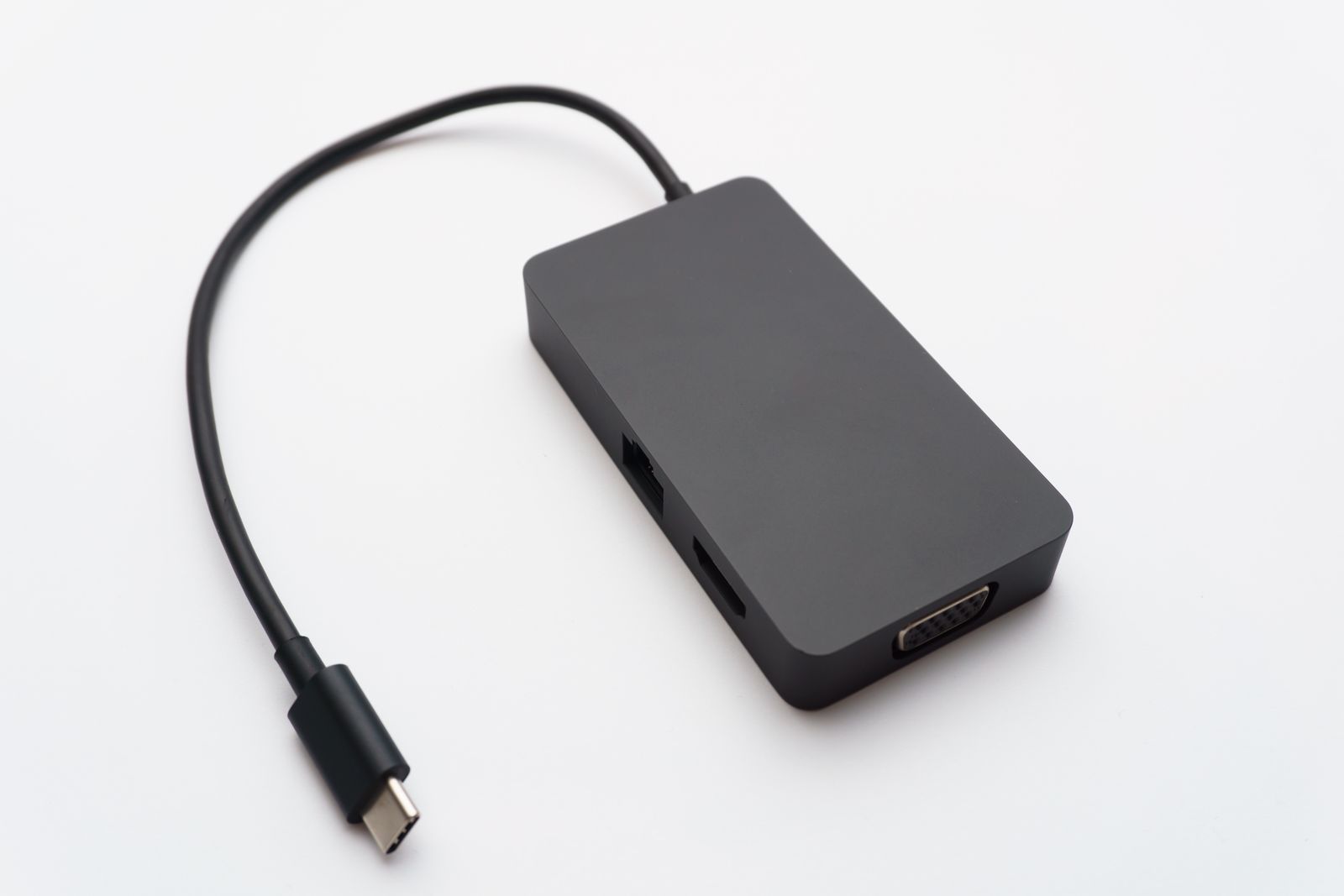
If the reader has several slots, find out whether they work simultaneously. Some products share resources or support only one card at a time. That matters if your workflow involves copying between cards or importing from several devices.
Speed comes from the whole path
A fast card needs a compatible reader and computer connection to approach its useful transfer performance. Look at the card's interface support and the reader's specification, not only a large speed number in the listing. A recording speed-class logo describes a different aspect from every possible computer transfer.
Think about the files you move. A few photographs may not justify a costly high-speed reader, while frequent large video imports can make waiting more noticeable. If possible, compare with your current reader before deciding that the card itself is slow.
Choose a cable or integrated connector that reaches a convenient port without making the card stick into a vulnerable space. A small reader directly attached to the side of a laptop can be easy to knock while moving the computer.
Make the first import a copy
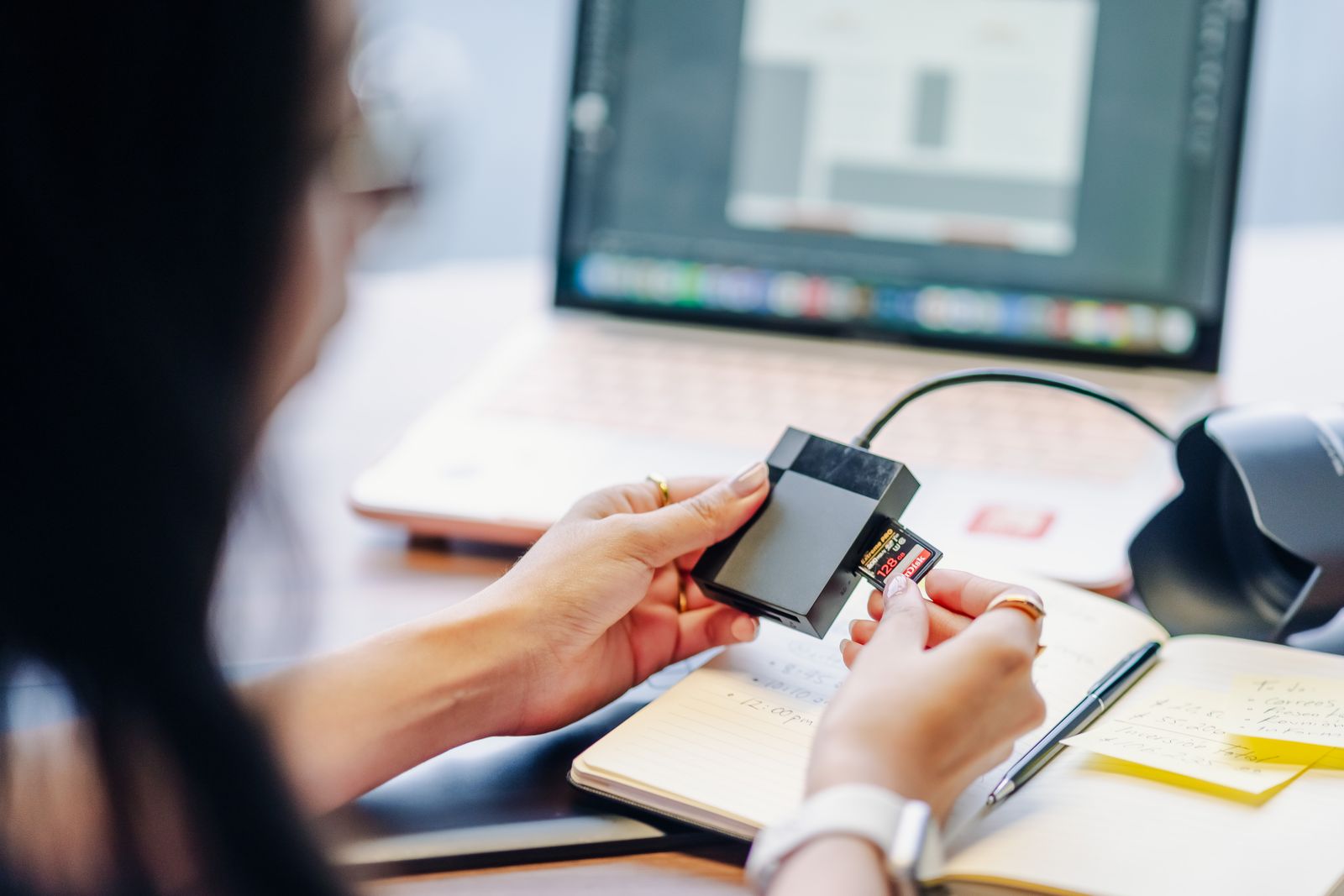
When testing a new reader, copy a small group of files to the computer and open them. Leave the originals on the card. If the computer unexpectedly asks to format a card containing important material, cancel and investigate compatibility or another reader rather than accepting the prompt.
Use the operating system's eject function before removing the card or reader, and wait for transfers to finish. Keep cards in a suitable case when not in use, with a clear distinction between cards ready to reuse and those whose contents have not been backed up.
Once the import is verified and another copy exists, prepare the card for reuse through the recording device's recommended process. The reader's job is to provide dependable access; it should not become a reason to rush the checks that protect the photographs.