Choose the keys you use repeatedly
Look at your everyday work. A numeric keypad can be valuable for frequent number entry, while a narrower keyboard may leave the mouse closer to your main typing area. Removing keys is only a benefit if their replacement shortcuts are easy for you to remember.
Check the actual layout in the listing, including the language, Enter key, punctuation, and navigation cluster. Product photographs sometimes show a different regional version from the one being sold. A familiar layout can matter more during long writing sessions than a fashionable size label.
If you can try the keyboard, type a paragraph and edit it. Include numbers, punctuation, Delete, Home, End, and the shortcuts you use most. Pay attention to mistakes caused by key placement rather than assuming you will adapt immediately.
Consider sound in the room where you work. A keyboard that feels satisfying alone may be intrusive beside another person's call. Listen to the spacebar and larger keys as well as the letter keys, since their sound can differ.
Fit the keyboard into the desk, not the other way around
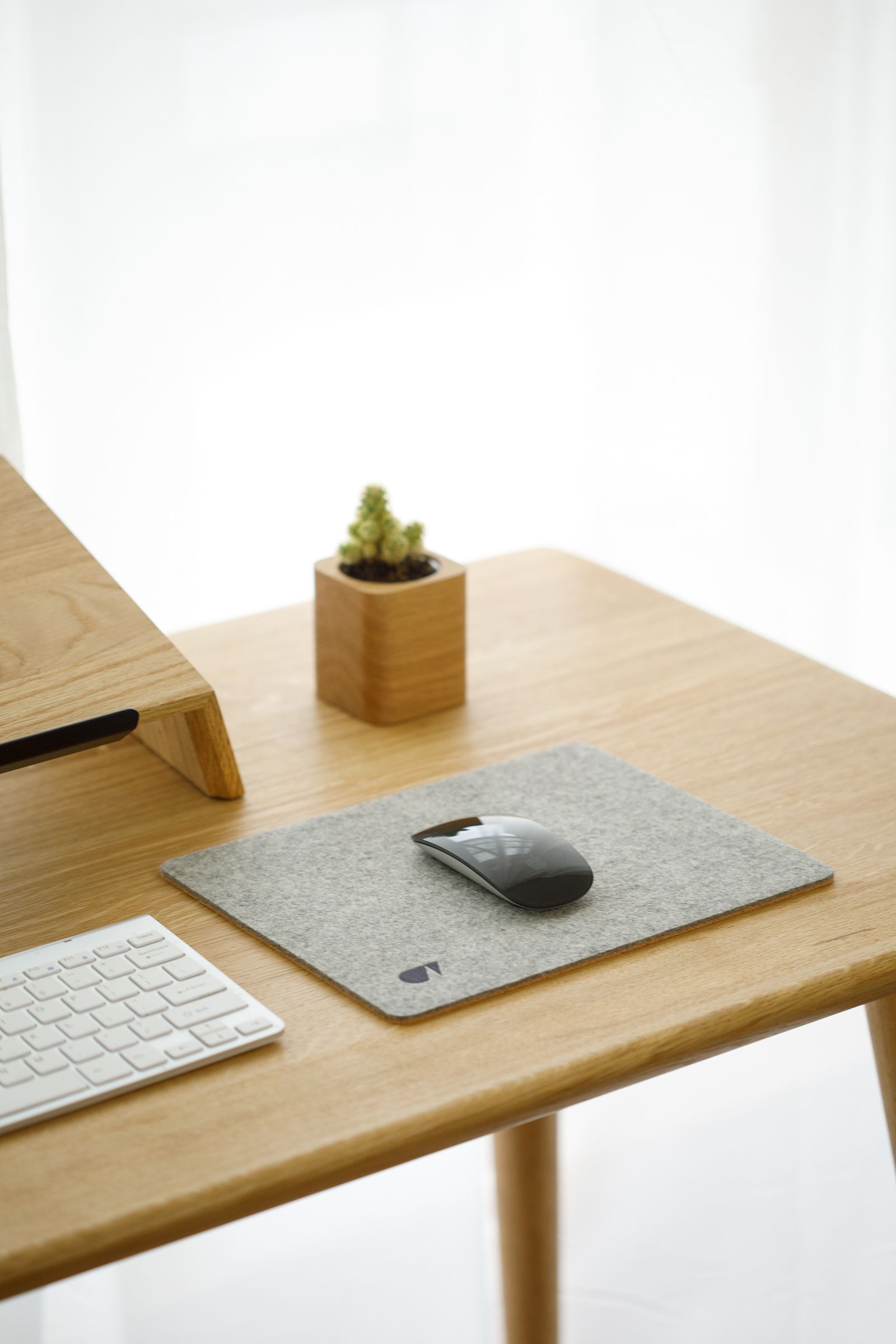
Measure the available width with the mouse, notebook, and laptop stand in place. Check the keyboard's height and angle on the actual surface. Adjustable feet change its position, but they do not guarantee that the steepest setting will feel best.
Choose wired or wireless according to the desk routine. A cable is straightforward when the keyboard stays in one place. Wireless can reduce cable movement but adds charging or battery management and a connection mode to remember.
For a keyboard used with more than one computer, check how it switches and how clearly it shows the active device. Also verify operating-system support for the extra controls. Standard typing may work while special shortcuts or configuration software do not.
Test the keyboard after the computer sleeps and after reconnecting any dock. Keep enough cable slack or a dependable charging arrangement so the keyboard does not become the part of the desk you troubleshoot most often. The aim is a familiar surface for your hands while the laptop screen sits where you need it.