Find the reflection before moving the lamp
Sit where you normally work and look at the screen with a dark window open. That makes reflections easier to see. Notice whether the troublesome shape comes from the lamp, a ceiling light, or a window. Moving the wrong light will not solve the reflection you are seeing.
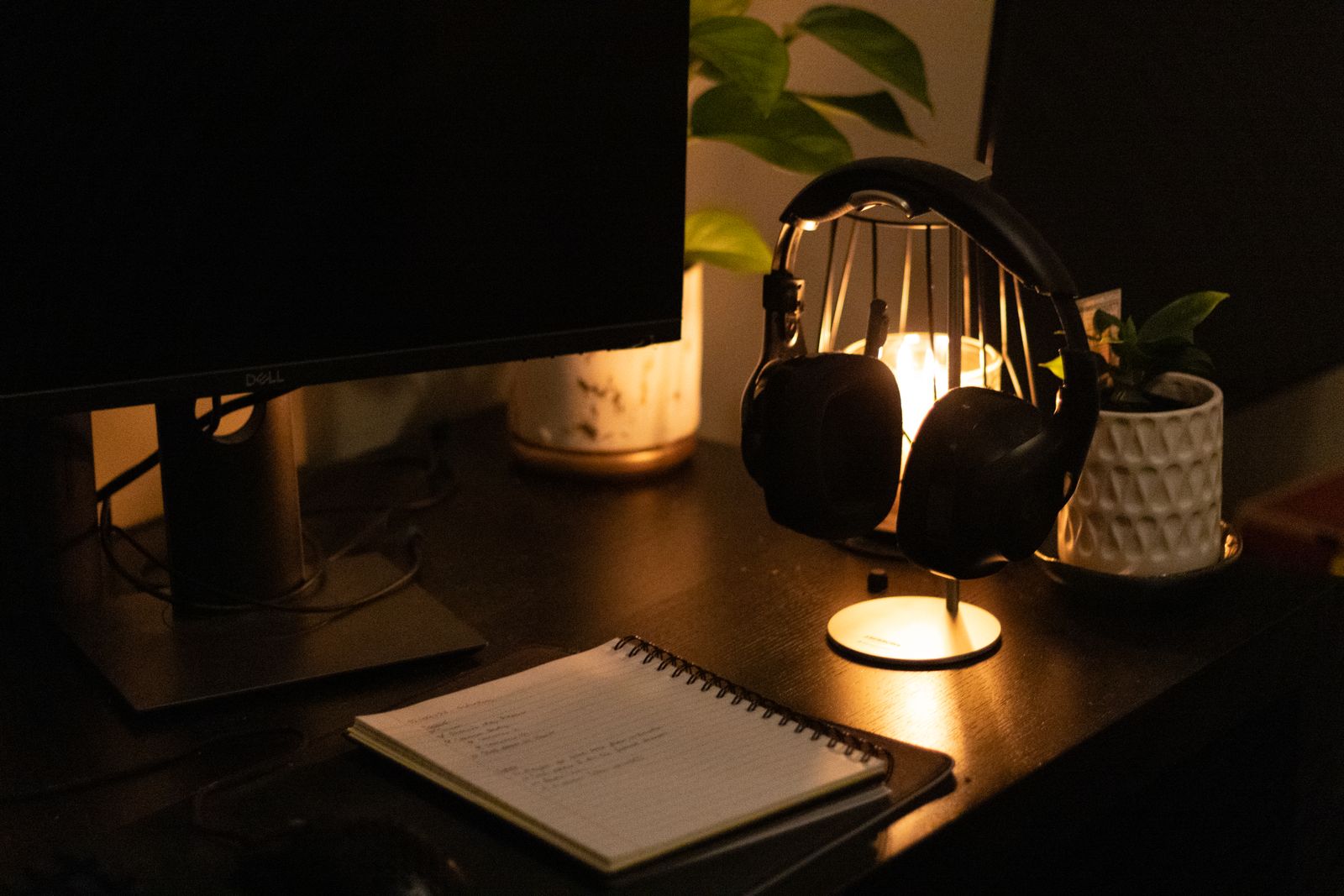
Shift the lamp to one side and adjust its angle so it lights the desk surface rather than the display. If you write on paper, place it where your hand creates less of a shadow over the line. The better side depends on your arrangement and writing hand.
Check the view from a video call as well. A lamp positioned well for a notebook may leave your face partly dark or appear directly in the camera. You may prefer a broader room light for calls and a separate task lamp for paper rather than forcing one small light to do everything.
Try the arrangement at different times of day if sunlight changes the room. A blind or a slight desk rotation can be more effective than making the screen and lamp increasingly bright.
Choose controls you will use
An adjustable arm, shade, or head can be more useful than a large range of color effects. Check that the lamp holds its position and that its base fits without competing with the keyboard or monitor stand. A clamp needs suitable clearance and a compatible desktop.
Brightness control helps when the same desk is used in daylight and at night. Set it for the task and the room rather than always using the maximum. The monitor also has its own brightness setting; a large mismatch between the screen and surroundings can feel distracting even when the lamp is not reflected.
Keep the power cable away from moving chair parts and leave access to the switch. If the lamp relies on an app, consider whether you really want another account or connection for an ordinary light. A physical control is often easier for a shared desk.
Once the placement works, leave it alone for a few normal sessions. If you repeatedly tilt the screen to escape glare, revise the light position. A useful desk light disappears into the routine because the page is readable and the screen remains clear.