Identify the combinations you rely on
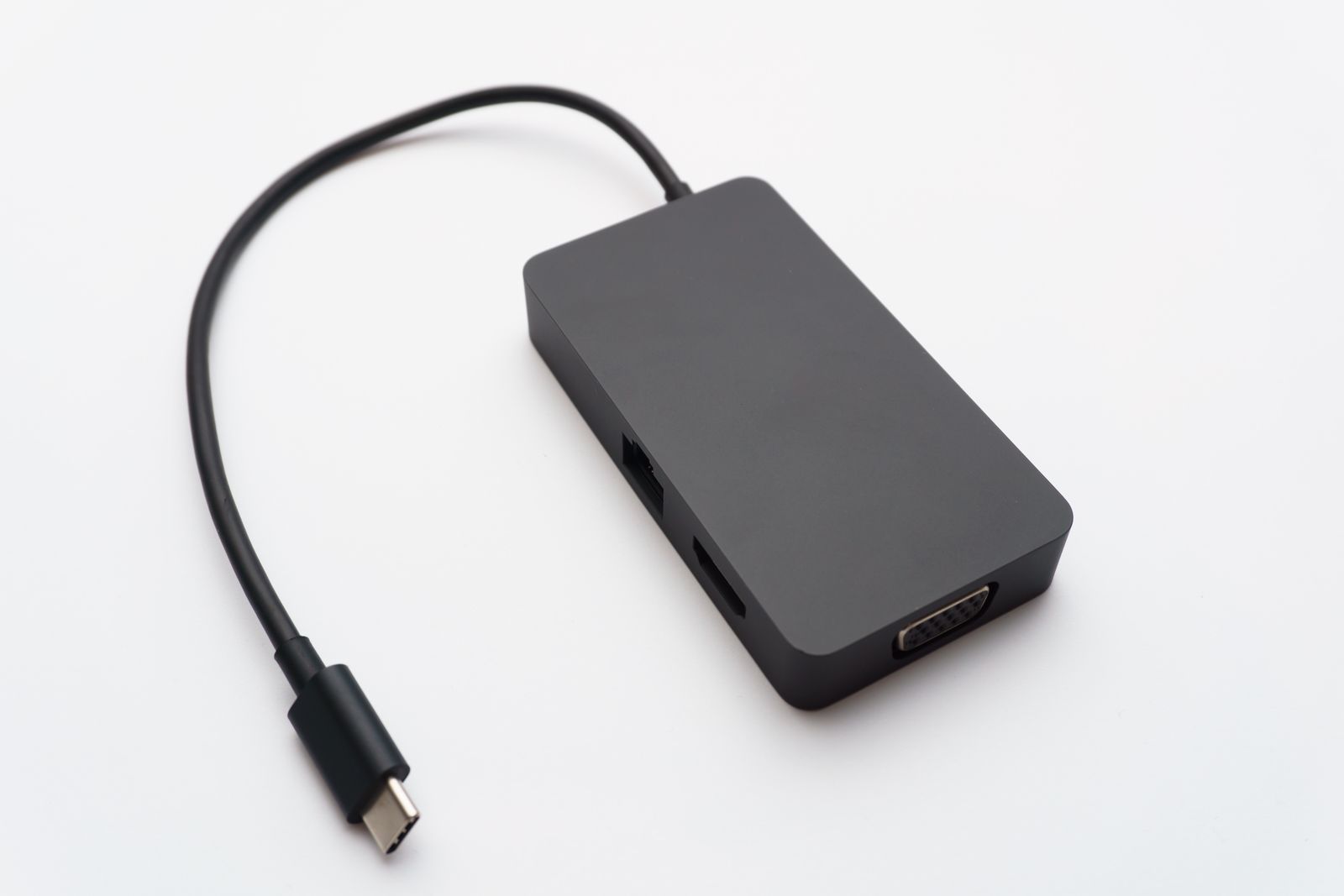
Lay out the adapters you use regularly and connect each to its intended device. Check the actual function: charging, data transfer, video, or audio. Two adapters with the same-looking ends may support different directions or capabilities.
Use a small label such as laptop to meeting-room HDMI or camera card reader. Add a model number in a private inventory if the adapter is difficult to replace. Avoid covering ventilation, certification markings, or a connector area that needs to flex.
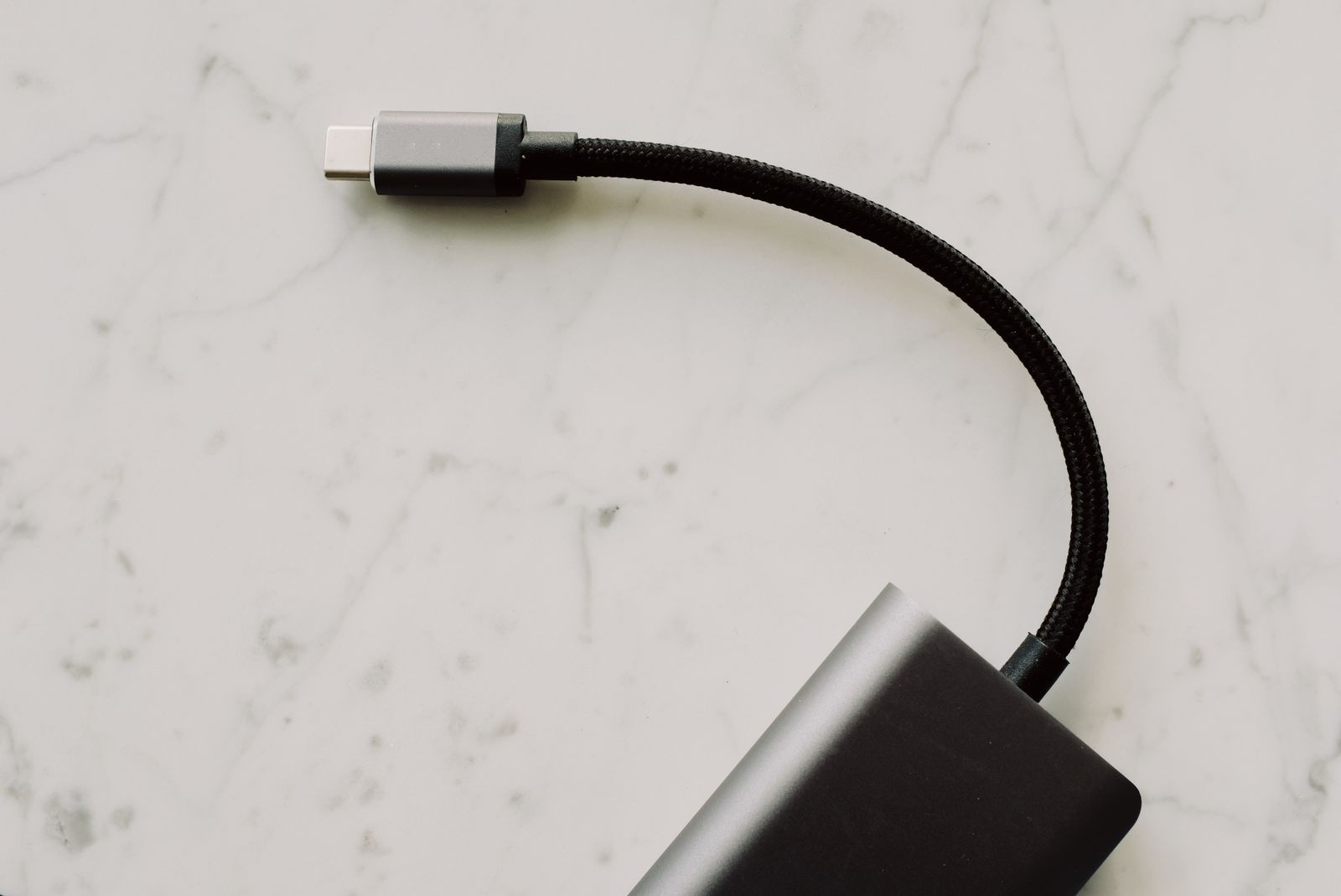
Keep a detachable cable with the adapter when that cable is part of the known-working setup. A dock's host cable is especially easy to confuse with a phone-charging cable. A loose pouch or reusable tie can keep them together without forcing a tight bend.
Separate unidentified accessories for later checking. Do not label an adapter compatible merely because its plug fits. If you no longer own the device it served, decide whether there is a reason to keep it before returning it to the daily drawer.
Store for retrieval, not for a photograph
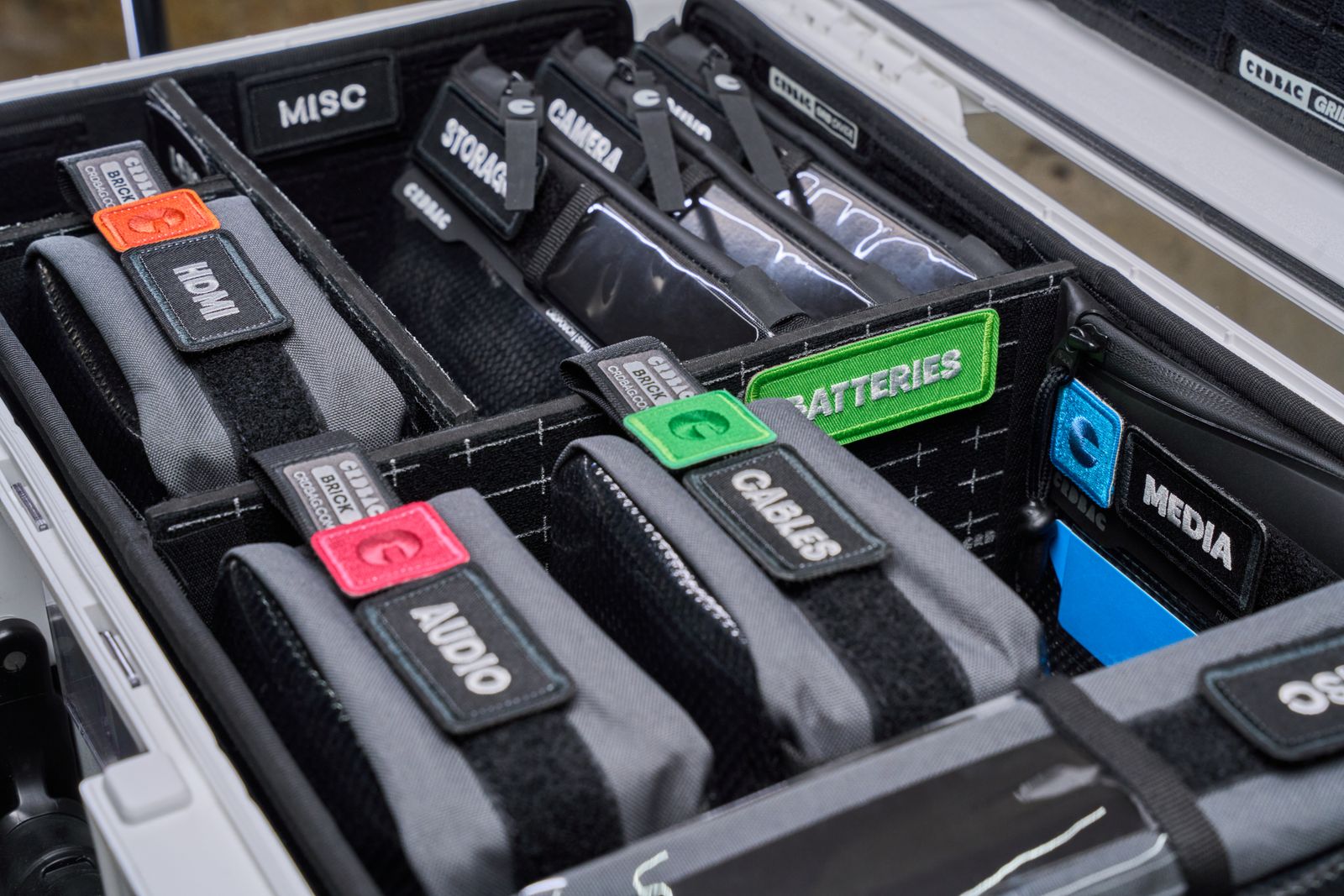
Group items by use: travel, desk, camera, or spare. This is often easier than sorting every USB-C object together, because you usually search for a task rather than a connector shape. Keep small receivers in their provided storage slots or a clearly labeled container.
Leave enough room that removing one cable does not pull out the whole bundle. Wrap cables loosely and protect fragile projecting plugs. If an adapter is used every day, give it a permanent place near the device instead of making storage into an extra daily step.
Record limitations that have caused trouble before, such as a cable that charges but is not used for video. Keep the note factual and specific to what you have verified. A failed test with one computer does not prove the accessory can never work elsewhere.
Review the collection when replacing a device. Test which accessories still serve a purpose and remove damaged items through an appropriate recycling route. A smaller set of known-working adapters is easier to carry and far easier to explain when someone else needs to borrow one.