Compare the work the drive will actually do
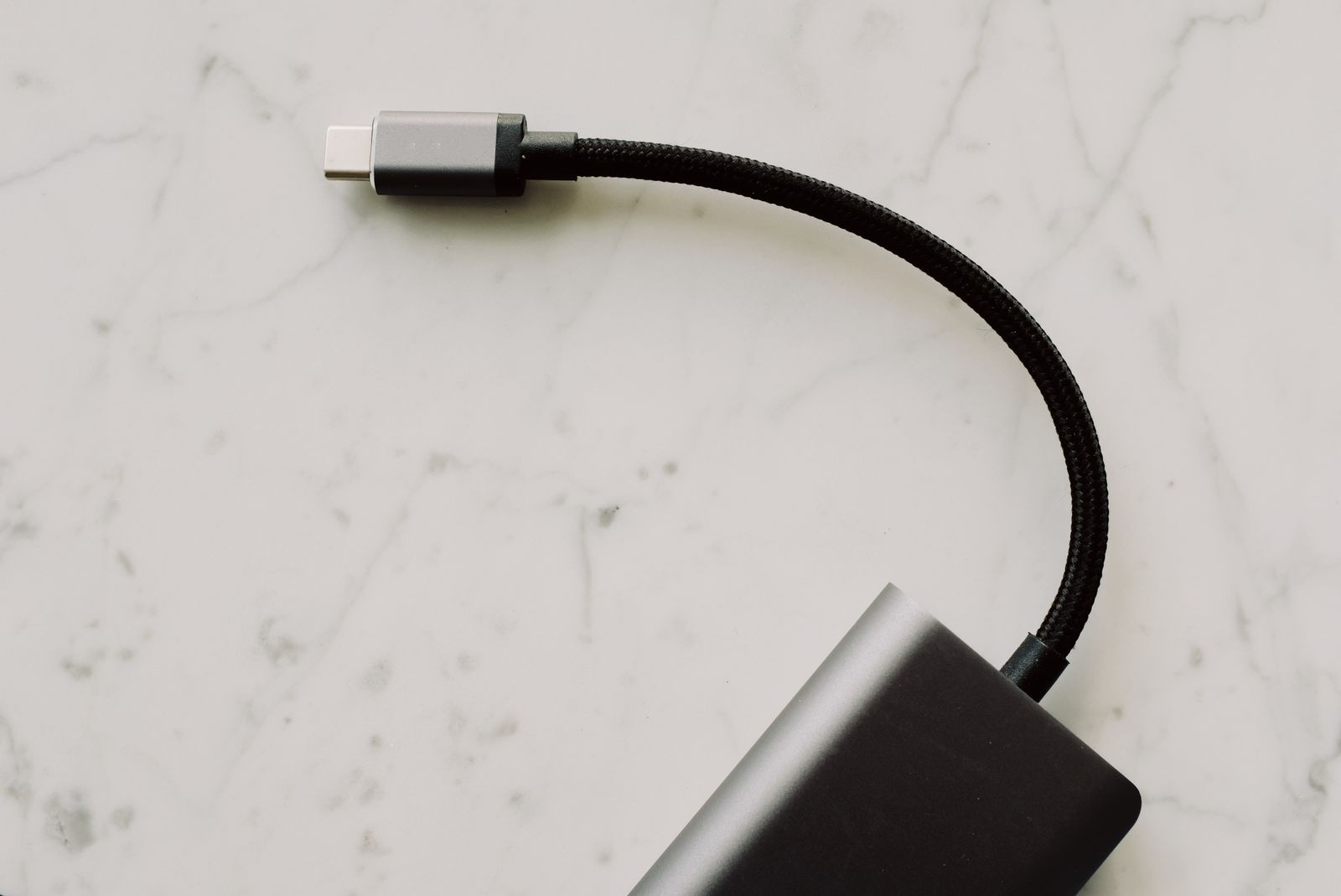
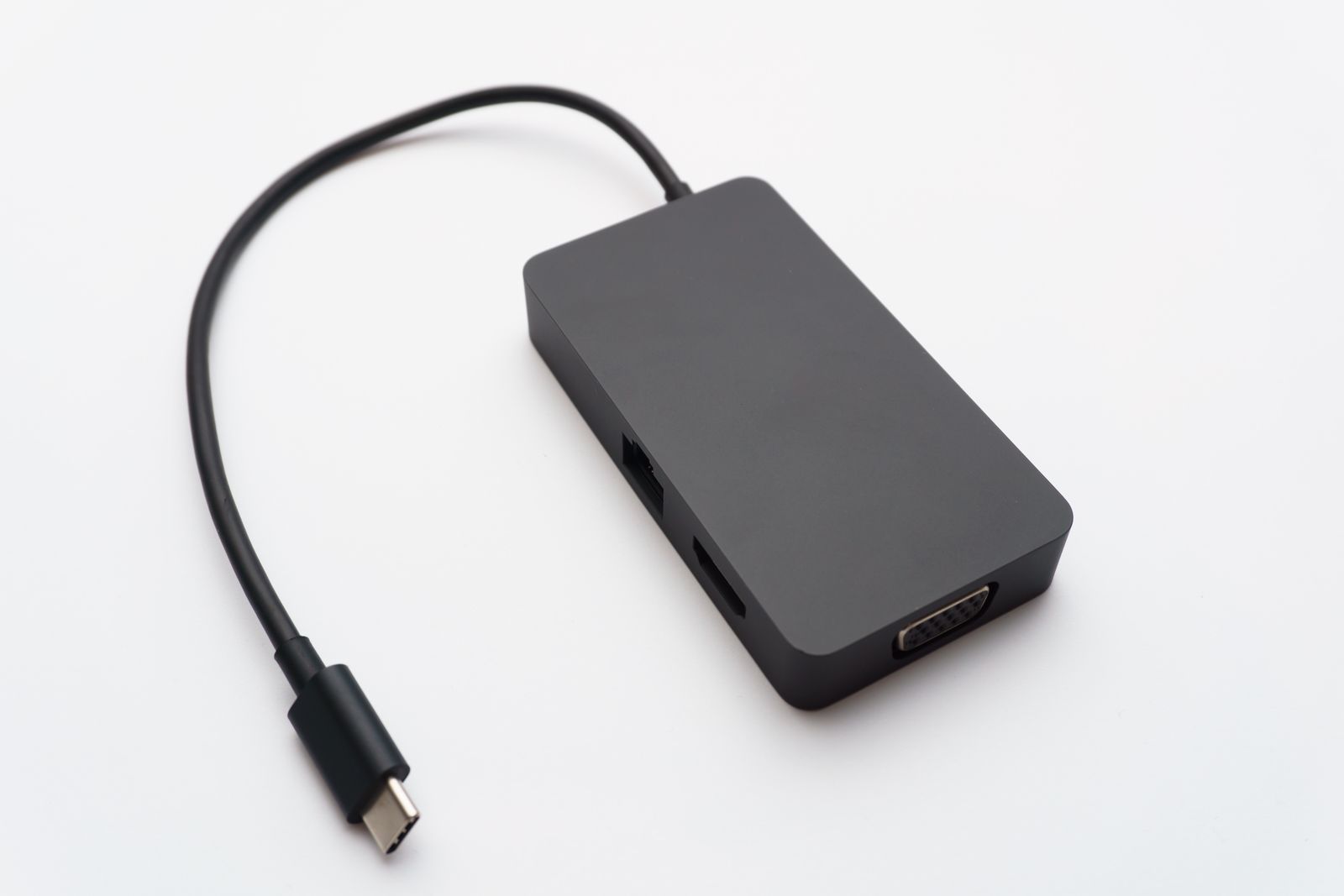
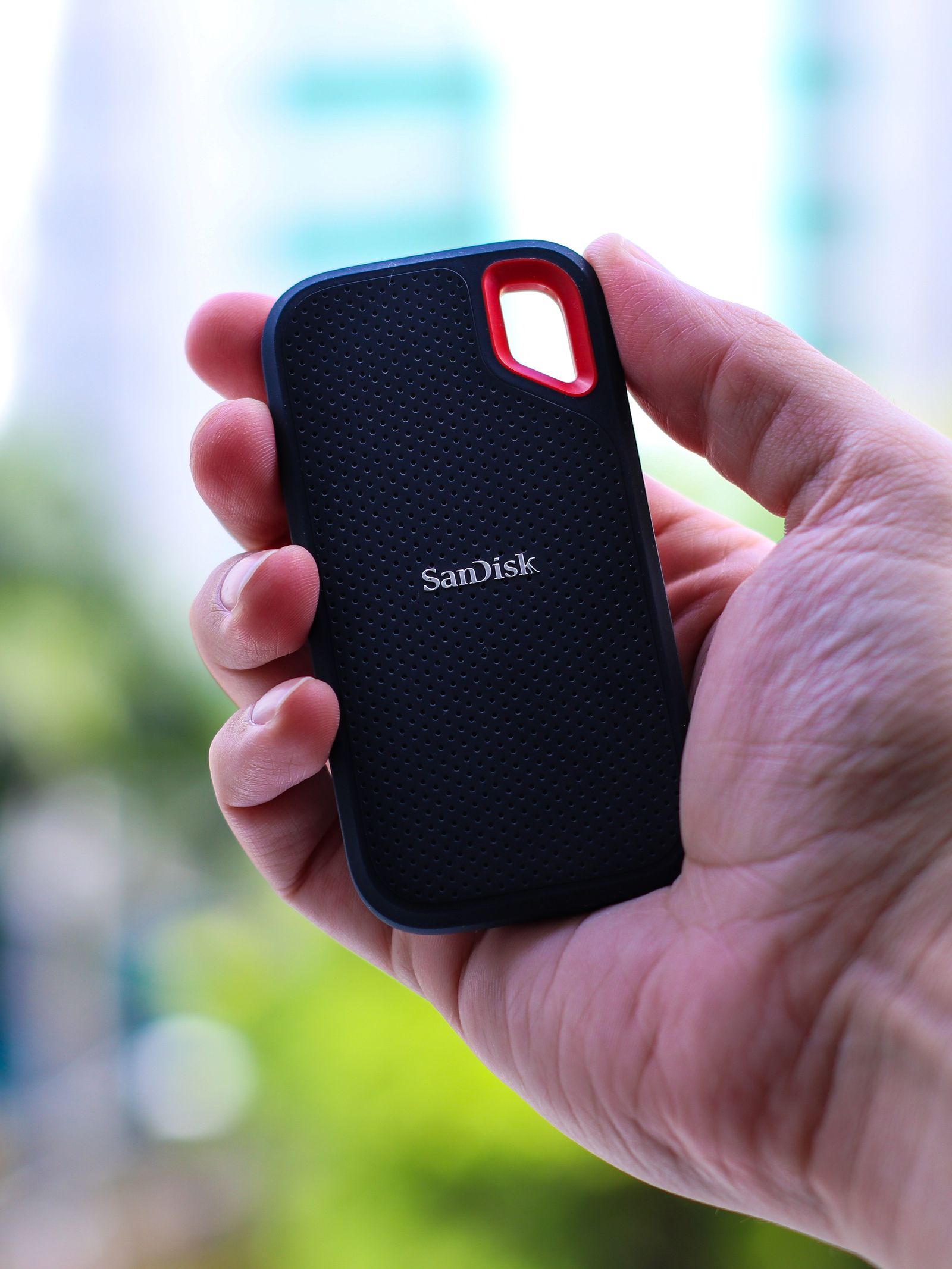
A hard drive can be a reasonable choice for a large collection copied in occasional batches, especially when the cost per unit of storage matters. An SSD can make repeated browsing and transfers more responsive and is convenient in a small portable enclosure. Look at the complete product, including its connection and power needs.
Think about the initial copy as well as later use. Moving a large archive once may take time, but that does not necessarily justify paying for speed you will rarely use again. If you regularly search, edit, or reorganize the collection, faster access may be more valuable.
Do not use the word archive to mean a single drive put away and forgotten. Both storage types can fail, and files can become difficult to use as hardware and software change. Keep more than one copy of irreplaceable material and plan occasional checks.
If the drive travels, consider how it will be protected and connected. A hard drive's moving mechanism makes careful handling especially relevant while operating. An SSD avoids that mechanism but can still suffer connector damage, electronic failure, or loss.
Make retrieval part of the storage plan
Organize the files before copying them and include a short description of the folder structure. Keep common readable formats where appropriate, alongside the original project files if future editing matters. A directory full of unexplained exports is harder to recover usefully than one with clear names.
After copying, open a sample from different parts of the collection and compare the expected size and file count. Keep the originals until the new copies have been checked. A second independent copy should not depend on the same physical drive.
Label the drive with its purpose and the date of the latest update, without exposing sensitive details on the outside. Store the cable with it or use a clearly recorded standard connection. If encryption is enabled, keep a secure recovery route separate from the drive.
Revisit the archive periodically and after replacing your main computer. Confirm that the drive connects, that a selection of files opens, and that another copy remains available. A slower drive that is checked and duplicated is a better archive than a faster drive holding the only copy.