Start with another task on the same device
Try a second website and a different kind of online task. If only one service is slow, its status or the app itself deserves attention. If everything struggles, note whether the laptop shows a weak wireless connection or repeated disconnections. The signal indicator is a clue, not a measurement of the internet connection's full performance.
Pause large downloads or uploads that you know are running, then repeat the task. A cloud backup can compete with the work you are trying to do even when no obvious download window is open. Do not stop an unfamiliar system process simply because it appears in a list; identify the activity first.
Change the location, not the laptop
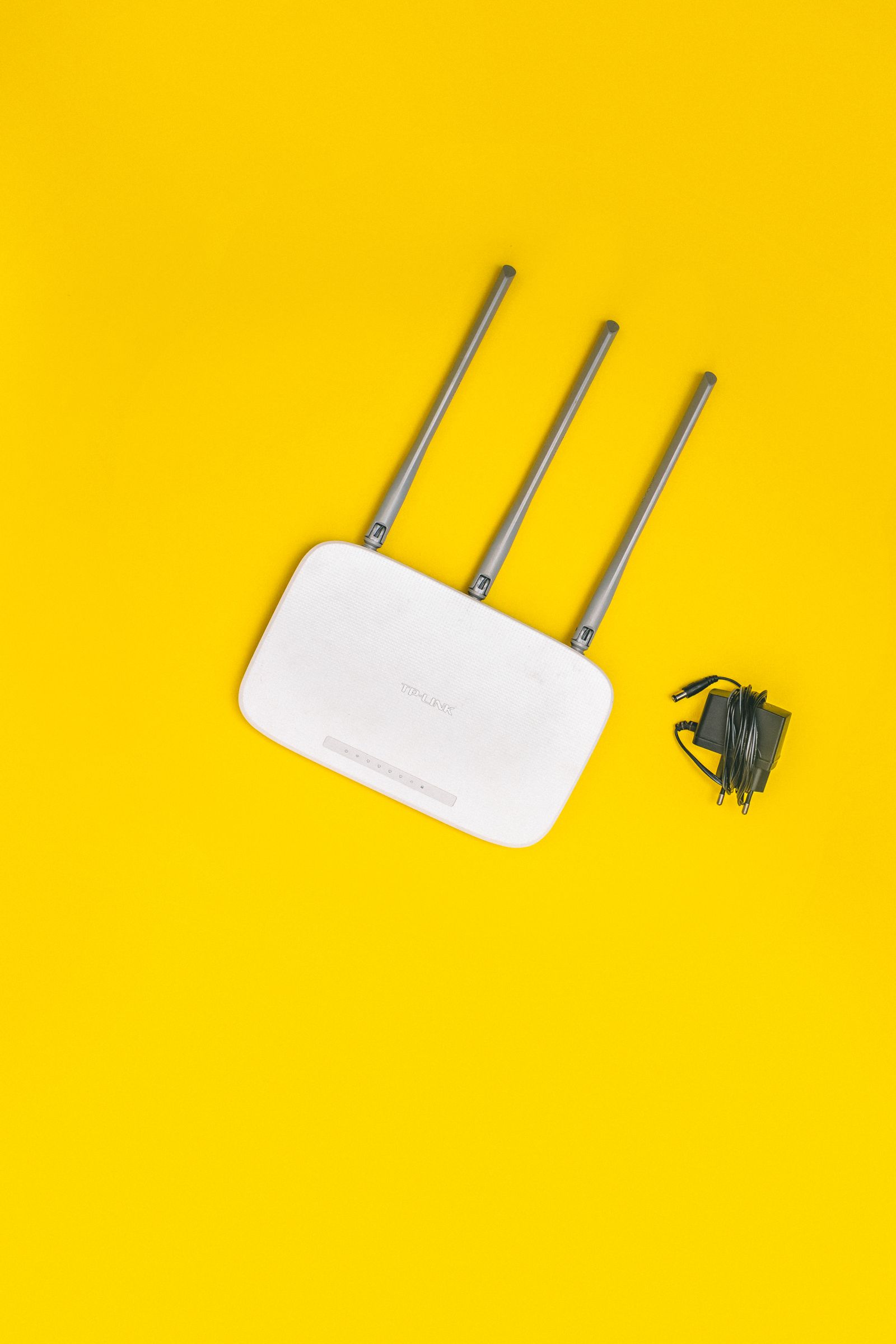
Take the same device closer to the router and try again. Keep the task and approximate time comparable. A clear improvement nearby points toward the wireless path or local interference rather than proving that the internet plan is too slow.
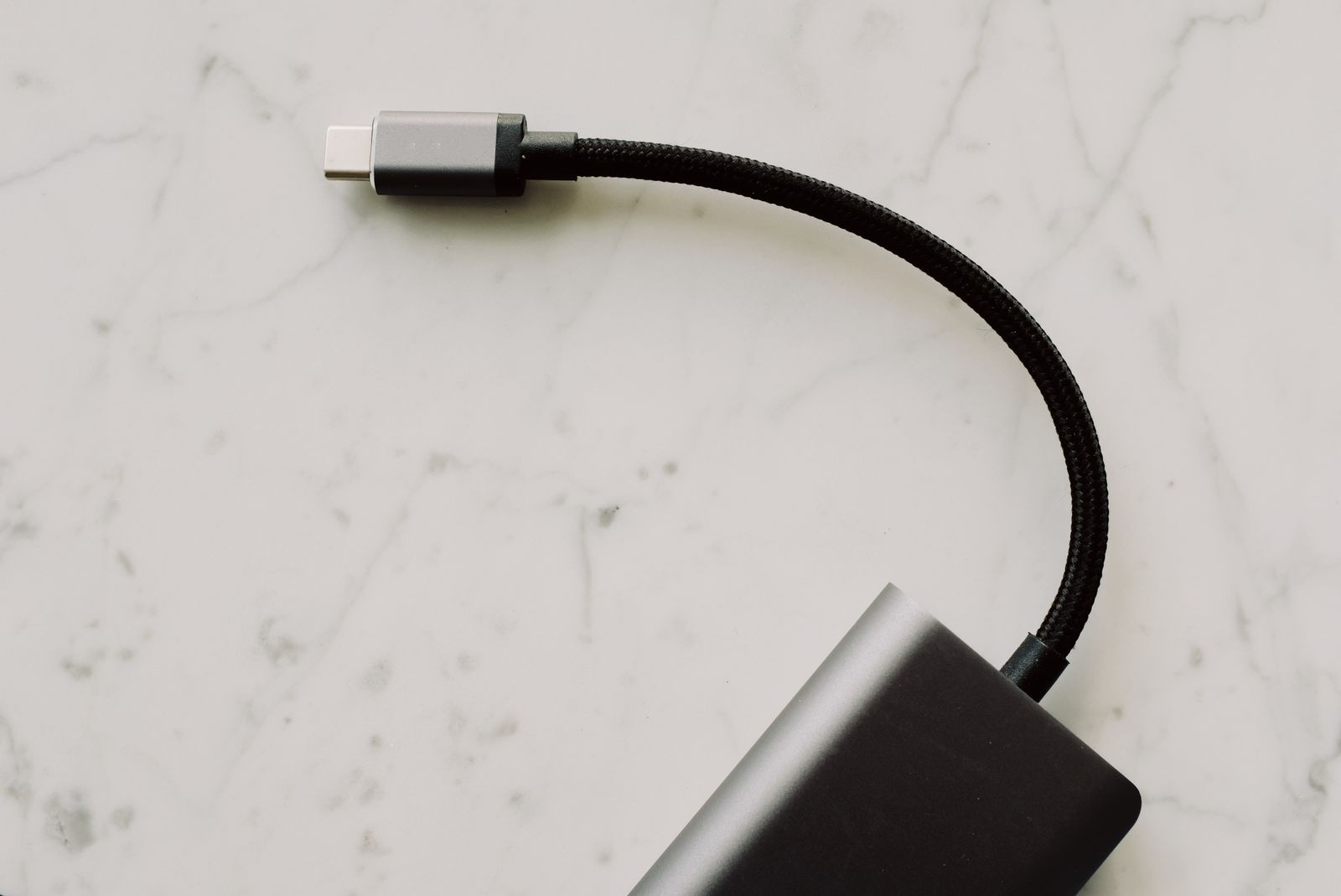
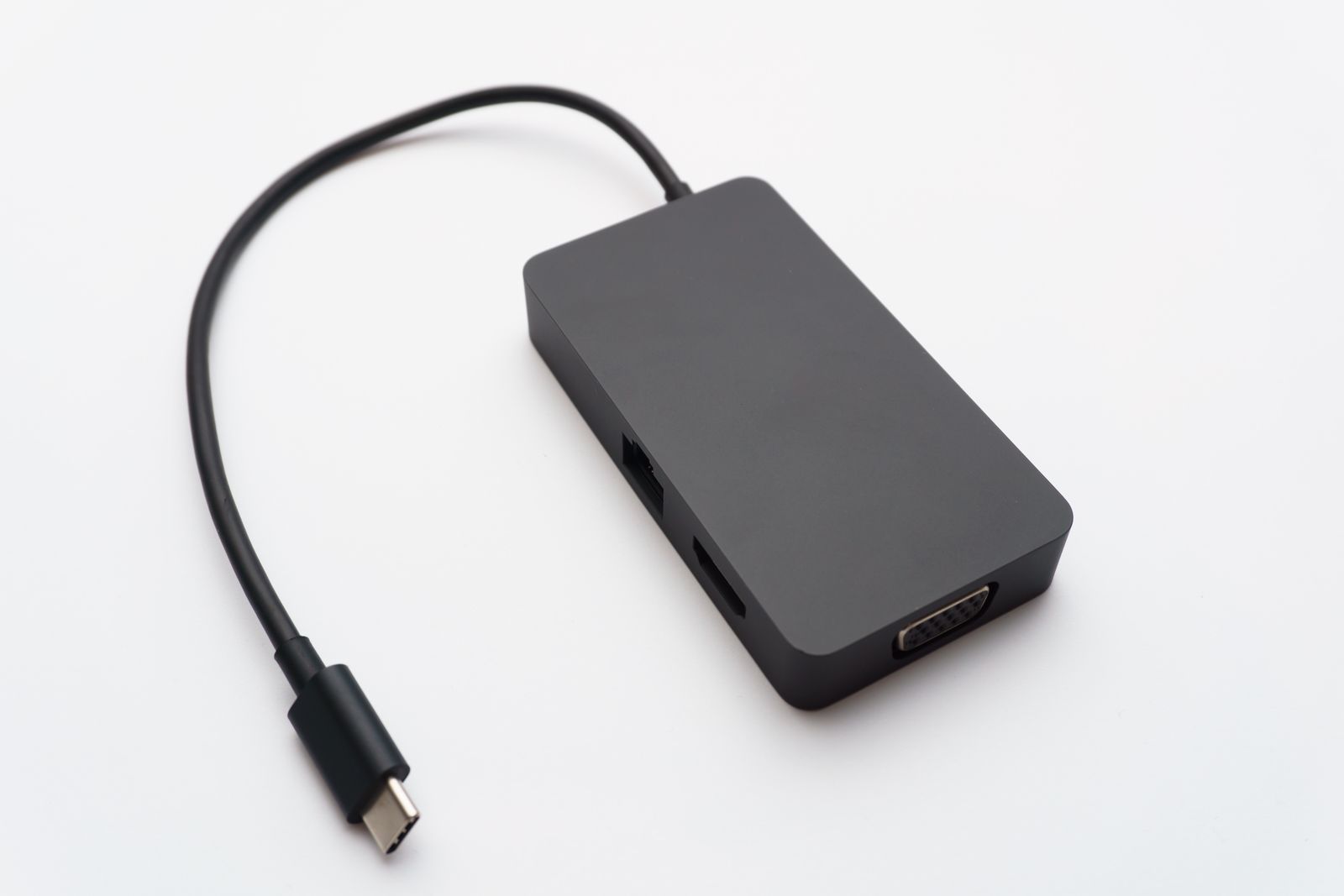
If possible, test an Ethernet connection through a suitable laptop adapter and a router LAN port. Temporarily turn Wi-Fi off so you know the test is using the cable. A good wired result alongside a poor wireless result gives you a useful distinction to investigate.
A cable test still depends on the adapter, cable, router port, and computer. If it also performs badly, that does not identify the provider automatically. It simply means you have not isolated the fault to the wireless link.
Try a second device and a second time
Use another device on the same network without changing the router. If that works well in the same place, check the first device's updates, network adapter, or app settings. If both struggle, the shared network or service becomes a more likely place to investigate.
Repeat the comparison later if the problem is intermittent. Note whether it coincides with other household activity or a particular time of day. A single speed-test result can be affected by conditions at that moment and should not be treated as a permanent property of the connection.
When running a speed test, record the device, connection type, location, and whether other transfers were active. Those details turn an isolated number into a result you can compare. Keep the test modest if you are using a connection with a data allowance.
Take the evidence to the right place
If the pattern points to coverage, try router placement or an appropriate wired alternative. If several devices fail even near the router or through a known-working cable, check the provider's service status and contact support with the times and results.
Restart equipment only when it will not interrupt someone else's call or work, and use the provider's instructions. A factory reset is a different action that can remove settings; do not press a reset button merely because restarting was suggested.
A useful support report says that two devices were slow, that a wired test behaved the same way, and when it happened. That is more actionable than saying the Wi-Fi is bad, and it reduces the chance of changing the wrong part of the setup.