Count simultaneous devices, not everything you own
Write down what stays connected during normal work: perhaps a keyboard, mouse receiver, webcam, and external drive. Then note anything you plug in occasionally. A front-facing port for a temporary drive may be more useful than two extra sockets hidden behind the laptop.
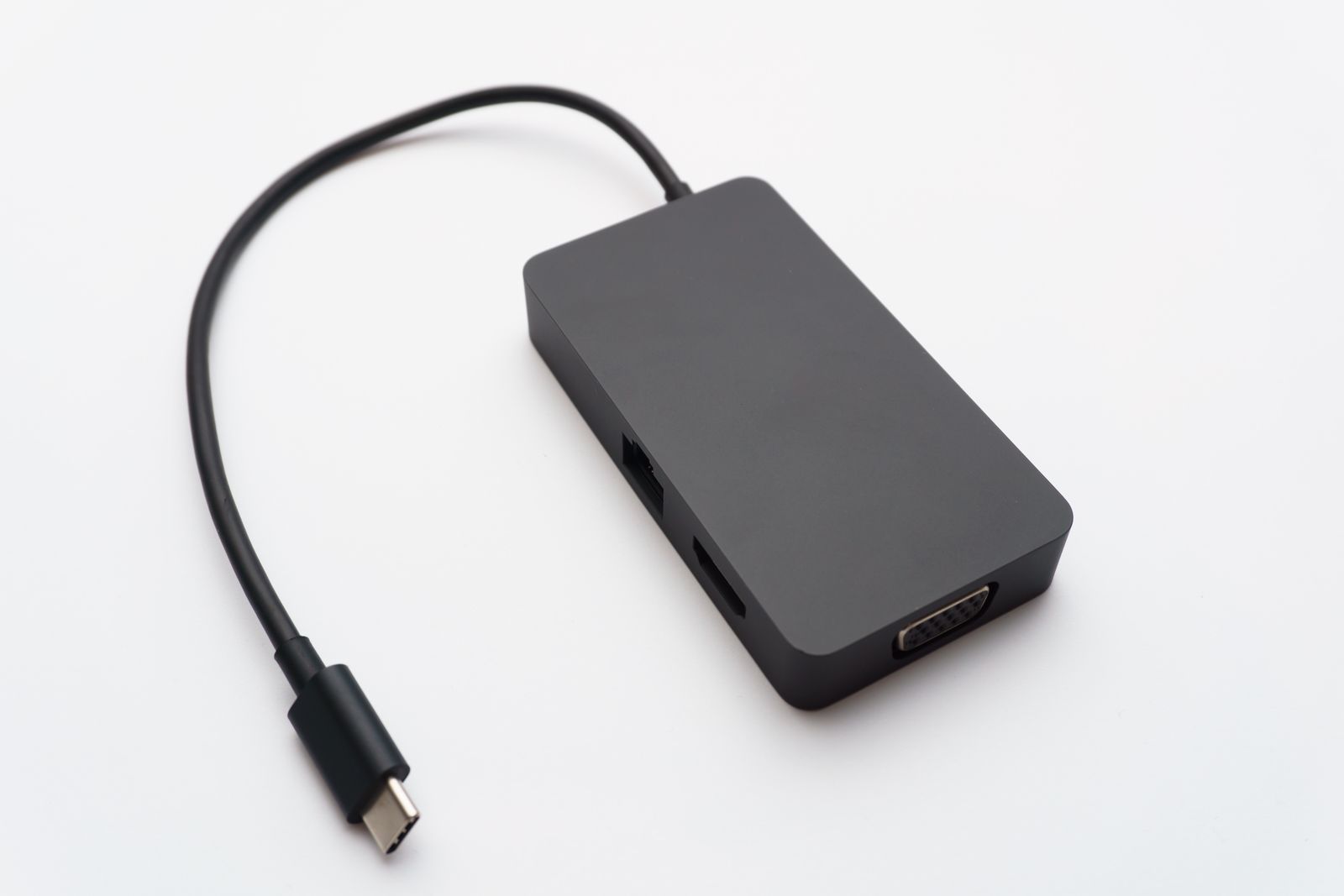
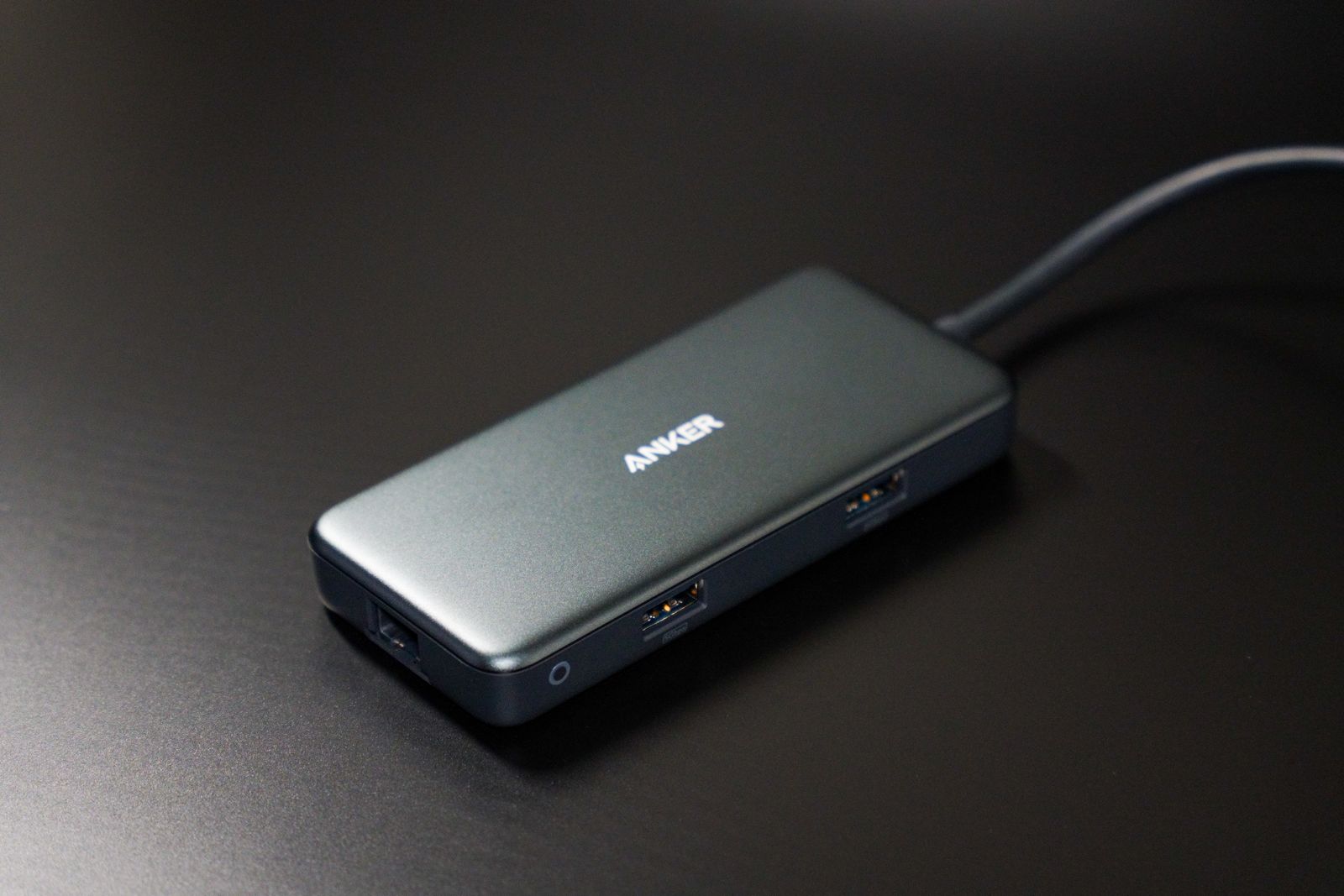
Check whether the hub provides the connector types you need and whether bulky plugs fit side by side. A hub with closely packed ports can lose practical capacity when one adapter covers its neighbor. The length and direction of the host cable also affect where it can sit.
Separate USB data ports from charging-only ports or a power-input socket. A USB-C socket on a hub is not automatically a monitor output. Product names use hub and dock loosely, so read the actual port functions rather than buying from the name alone.
Shared bandwidth and power are ordinary limits
Several devices connected through one hub share its upstream connection to the computer. A keyboard uses little data compared with a fast external drive or high-resolution camera, but simultaneous demanding tasks can affect the experience. Check the hub's upstream specification as well as each port's label.
A bus-powered hub draws power through the laptop connection. A hub with its own suitable power supply may be more appropriate for devices with greater power needs. Use the supply specified for that hub rather than an adapter that merely fits.
If a drive repeatedly disconnects when another device is attached, test the drive directly on the laptop. Then add the hub and other accessories one at a time. That can reveal a power or connection issue without immediately blaming the drive's files or the operating system.
Keep the arrangement easy to disconnect
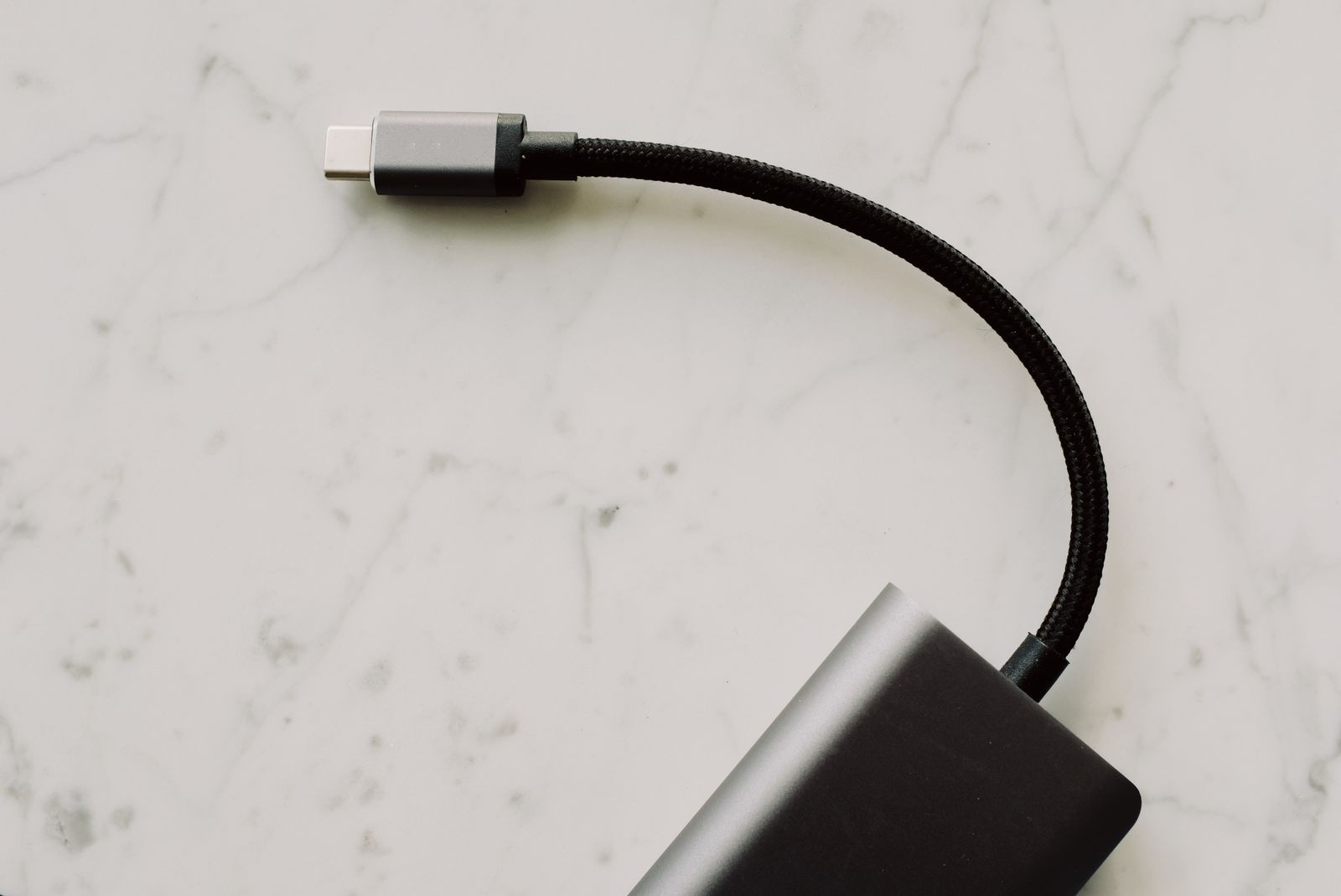
Place the hub on a stable surface with enough cable slack to move the laptop normally. Do not let several heavy cables pull a tiny hub into the air by its host connector. A short extension may help some arrangements, but verify that it supports the needed function.
Test the accessories together, including after sleep and reconnection. Safely eject storage devices before unplugging the hub; disconnecting one host cable can remove several drives at once.
For a desk that also needs displays, charging, and wired networking, compare a suitable dock instead. If all you need is a keyboard, mouse, and occasional flash drive, a smaller well-specified hub may keep the setup simpler.