Check the screen without its original stand
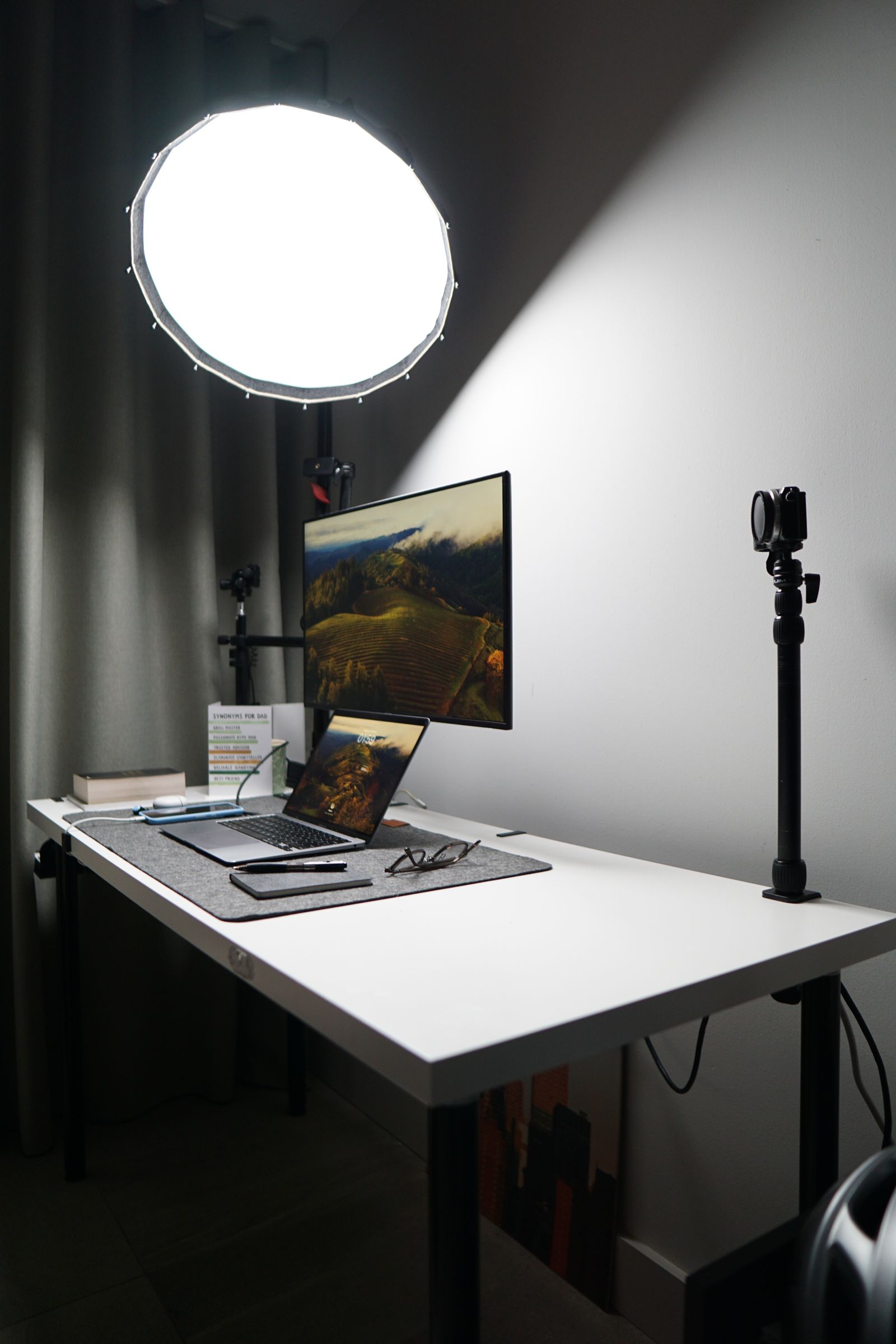
Find the monitor's supported mounting pattern and weight in its documentation. Use the weight without the stand if that is how the arm's rating is specified. Include any accessories that will remain attached, such as a light or camera, when considering the permitted load.
Compare both the minimum and maximum supported weights for an adjustable arm. A screen can be too light for a mechanism as well as too heavy. Check size, curvature, and depth restrictions too; a large or deep display can create demands that its weight alone does not describe.
Look at the rear mounting area. A recessed pattern may need the supplied spacers or another manufacturer-approved arrangement. Use the correct screws and lengths from the installation instructions. A screw that fits the thread can still be too long for the screen.
Inspect the desk from underneath
Measure the desktop thickness where the clamp will go, including any lip or reinforcement. Check for a frame, drawer, cable tray, or other obstruction underneath. The clamp needs the clearance and surface the arm manufacturer specifies, not just a narrow visible edge.
Confirm that the desktop material is suitable. Glass, thin hollow panels, or damaged surfaces may require a different mounting method or may be unsuitable. Do not assume a larger clamp plate makes every desk safe; follow the desk and arm manufacturers' guidance.
If using a grommet mount, verify the hole location and permitted dimensions. Do not drill furniture simply because the arm includes that option. Consider whether the position will place the screen where you need it and whether the desk can accept the installation.
Allow room for movement and cables
Measure the distance between the desk and the wall. Some arms need space behind the mounting point as they fold. Check whether the screen can reach the intended height and distance without hitting a shelf, window, or the laptop.
Route power and display cables with enough slack for the full intended movement. They should not become the limit that stops the arm or pull on the monitor's sockets. Use the provided cable guides as described without forcing a tight bundle into them.
During installation, support the screen and get another person to help when the instructions or size call for it. Adjust the mechanism according to the manual, then move the screen gently through its useful range. A stable arm that fits the desk is the result to look for; maximum extension is not a goal in itself.