Try the cable before redesigning the network
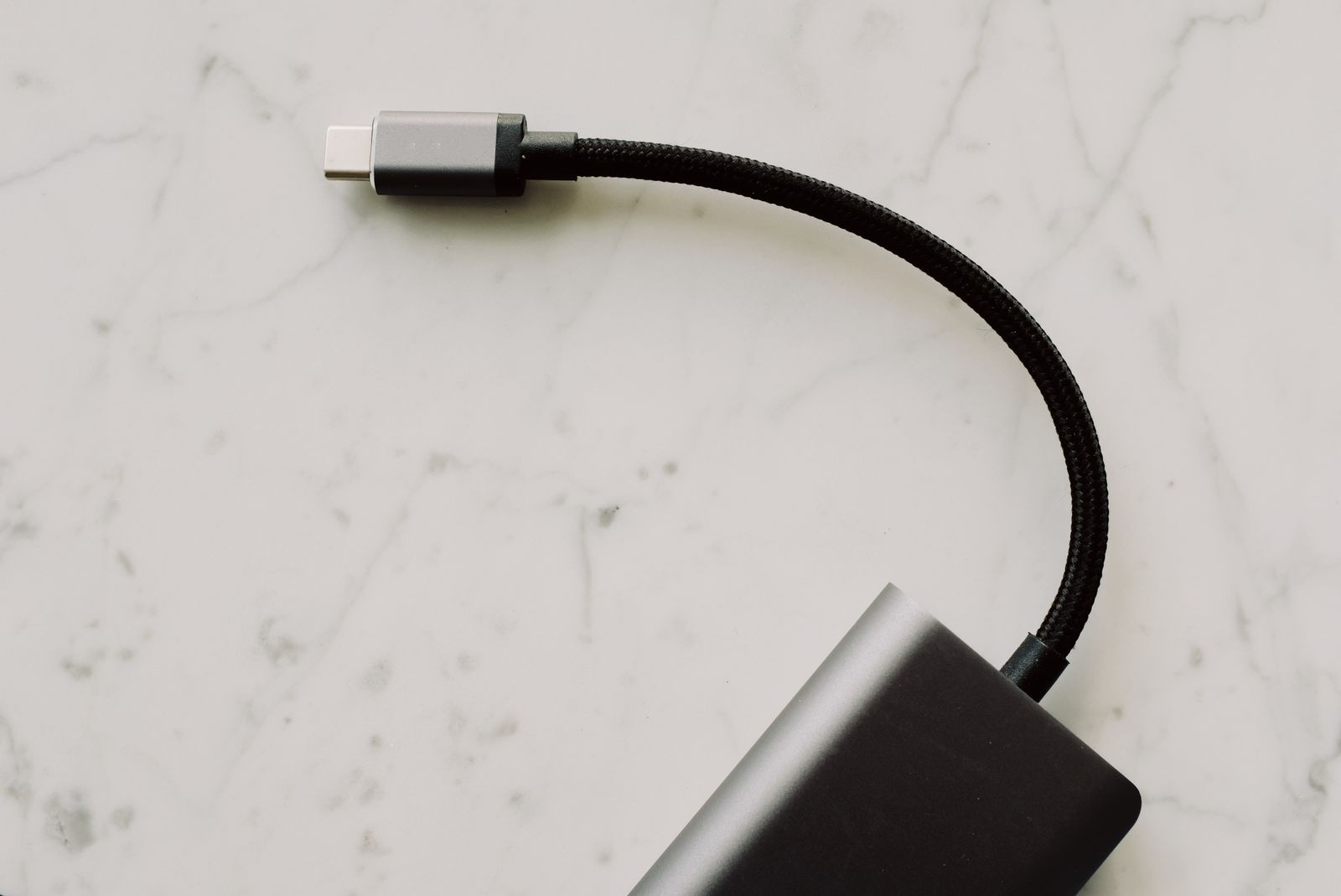
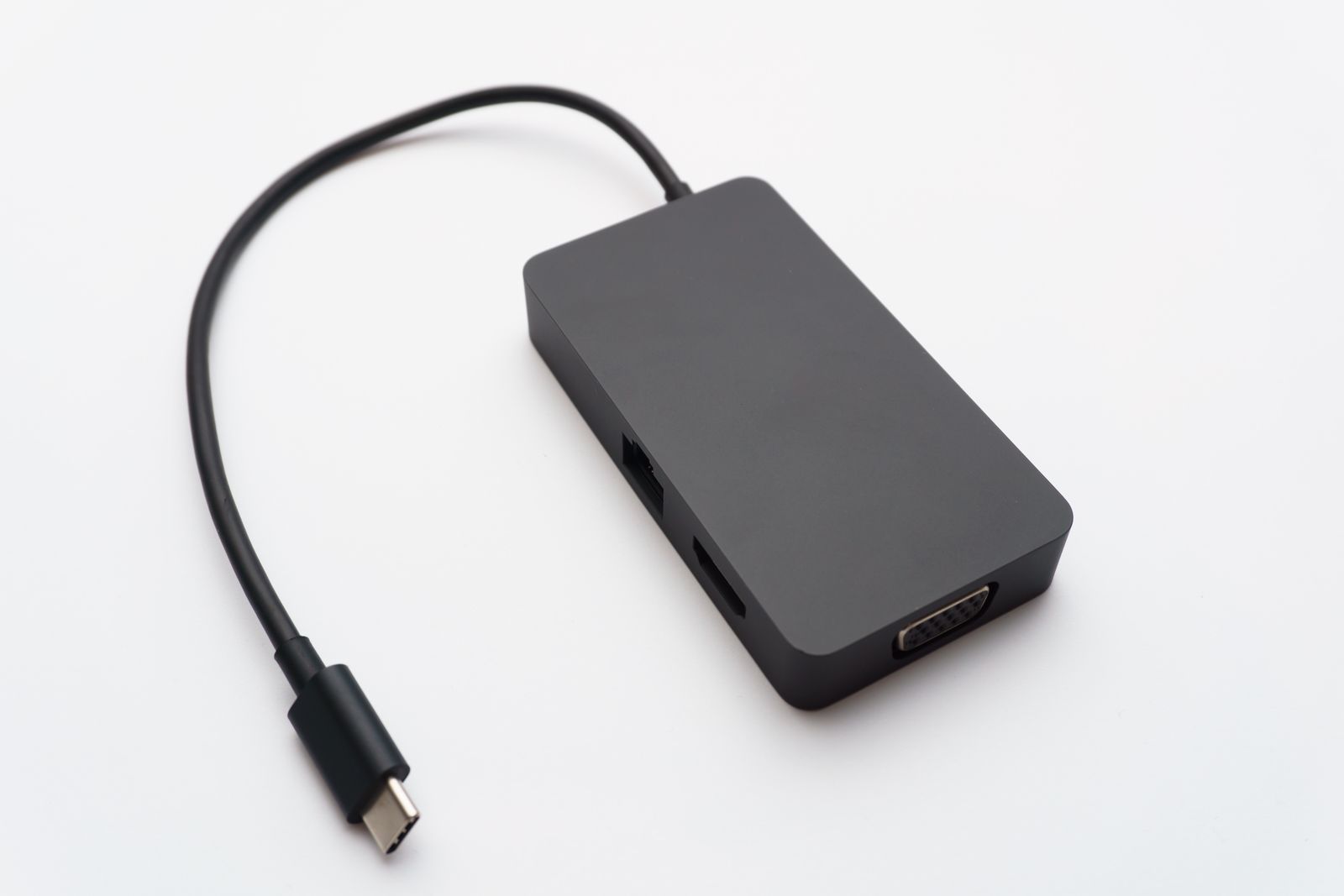
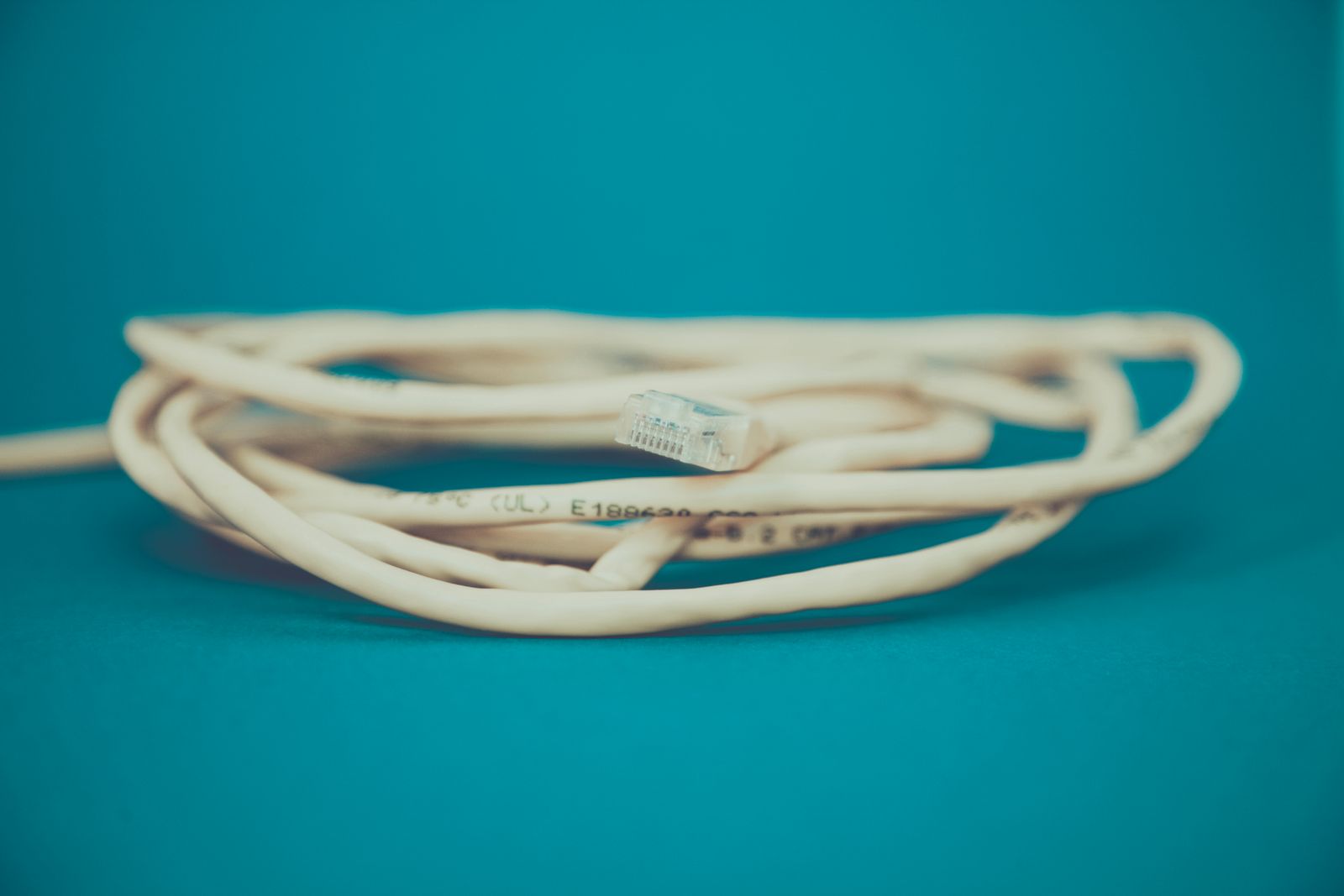
Connect the computer to a LAN port on your router using a known-working Ethernet cable. If the laptop lacks a socket, use an adapter that supports its operating system and available USB connection. A work-managed computer may need an approved adapter or driver, so check that before buying.
Turn Wi-Fi off briefly during the test and confirm that the computer still reaches the internet. Try the task that was unreliable, such as a call or a large file transfer. A stable wired result helps separate wireless coverage from other causes.
The cable does not make the internet service faster than the plan or the rest of the network allows. It removes the wireless hop between the laptop and router. If the same problem remains, investigate the service, router, app, or computer instead of assuming a more expensive cable will fix it.
Use equipment whose rated capabilities fit the network you have. For a normal desk connection, clear specifications and reliable construction matter more than an unusually high category number in a marketplace title. Avoid an unneeded chain of couplers and adapters.
A permanent route should be uneventful
Measure the actual cable path along walls or furniture, leaving enough slack for moving the laptop without pulling on the socket. Do not run a loose cable across a doorway or under a chair wheel. If a route requires building work, use suitable installation methods and get help where necessary.
Keep the connector accessible. The small retaining latch should release before you pull the cable out, and it should not be crushed behind furniture. A cable that is repeatedly bent sharply or trapped in a door will not remain a dependable solution.
A dock with Ethernet can make the desk routine easier if you already need one for a monitor and keyboard. Test the network after the computer wakes and after reconnecting the dock. A direct adapter may be simpler if networking is the only extra function required.
Keep Wi-Fi available for moving around the home. You can use the wired connection at the desk without turning the laptop into a fixed computer. The best arrangement is the one you can connect and disconnect without thinking about it every morning.