Connections & gear
Cables, displays and a desk that works together.
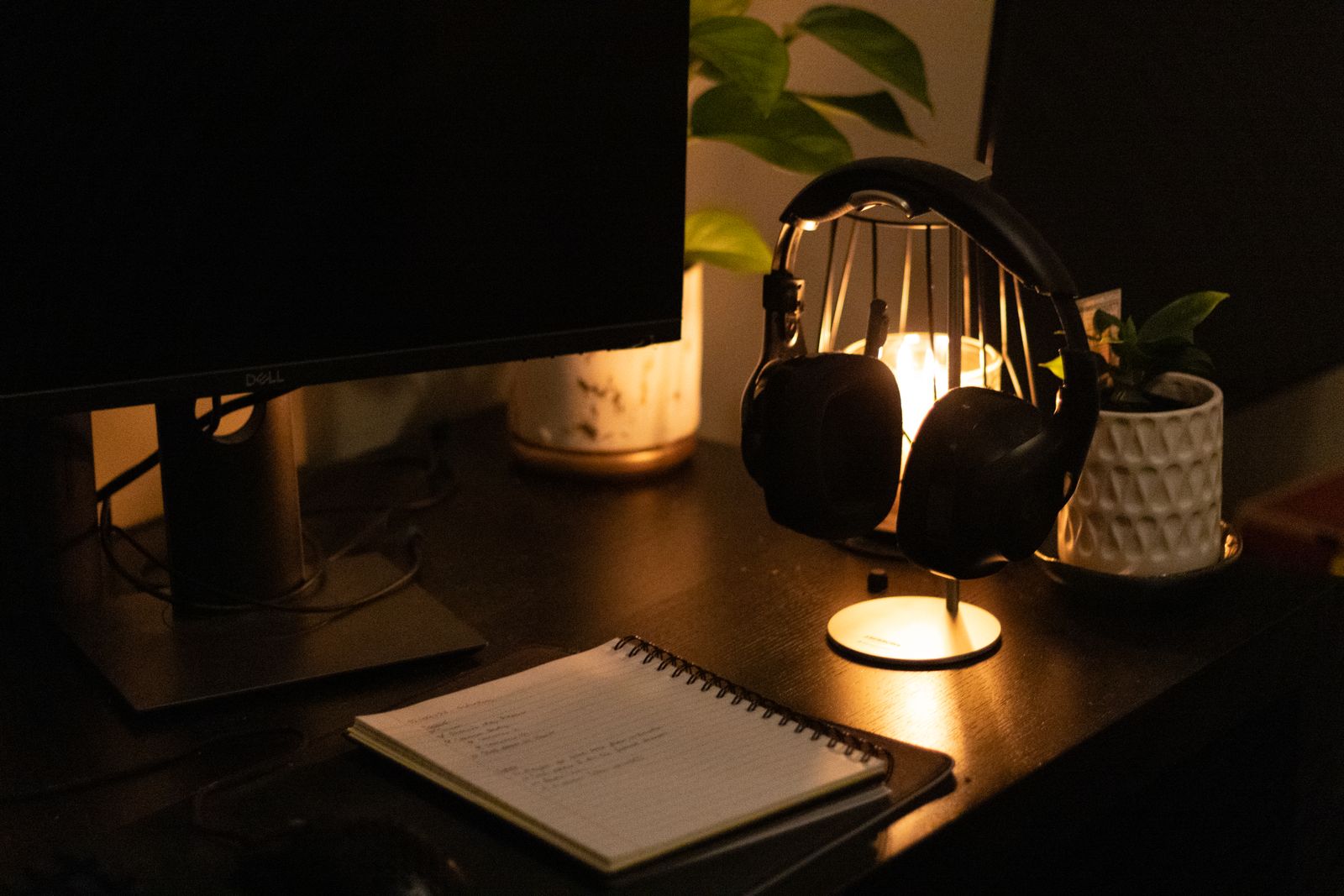
Desk lighting that does not shine back at you
A desk lamp can make a notebook easier to read while leaving a bright reflection in the monitor. Before choosing a stronger lamp, work out where the light should fall. The aim is to illuminate the task without putting the source or its reflection in your normal view.
Read the guide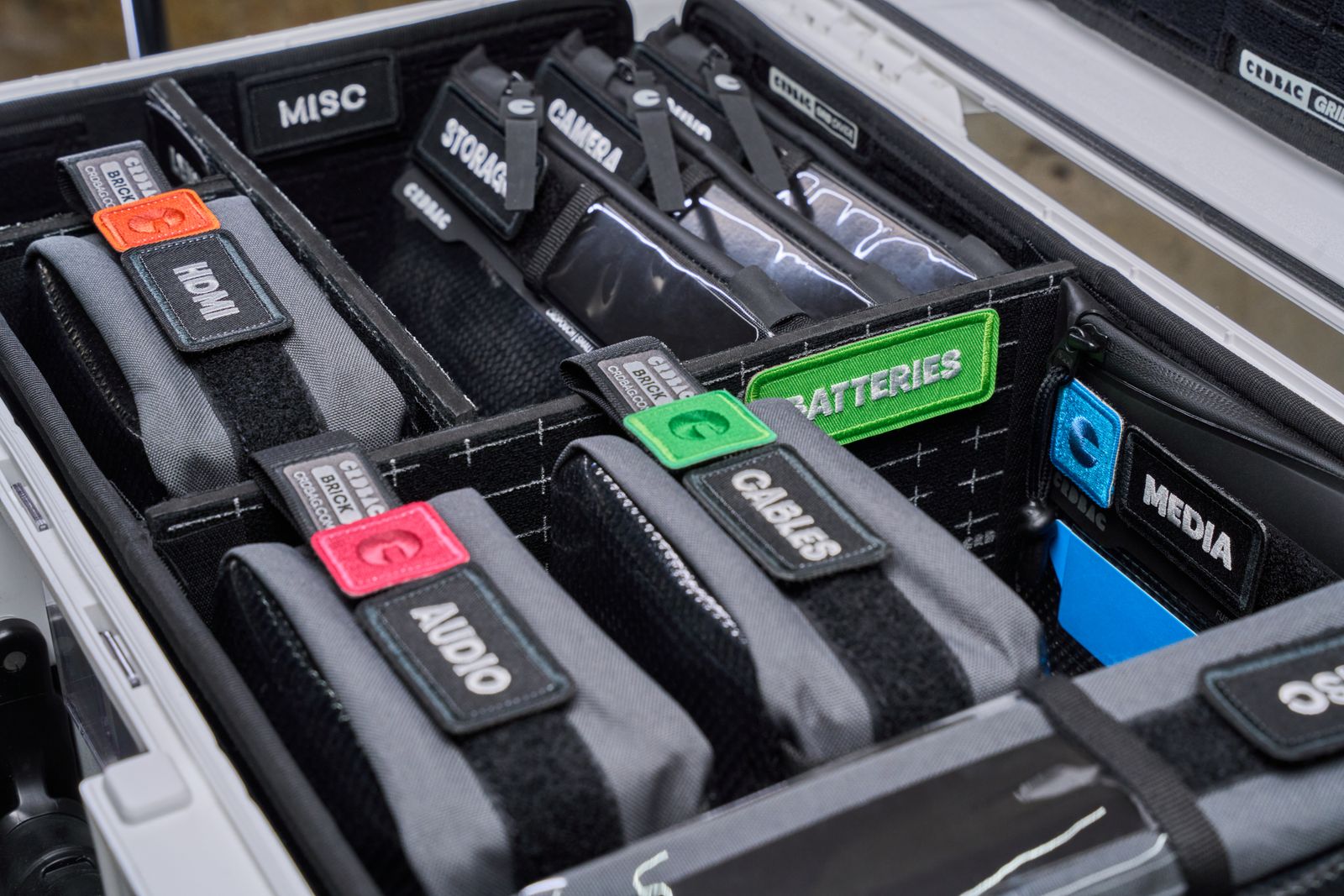
Keeping track of adapters and their cables
A drawer full of adapters is only helpful if you know what they connect and what they can do. Label the working combinations while the devices are still beside you. A short description of the job is often more useful than trying to memorize every connector specification.
Read the guide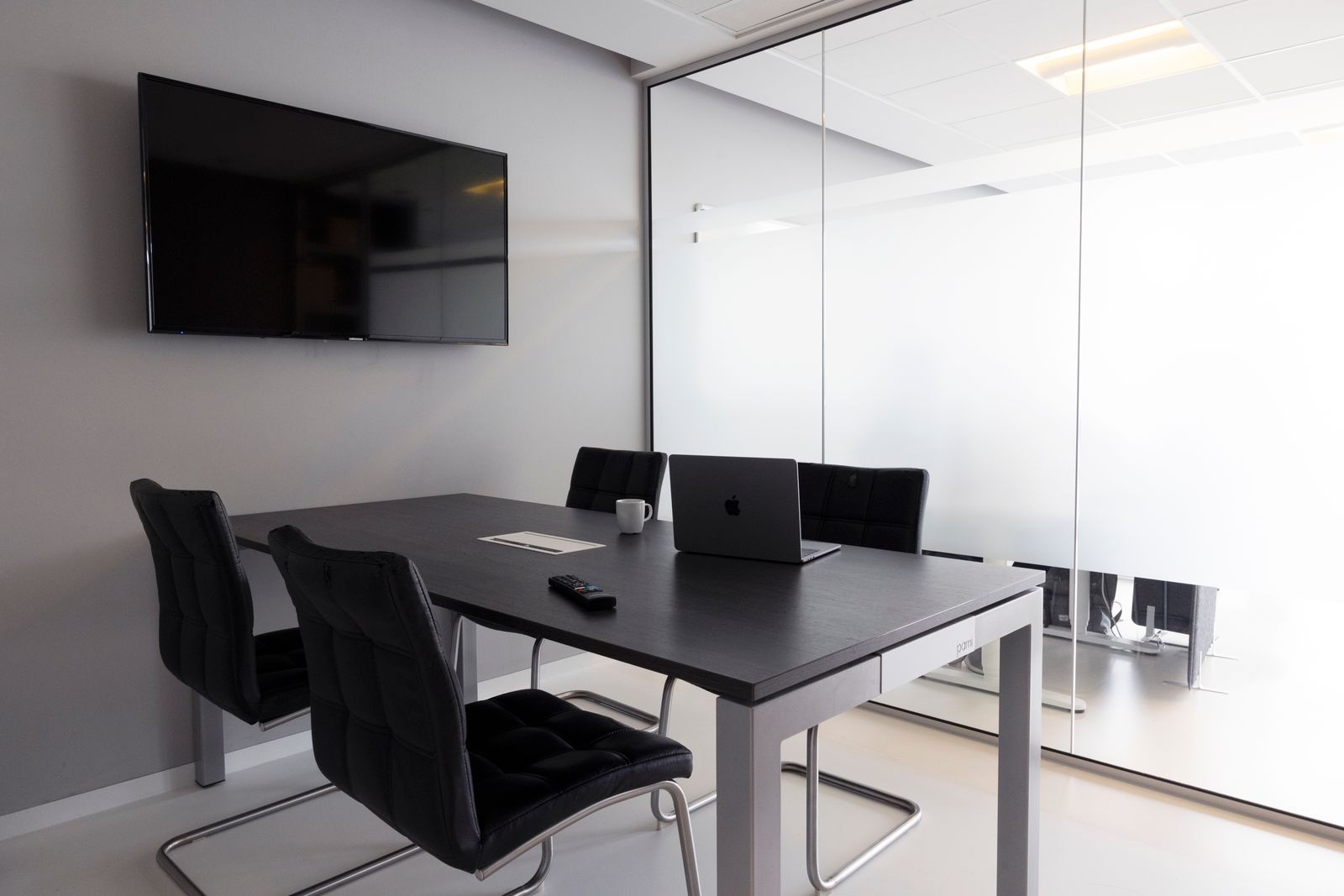
Connecting a laptop to a television for a presentation
A television can be a useful presentation screen, but the first connection should not happen as everyone sits down. Check the cable path, display mode, and audio in advance. A few minutes of preparation also keeps private desktop notifications out of the room.
Read the guide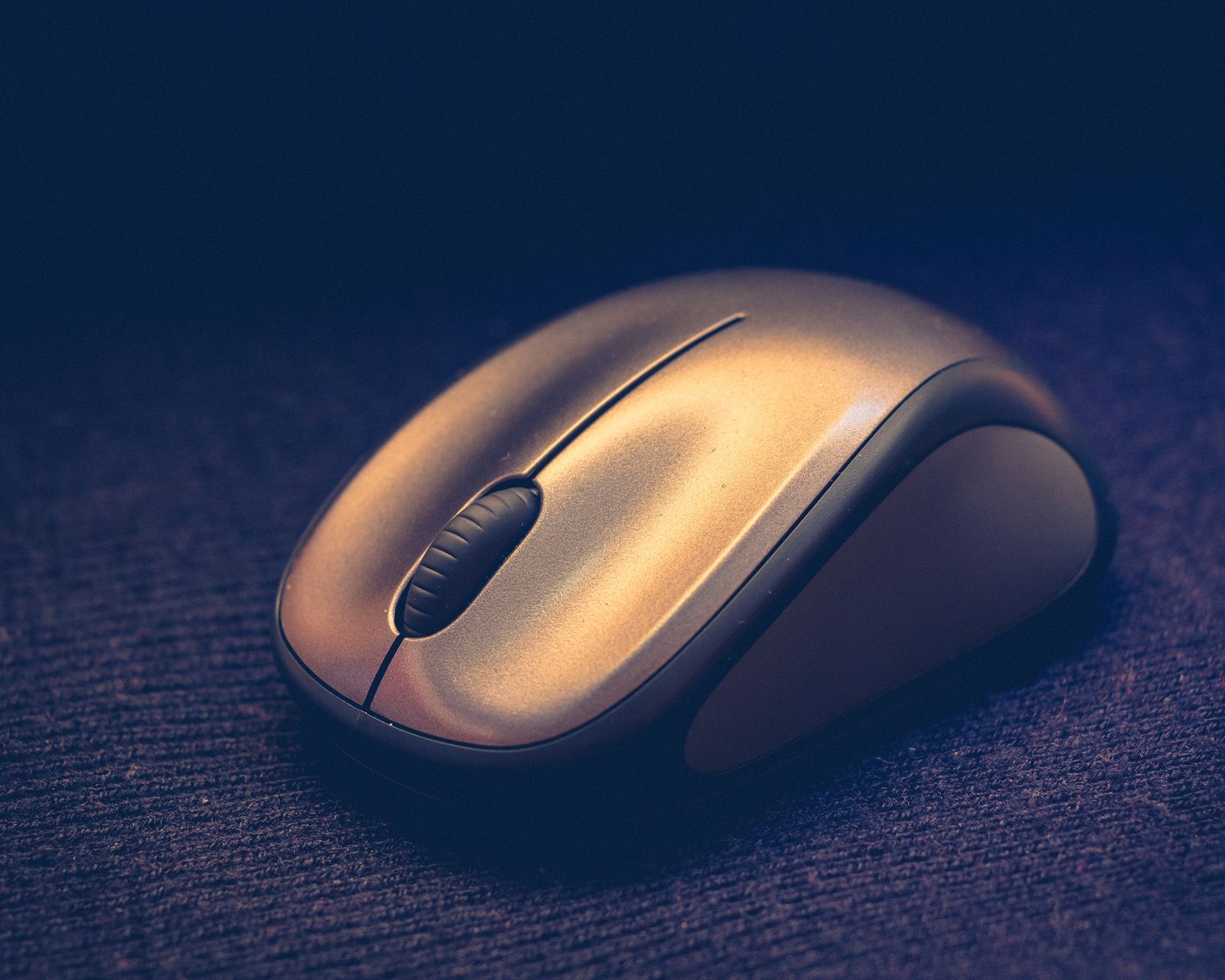
Why a wireless mouse keeps losing its connection
An unreliable wireless mouse can interrupt work in several different ways: a pause after waking, a complete disconnection, or a pointer that moves badly on one surface. Notice which behavior you have before pairing it again. The quickest fix may be power or placement rather than a new mouse.
Read the guide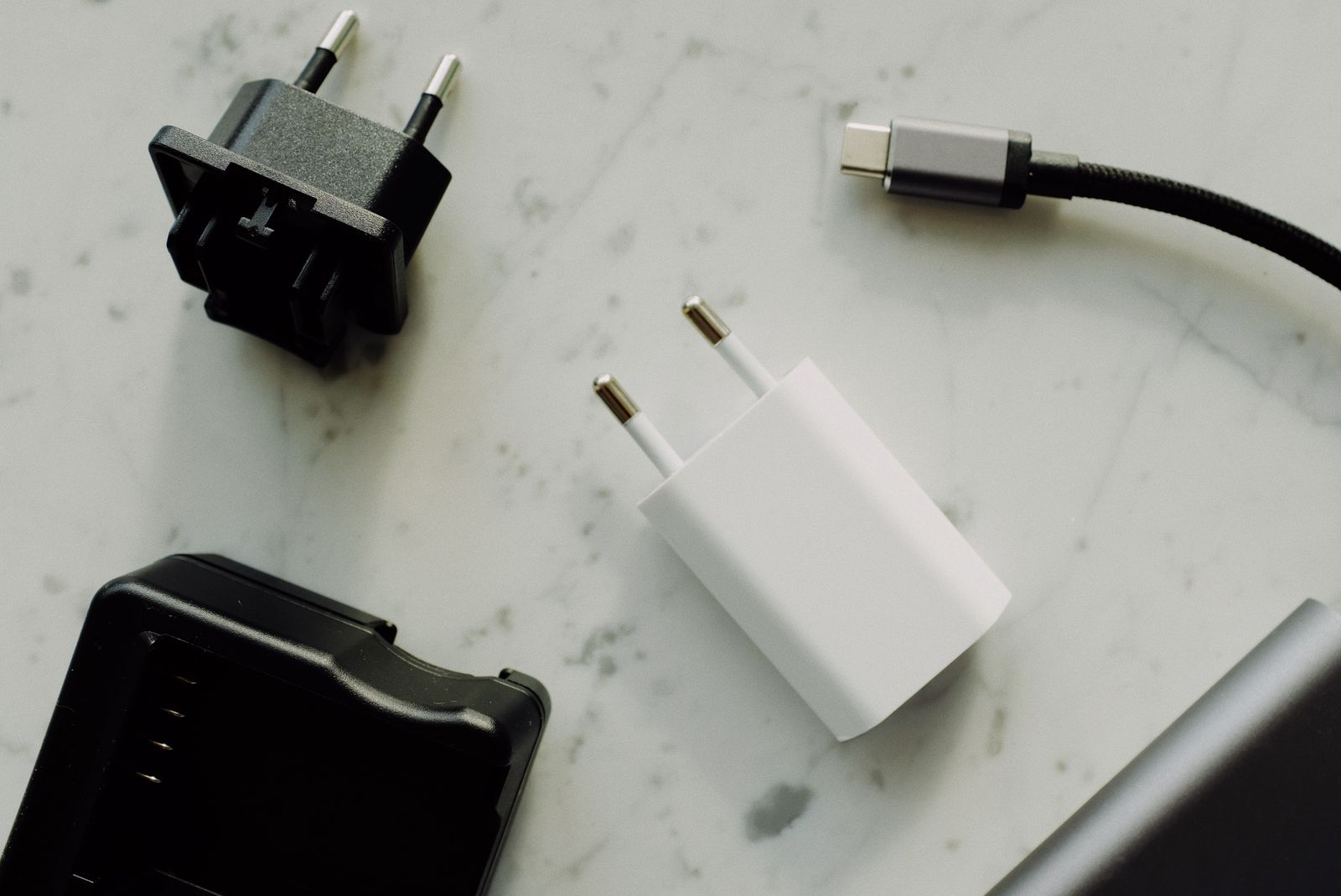
A travel adapter does not change what your charger accepts
A travel adapter changes how a plug fits an outlet. It does not automatically convert the electrical supply for the charger attached to it. Before packing, read the charger's input label and the destination's supply requirements, then choose a suitable adapter for that specific combination.
Read the guide