Connections & gear
Cables, displays and a desk that works together.
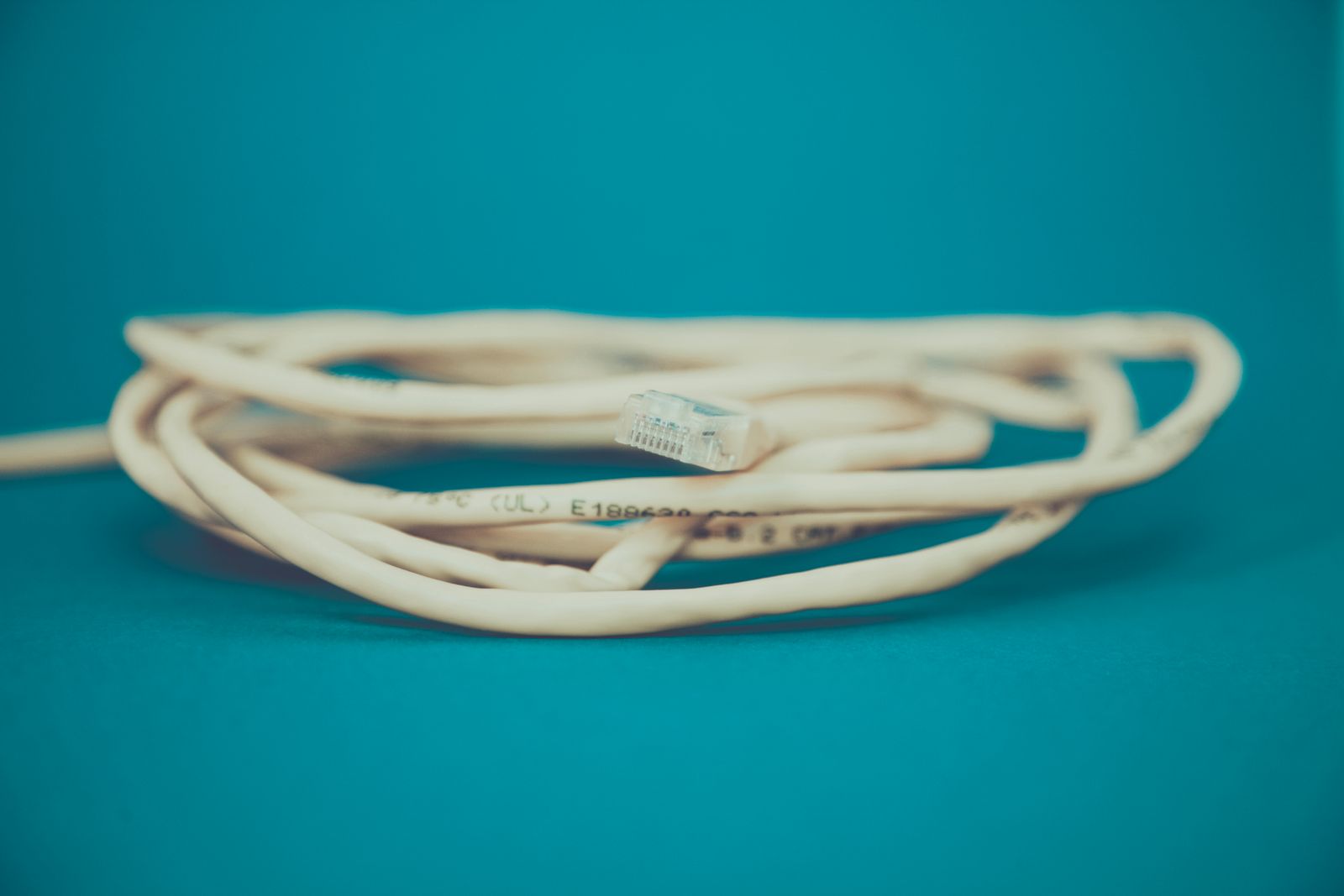
When an Ethernet cable is the simpler fix
A laptop does not have to use Wi-Fi just because it is portable. If it spends most of the day on one desk, an Ethernet cable may be the least complicated way to improve a weak local connection. The question is whether you can route it sensibly and connect it to suitable equipment.
Read the guide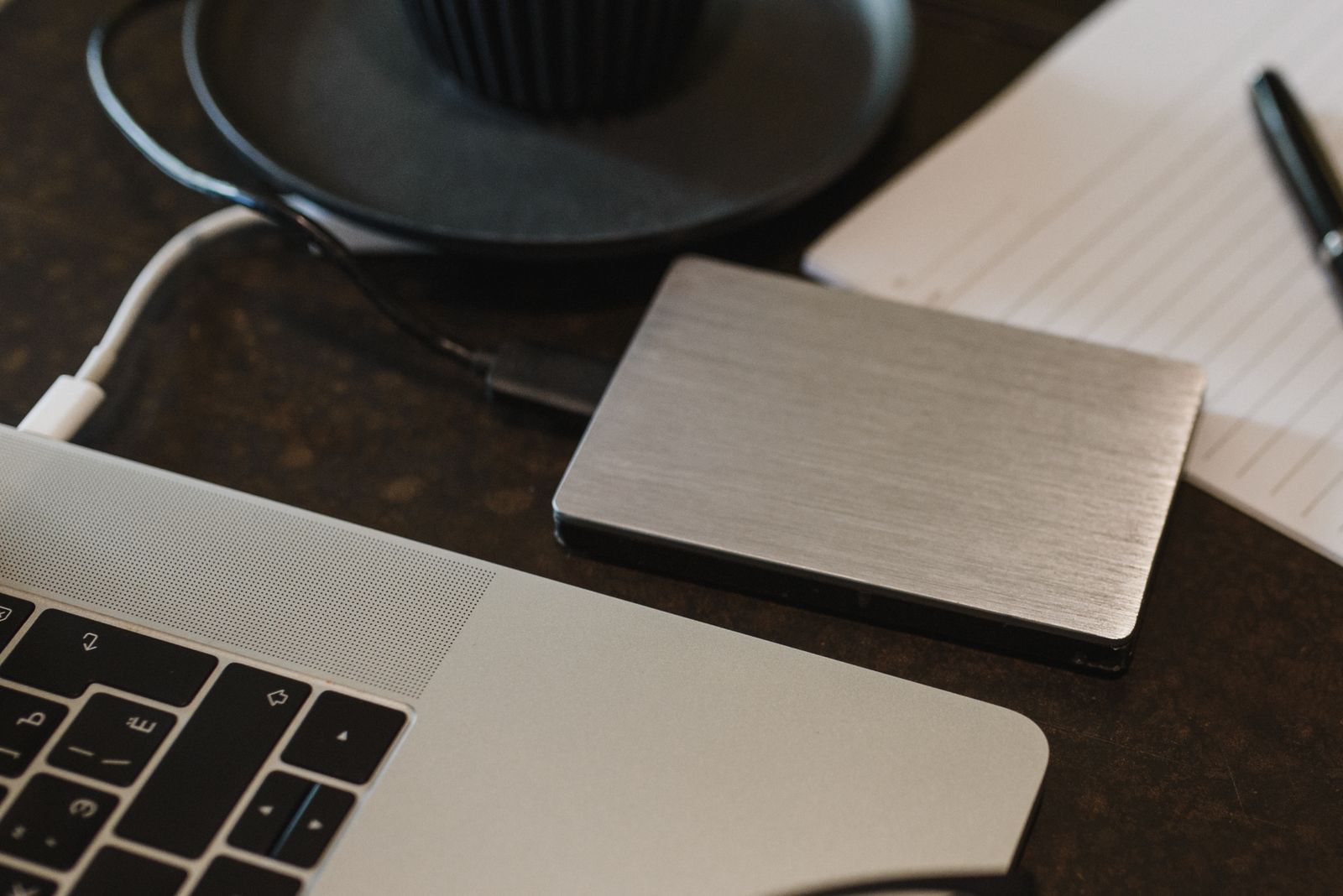
Choosing an external drive for a backup routine
A backup drive is not useful because it is fast on a specification sheet. It is useful because it holds the files you need, works with your backup software, and gets connected often enough to contain a recent copy. Choose the routine first, then buy the drive that fits it.
Read the guide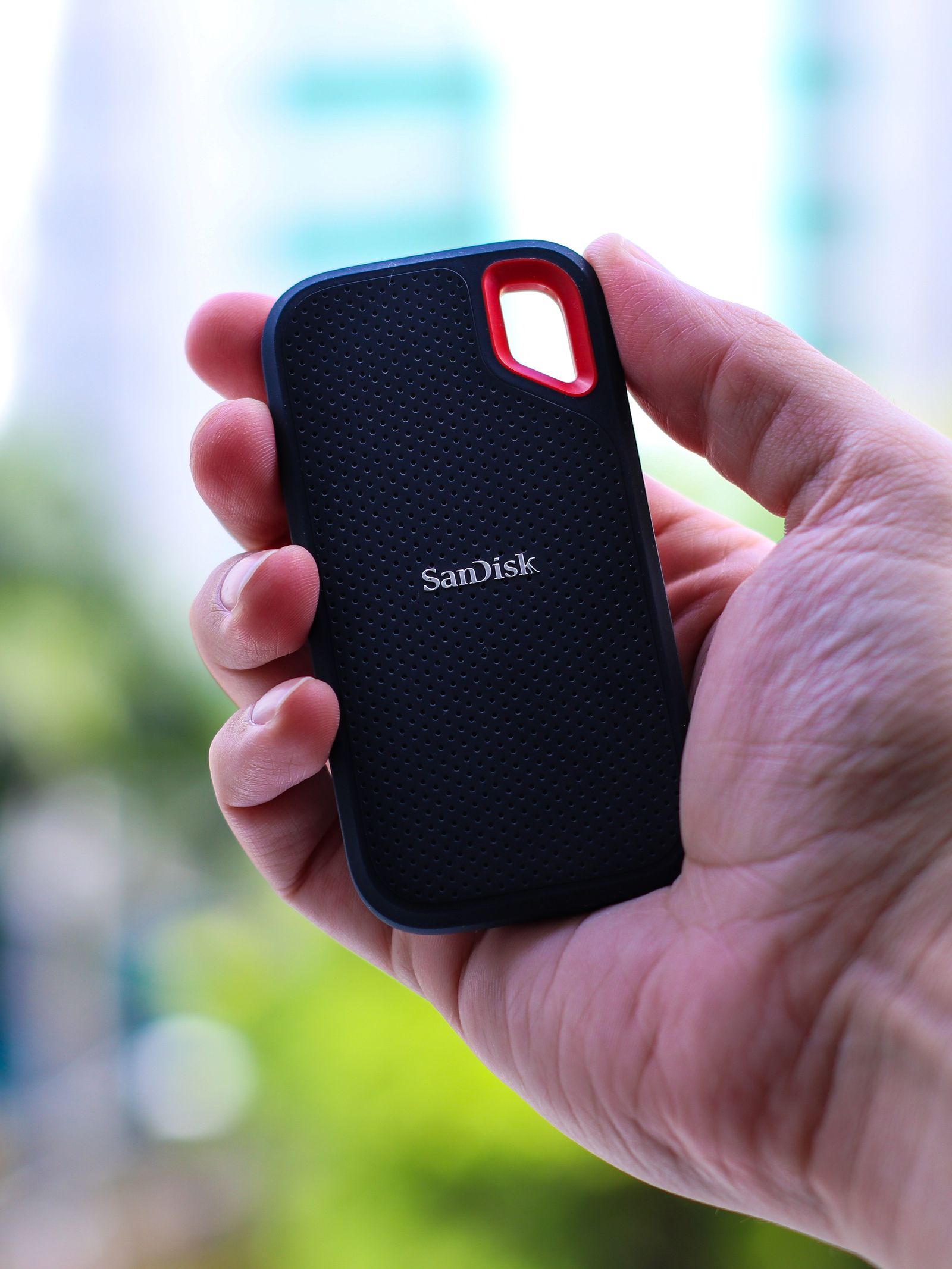
SSD or hard drive for files you do not open every day?
An archive of old photographs asks different things of a drive than an active video project. If you rarely open the files, capacity, cost, and a sensible backup arrangement may matter more than peak speed. The right choice depends on how you store the drive and how you expect to retrieve the collection.
Read the guide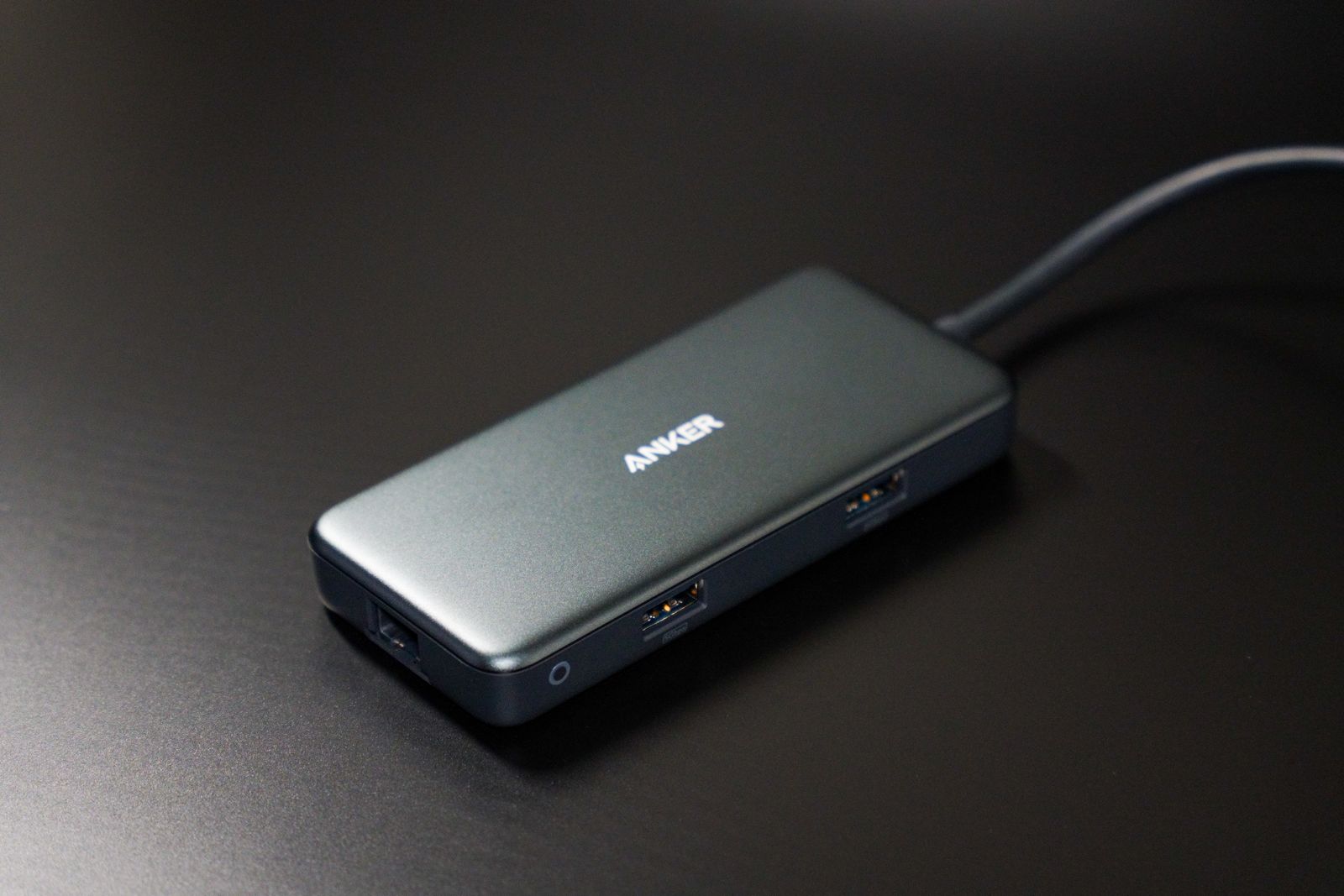
What a USB hub can add to a small laptop
A USB hub can turn one laptop port into several places to connect everyday accessories. It cannot make every attached device run at the full speed printed beside its socket, and it may not supply enough power for every combination. Choose it around the devices you use together.
Read the guide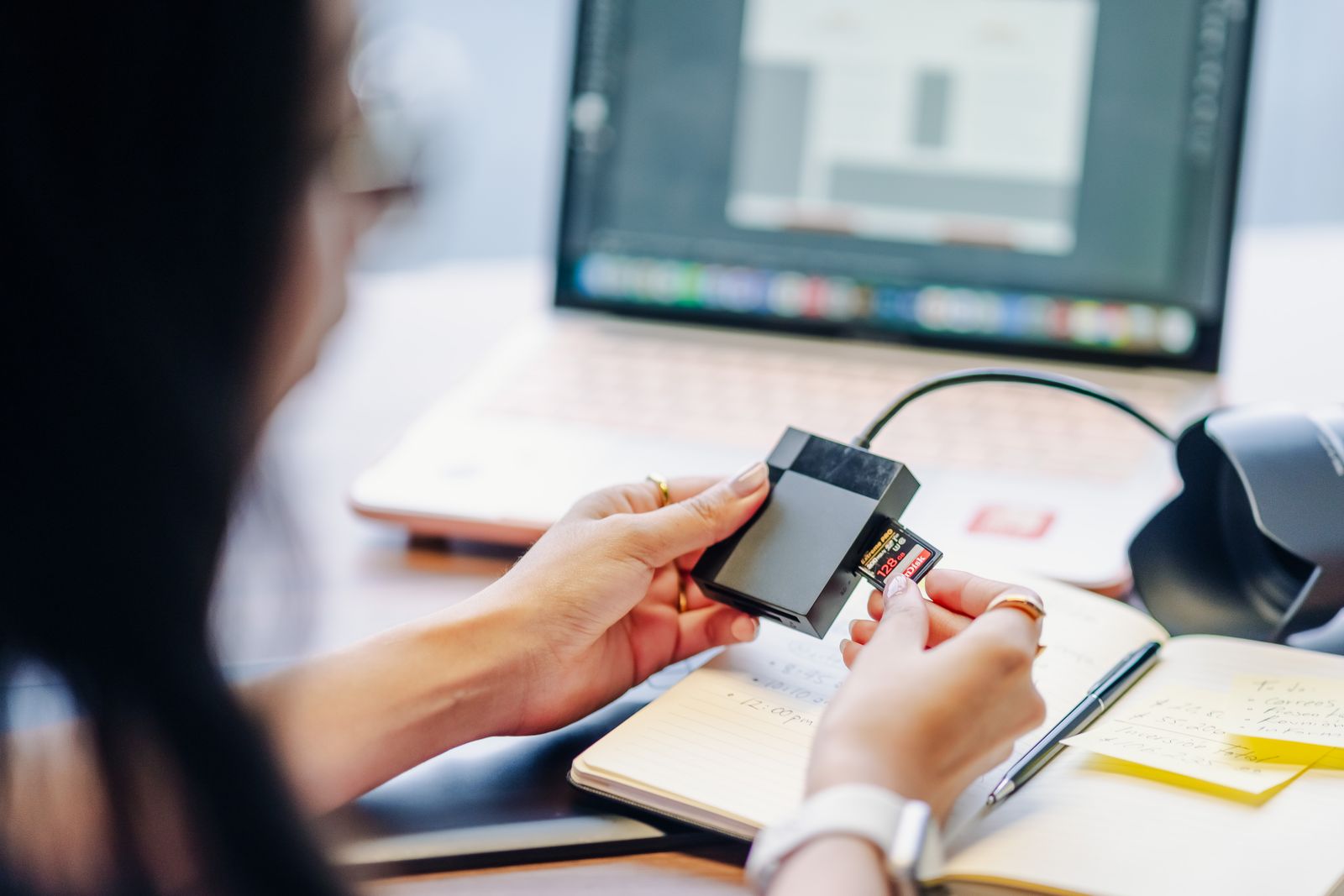
An SD card reader that matches your cards
An SD card reader can accept the card physically and still be the wrong match for its standard or expected speed. Check the cards you already use before buying a reader. The logos, capacity class, and connection to the computer give you a more useful answer than the number of slots.
Read the guide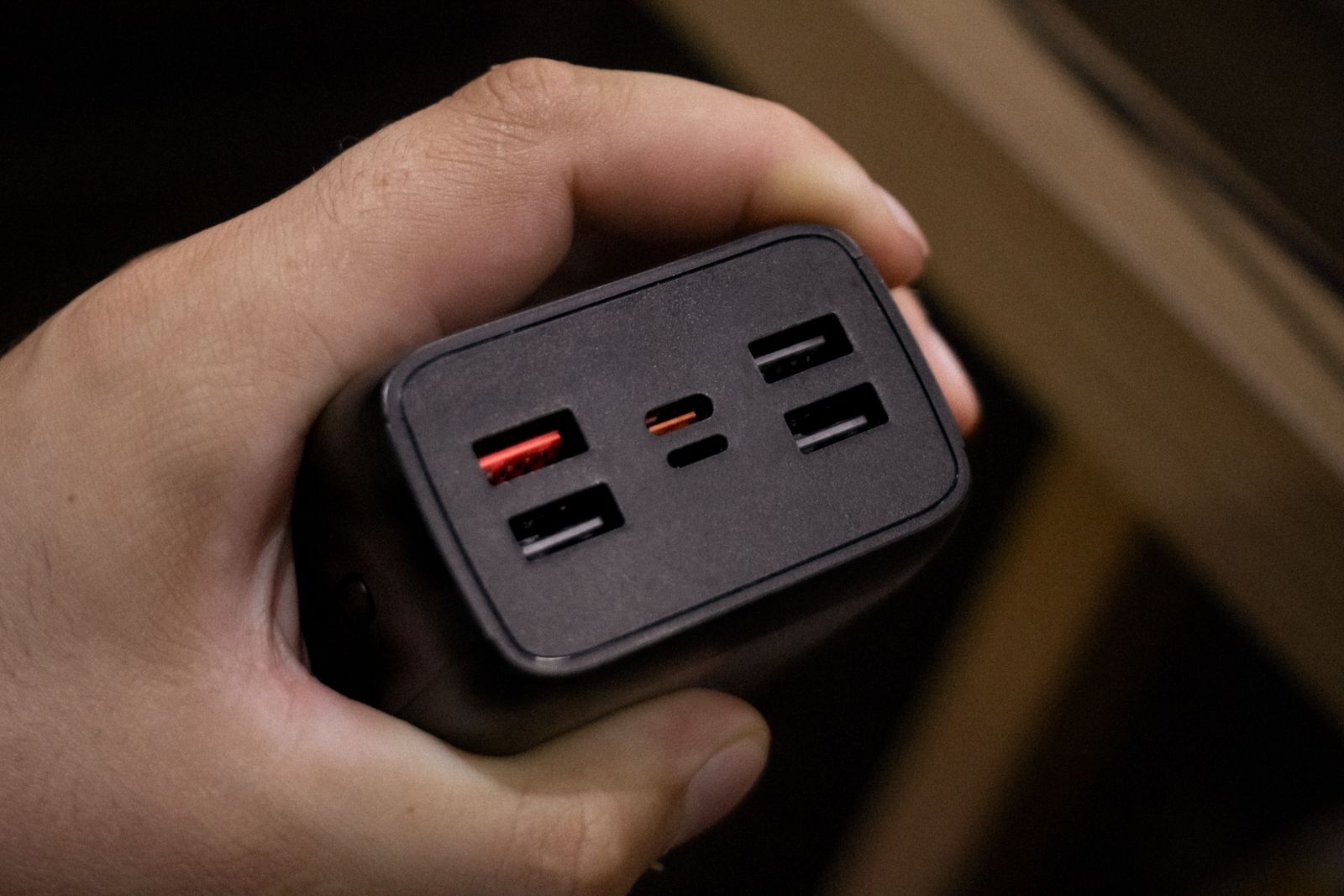
Charging two devices from one adapter
A two-port charger can replace a pair of adapters, but the total wattage is only the beginning of the comparison. Check how power is divided when both devices are connected. The combination you plan to use—a laptop and phone, for example—matters more than the maximum from one empty port.
Read the guide
A compact mouse for travel and longer work
The smallest mouse in the bag is not always the one you want to use for an afternoon. A travel mouse has to fit your hand, connect to the laptop, and work on the surfaces you encounter. Start with how long you use it away from home, then decide how much size to trade for convenience.
Read the guide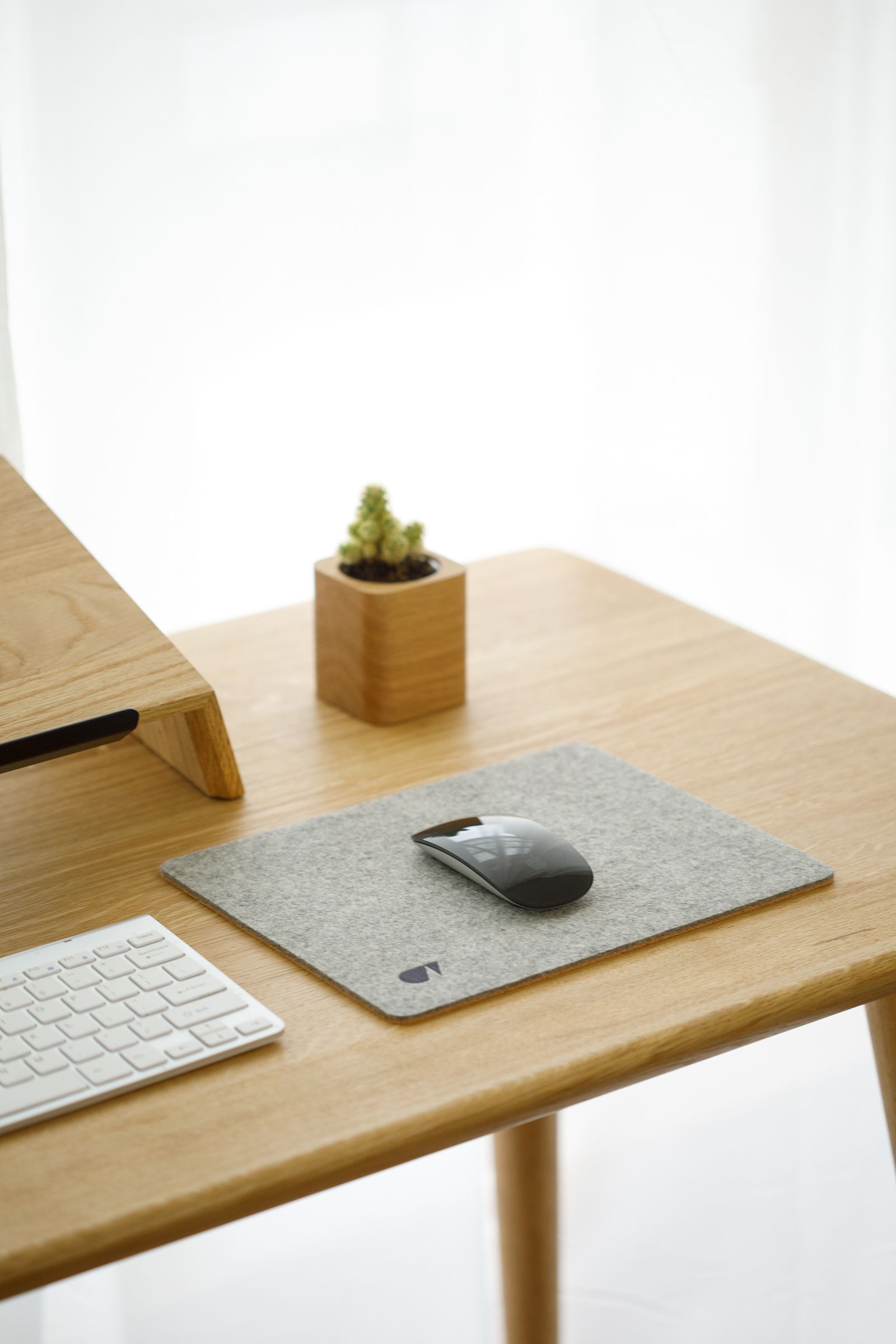
Choosing an external keyboard for a laptop desk
An external keyboard lets the laptop screen move independently from your hands. That can make a fixed desk easier to arrange, but the keyboard itself still needs to fit the space and the way you type. Layout and width are often more consequential than the switch name on the box.
Read the guide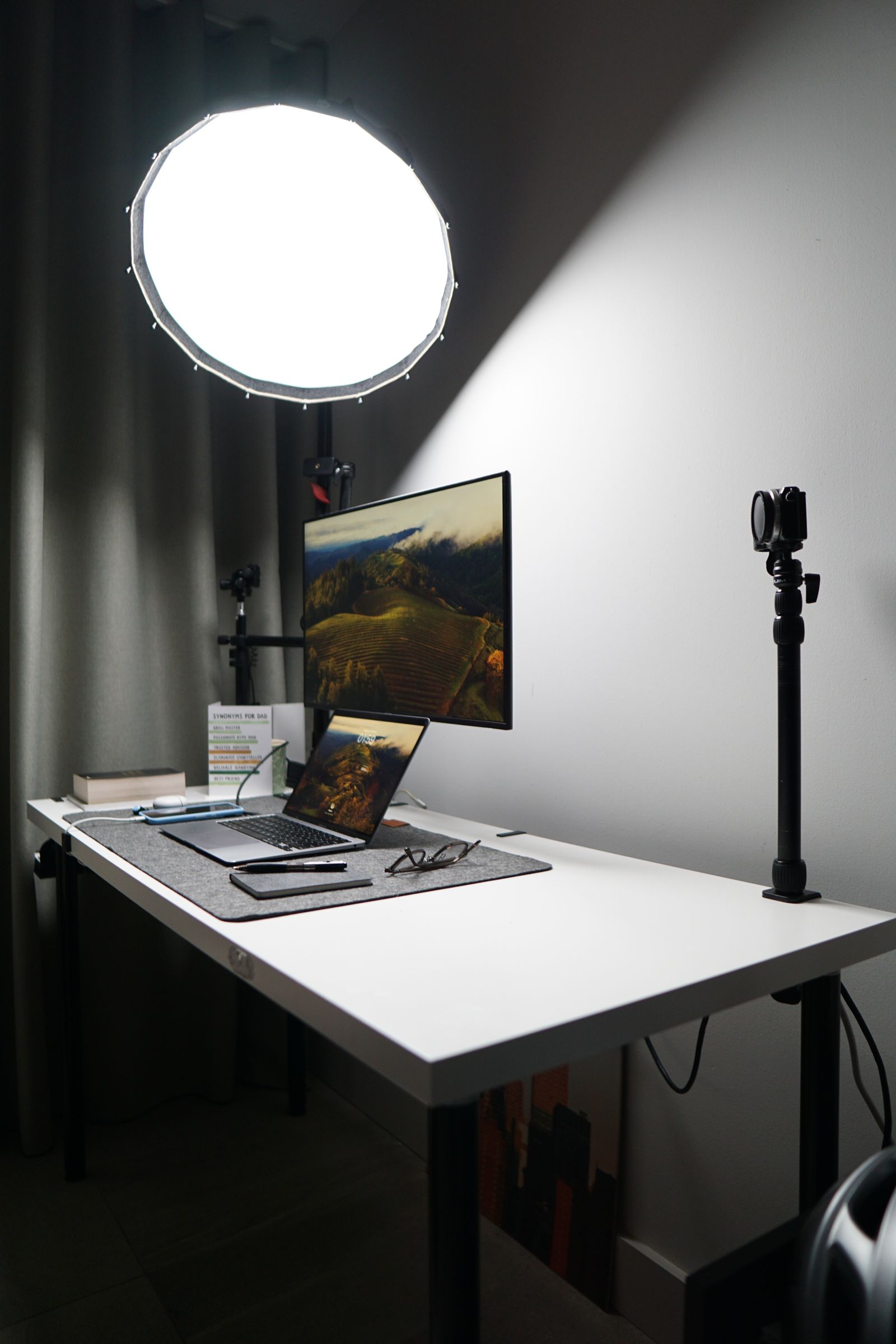
What to measure before buying a monitor arm
A monitor arm can free desk space, but only if the screen, mount, and desk can support one another. Before ordering, measure more than the monitor's diagonal. The mounting pattern, screen weight, clamp clearance, and movement behind the desk determine whether the arm will fit.
Read the guide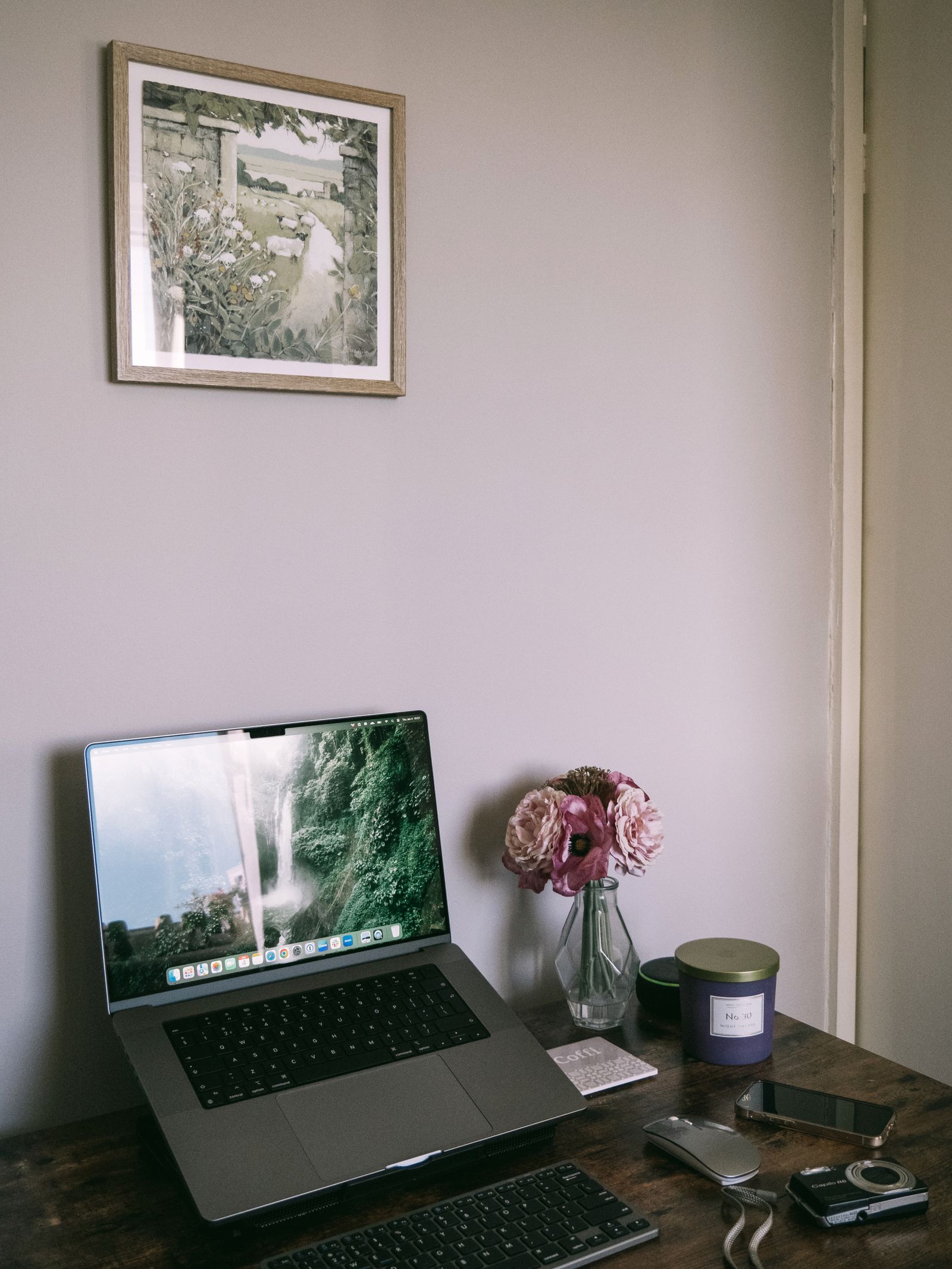
A laptop stand needs a plan for the keyboard
Raising a laptop also raises its keyboard. That is the detail to settle before buying a stand for long sessions. Decide whether you will type on the laptop itself or use separate input devices, then choose a support that fits the complete arrangement.
Read the guide