Find your next step.
Browse a topic or search for the device, setting or task on your mind.

Choosing a laptop charger you can carry every day
The charger can be the bulkiest item in a laptop bag after the computer itself. A smaller replacement is tempting, but it has to deliver the power your model needs through a cable and connector that support the job.
Read the guide
What to check on a refurbished laptop listing
A refurbished listing can describe anything from a carefully documented business laptop to an old machine with a new photograph. The useful questions concern the exact unit, the work performed on it and what happens if it arrives with a problem.
Read the guide
Inspecting a used laptop before you keep it
The first hour with a used laptop is a good time to discover a loose port or an unexpected account lock. Work through the machine while the purchase is still easy to question, keeping the packaging and the seller's description nearby.
Read the guide
A student laptop budget starts with the course software
A student discount does not help much if the computer cannot run the software used in class. Start with the course requirements, then build a budget around the whole setup rather than the laptop's sale price alone.
Read the guide
A laptop for writing: where to spend and where to save
For a writing laptop, the most expensive component is not necessarily the one you notice most. A clear page, comfortable keys and a dependable way to save your work can matter more than performance you use only occasionally.
Read the guide
Choosing a computer for family video calls
A family call can be spoiled by muffled speech even when the picture looks sharp. When choosing a computer for regular video conversations, consider the room, the microphone and how easily the person using it can join the call.
Read the guide
Photo editing on a laptop: look beyond the processor badge
A fast processor is only one part of a photo-editing laptop. The screen you judge color on, the space available for working files and the way your editing software uses memory can all change how comfortable the job feels.
Read the guide
A quieter laptop for a shared room
A laptop that is quiet while reading a page may become quite noticeable during a call or file export. If you share a room, judge the sounds of your ordinary workload rather than relying on the word quiet in a product description.
Read the guide
When an external monitor makes more sense than a new laptop
Sometimes the laptop is fast enough and the real problem is that every window feels too small. An external monitor can change that at a lower cost than replacing a working computer, provided the connection and desk arrangement are suitable.
Read the guide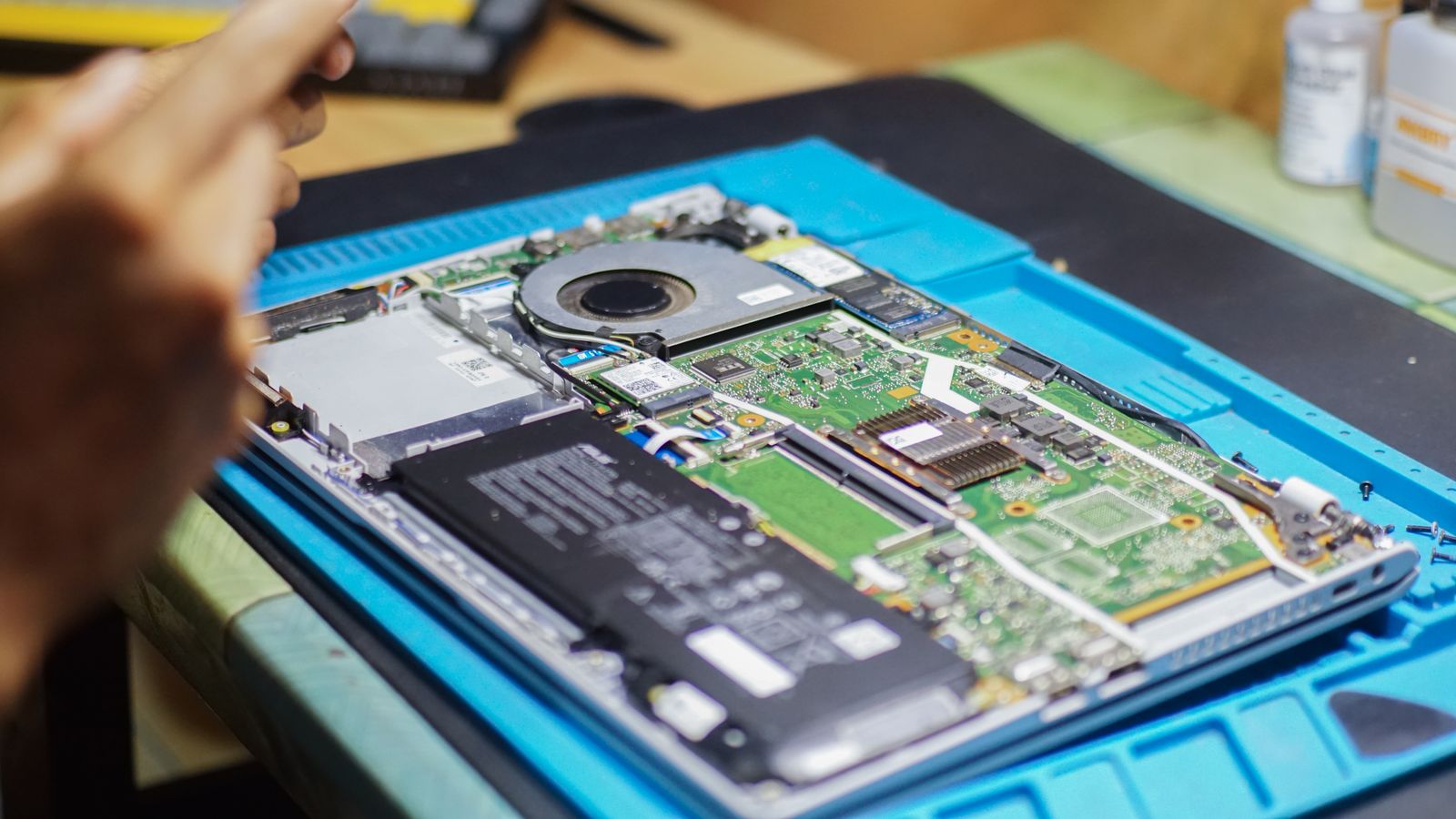
Checking whether memory and storage can be upgraded
The phrase upgradeable laptop can hide several different arrangements. There may be an empty memory slot, a replaceable drive, or only one component that can be serviced. Find out which situation applies before buying parts or choosing a low-specification configuration.
Read the guide