Find your next step.
Browse a topic or search for the device, setting or task on your mind.
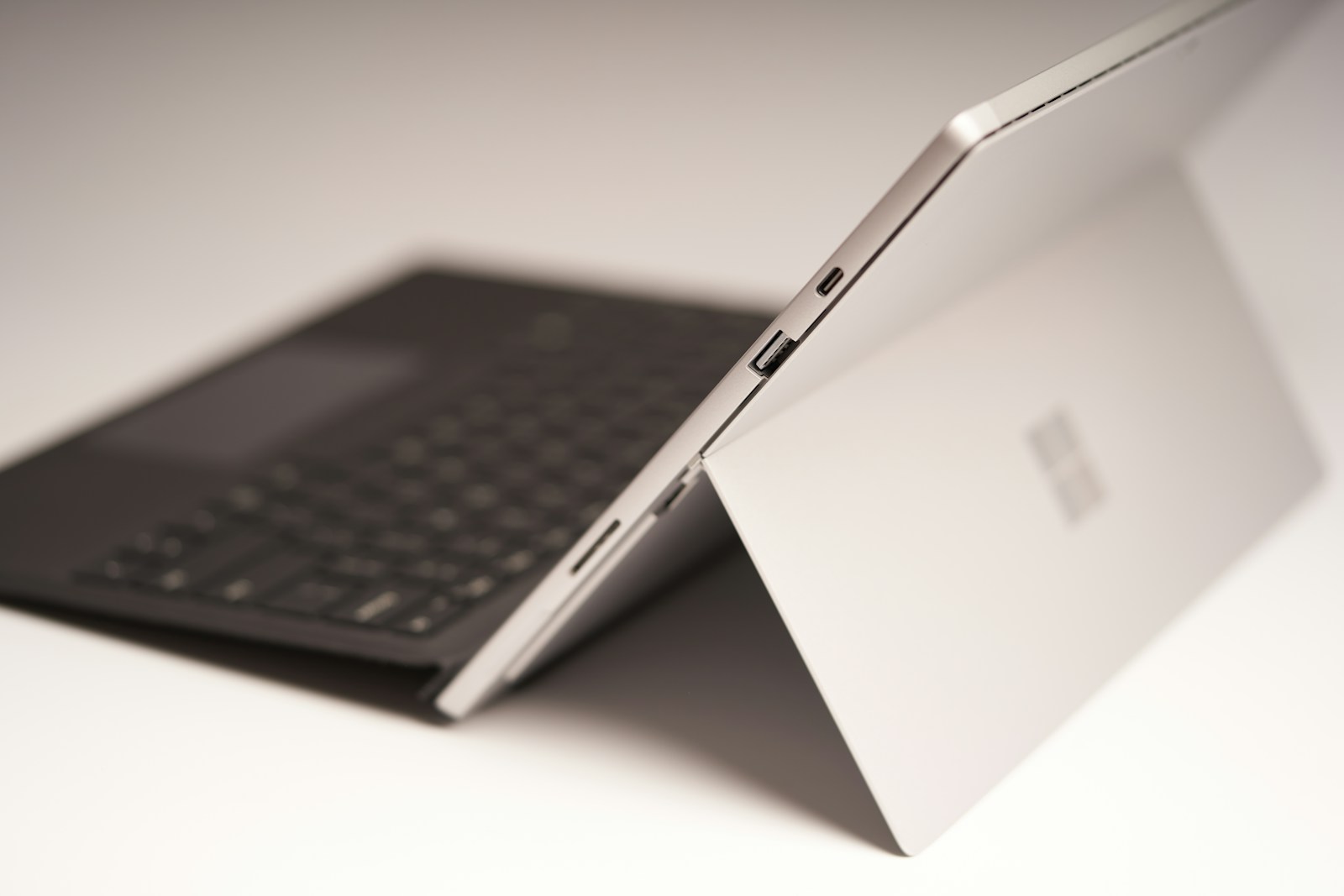
A two-in-one laptop needs a reason to fold
A hinge that folds all the way around looks versatile in a demonstration. It becomes valuable only when one of those positions solves a recurring problem—handwritten notes, reading on a small surface or sharing a screen across a table.
Read the guide
Chromebook or Windows laptop for browser-based work?
A browser-based workload can run well on more than one kind of computer. The deciding details often sit outside the browser: a required desktop program, an old printer, offline work or the way files move between applications.
Read the guide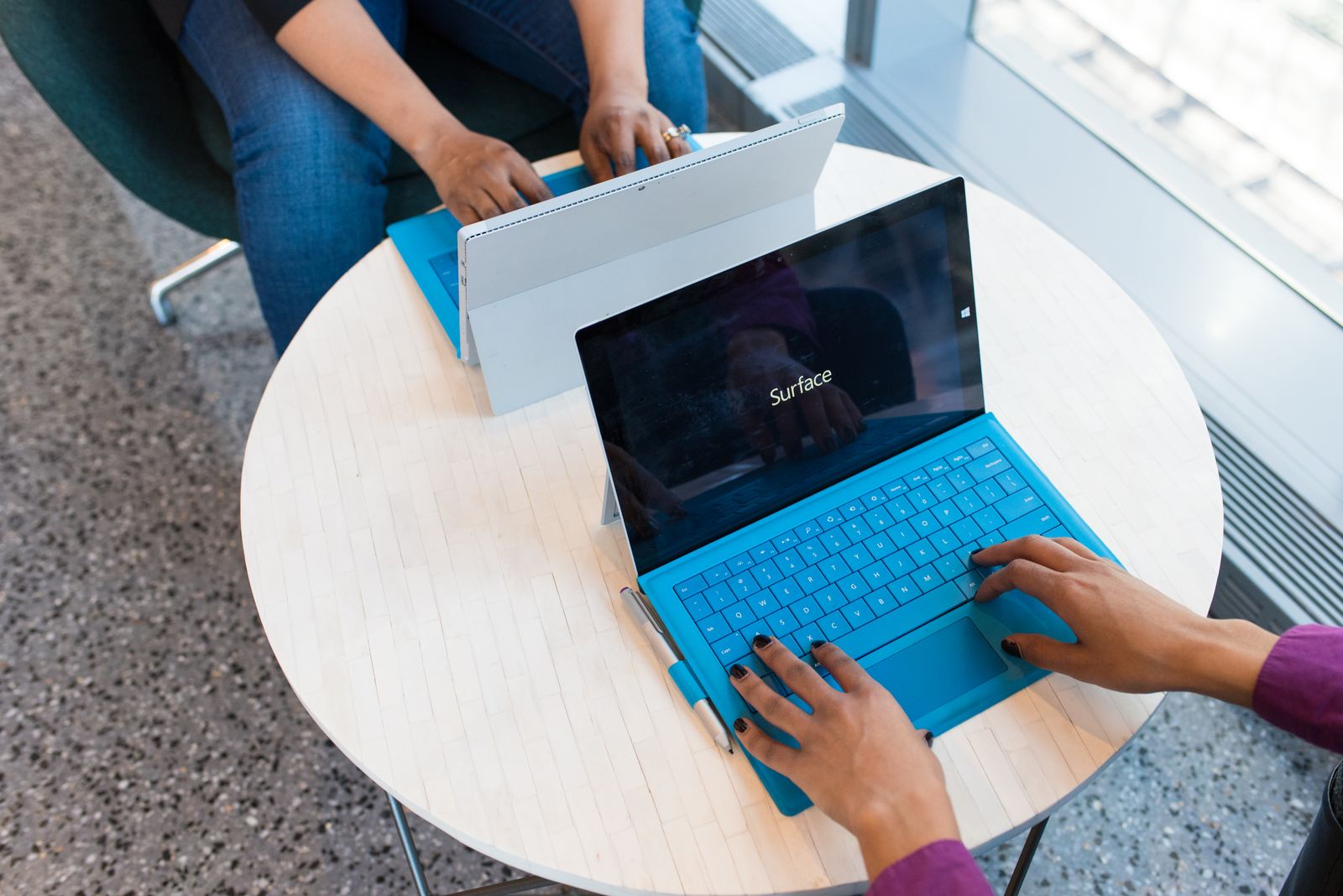
Comparing two laptops with different processor generations
An older premium processor can sit beside a newer midrange one at the same price. The larger tier number is not enough to choose between them, especially when the chips are installed in laptops with different cooling, memory and power limits.
Read the guide
Your first week with a new laptop
The first week with a new laptop is the best time to find an awkward port, a missing application feature or a backup that has not actually started. Set it up in stages so problems are easier to identify and your old files remain safe.
Read the guide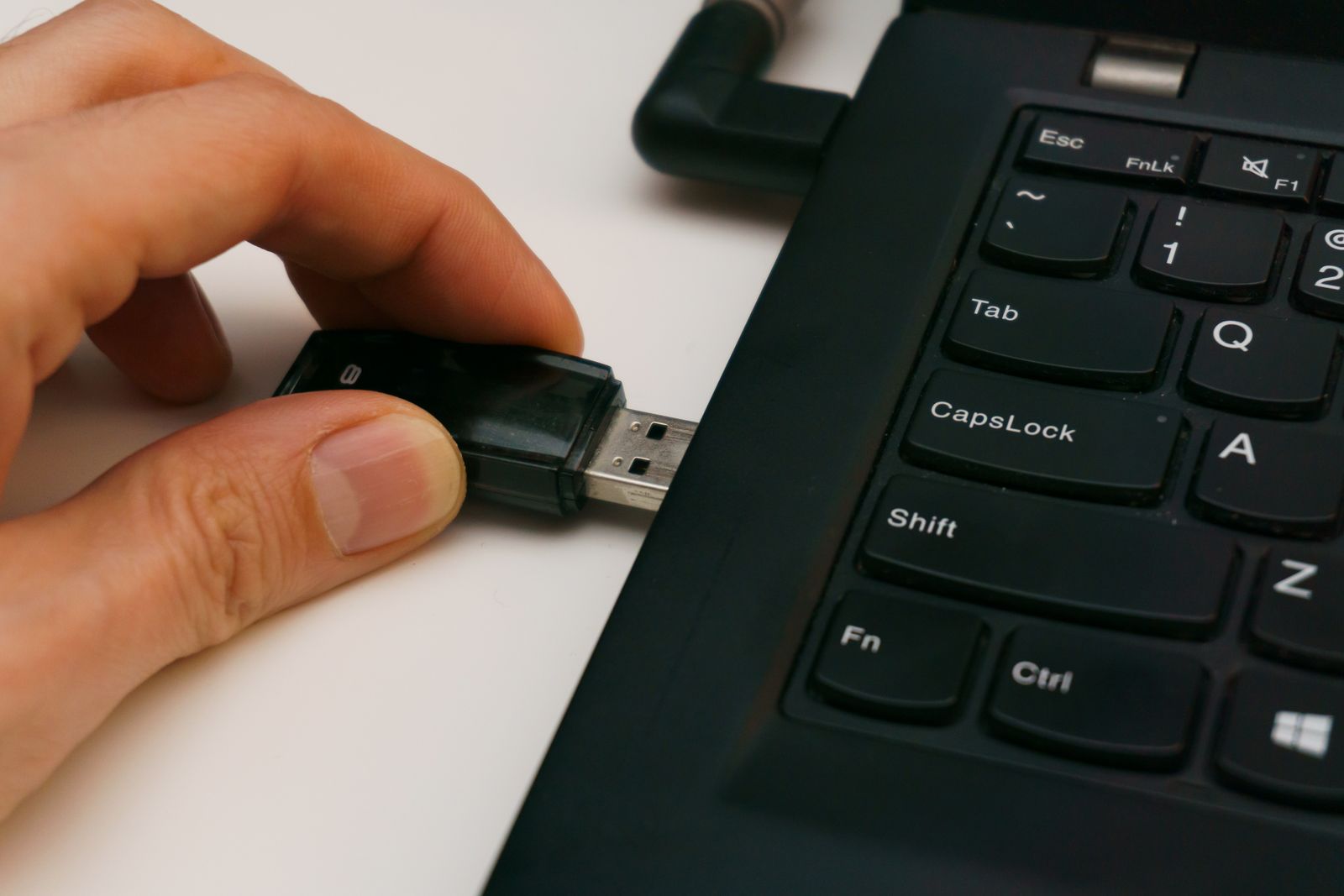
Moving files to a new computer without losing the originals
Moving to a new computer is safer when copying and deleting are treated as separate jobs. First create a working copy on the new machine, prove that it is complete, and only then decide what to remove from the old one.
Read the guide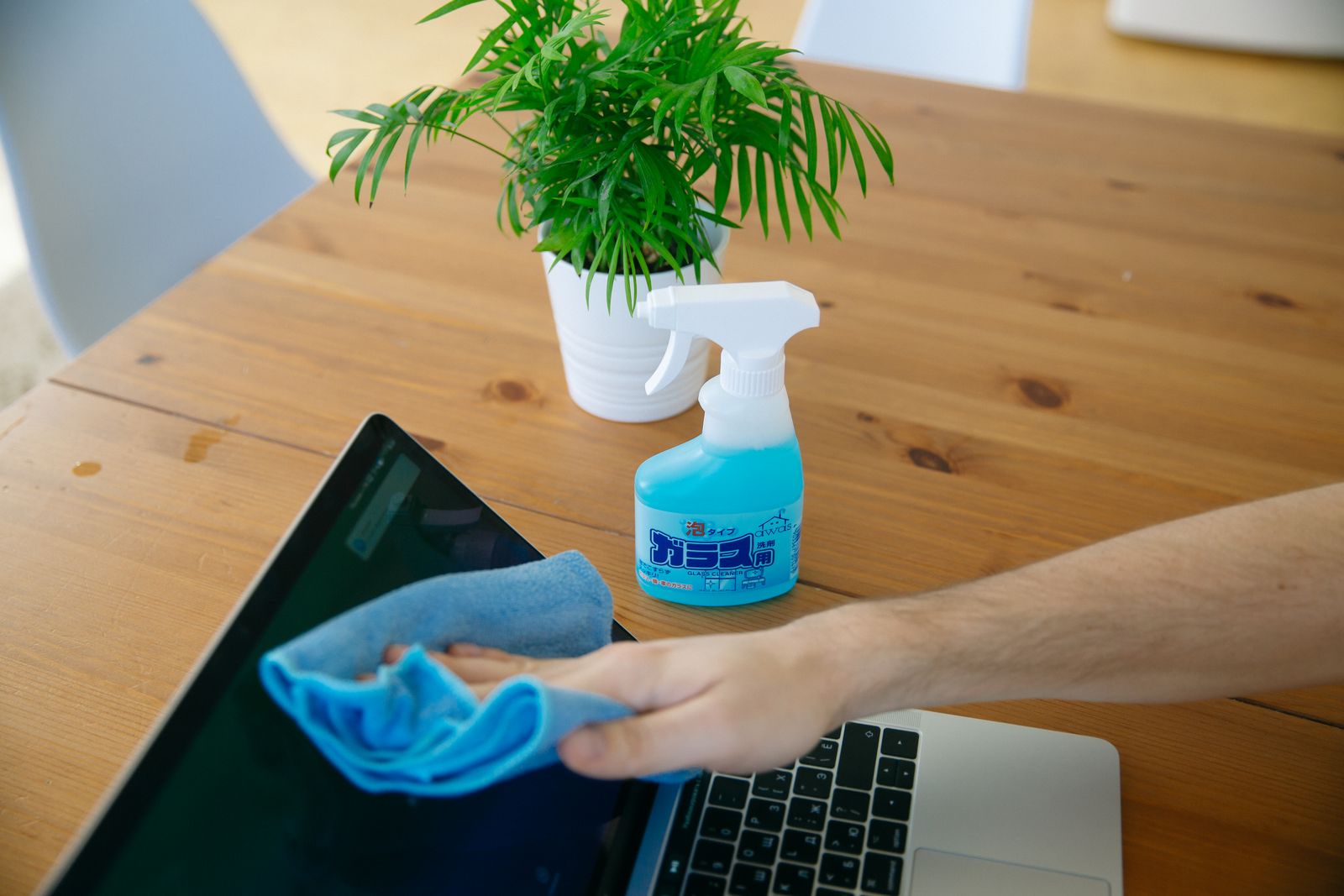
Cleaning a laptop screen without leaving streaks
Streaks usually encourage more wiping, which is not always what a laptop screen needs. A clean cloth, very little moisture and the correct instructions for the panel are a better starting point than a stronger household cleaner.
Read the guide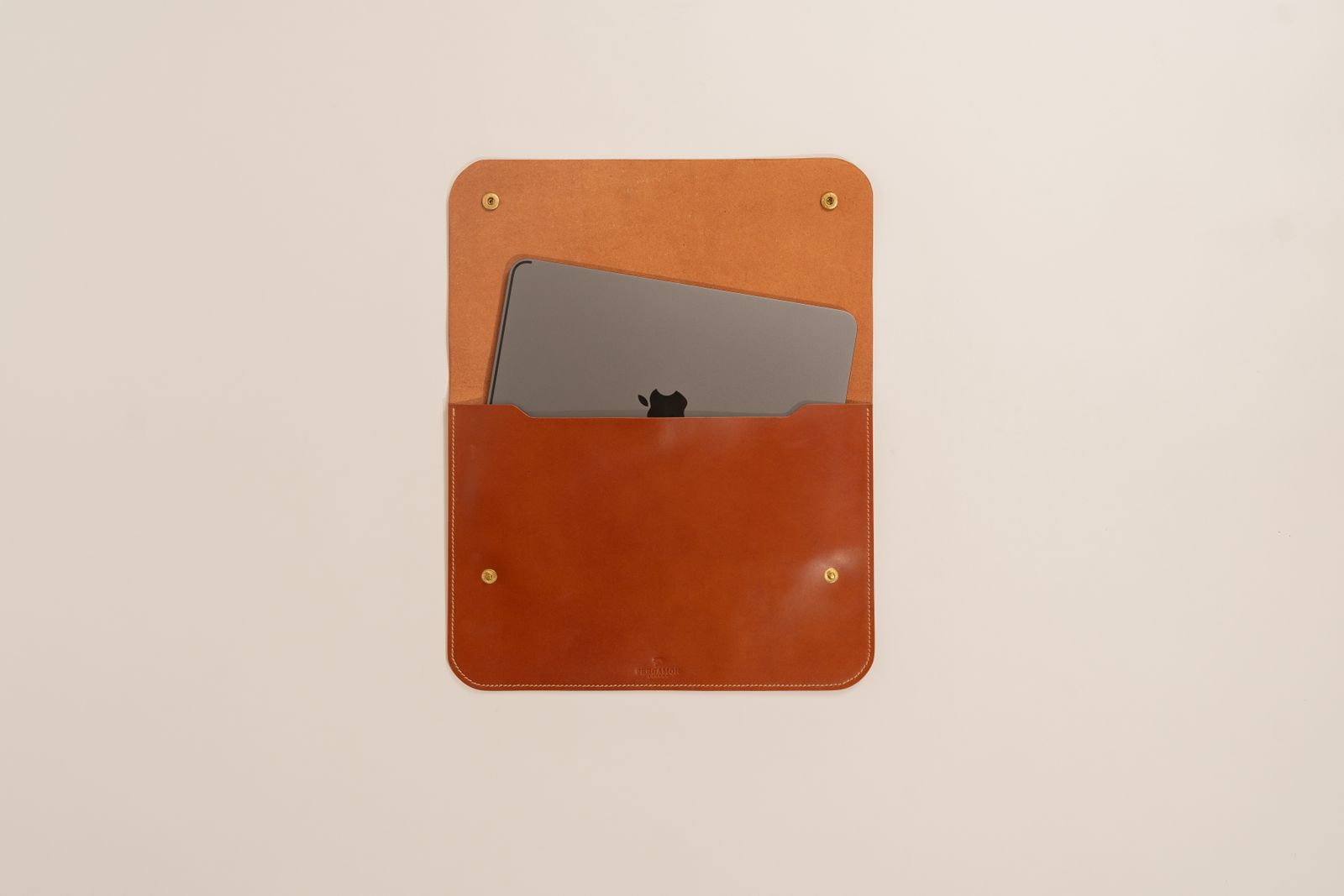
A laptop sleeve should fit the whole device
A sleeve labeled for a 14-inch laptop may fit one computer neatly and leave another fighting the zipper. Screen size is a useful category, but the dimensions of the whole device determine whether the sleeve actually works.
Read the guide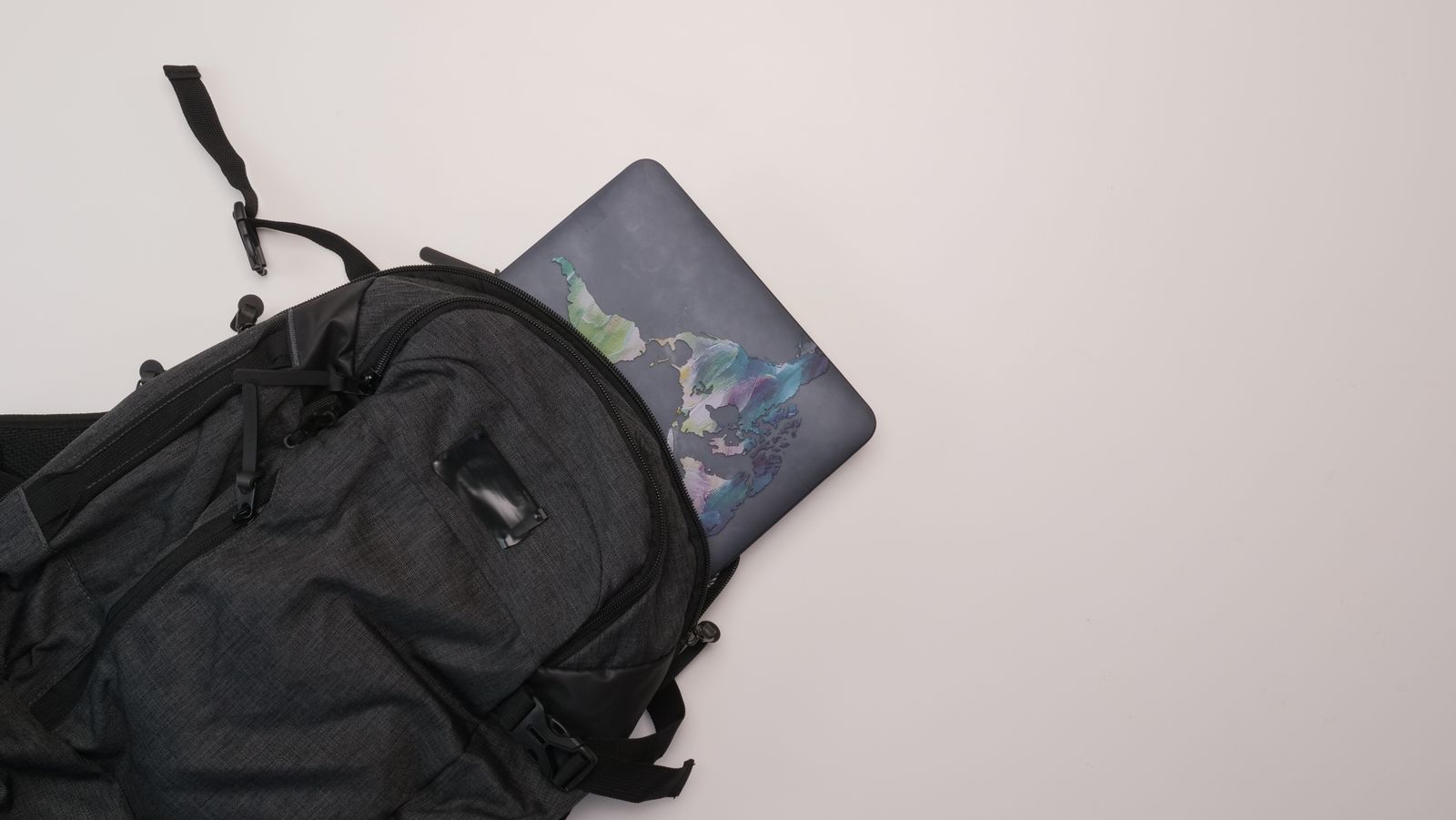
Packing a laptop bag without bending cables
A bag can hold every accessory and still pack them badly. Cables fail at the points that are repeatedly pulled or sharply bent, so a little space around connectors can be more useful than fitting one more item into a pocket.
Read the guide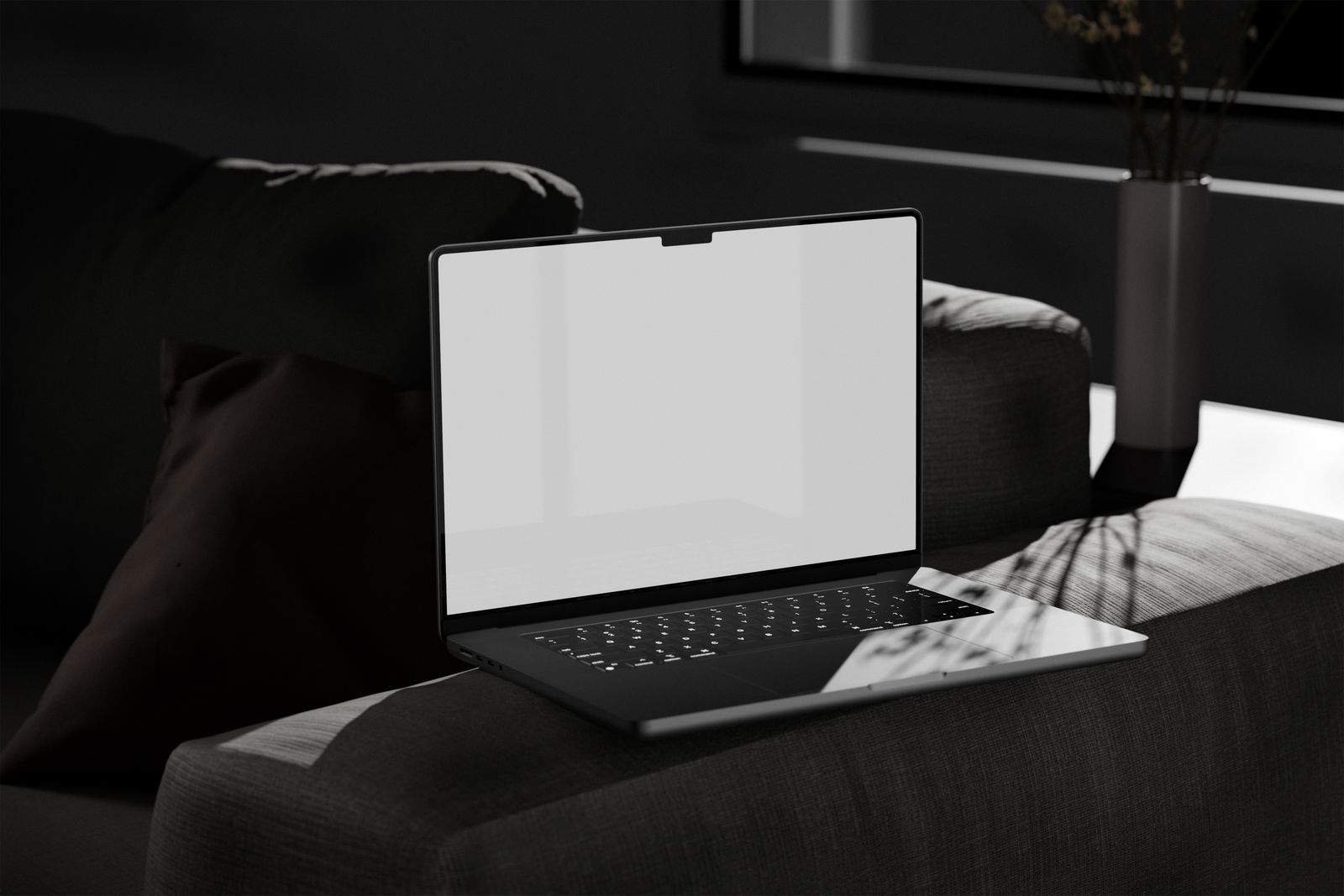
Why a laptop gets warm on a sofa
The sofa is comfortable; the surface beneath a laptop may not be. Cushions and blankets can hold heat around the case or cover ventilation openings, making the computer work harder to stay within its designed operating range.
Read the guide
Before you replace a laptop that feels slow
Slow is a symptom, not a diagnosis. A computer that takes too long to start needs a different investigation from one that opens documents quickly but waits on every website. Describe the delay before deciding the laptop has reached the end of its life.
Read the guide