Find your next step.
Browse a topic or search for the device, setting or task on your mind.
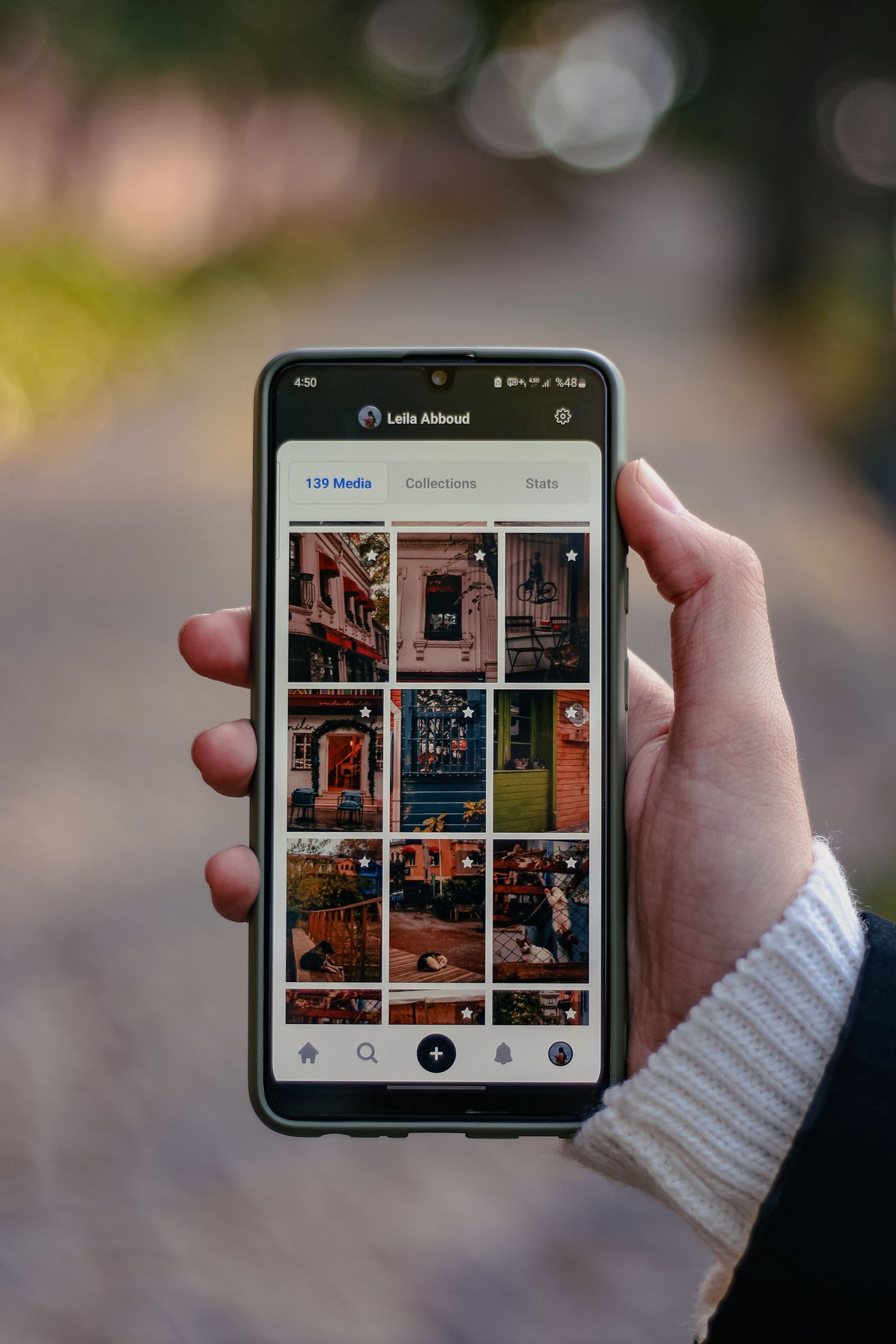
Why a phone photo looks different after you send it
The picture looked detailed on your phone, but the version in a message looks soft, cropped, or oddly bright. That does not immediately mean the camera failed. The change may have happened during export, in the messaging service, or on the screen used to view it.
Read the guide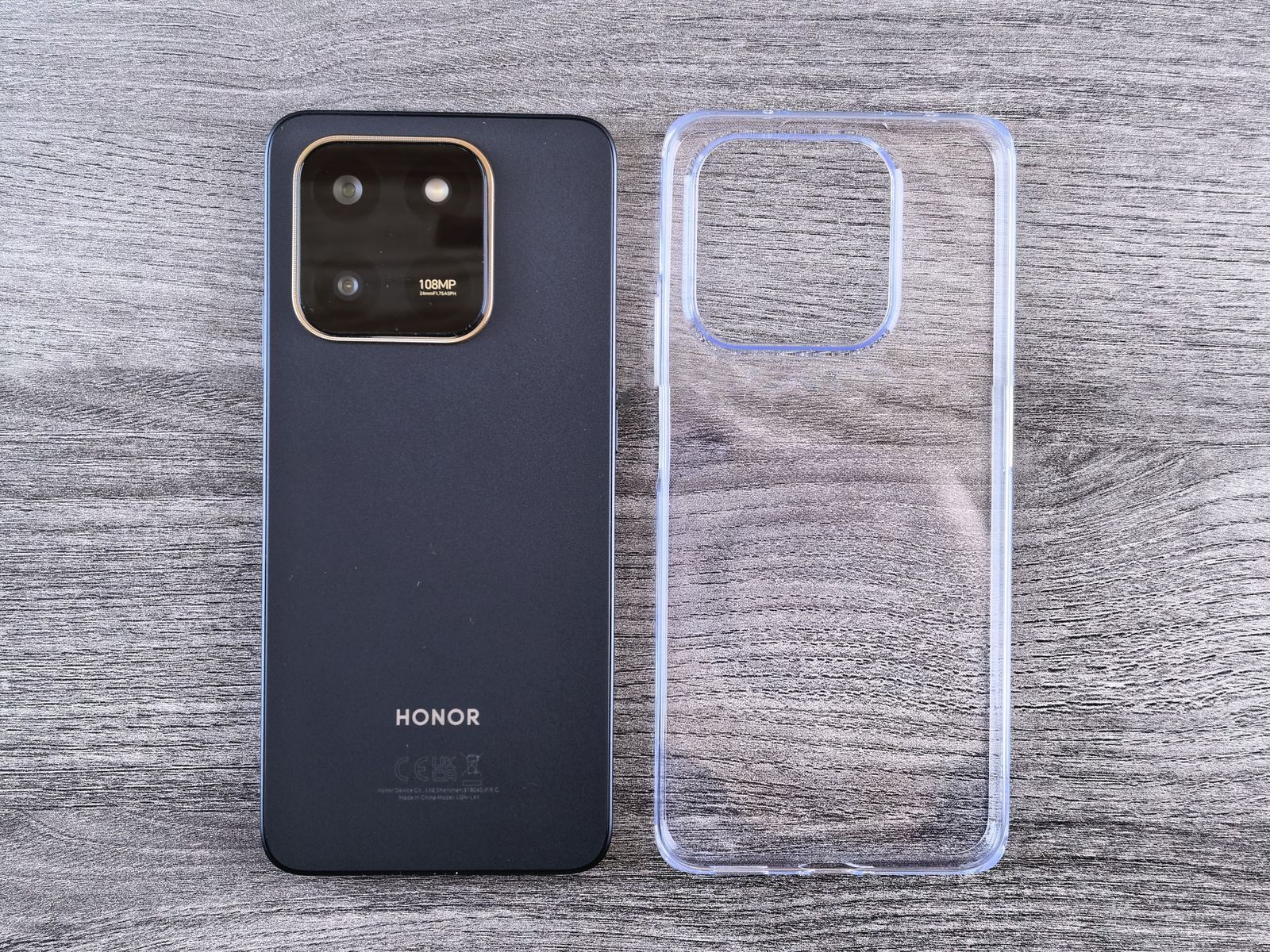
Choosing a case that leaves room for cables and buttons
A case can fit the phone and still get in the way of its charging cable, volume controls, or camera. Those small conflicts are easy to miss in a product photo. Check the exact model, then think about the accessories that will remain attached during ordinary use.
Read the guide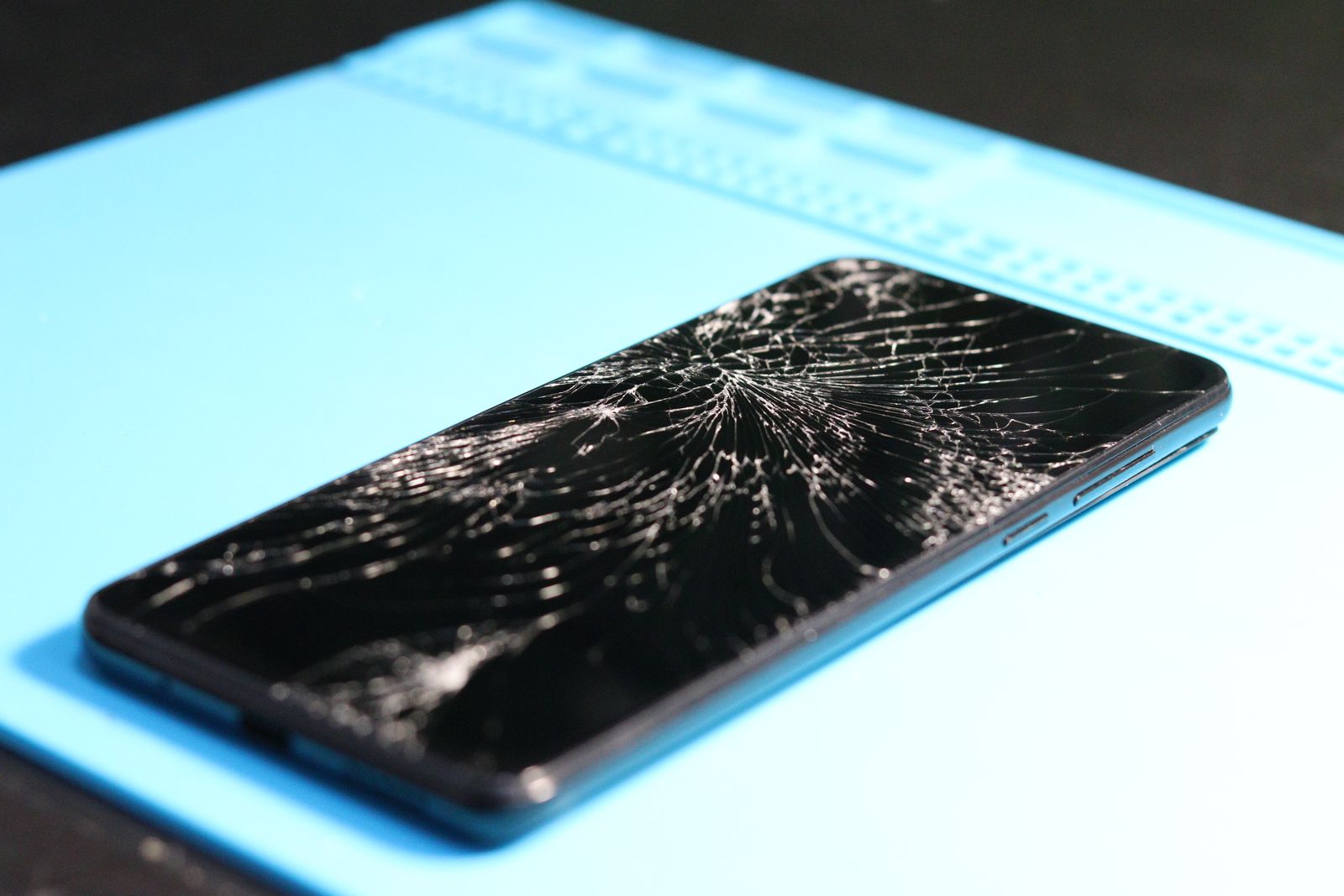
Preparing a phone for a repair appointment
A repair appointment goes more smoothly when the fault is clear and your data is already protected. Do the preparation while the phone still works, if possible. Backups, account access, and a short description of the problem are more useful than arriving with a long list of guesses about the cause.
Read the guide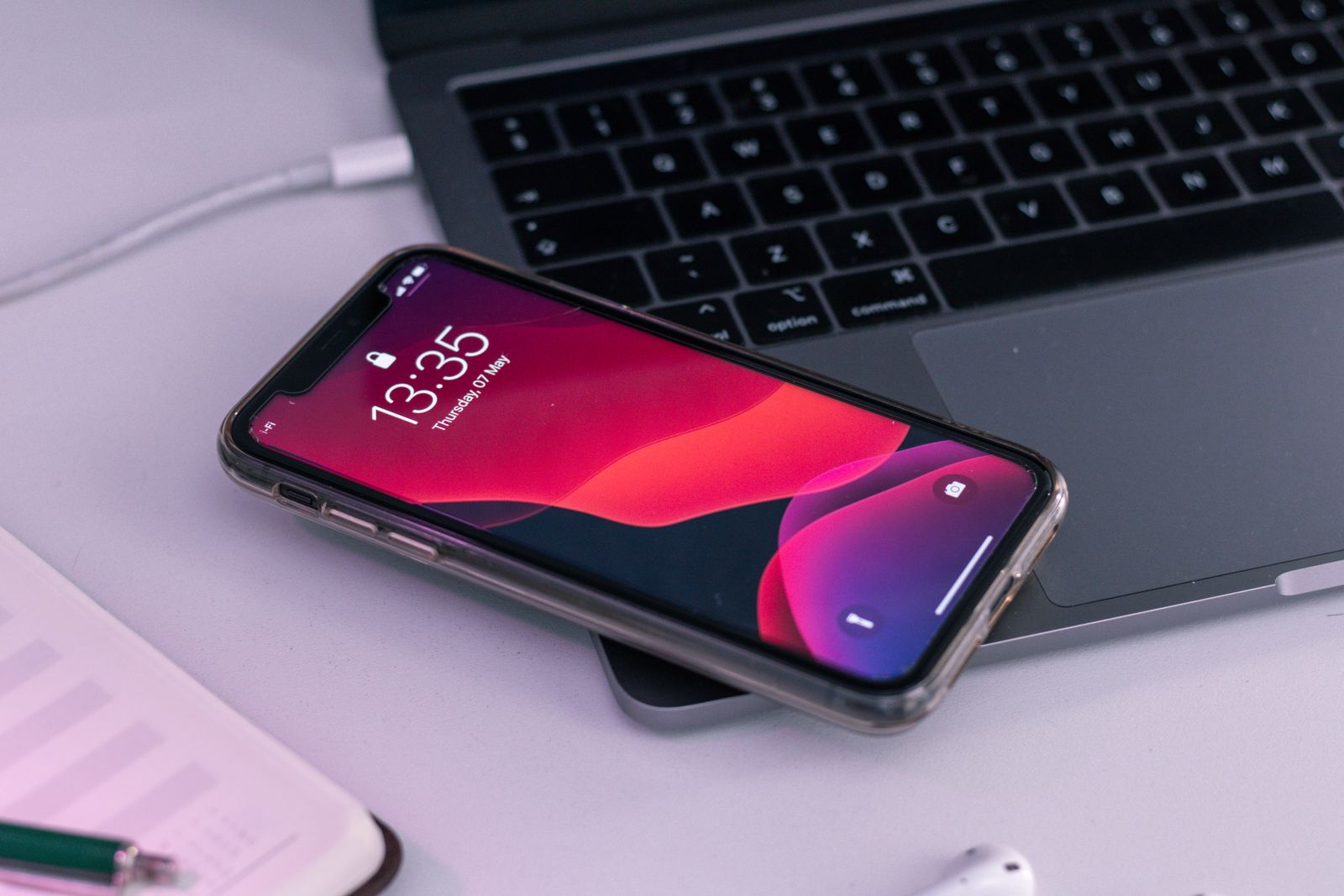
What to copy before you reset a phone
A reset is simple to start and harder to undo. The risky files are often the ones that live quietly inside an app: a recording, an unfinished drawing, a downloaded document, or an authenticator setup. Check those before trusting the broad promise that the phone is backed up.
Read the guide
Sharing a tablet without sharing every account
A tablet passed around the house can quietly become everyone's email reader, photo album, and shopping account. Before adding another login, decide whether people need separate spaces or only access to one shared activity. The right arrangement depends on what the tablet and its software actually support.
Read the guide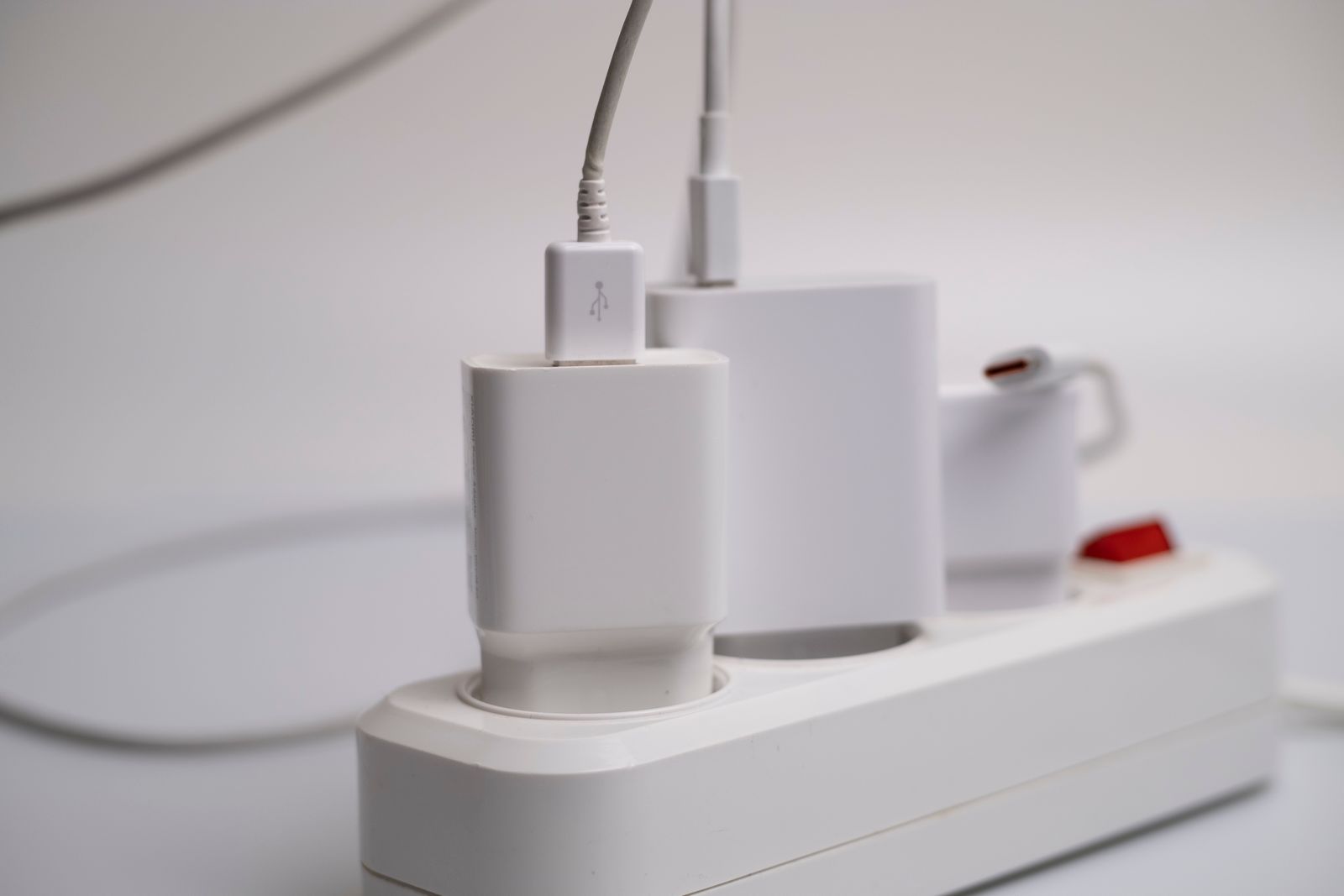
Keeping a charging corner tidy
A charging corner works best when you can put a device down, find the right cable, and leave without tugging another plug loose. You do not need a large organizer. Start with the devices that actually charge there and leave room for the adapters to stay uncovered.
Read the guide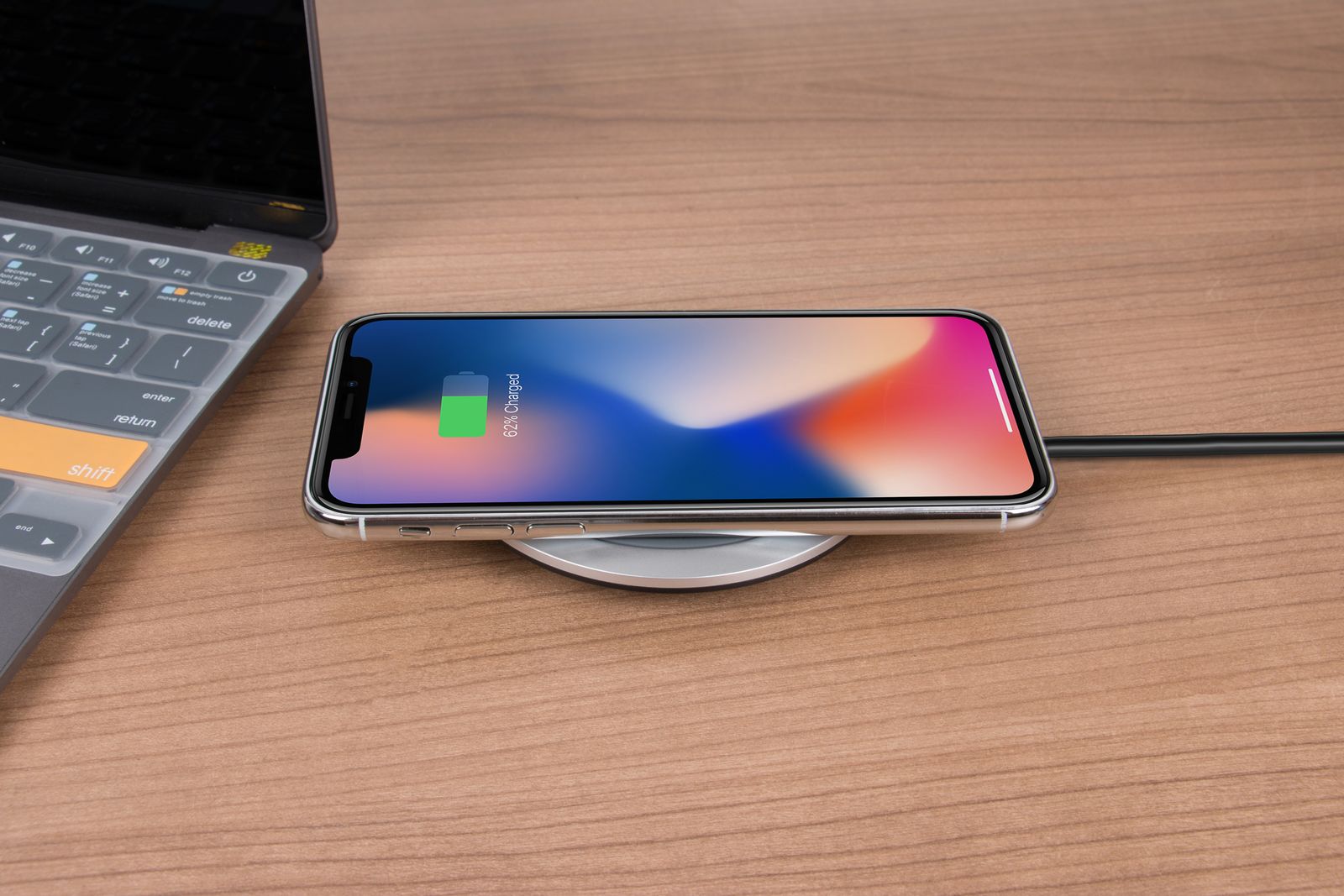
When wireless charging is convenient enough to matter
Wireless charging is useful when setting the phone down is easier than finding a plug. It is less compelling when you need to use the phone while charging or want the smallest travel kit. Choose it around a place and a habit, then check the compatibility details.
Read the guide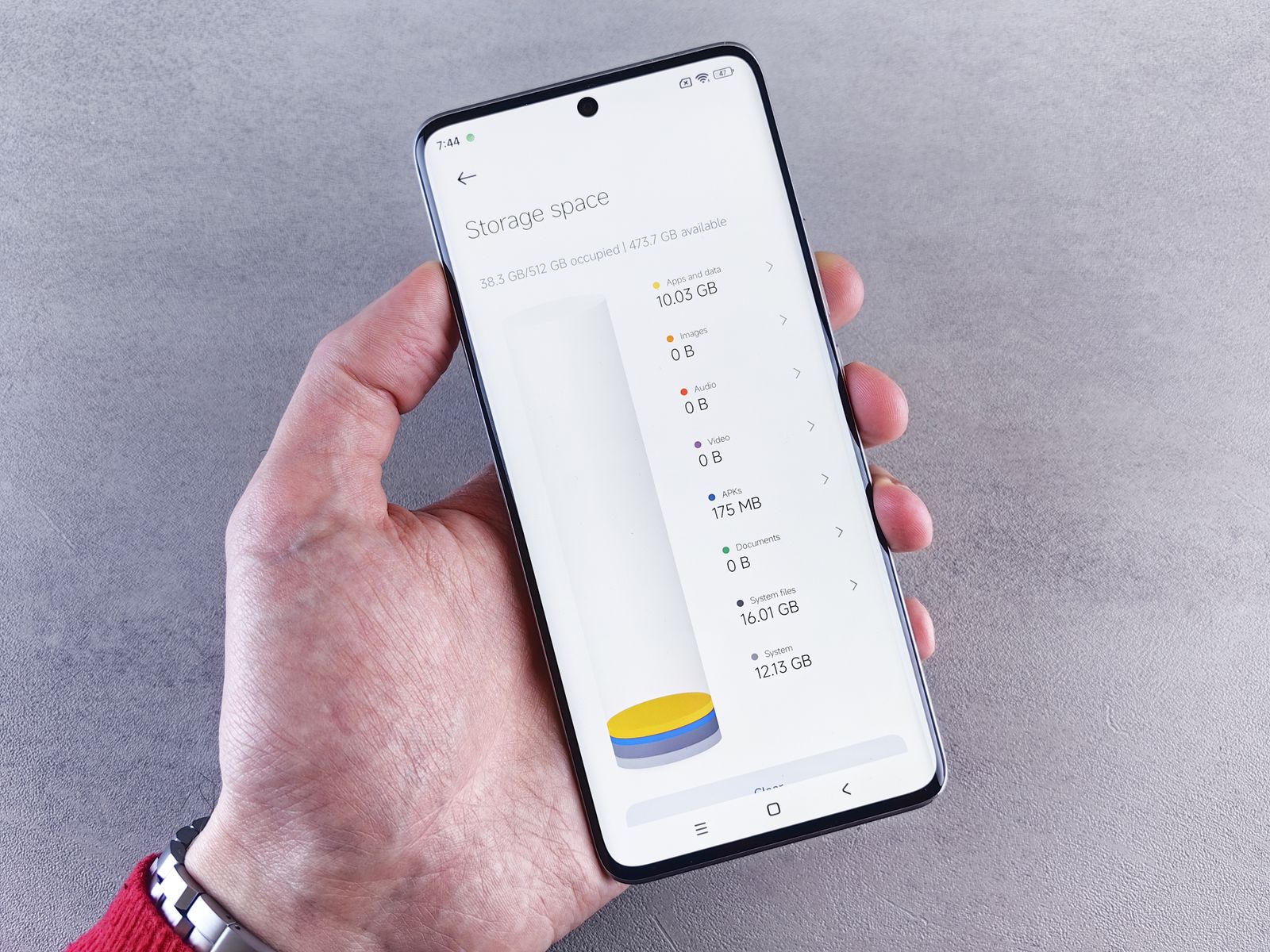
Comparing phone storage sizes before checkout
The cheaper storage option can be the right one, but only if it leaves room for the way you use the phone. Look at your current storage before choosing a capacity. A nearly empty phone and one holding years of video need different amounts of breathing room.
Read the guide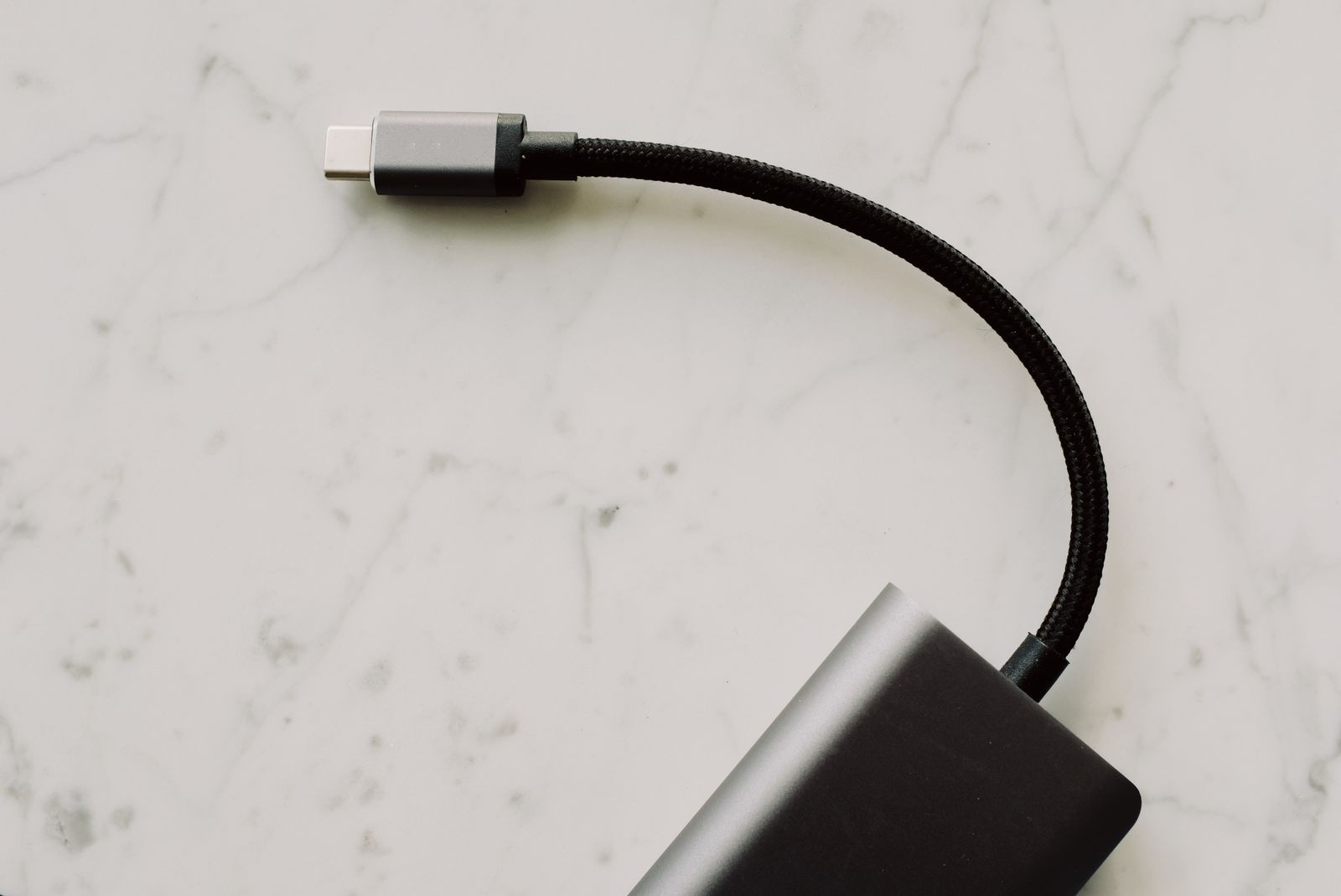
USB-C is a connector, not a complete specification
USB-C has made the shape of a connector pleasantly familiar. The functions behind it are less uniform. Before buying a cable, dock, or monitor, separate three questions: what can carry data, what can supply power, and what can carry a picture between these particular devices?
Read the guide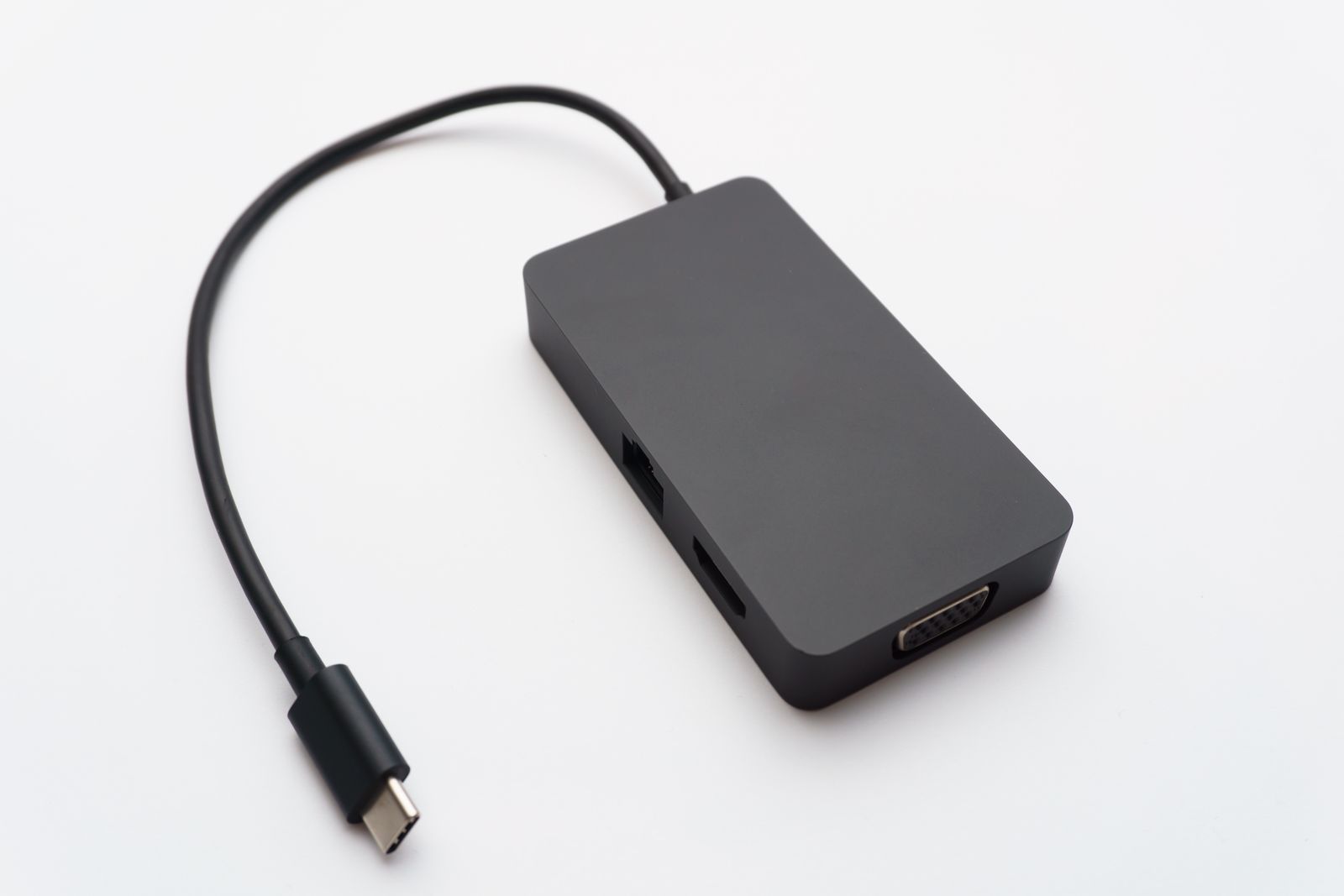
Choosing a dock for the screens you already own
A dock should be chosen around the computer and displays it will connect, not around the longest row of sockets in a product photo. Before buying, write down the monitor models and the display modes you want. That small inventory can rule out an unsuitable dock before it reaches your desk.
Read the guide