Find your next step.
Browse a topic or search for the device, setting or task on your mind.
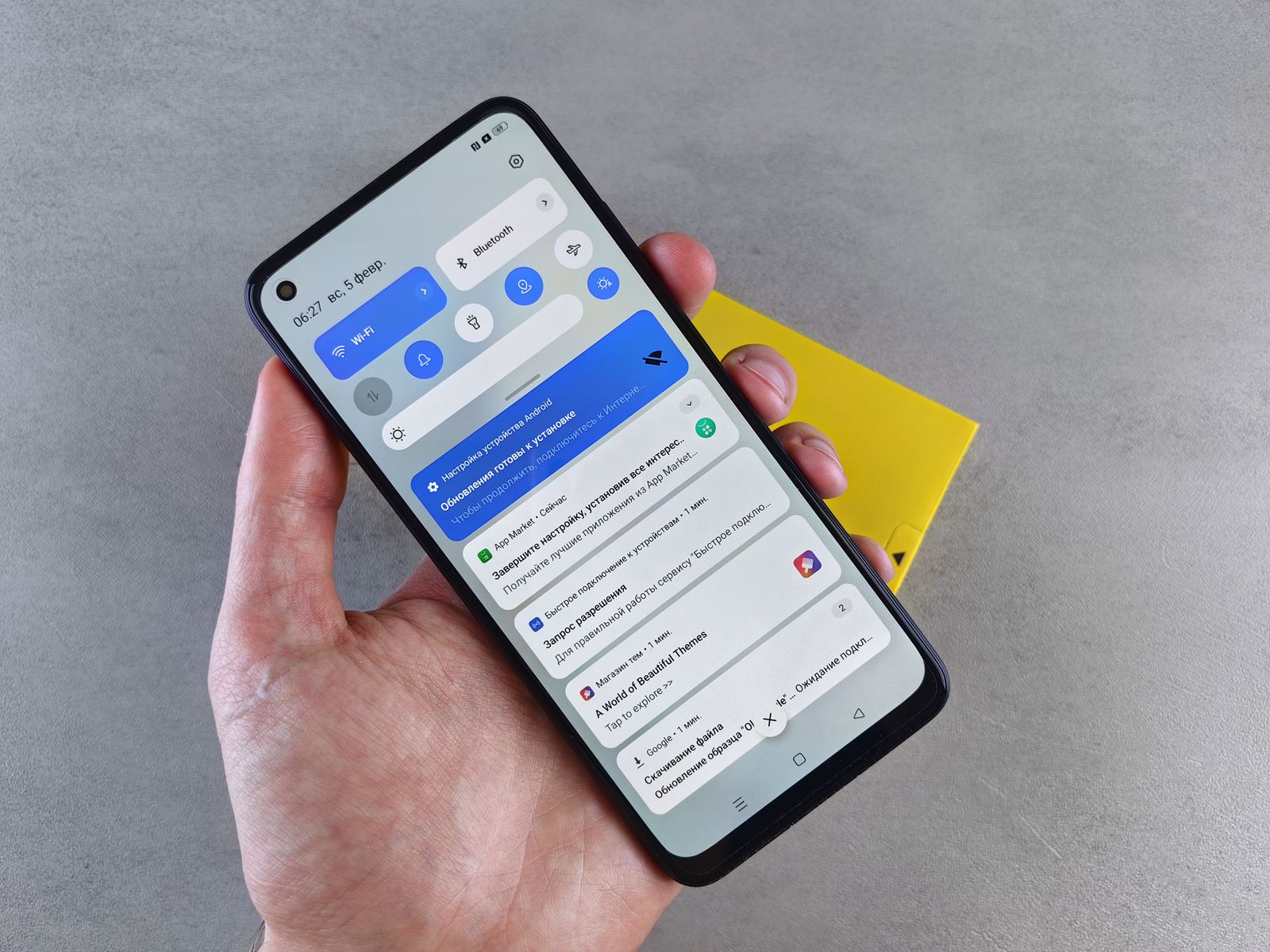
A smaller set of notifications you will still notice
When every app interrupts, the notification you need becomes harder to spot. You do not have to silence the whole phone to improve that. Start with the alerts you routinely dismiss and leave room for messages that deserve a response while you are away from the screen.
Read the guide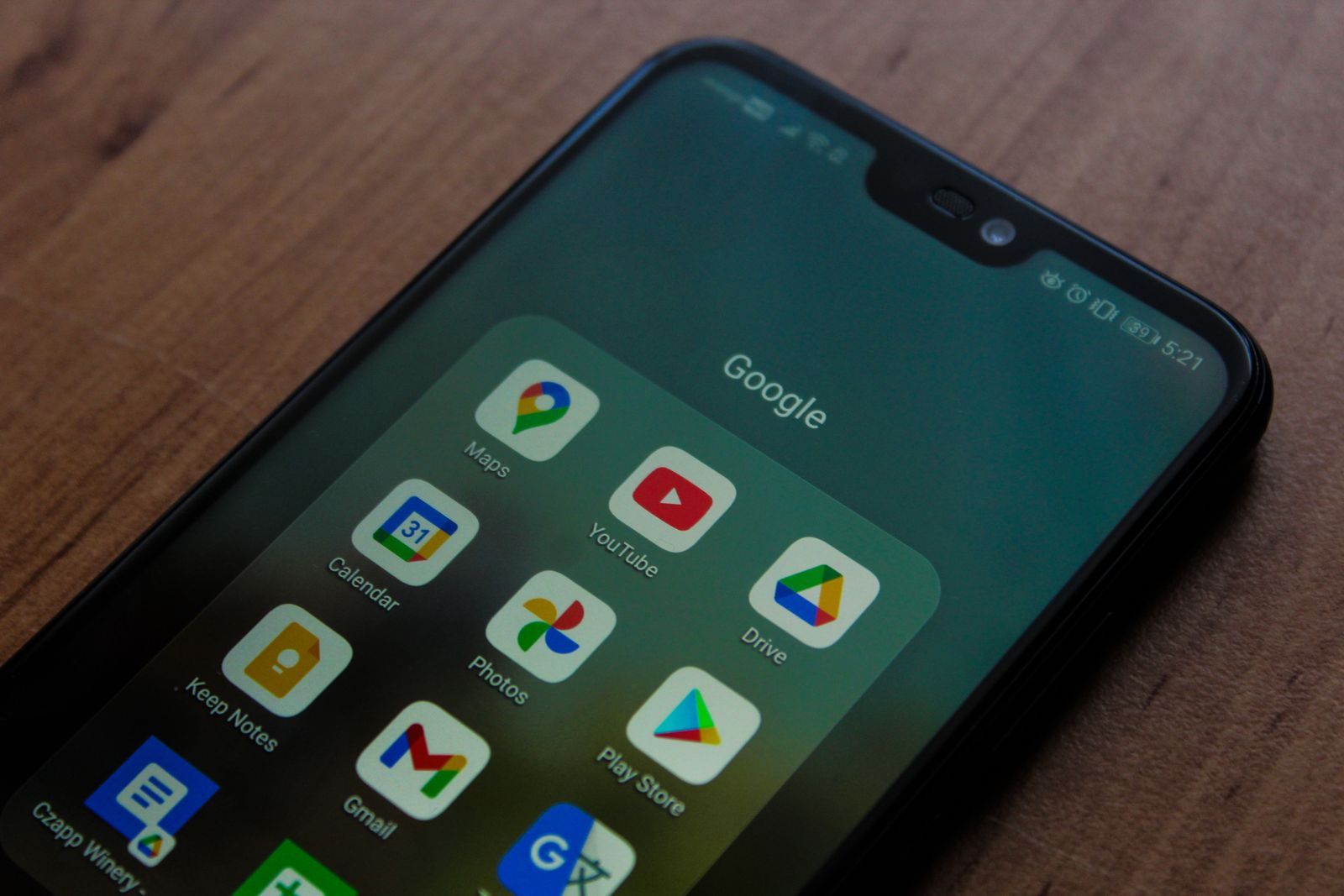
Checking an Android app before installing it
An app's name and icon can look familiar even when its publisher is not. Before installing an Android app, check where it came from, what it asks to access, and how it will be maintained. That short pause is especially useful when a link arrives in an unexpected message.
Read the guide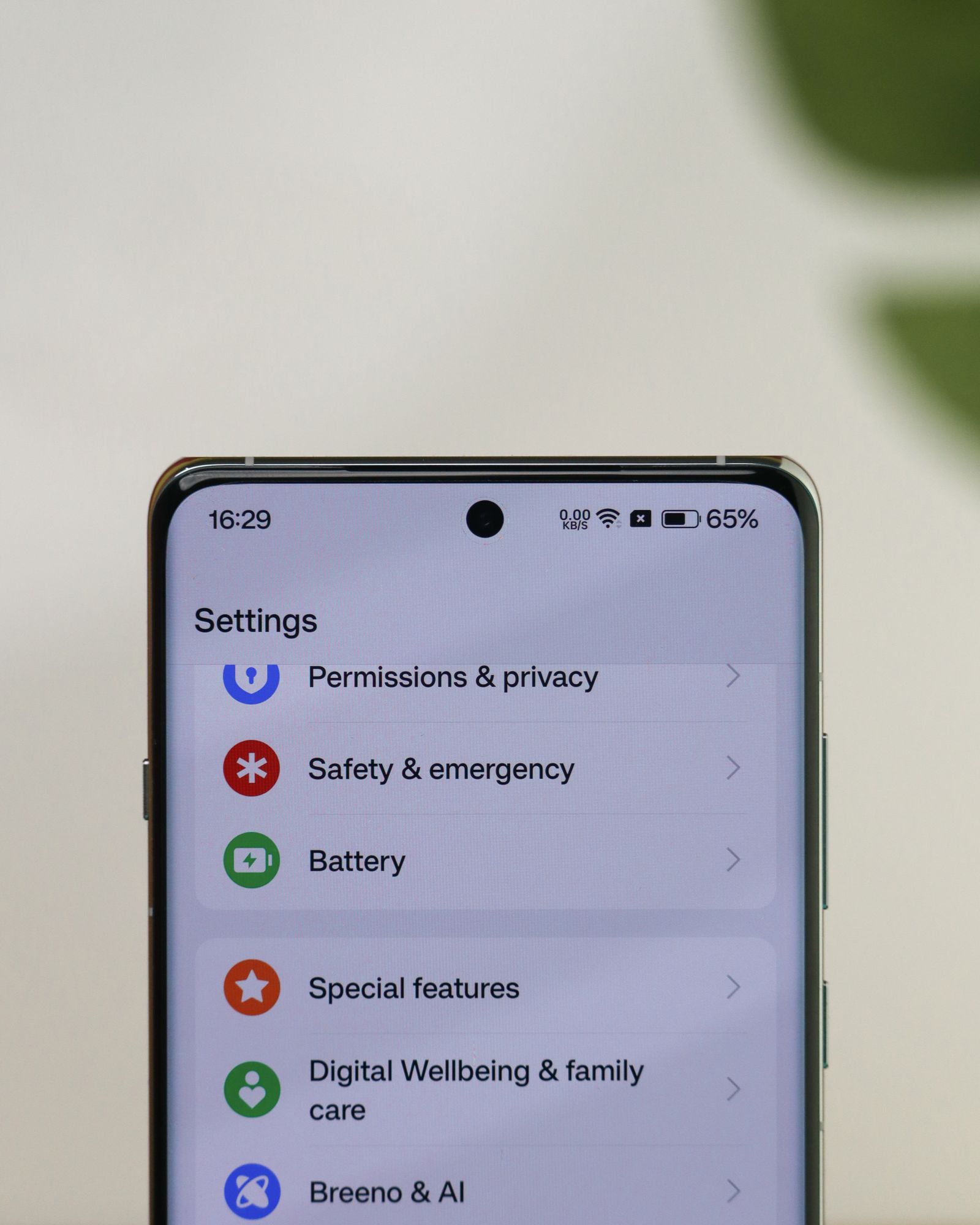
Reviewing microphone, camera and location permissions
A permission that was sensible last year may have little purpose now. Perhaps you used an app once to scan a code, or let it find a nearby location during a trip. Reviewing permissions is a chance to match access to what you still use, without breaking the features you rely on.
Read the guide
Finding a missing phone with tools you set up beforehand
The best time to discover how the phone-finding service works is while the phone is on the table beside you. Once it is missing, the difficult part may be signing in from another device. A little preparation can make the location tool usable when you actually need it.
Read the guide
Before you move your number to a new phone
A new phone can have all your apps and still be waiting for its phone number. Moving the line, copying data, and recovering account access are related tasks, but they are not one operation. Leave the old phone available until you have checked each of them.
Read the guide
An eSIM transfer is not the same as copying your apps
Copying photos and apps makes a new phone feel ready. An eSIM does a different job: it connects a supported device to a carrier's cellular plan. Its transfer may happen during setup, but it still depends on the carrier, the devices, and the method they support.
Read the guide
Using a phone hotspot without using up your data by surprise
A laptop connected to a phone hotspot can behave as though it has returned to its usual home network. That is the source of many data surprises: updates, photo uploads, and cloud synchronization begin in the background while you are only trying to send one document.
Read the guide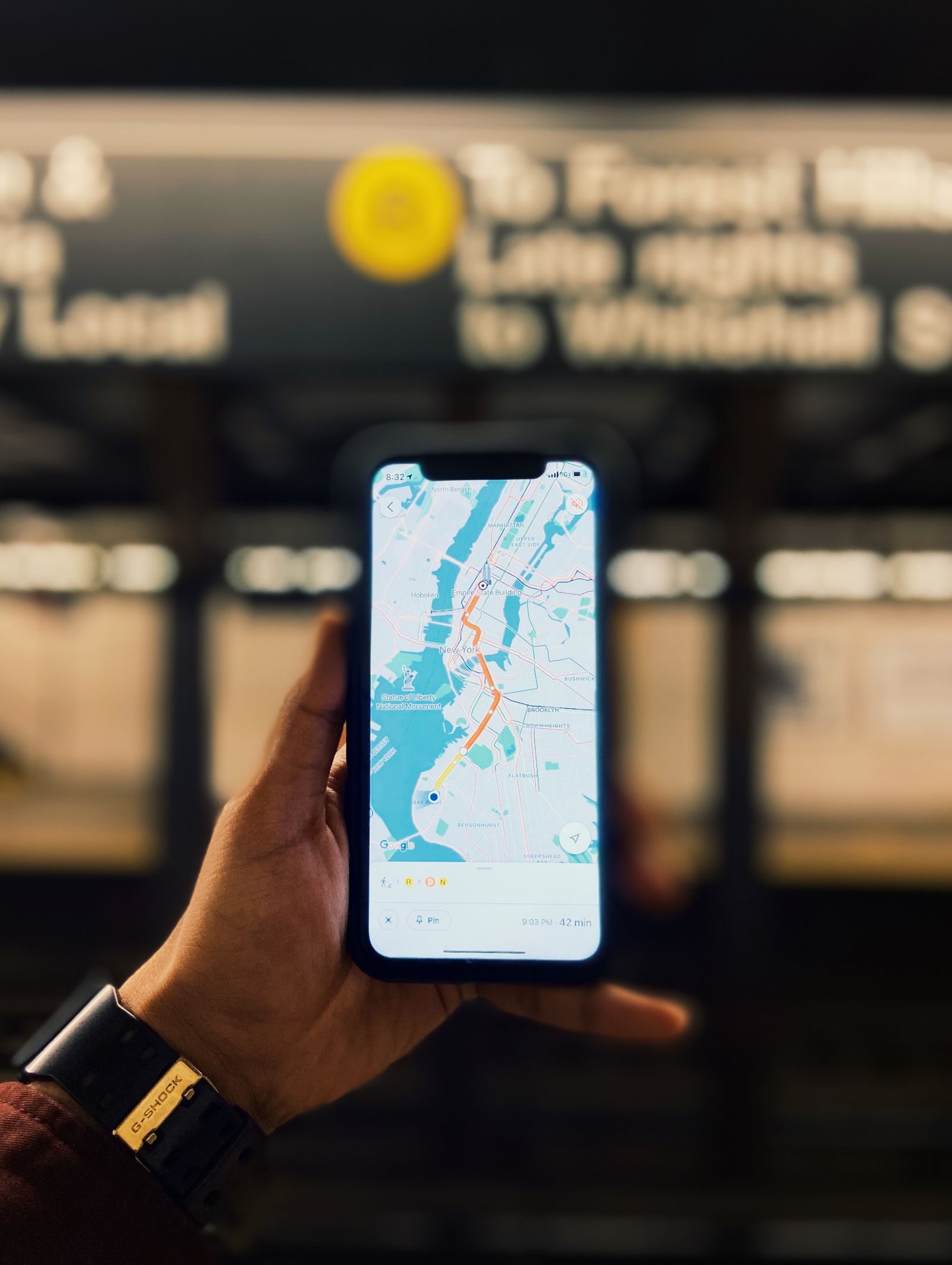
Offline maps for a trip with patchy reception
A map that opened at home is not necessarily a map you can use after the signal disappears. Download the area deliberately, check its limits, and try it with data turned off. That matters most when the route crosses the edge of a town or includes a long gap between connections.
Read the guide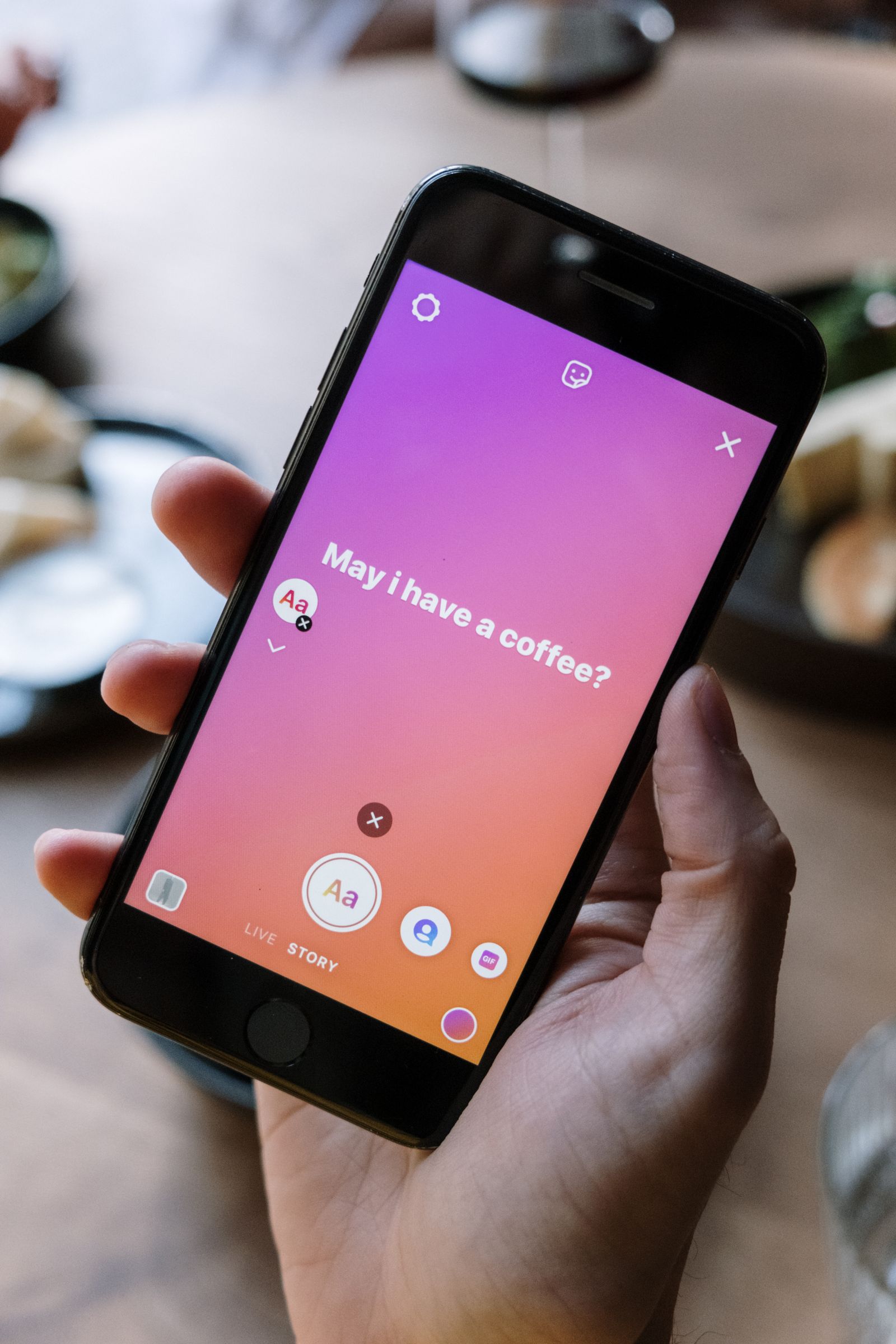
Making text larger without losing your place on screen
Larger text can make a phone easier to read, but changing every display setting at once can leave menus unfamiliar. Start with one adjustment and use a few ordinary screens to judge it. The best size is the one that helps you read and still lets you reach the controls you need.
Read the guide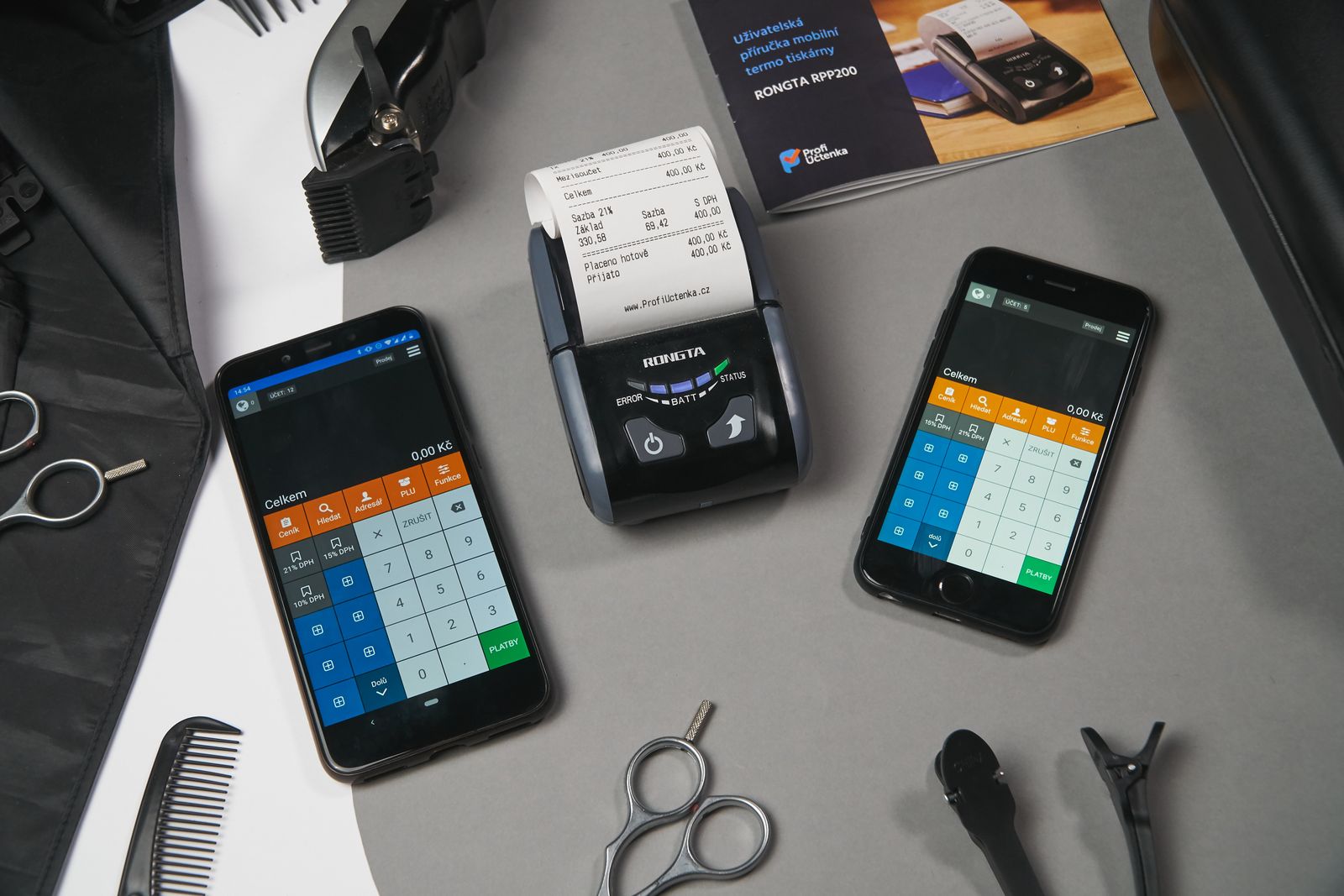
Scanning a receipt with a phone camera
A receipt photograph can look clear at first glance and still hide the date or total in a reflection. A document-scanning feature helps square the edges, but the important work happens before and after capture: flattening the paper, checking the details, and saving the file where you can find it.
Read the guide